Free guides
WordPress Tutorials for Beginners
Learn WordPress step by step, in plain English. Follow the start-here path if you’re new, or jump straight into 228+ free guides covering the block editor, themes, plugins, SEO and keeping your site healthy — the same material we teach in one-on-one tutoring sessions. Prefer something you can read offline? Get the WordPress Manual (PDF).
New to WordPress? Start here
Work through these seven tutorials in order and you’ll cover the essentials: what WordPress is, finding your way around the dashboard, creating pages, writing with the block editor, installing plugins, choosing a theme, and SEO basics.
All tutorials · 228 guides
 Block Editor
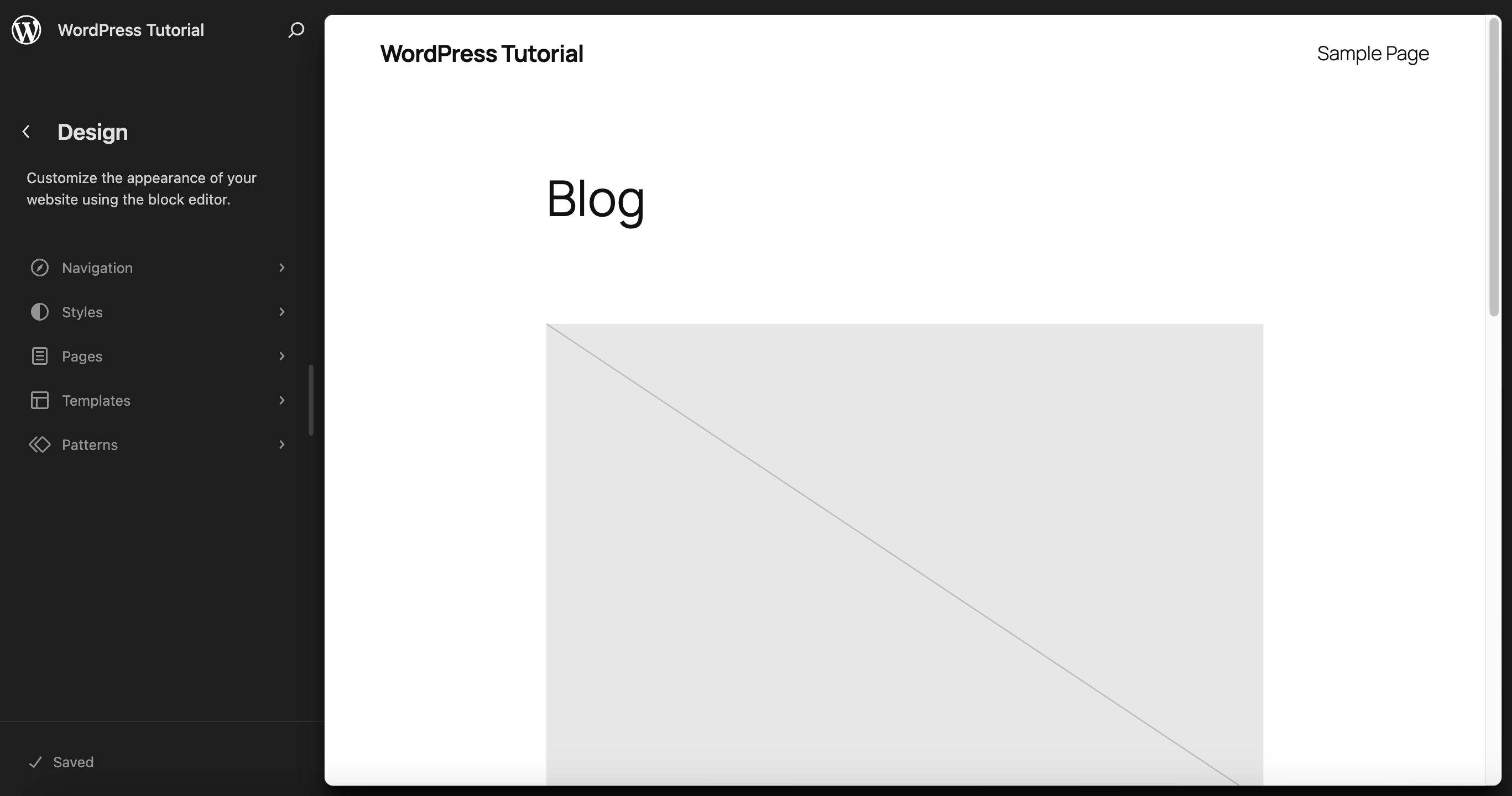
Demystifying WordPress FSE Basics for New Webmasters
 Block Editor
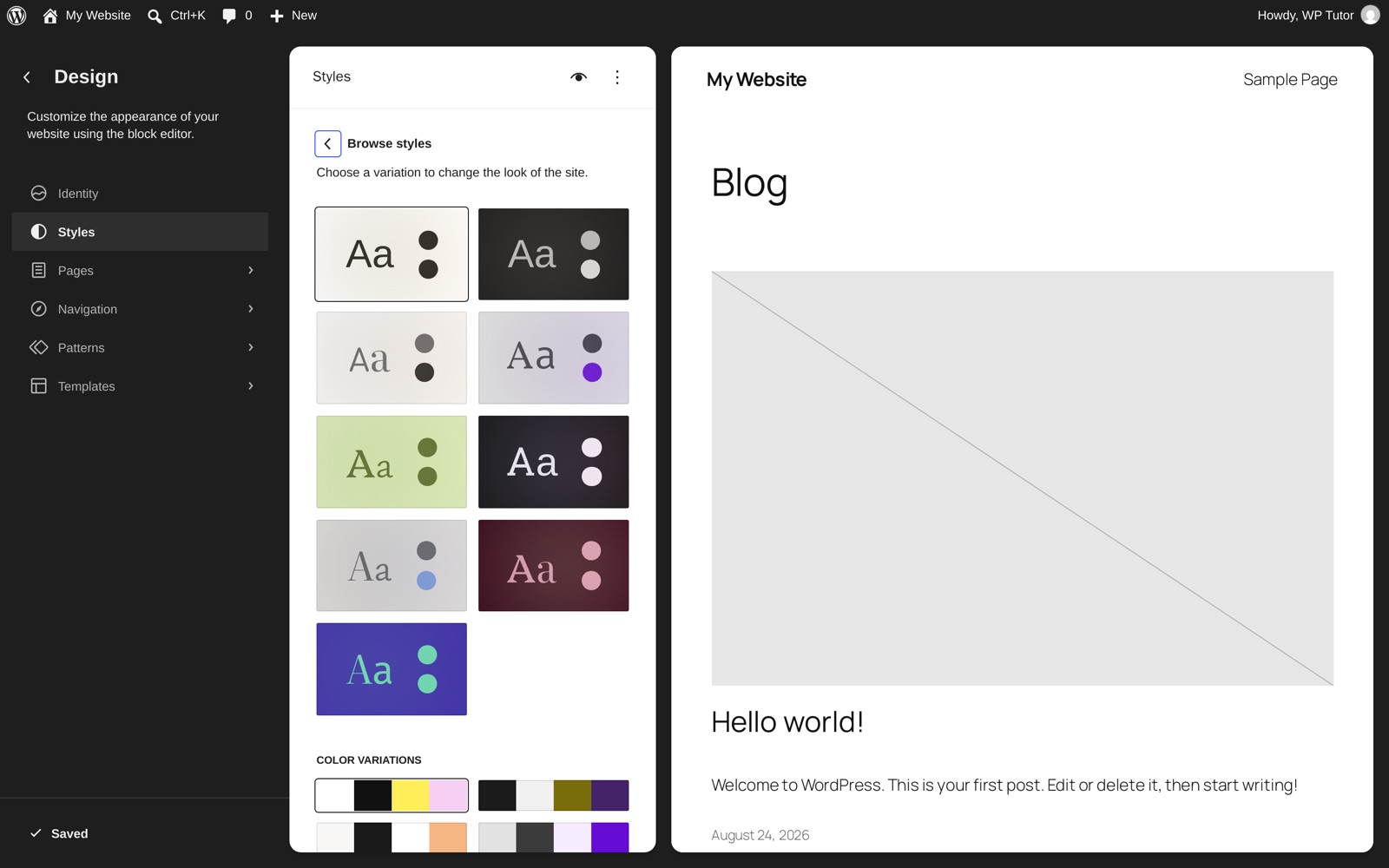
Empower Your Design: Top Full Site Editing Themes Unveiled
 Block Editor
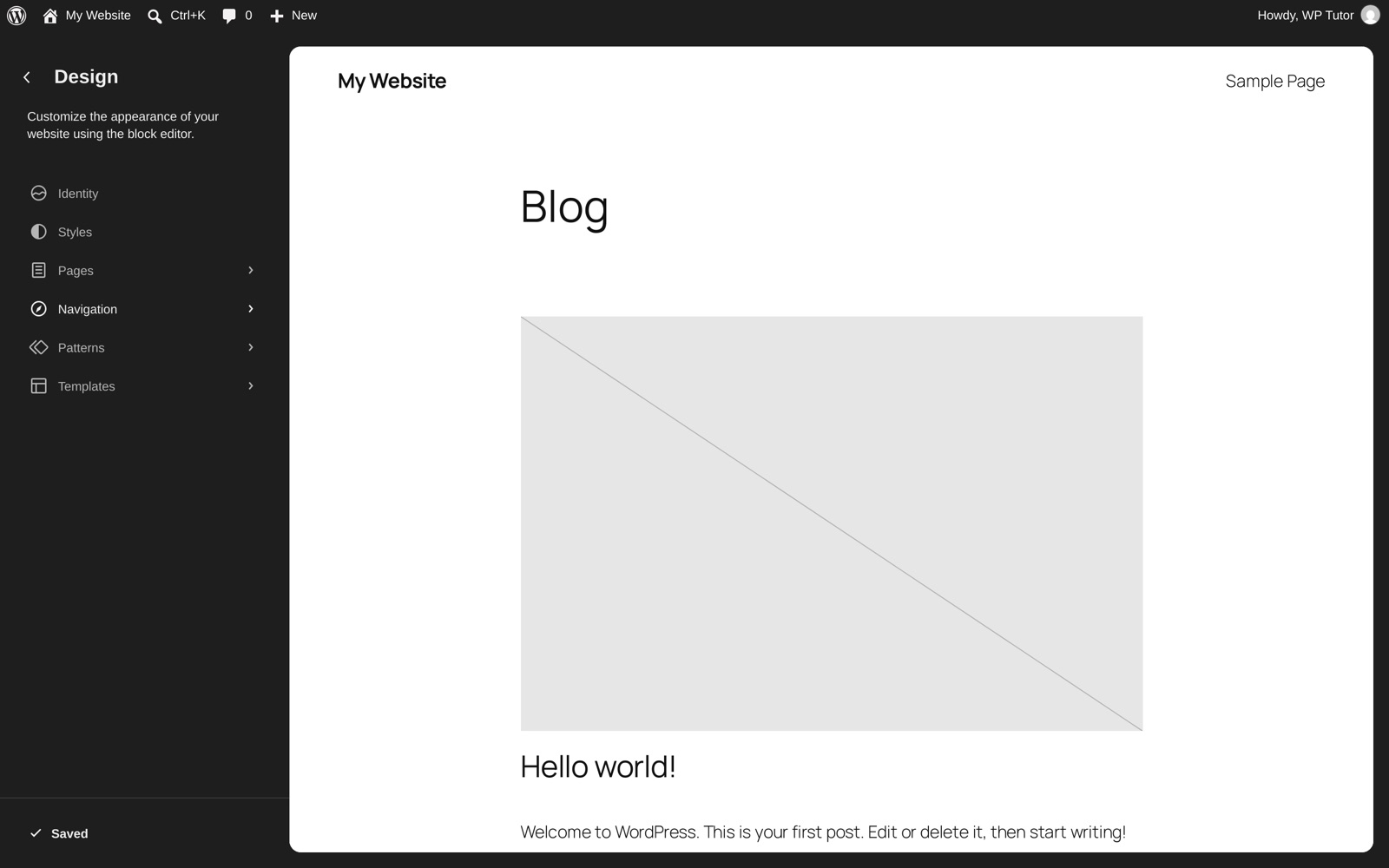
WordPress FSE Best Practices: Customize Block Themes the Right Way
 Block Editor
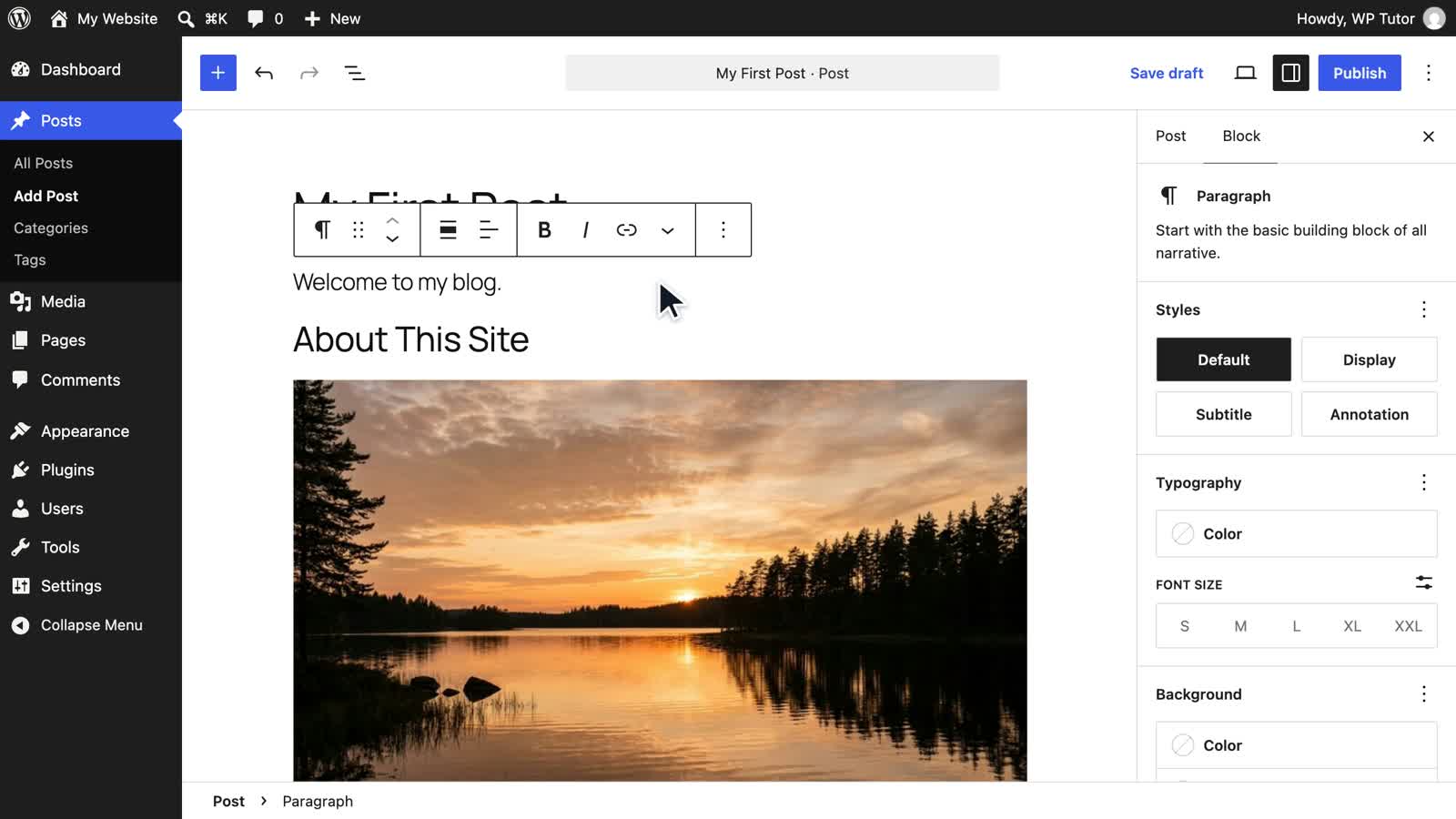
The WordPress Site Editor: A Complete Full Site Editing Tutorial
 For Businesses
WordPress Training Classes: Live Online Group Sessions vs Self-Paced Courses
 WordPress Basics
WordPress 7.1 Is Out: Learn It From Scratch With the WordPress Fundamentals Course
 Maintenance
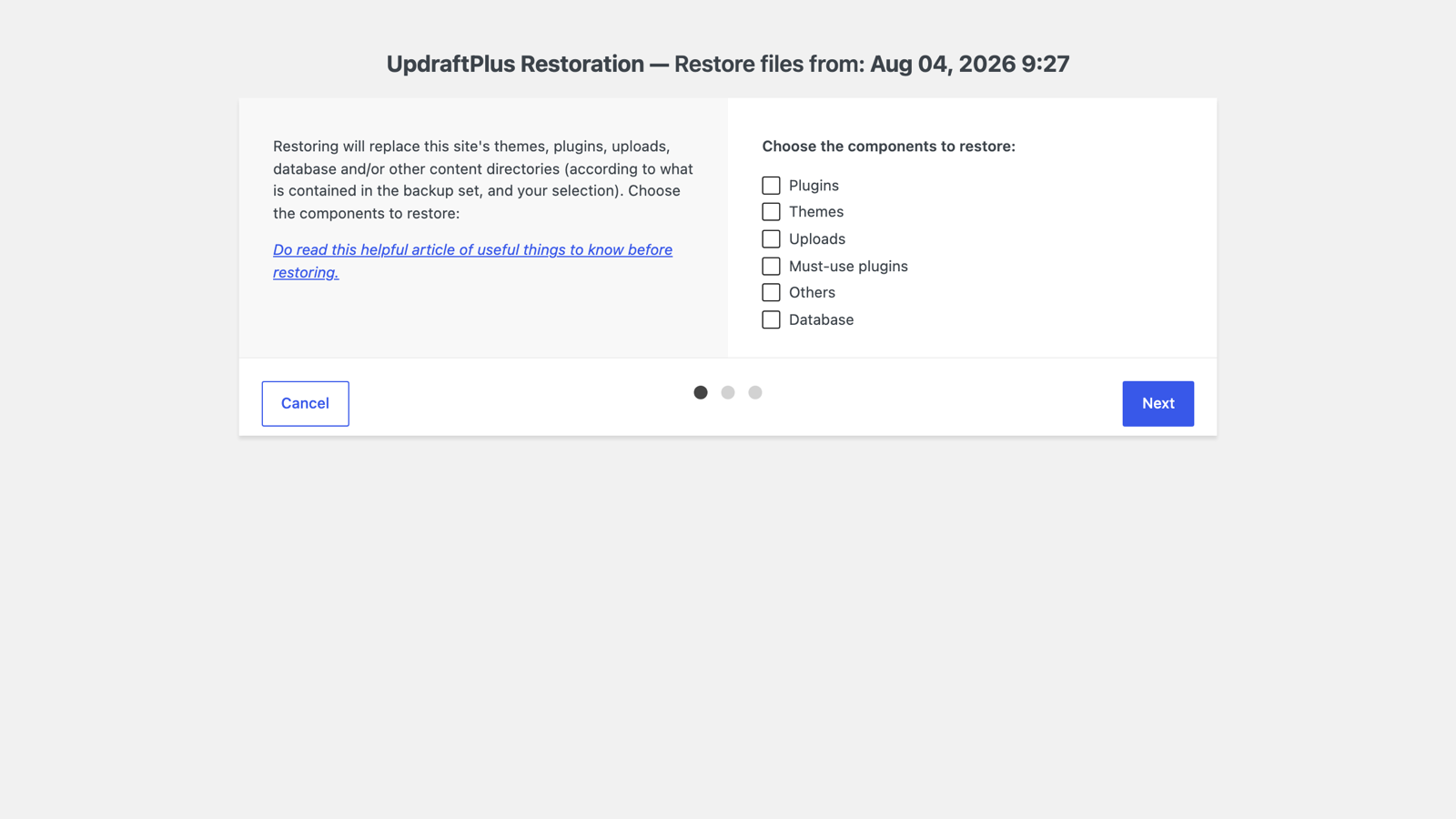
How to Restore a WordPress Backup with UpdraftPlus
 WooCommerce
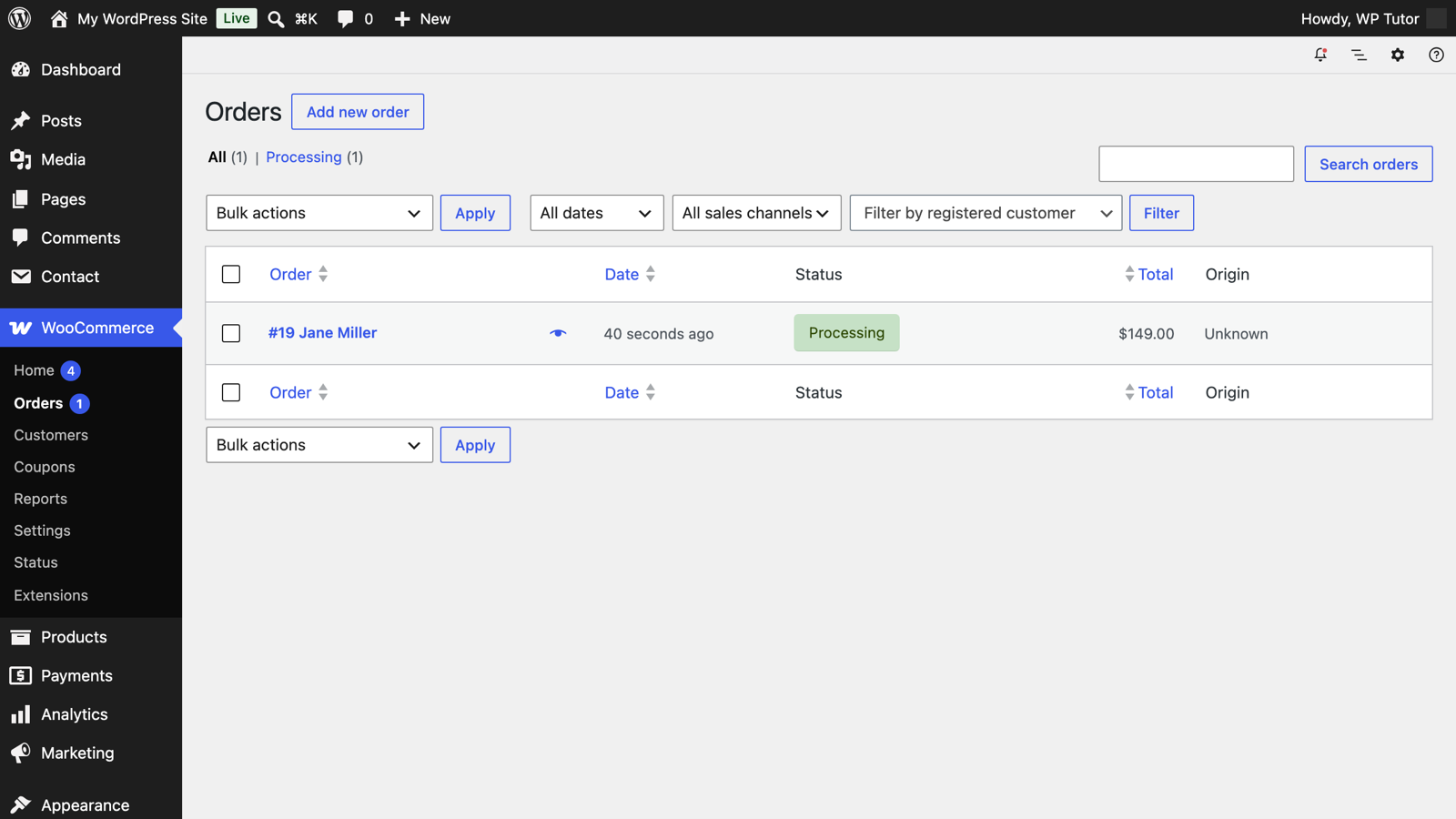
Managing WooCommerce Orders and Issuing Refunds
 SEO
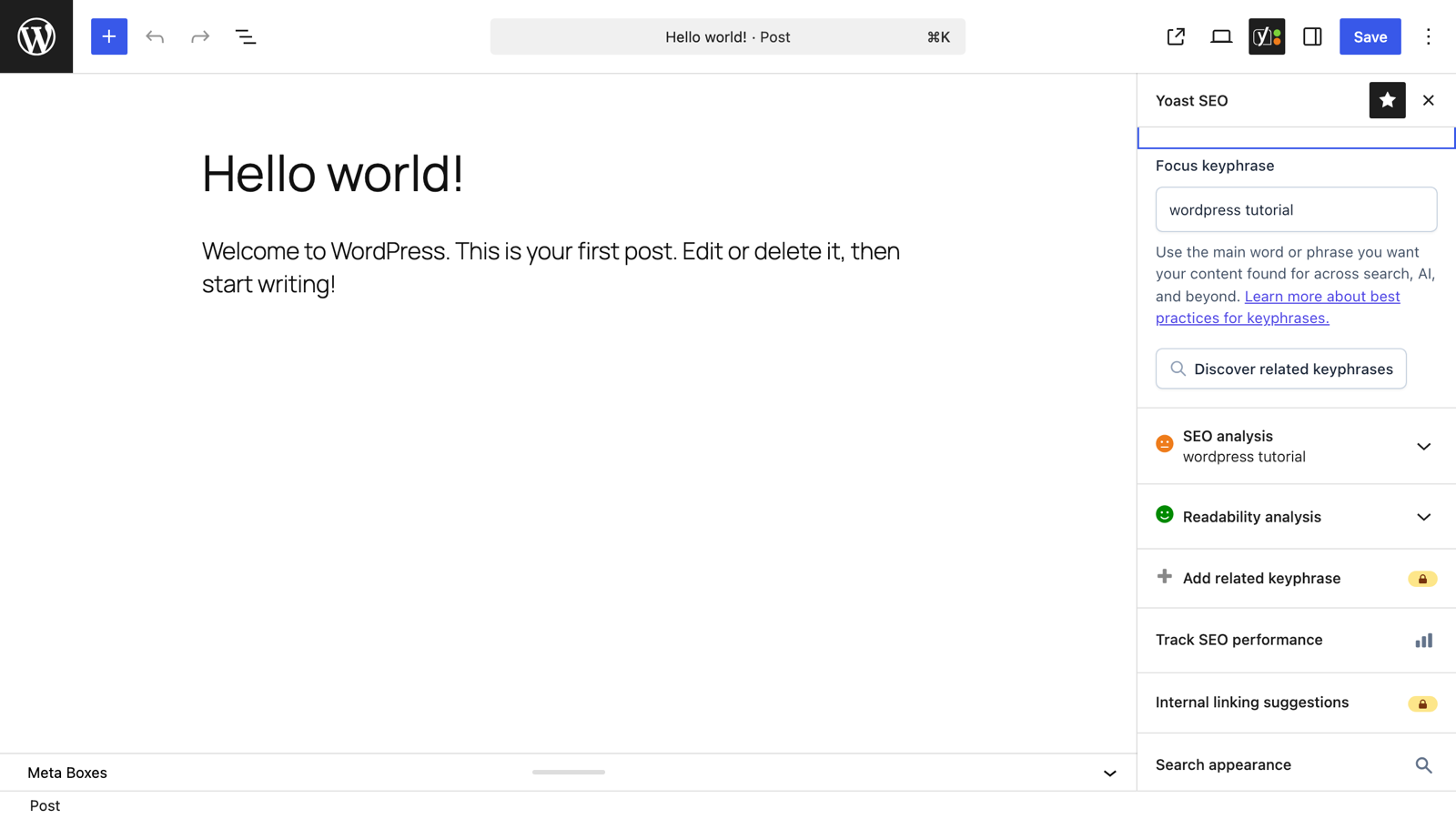
SEOYoast's Focus Keyphrase and the Green Light, Explained
 WordPress Basics
How to Fix "Not a Valid JSON Response" in WordPress
 Maintenance
Setting the Front Page of Your WordPress Site
 Plugins
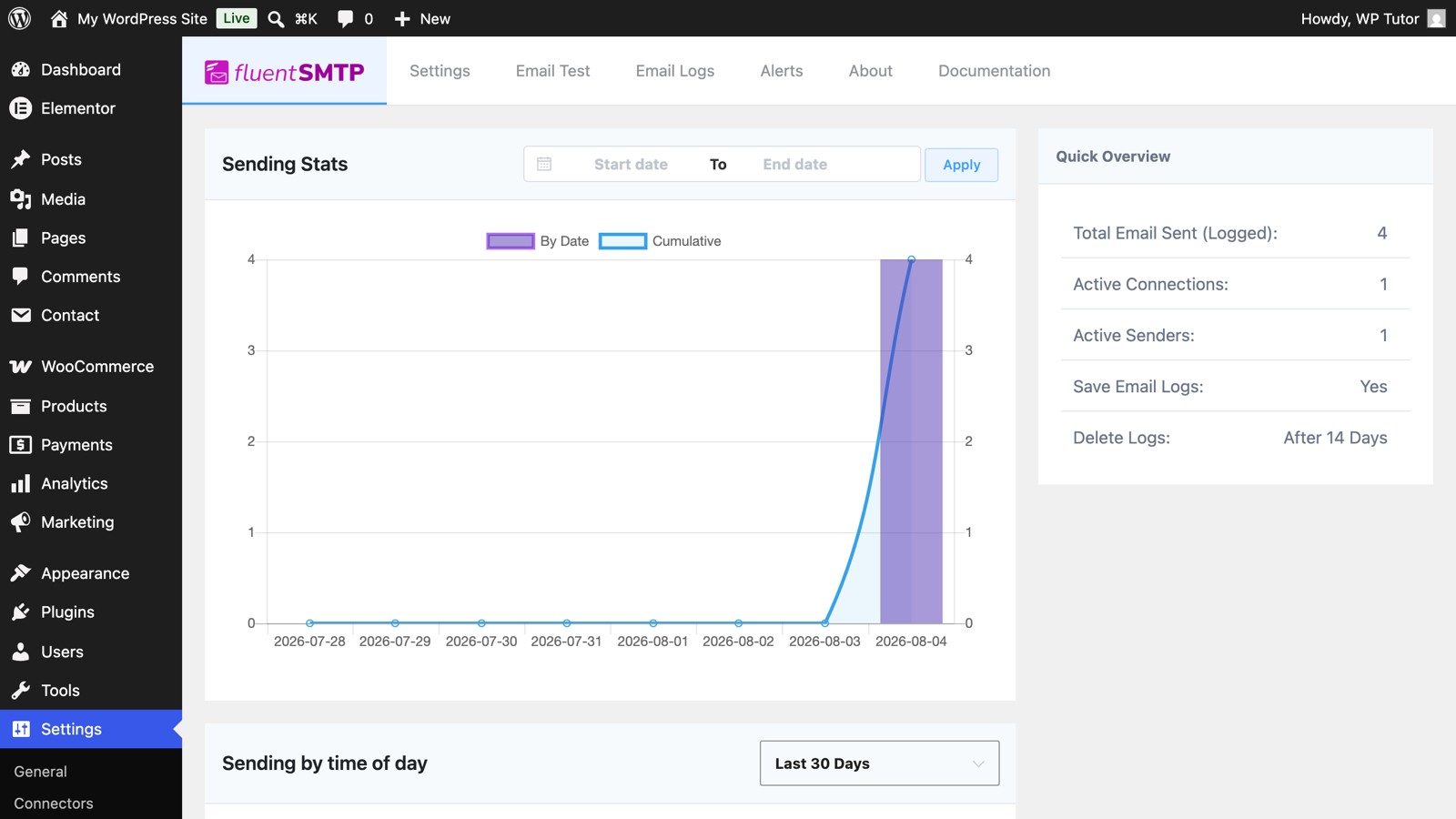
WordPress Not Sending Email? Fix It for Good with FluentSMTP
 Maintenance
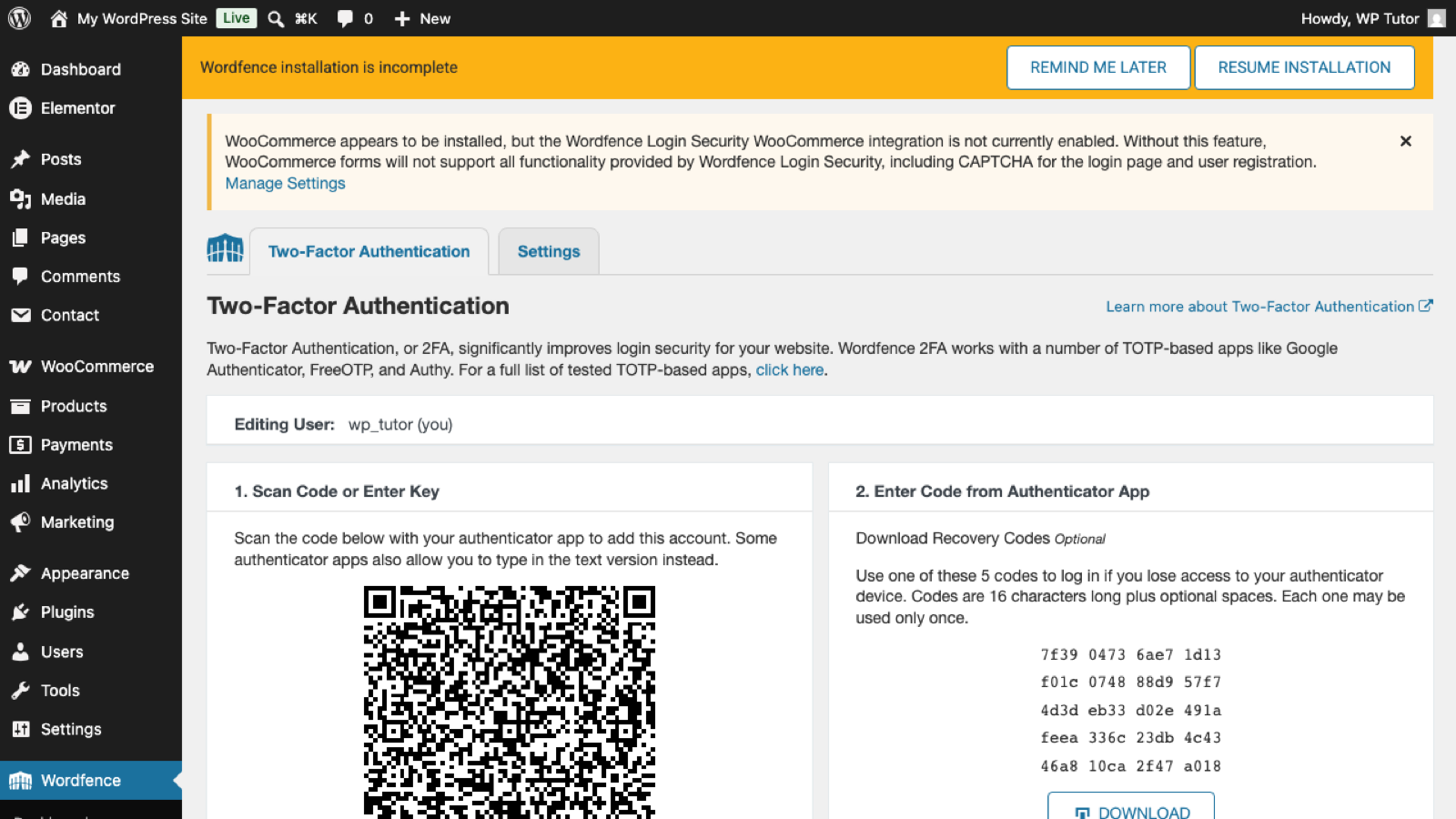
Wordfence Locked Me Out — How to Get Back Into WordPress
 Block Editor
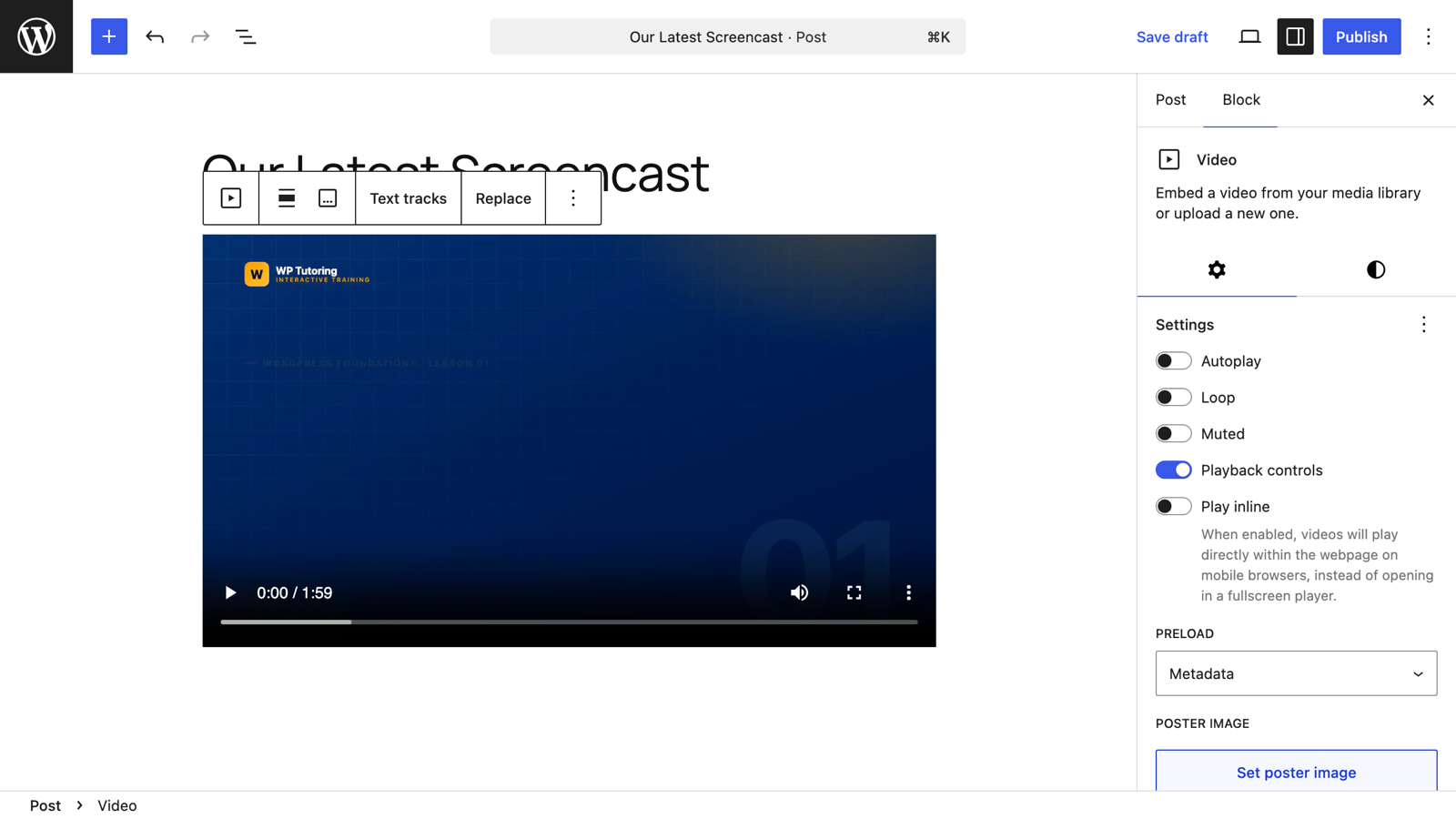
Adding a Video in the Gutenberg Editor
 Block Editor
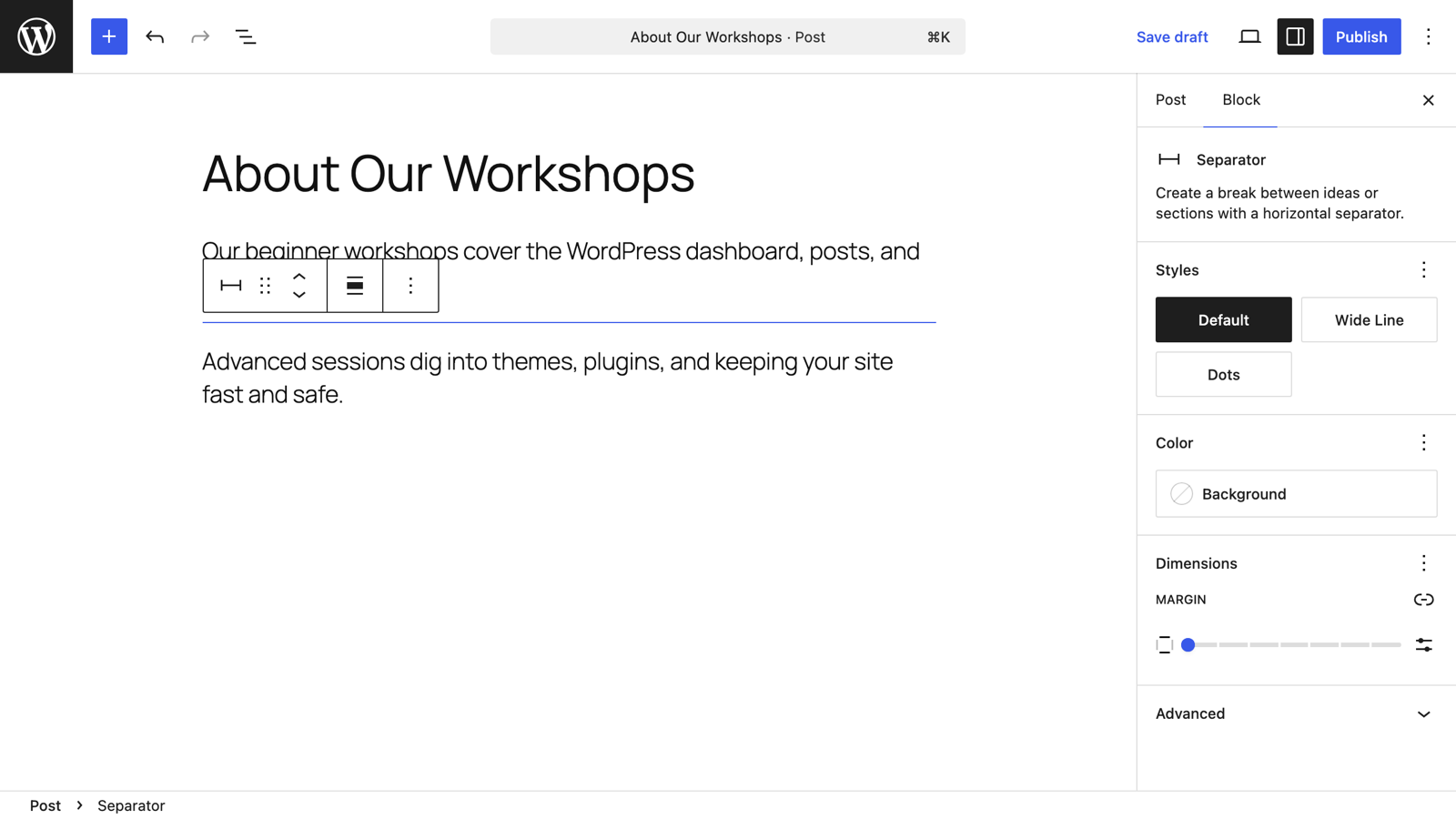
Using the Separator Block in Gutenberg
 Block Editor
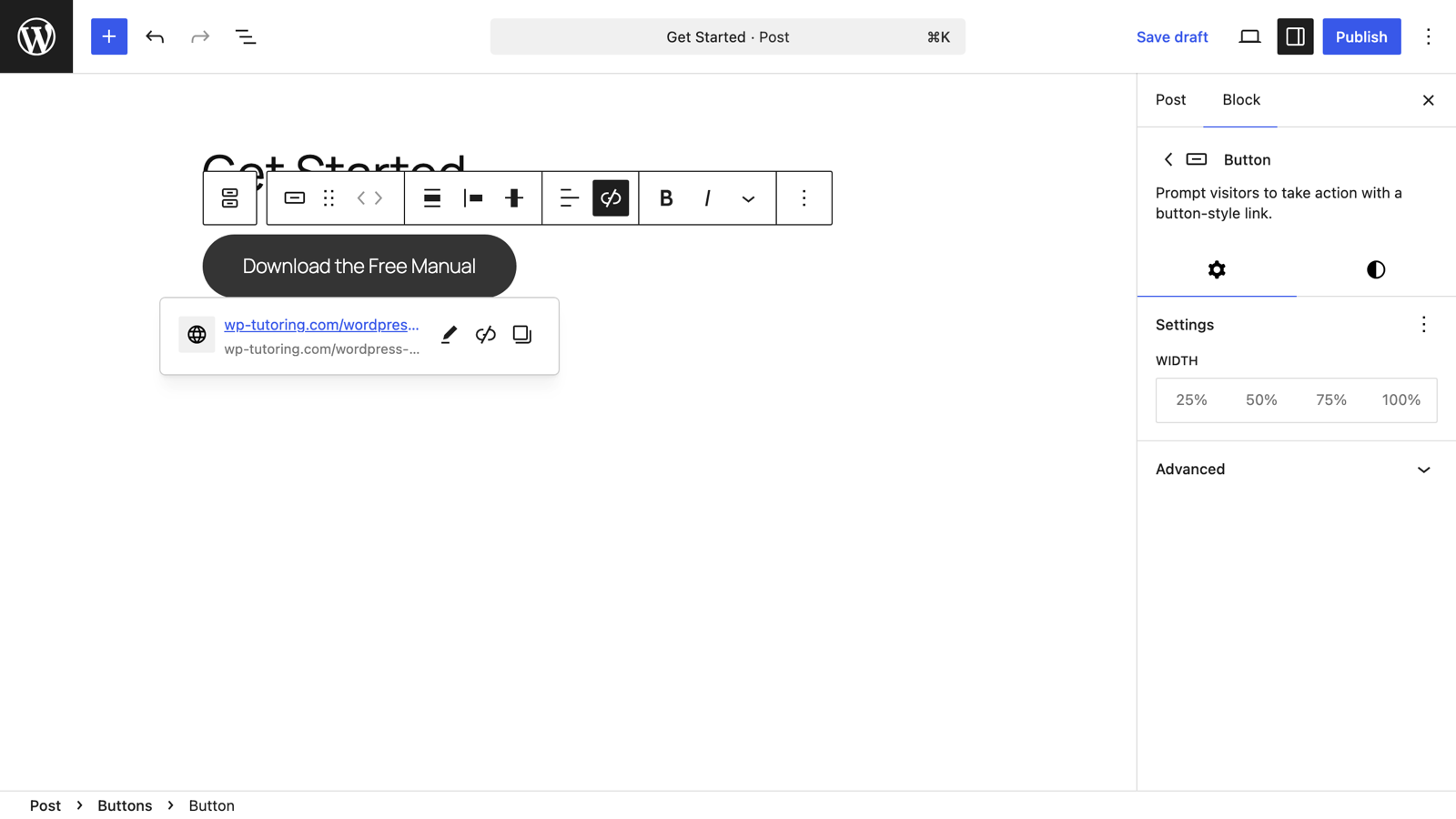
Adding a Button in Gutenberg (the Block Editor)
 WordPress Basics
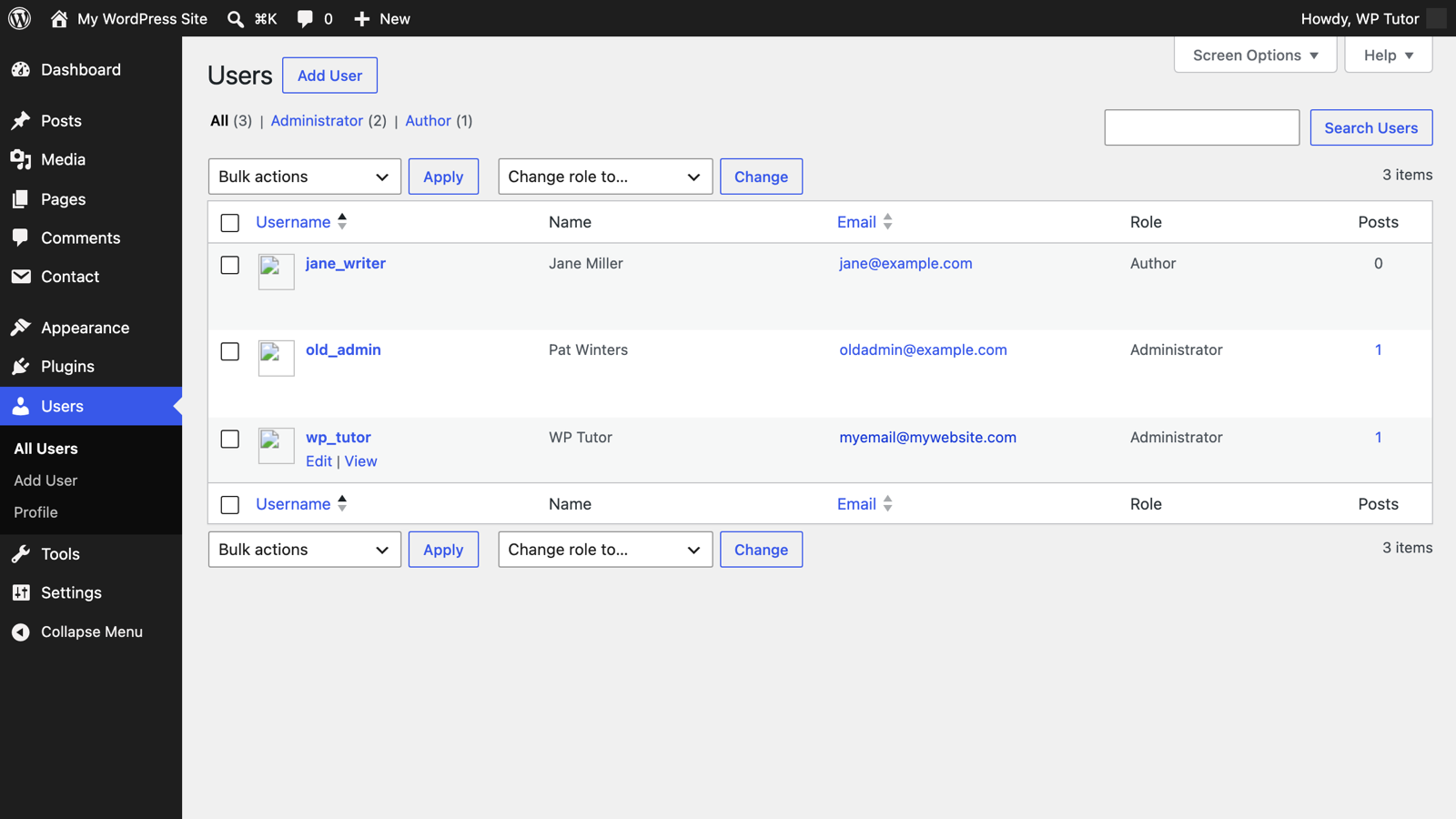
Removing a WordPress Admin User Account (Safely)
 Plugins
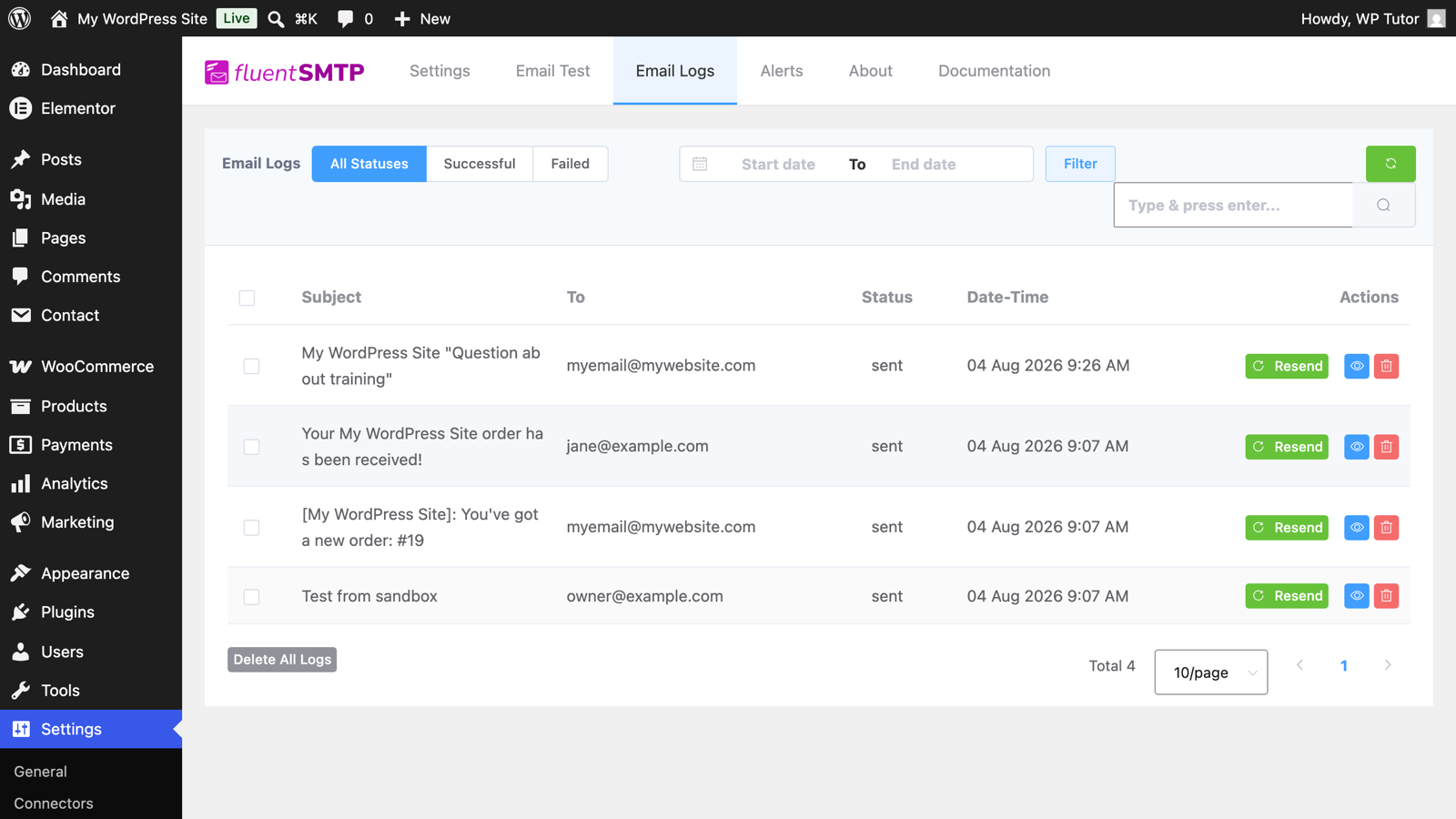
Contact Form 7 Not Sending Email? The Real Fix (SMTP)
 Plugins
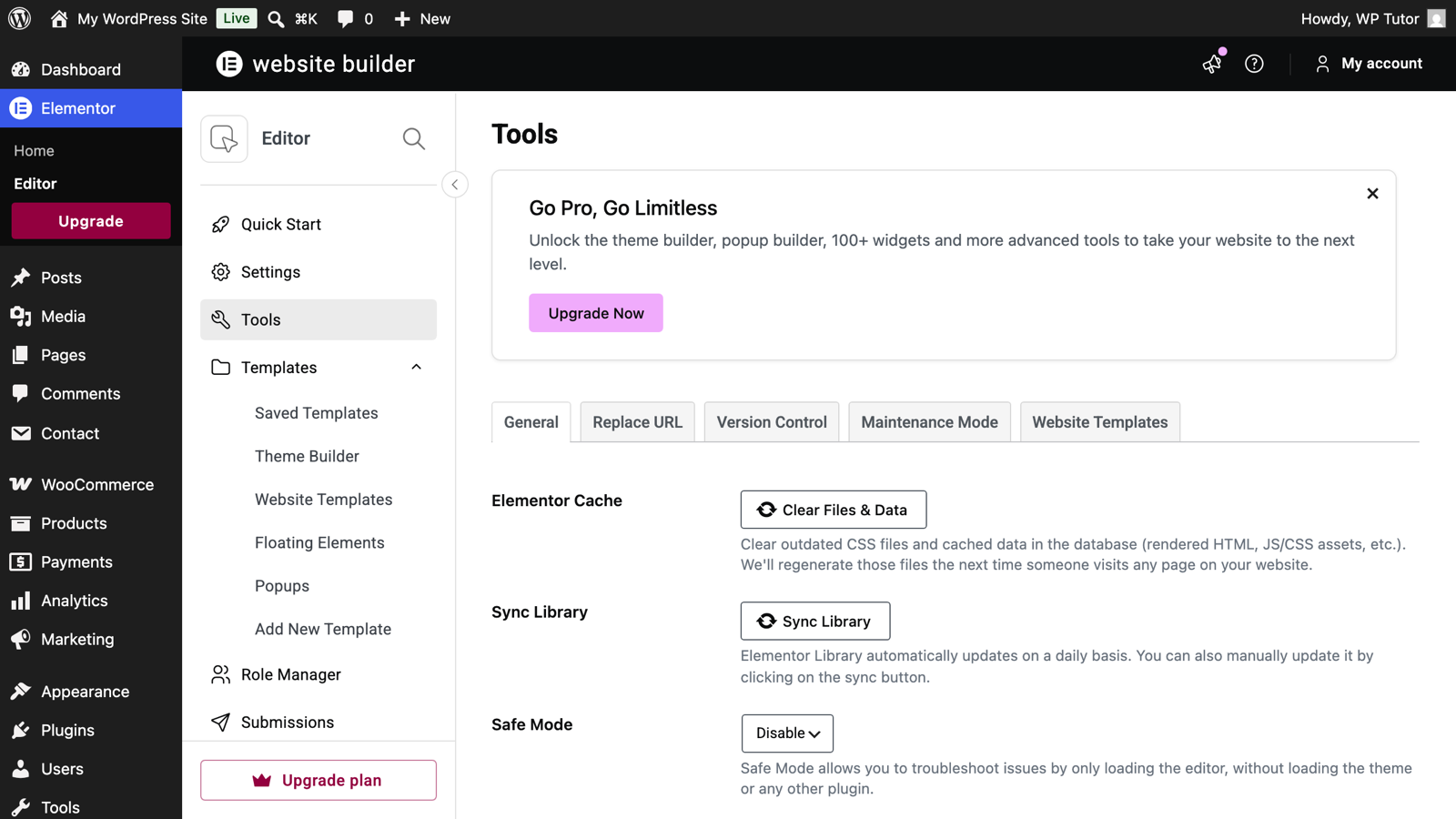
Elementor Editor Not Loading? Fix It Step by Step
 SEO
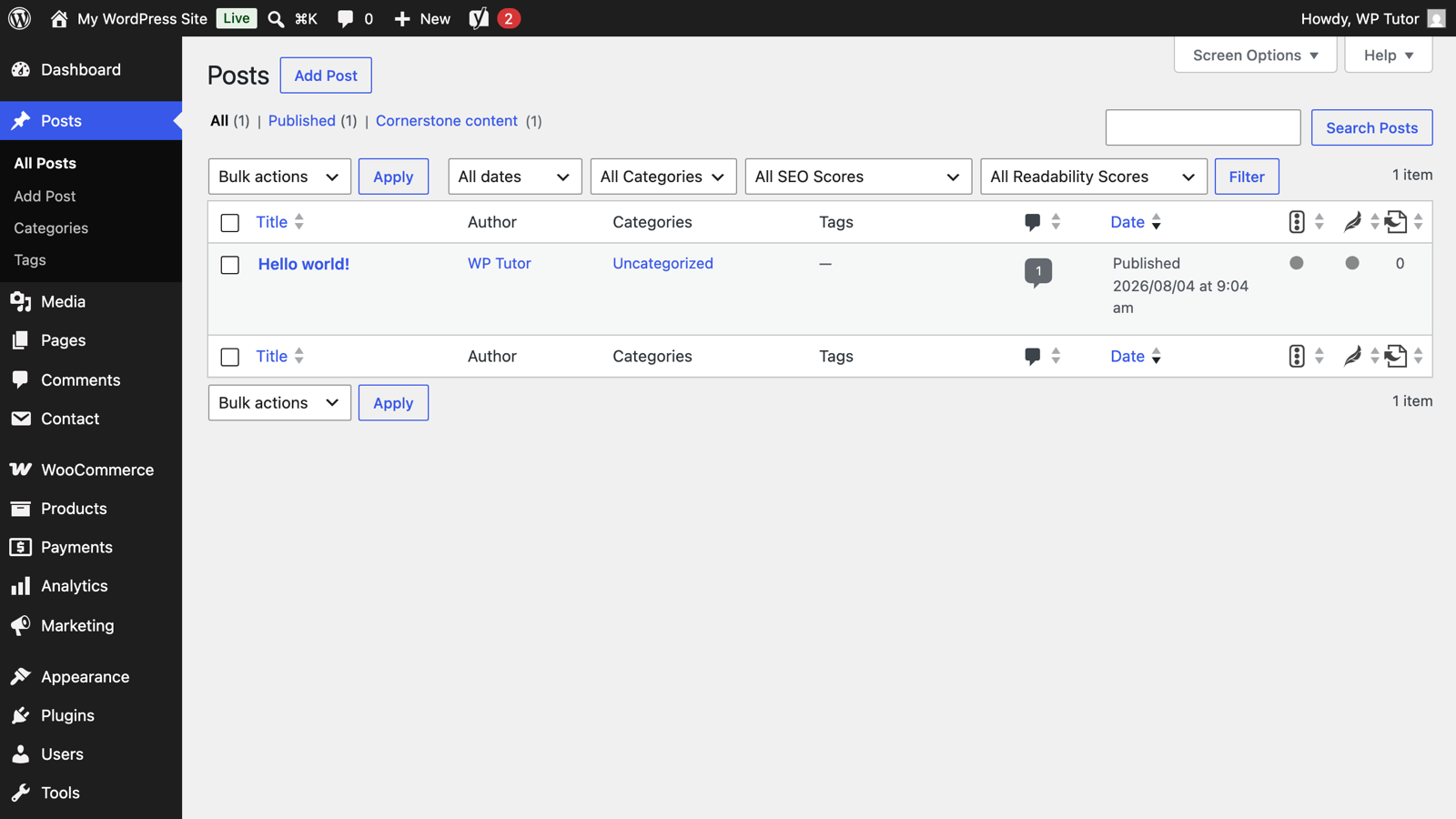
SEOYoast Cornerstone Content: Your Most Important Pages, On Purpose
 Block Editor
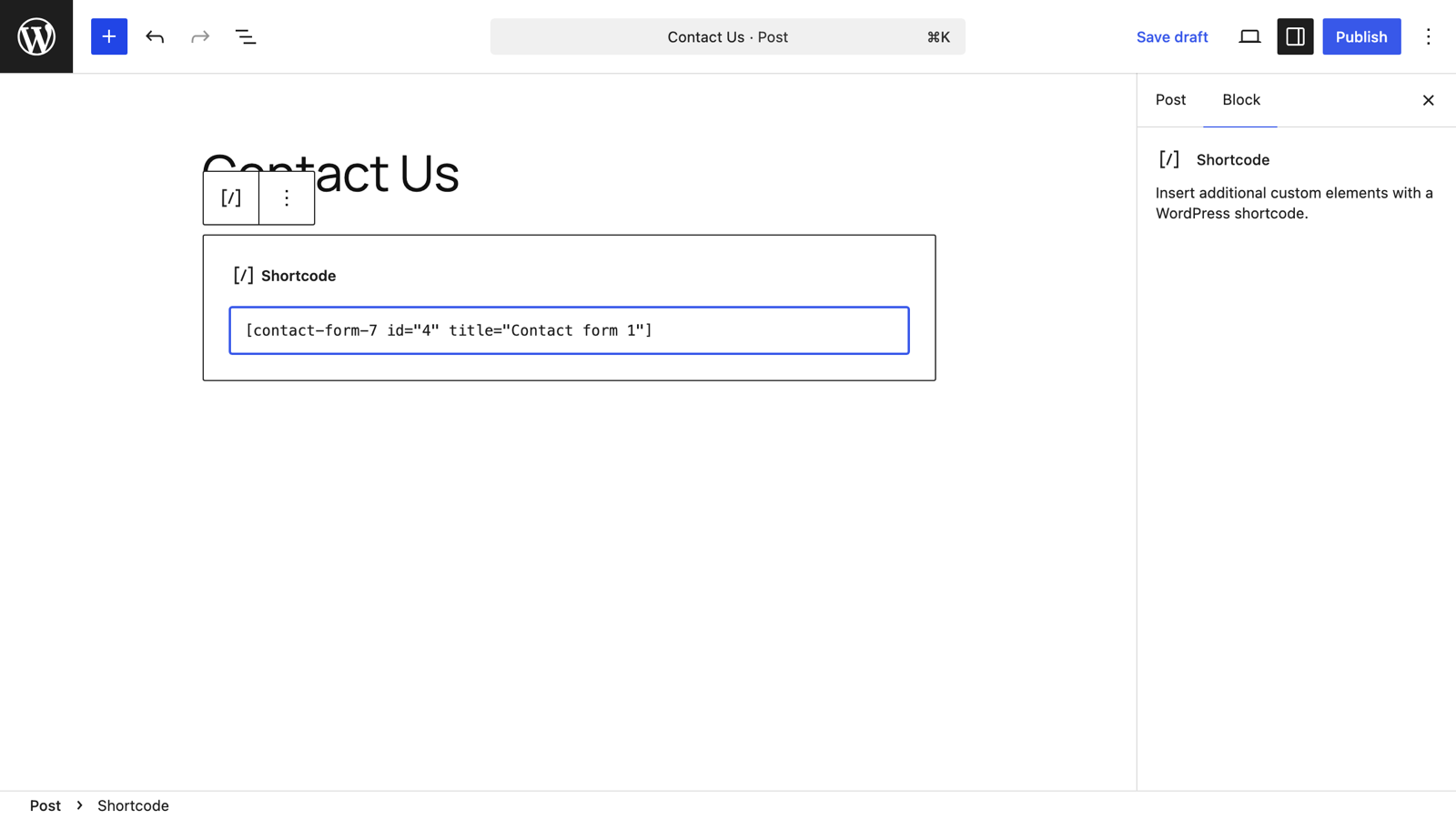
Adding Shortcodes in Gutenberg (the Block Editor)
 Block Editor
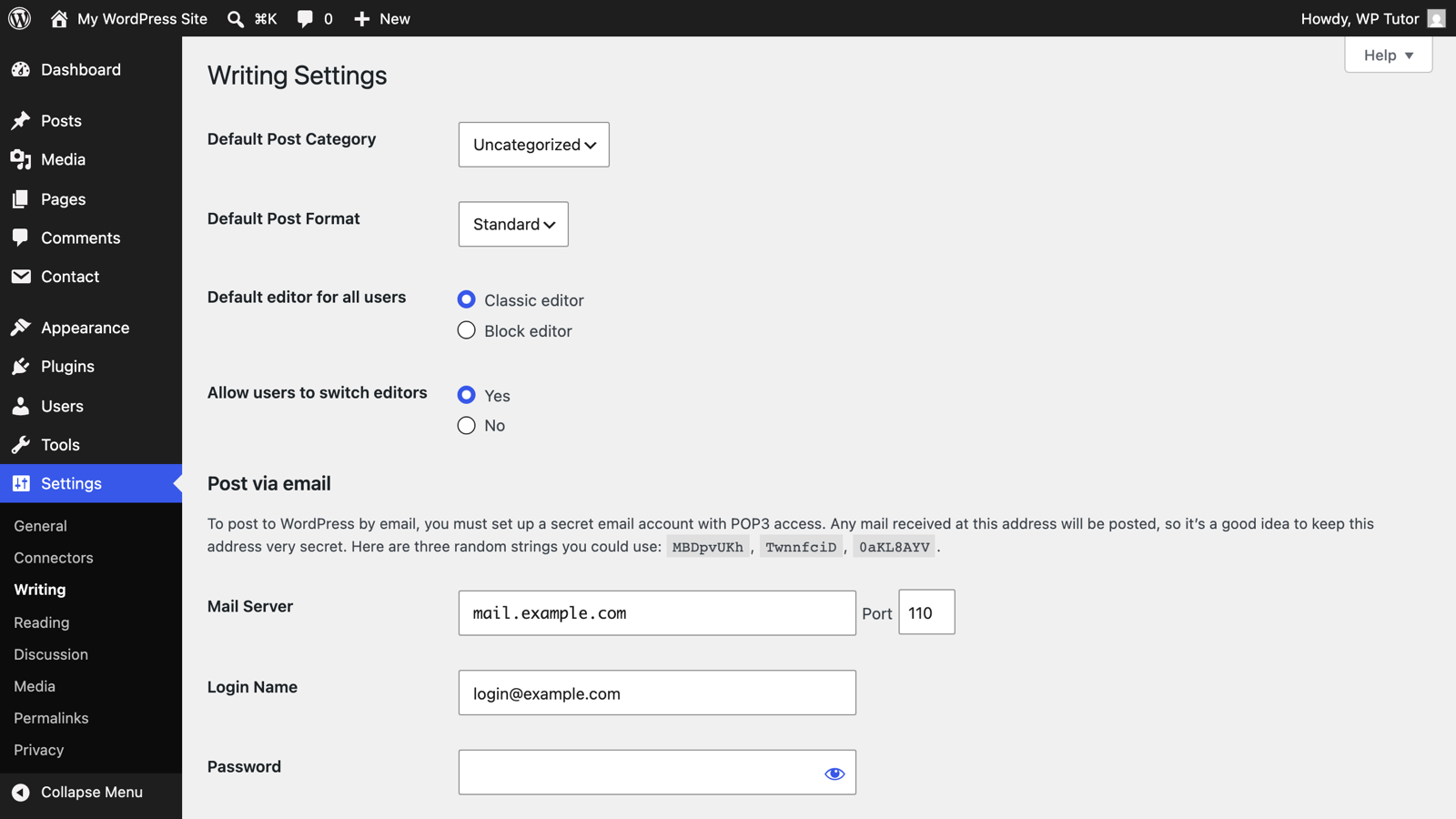
How to Disable the Block Editor in WordPress (Gutenberg)
 Block Editor
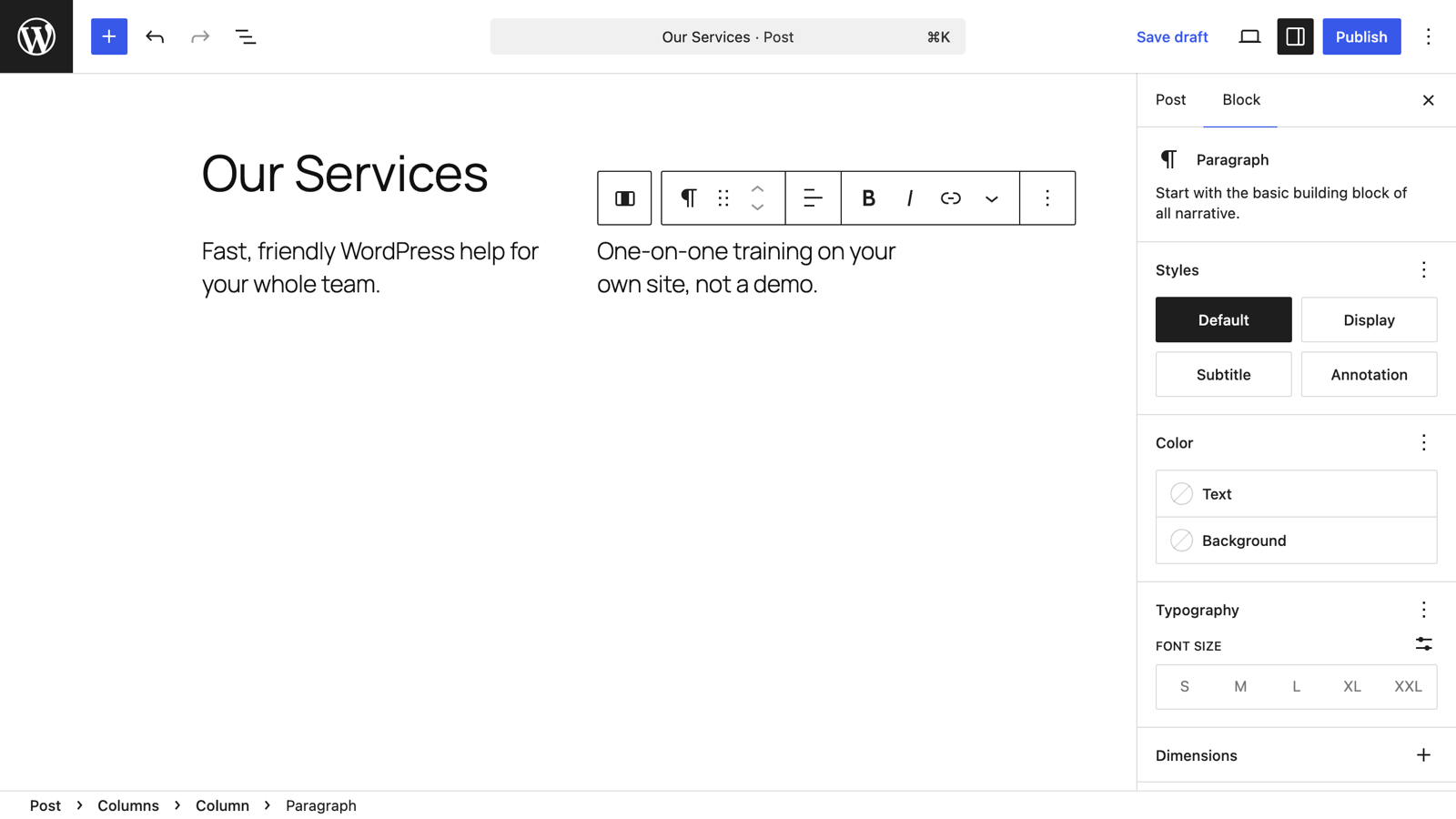
How to Create Multiple Columns in WordPress: 2, 3, or 4 Column Layouts
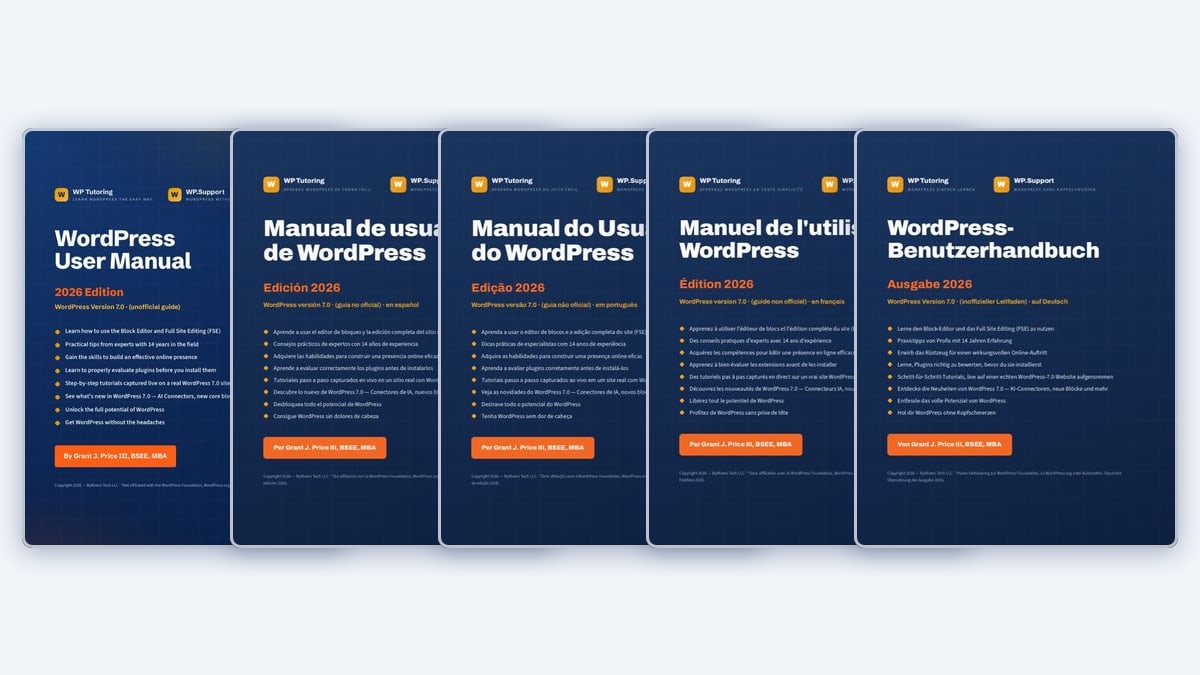 WordPress Basics
The Free WordPress Manual Is Now Available in Five Languages
WordPress Basics
Do You Know WordPress Quiz
 For Businesses
10 Proven Strategies for Crafting Compelling WordPress Content in 2026
 Plugins
The 10 Best WordPress Plugins to Boost Your Site's Speed in 2026
 WordPress Basics
WordPress Training Near Me: Why Online Training Is Now Better Than Local Classes
 Maintenance
WP Tutoring List of Webhosts 2026
 WordPress Basics
7 Best WP101 Alternatives for Learning WordPress (2026)
 WordPress Basics
WordPress Dashboard: A Complete Guide to Every Menu
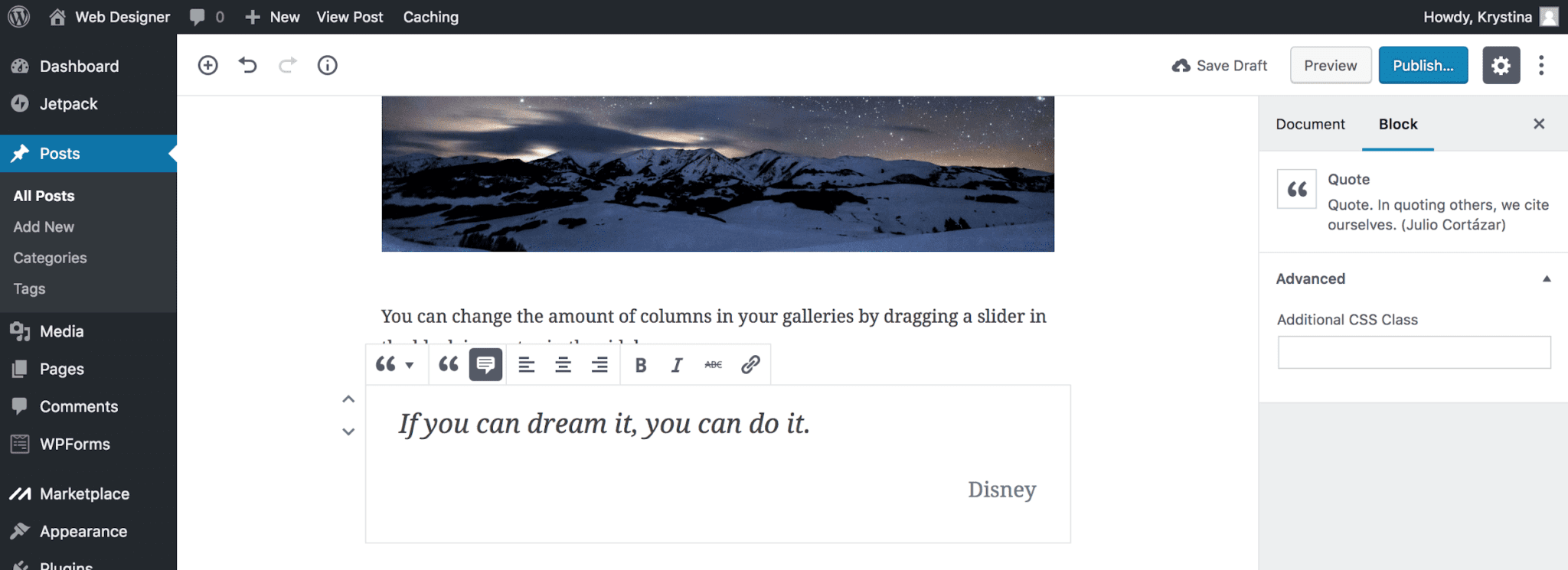 Block Editor
Adding Pull Quotes in Gutenberg (WordPress Guide)
 Plugins
Best WordPress Analytics Plugins (2026, GA4 & Privacy)
 Plugins
Best WordPress SSL Plugins for HTTPS in 2026
 WordPress Basics
How to Edit Text in WordPress (Block Editor & Classic)
 Themes
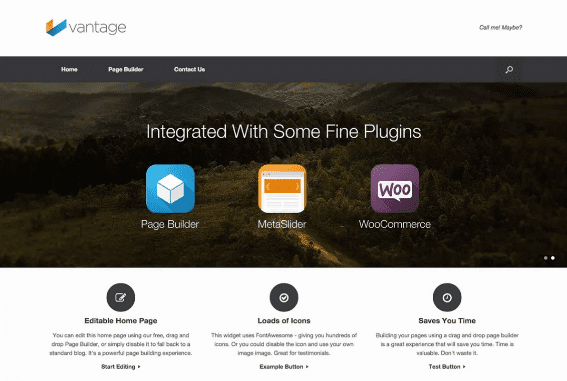
The Best WordPress Themes for Beginners (2026)
 Plugins
What Is SMTP and Why Your WordPress Site Needs It
 For Businesses
WordPress Documentation for Your Site — Custom Docs & Manuals
 WordPress Basics
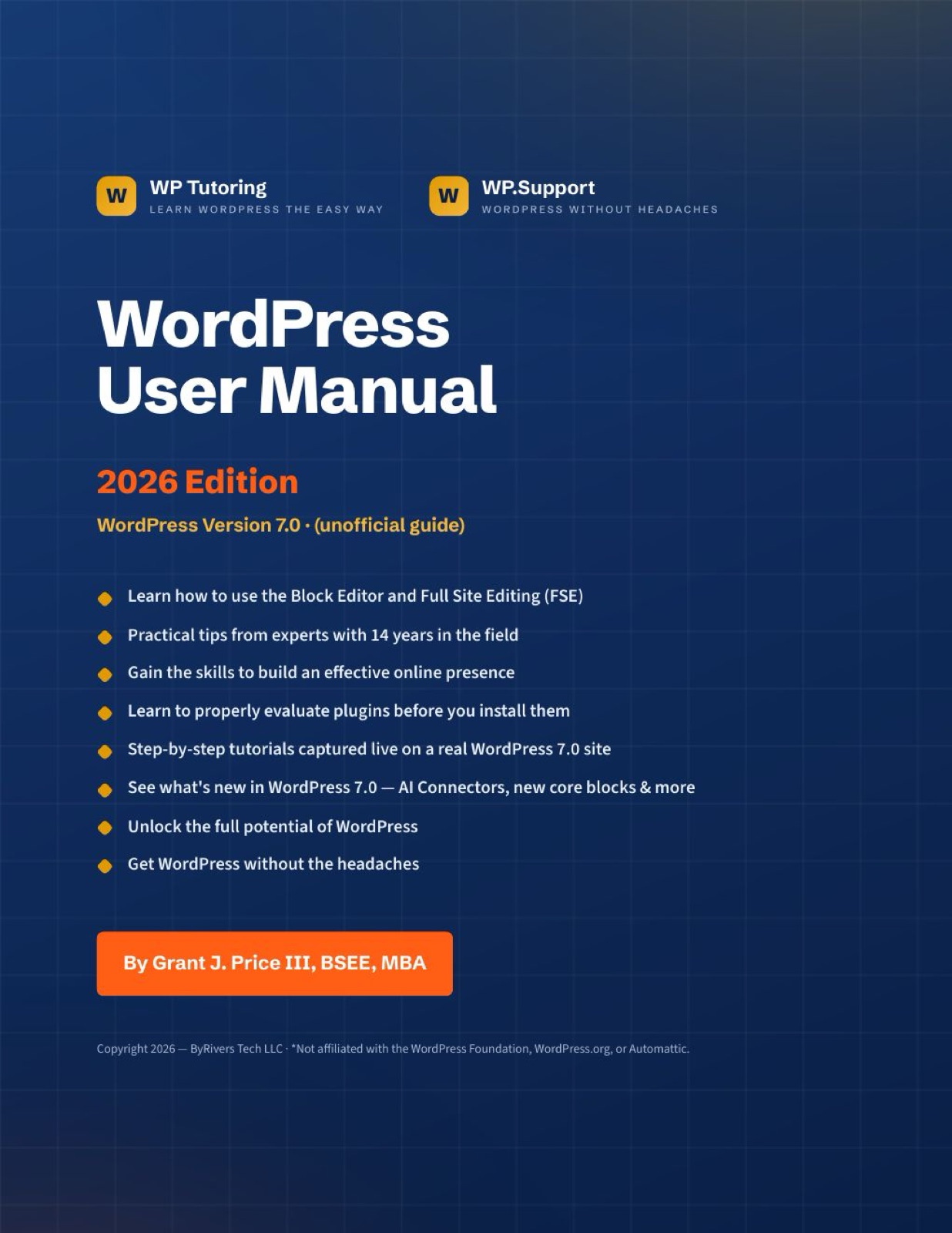
WordPress PDF Manual — Version 7.0 Now Available
 Maintenance
Free WordPress Website Health Check
 WordPress Basics
How to use WordPress Health Check
 Block Editor
How to use the Paragraph Block in WordPress
 For Businesses
The Future is Weird, Wild, and WordPress: Matt Mullenweg's Vision from WordCamp Asia
 Themes
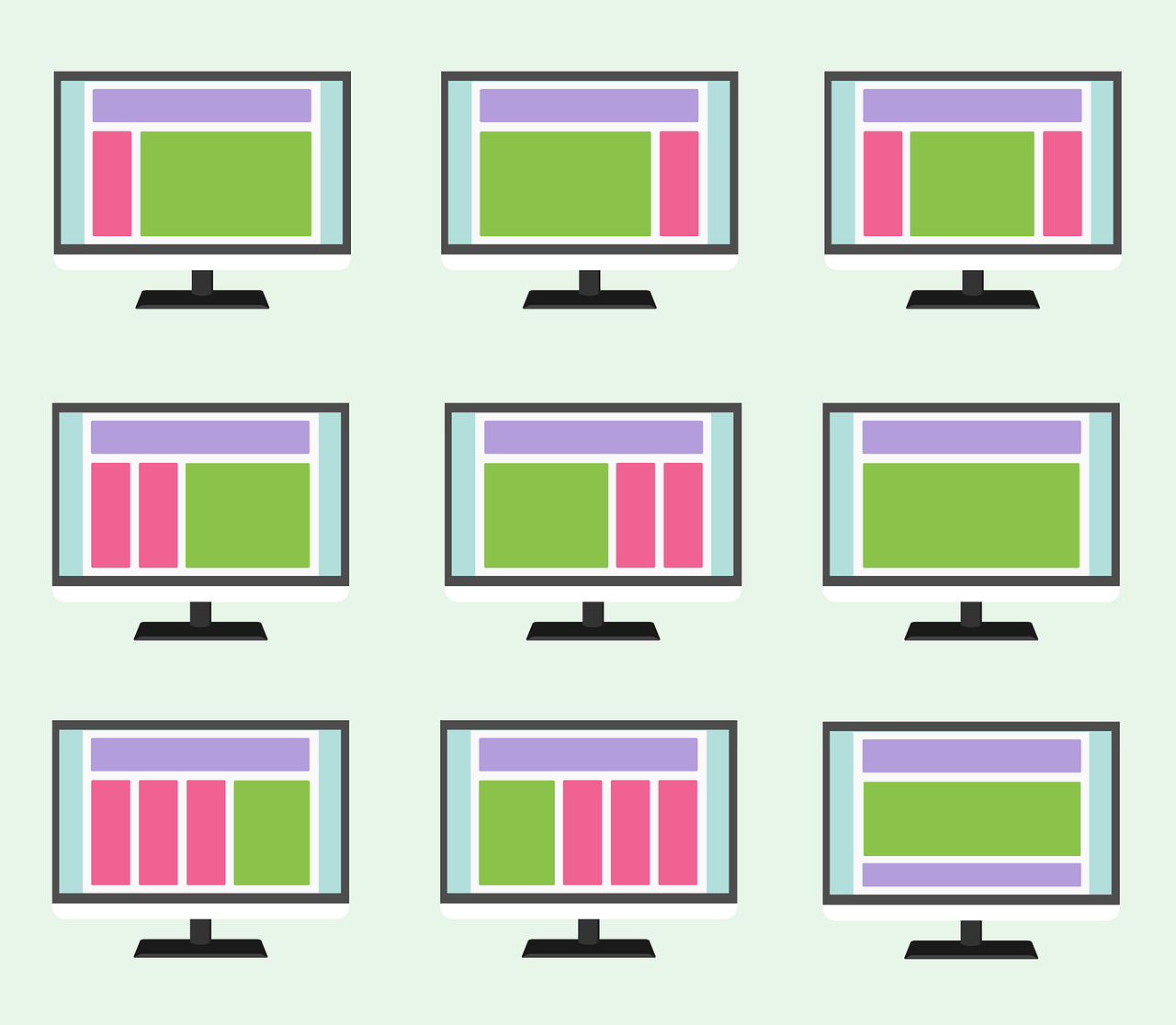
How to Choose the Perfect WordPress Theme for Your Business Website
 SEO
SEOImproving SEO on your WordPress Site
 Block Editor
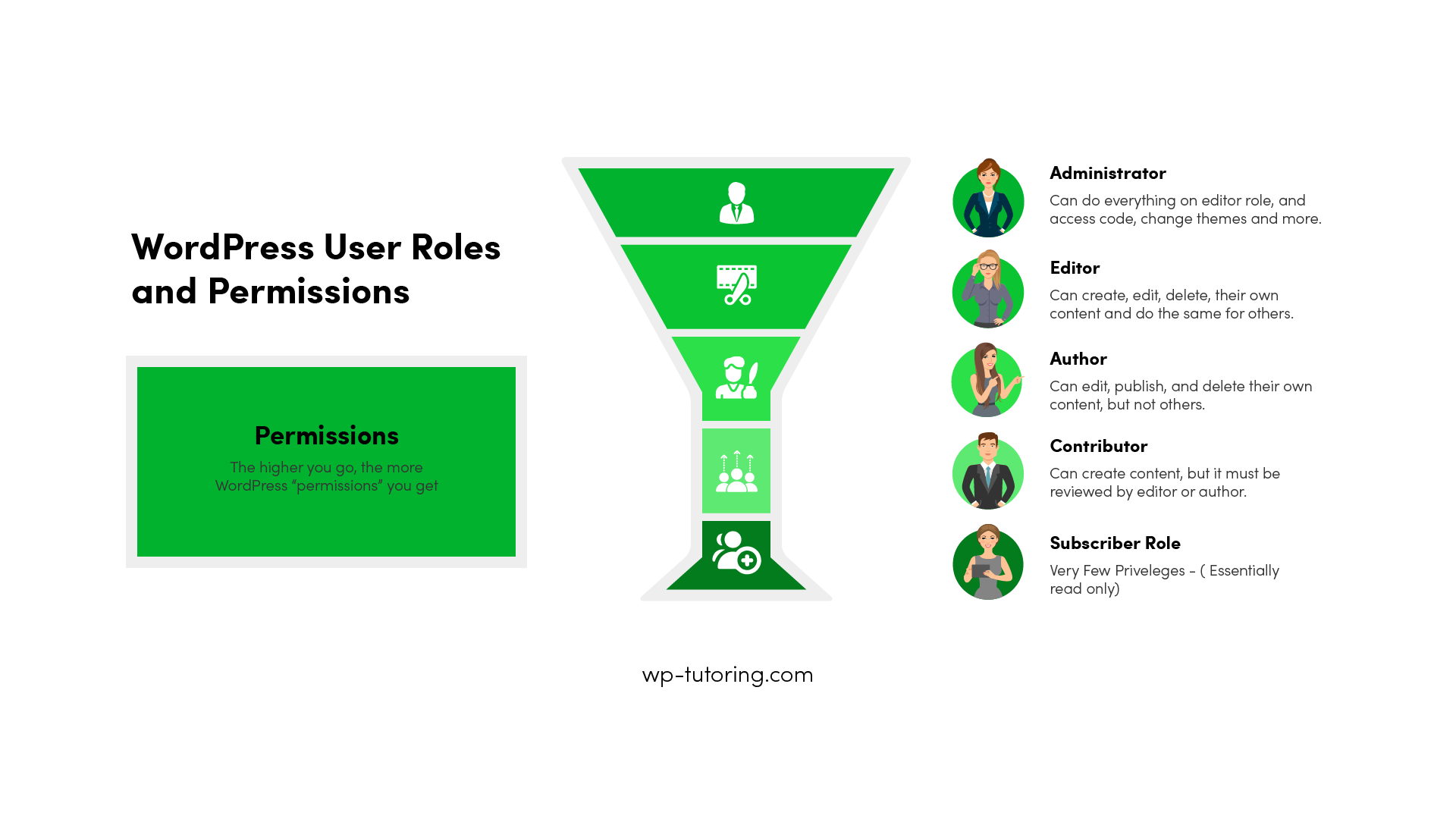
WordPress User Roles
 For Businesses
How to Use WordPress to Increase Sales
 Maintenance
Managing WordPress User Roles and Permissions- It is Critical
 Maintenance
Understanding WordPress Recovery Mode
 SEO
SEOWordPress SEO Basics for Beginners
 Plugins
5 Ways to Prevent WordPress Plugins from Updating
Block Editor
Custom Gutenberg Blocks: Elevate Your WordPress Experience
Plugins
6 Places to get Royalty Free Images
For Businesses
WordPress for Business Part 8- Live Chat and Phone Support
WordPress Basics
WordPress CRM Integration - Our One Choice
Block Editor
How to use WordPress Block Patterns
 For Businesses
WordPress Tutor - 5 Reasons You Need One
 Plugins
Are WordPress Plugins Free? A Comprehensive Guide to Navigating the World of WordPress Extensions
 WordPress Basics
What's New in WordPress 6.4 - FREE Mini Course
 WordPress Basics
Add Constant Contact to Your WordPress Site
 Block Editor
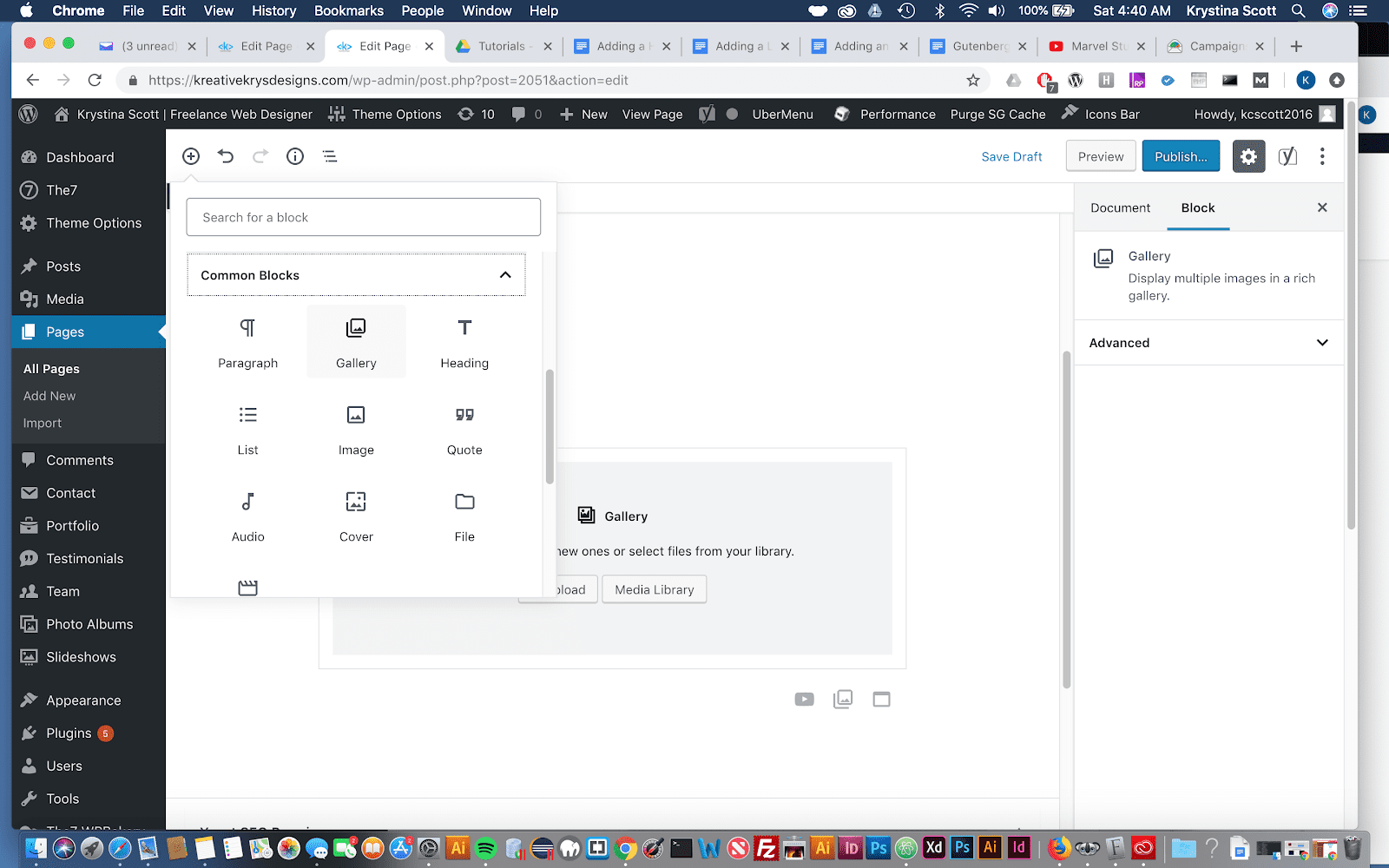
How to add a Gallery in Gutenberg- WordPress
 WordPress Basics
WooCommerce Variable Products
 WordPress Basics
Creating a Simple WooCommerce Product
 Maintenance
13 Steps to Choose the Right WordPress Host
 WordPress Basics
How CDNs Help Slash Bandwidth Costs in Simple Terms
 For Businesses
Why WordPress is Better than SquareSpace and Wix
 Plugins
Top 7 WordPress Backup Plugins
 Maintenance
How do I turn off WordPress Maintenance Mode?
 Maintenance
Does WordPress Need Maintenance?
 Plugins
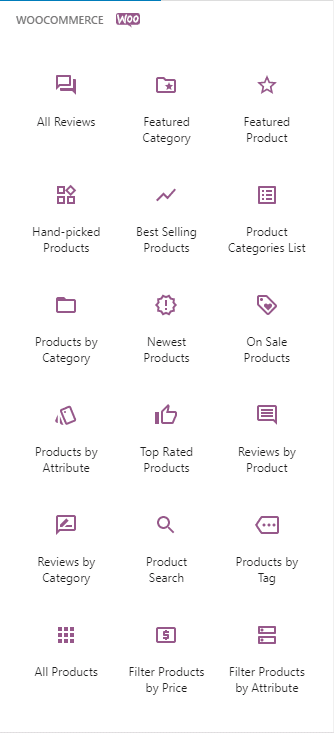
WooCommerce Blocks and What They Do
 WordPress Basics
HOW TO ADD CATEGORIES IN WORDPRESS
 WordPress Basics
How to Schedule a Post or Page in WordPress
 WordPress Basics
Password Protect WordPress Page or Posts
 Plugins
Installing a WordPress Plugin
 Maintenance
5 ways to know if you need better WordPress Hosting
 Plugins
WordPress Auditing Plugins - Not Big Brother - Smart Management
 For Businesses
Wordpress Outsourcing Nightmare - Or why you should hire a Wordpress Consultant
 Block Editor
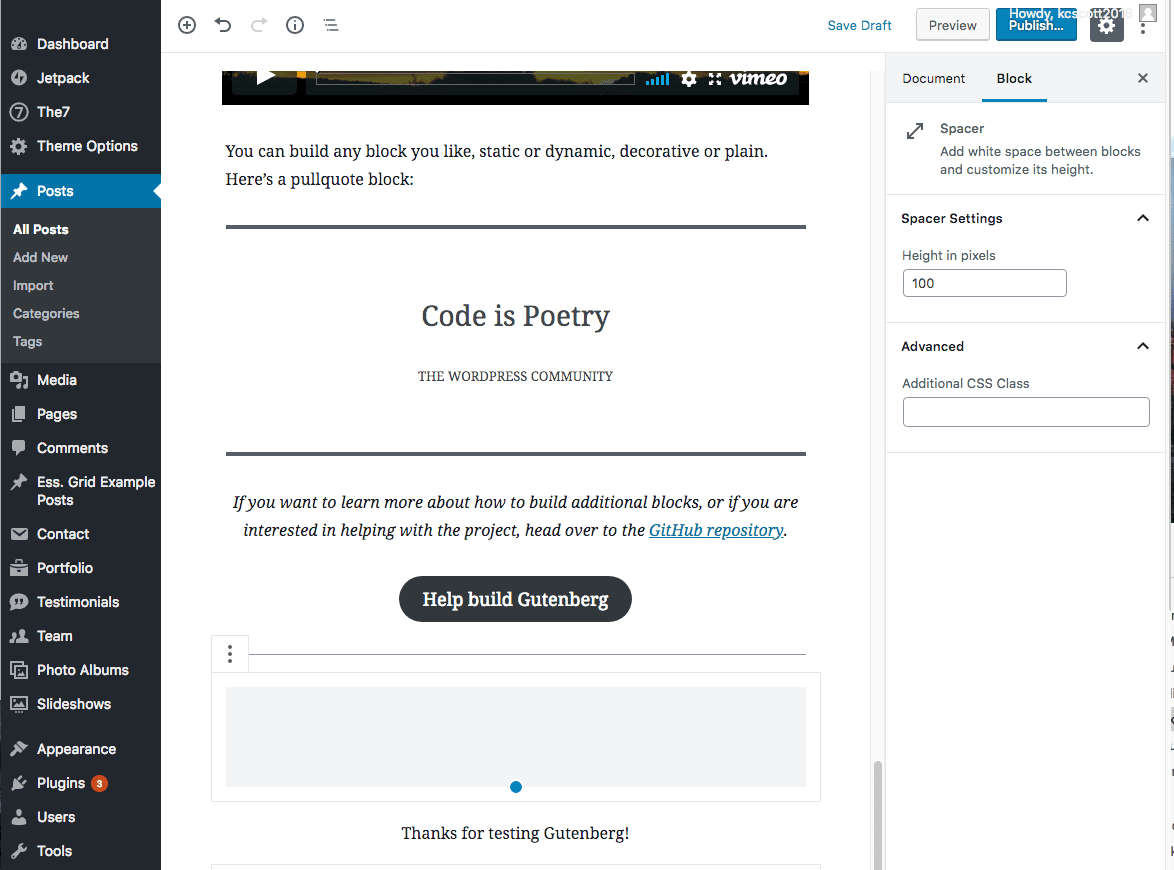
The Spacer Block in Gutenberg
 WordPress Basics
Creating a new page in WordPress
 WordPress Basics
Setting the Timezone in WordPress
 Block Editor
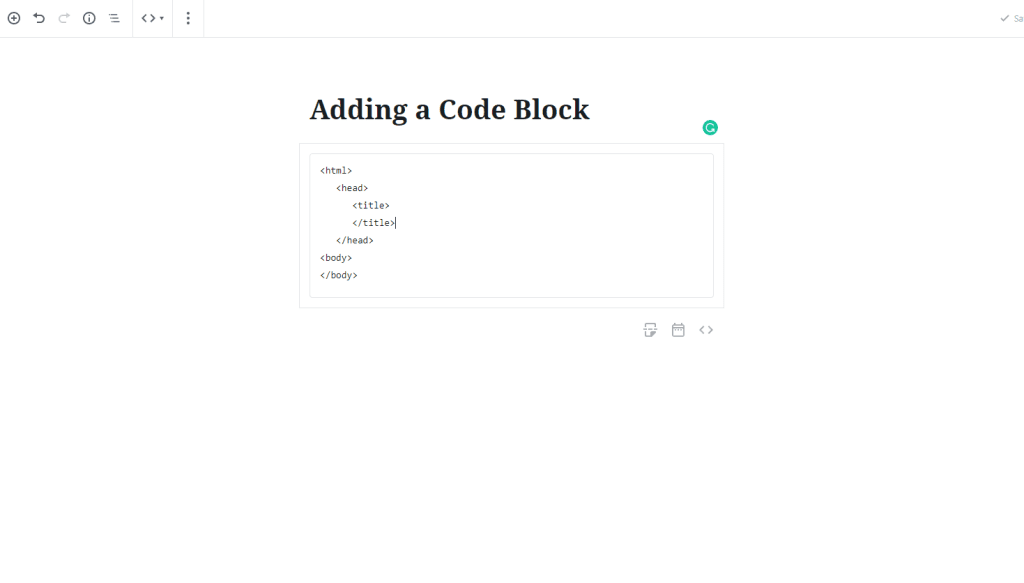
Adding a Code Block to Gutenberg- WordPress 5.0
 Block Editor
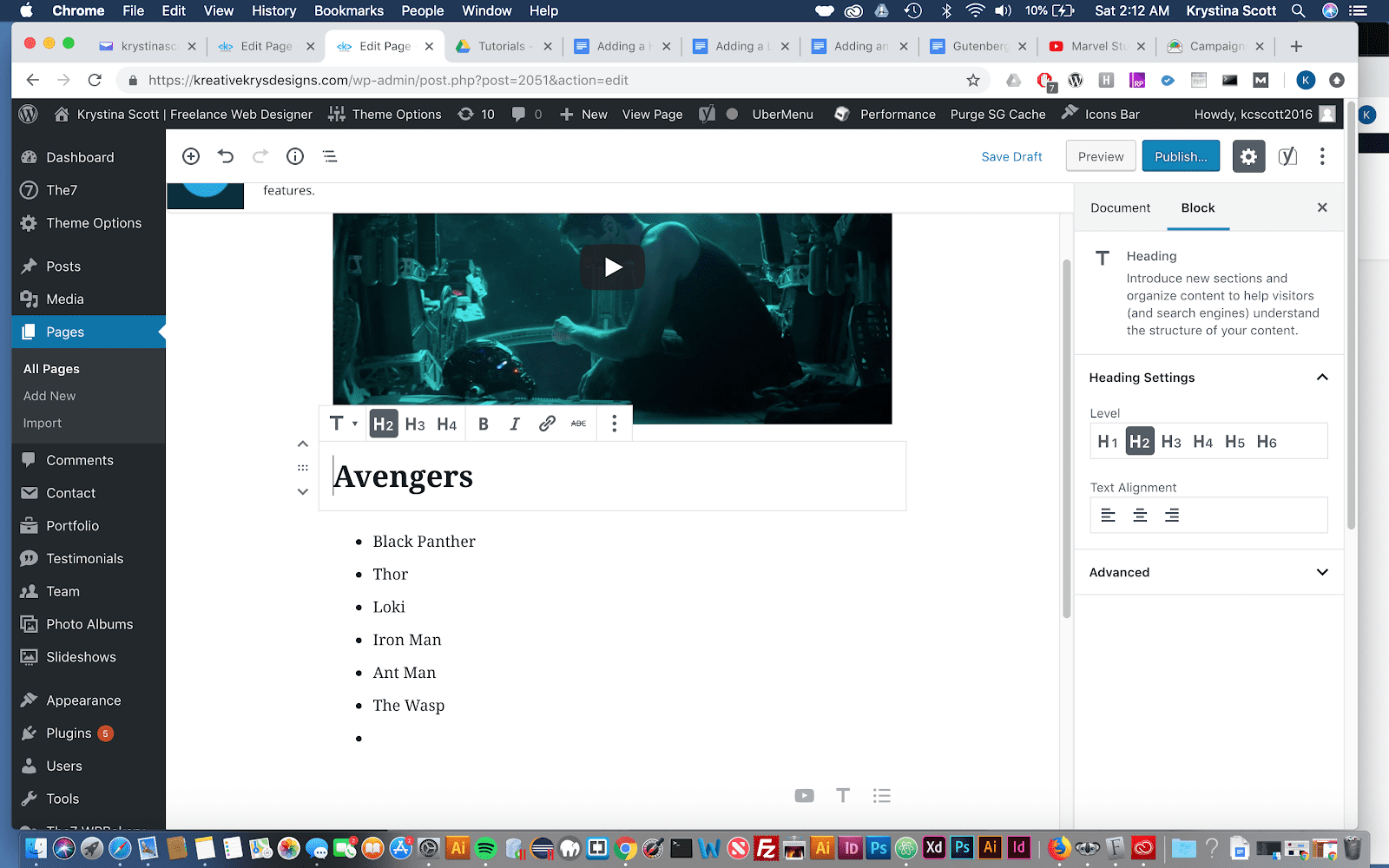
Adding a Heading to Gutenberg - WordPress 5.0
WordPress Basics
Adding a List Block to Gutenberg WordPress 5.0
 Block Editor
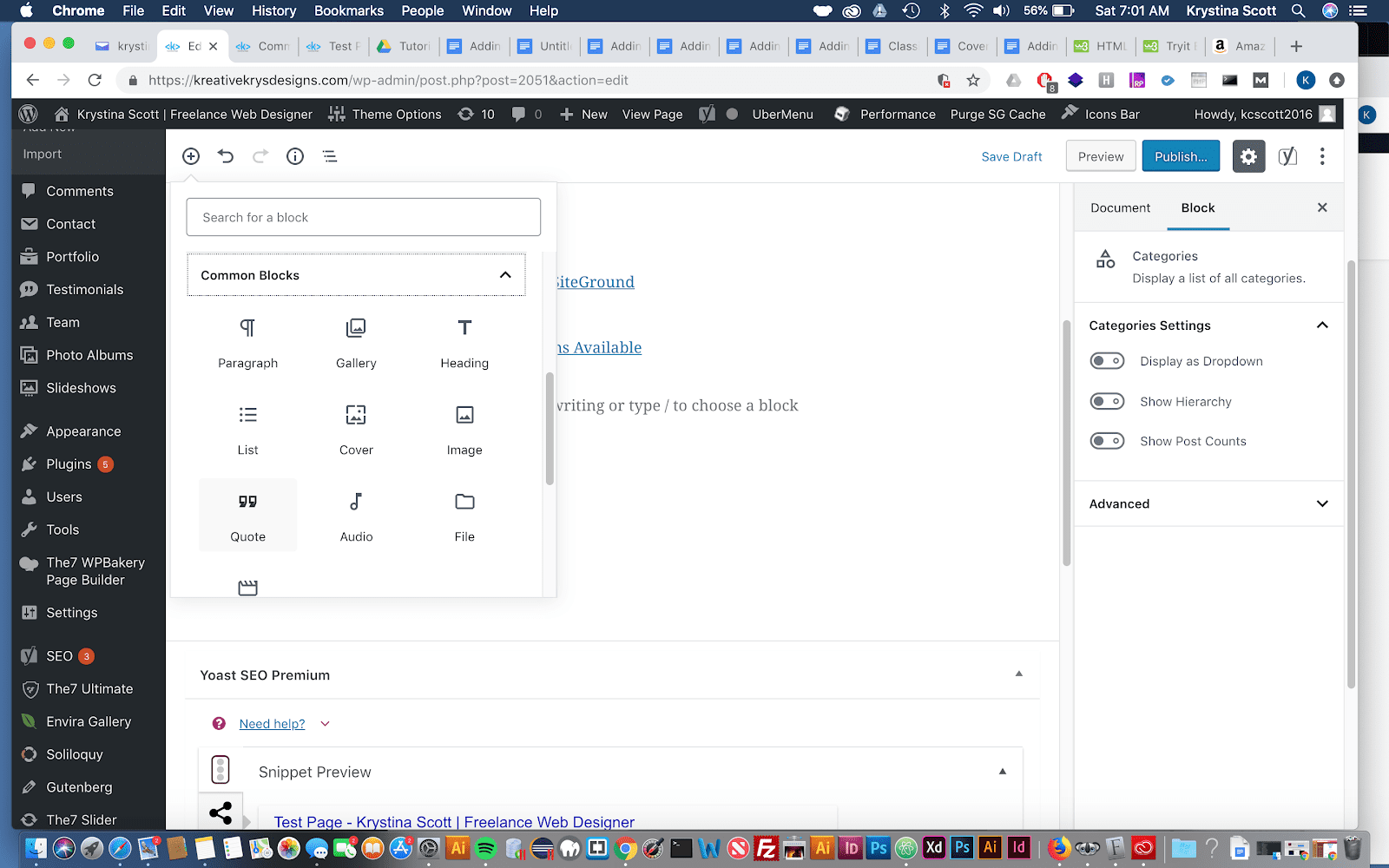
Adding a Quote in Gutenberg- WordPress 5.0
 Block Editor
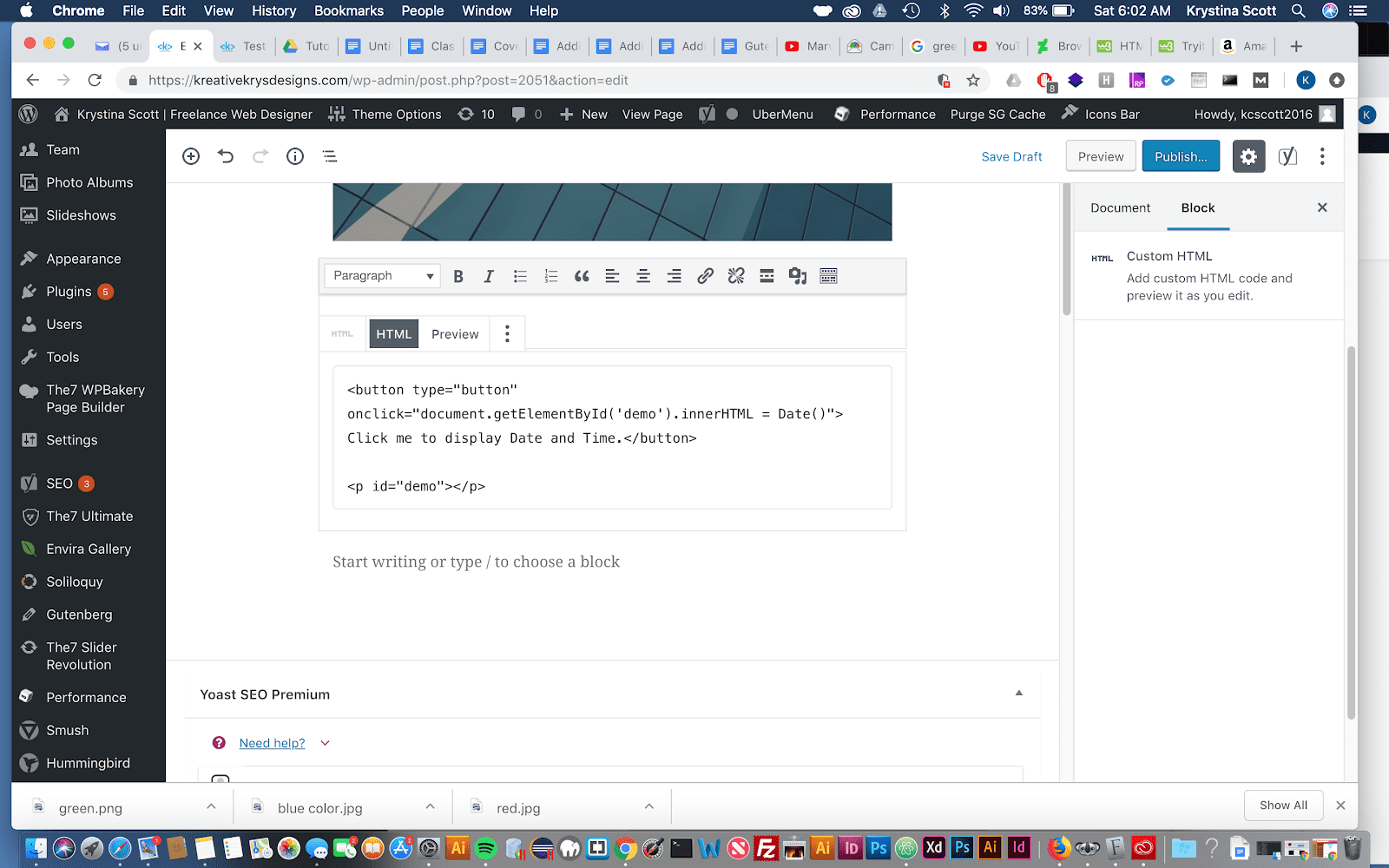
Adding HTML to Gutenberg - WordPress 5.0
 Block Editor
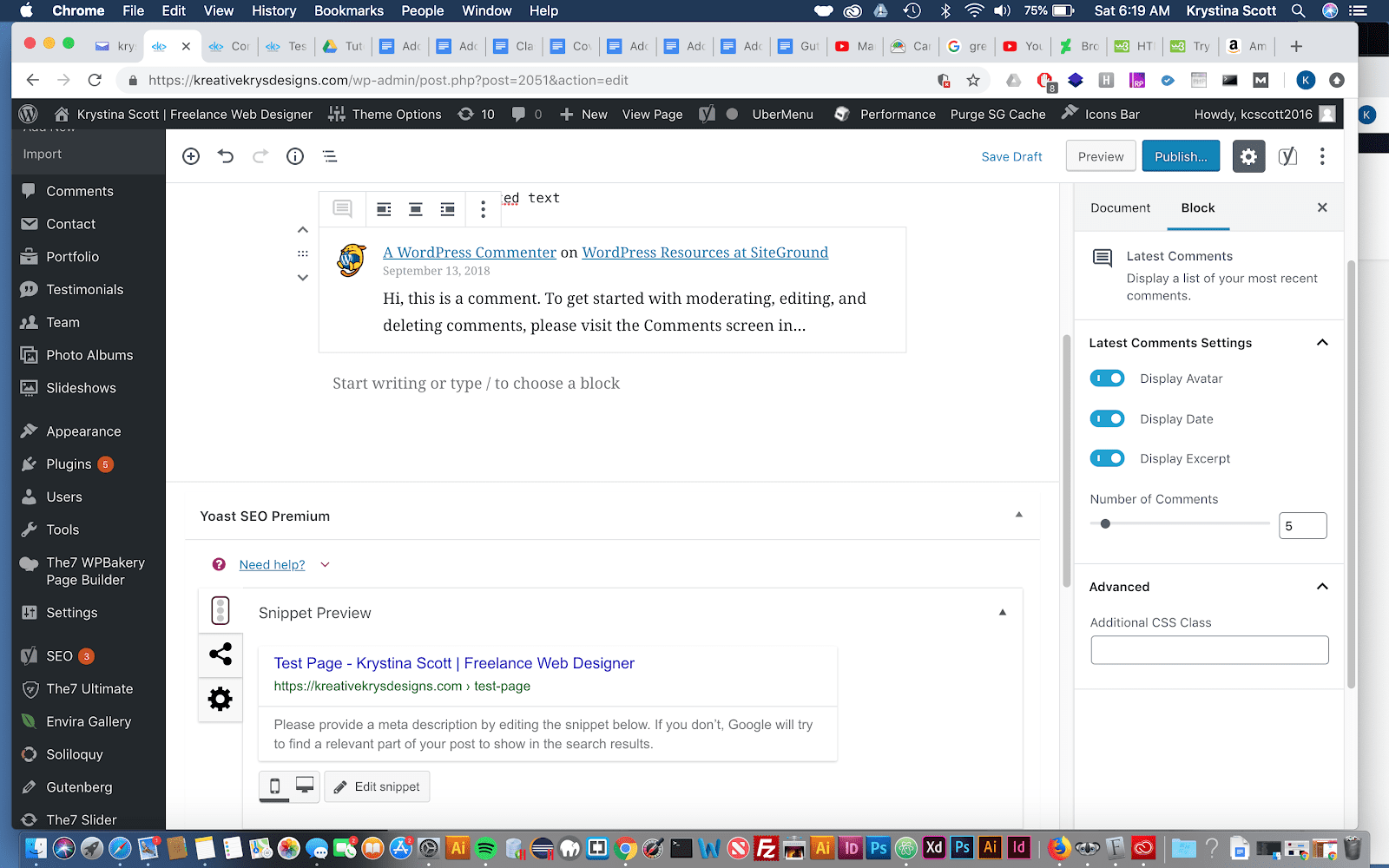
Adding Latest Comments to Gutenberg - WordPress 5.0
 Block Editor
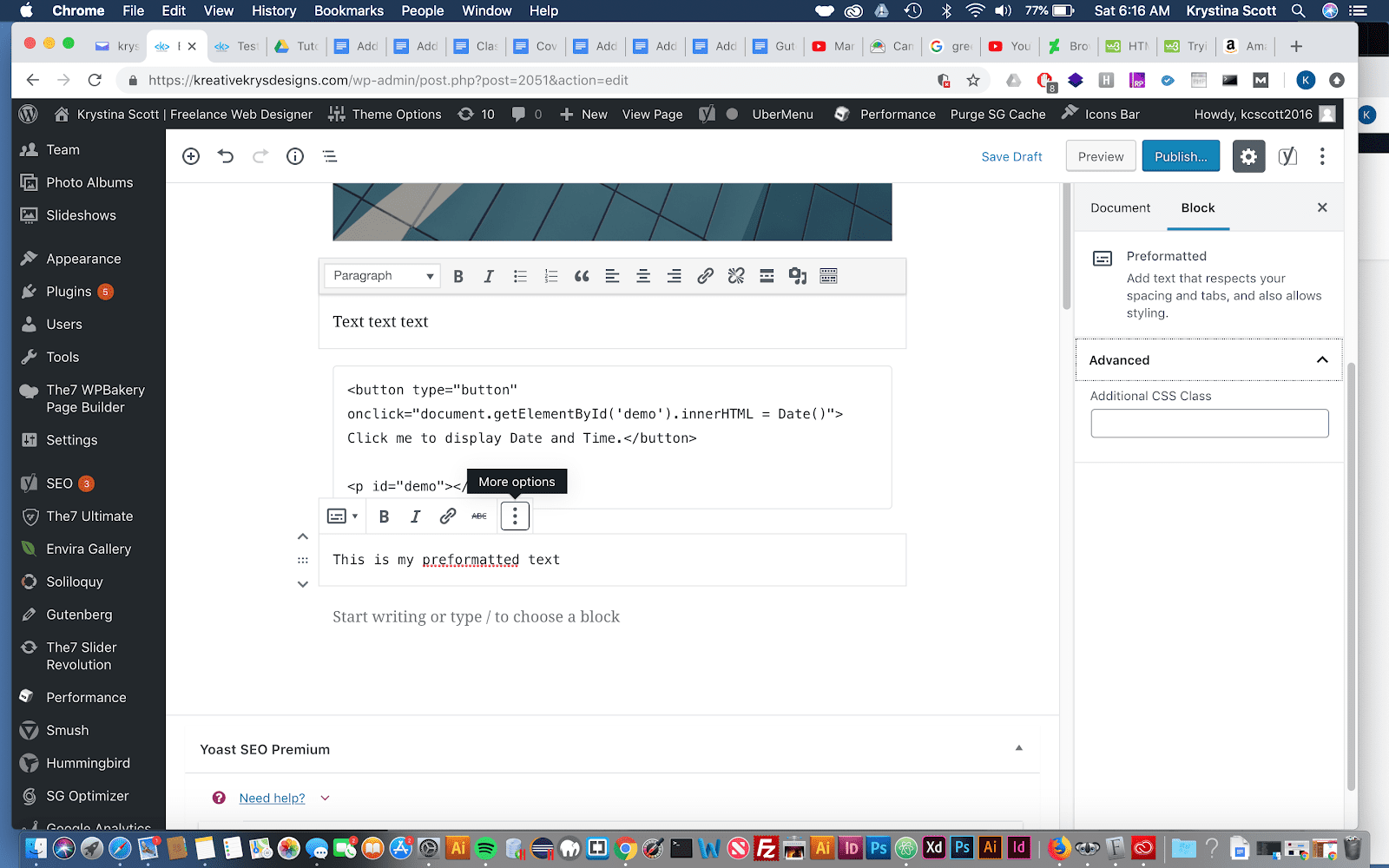
Adding Preformatted Text to Gutenberg- WordPress 5.0
 Block Editor
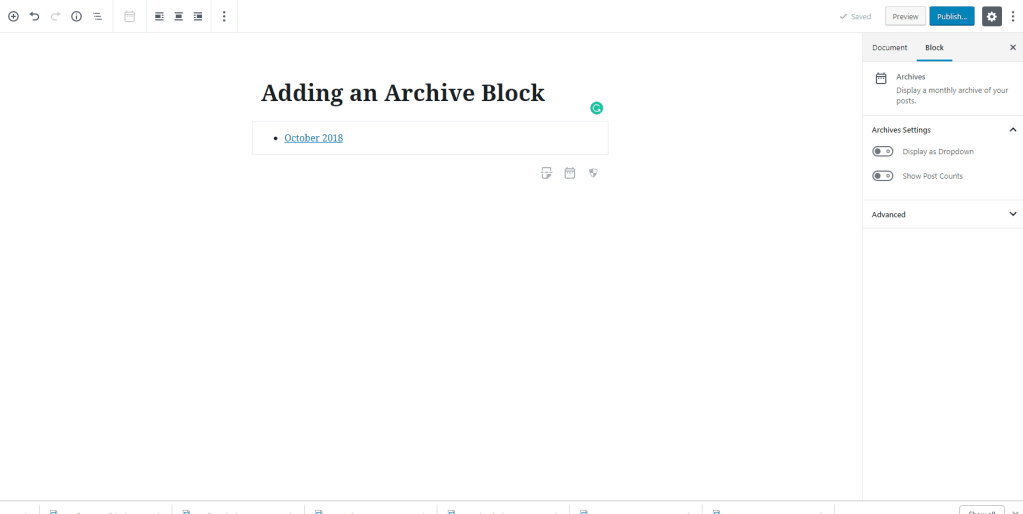
Adding the Archive Widget to Gutenberg- WordPress 5.0
 Block Editor
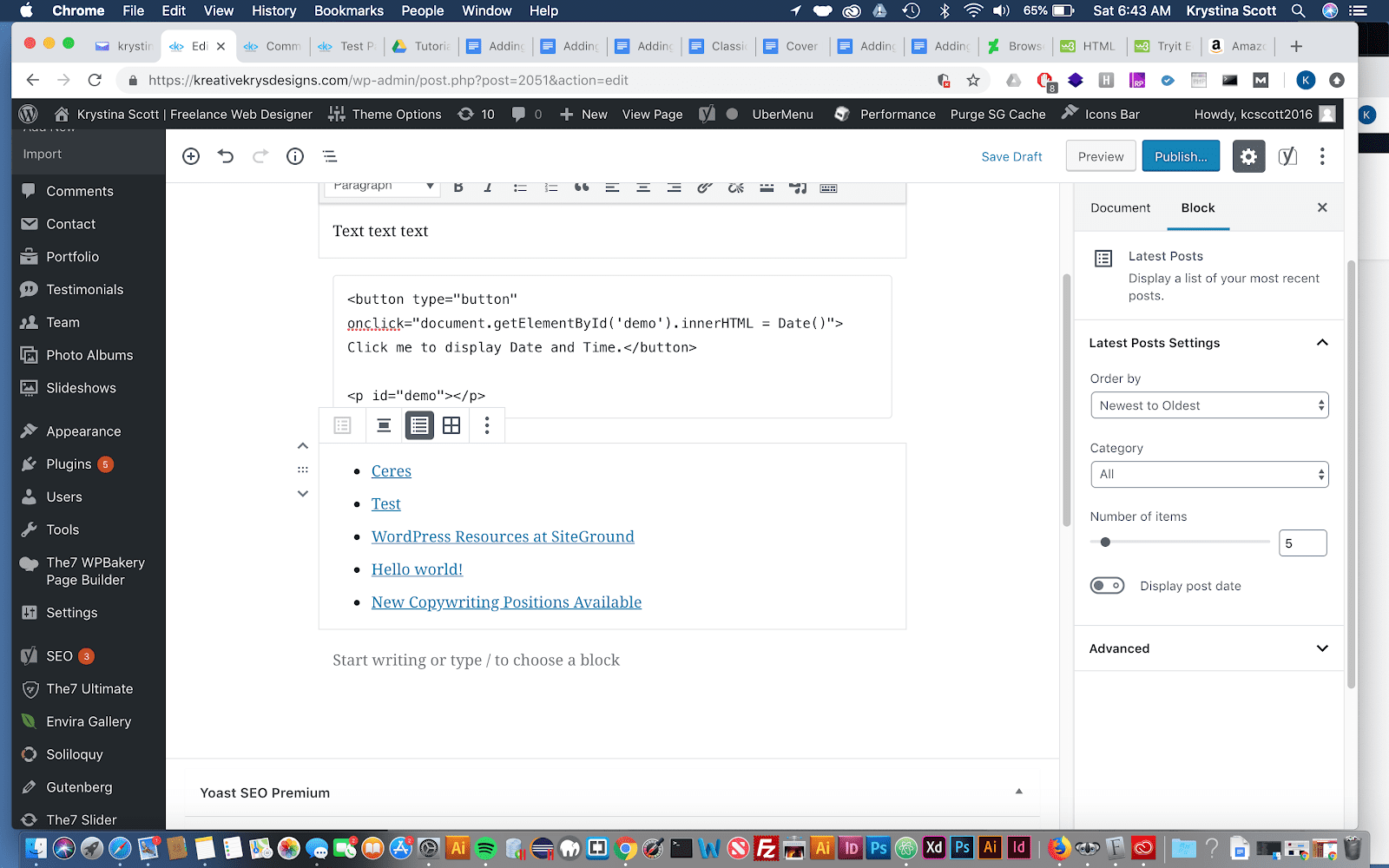
Adding the Latest Posts Block to Gutenberg- WordPress 5.0
 WordPress Basics
Creating a new post
 Block Editor
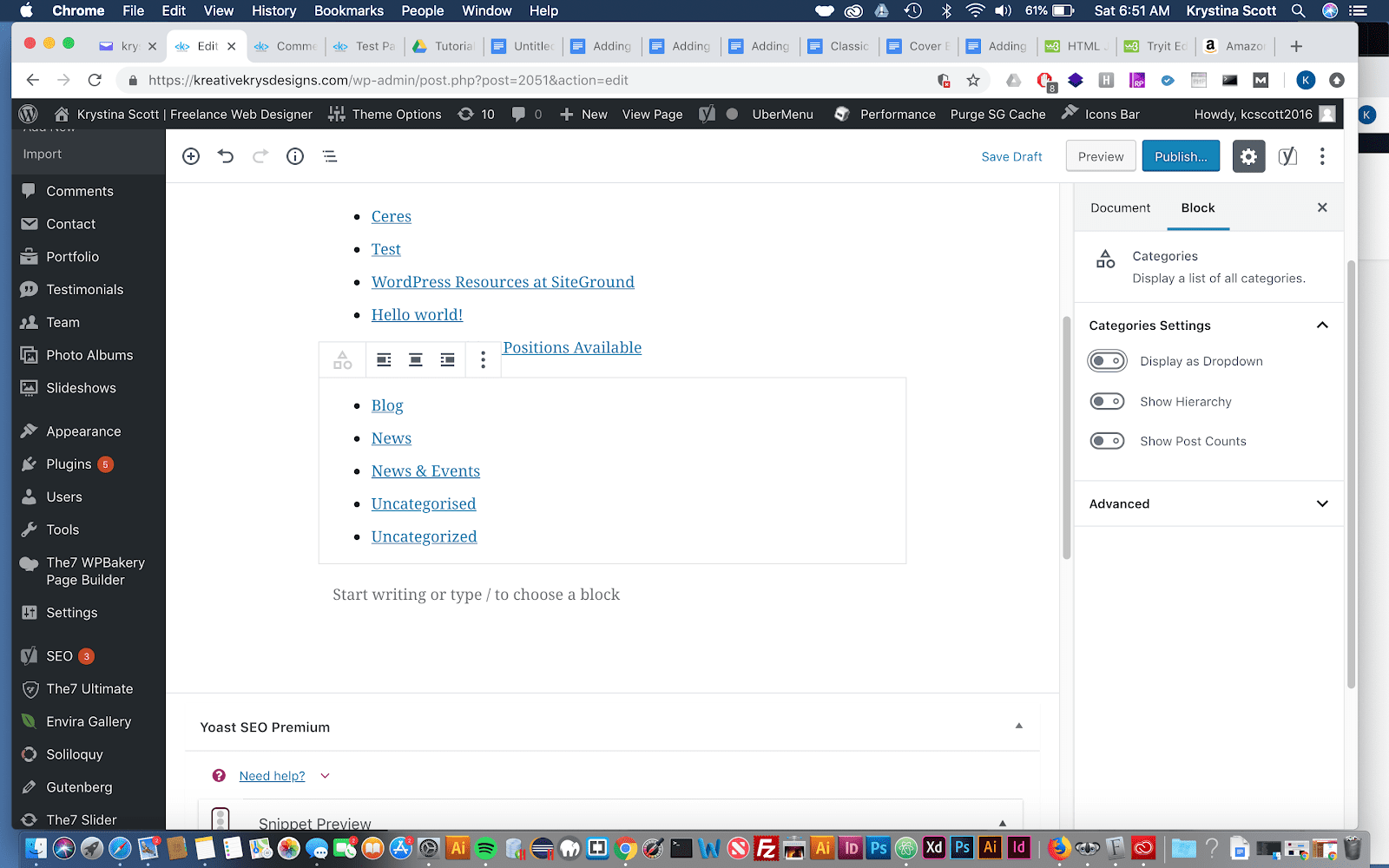
Adding a Category Block in Gutenberg
 Block Editor
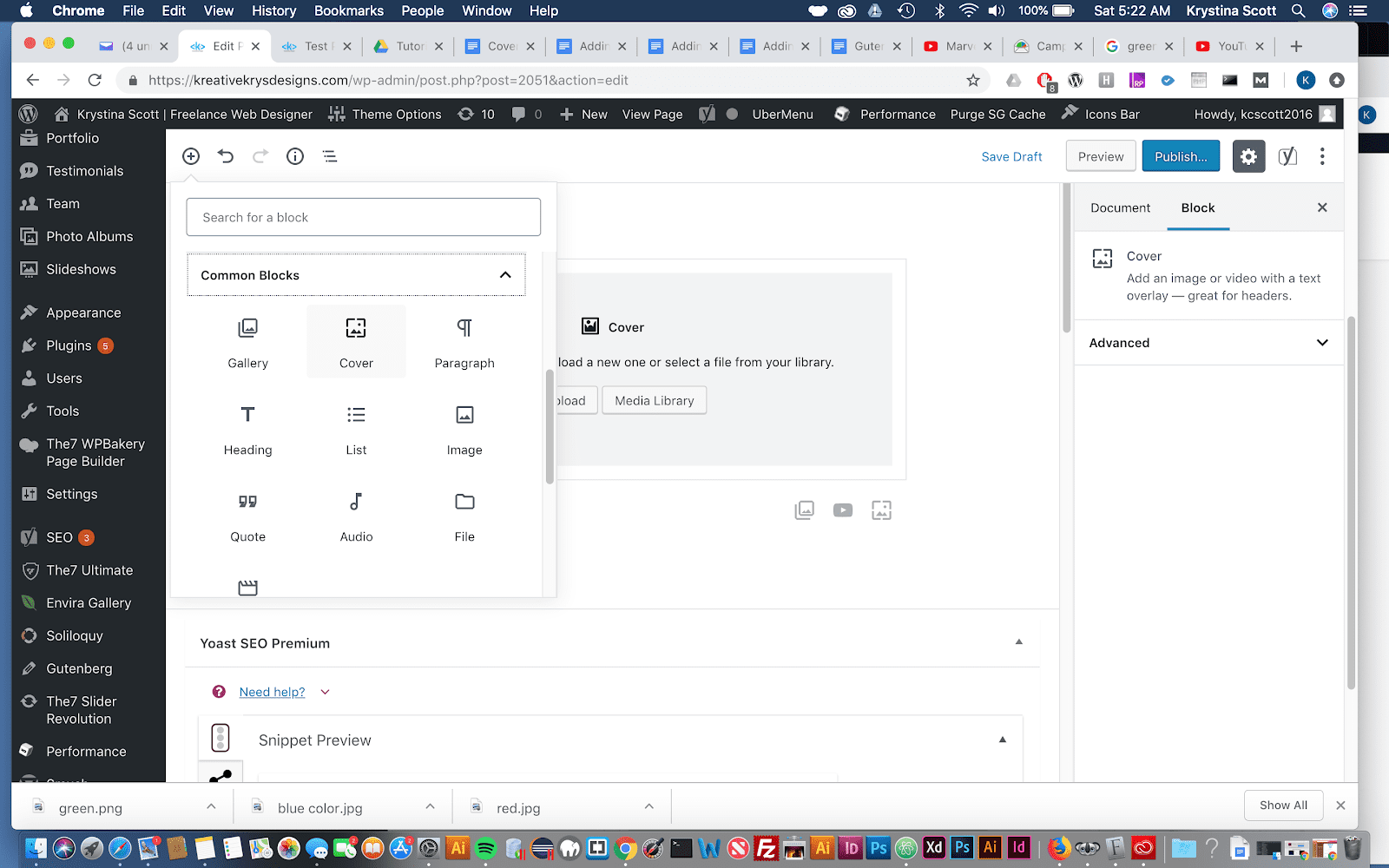
Adding a Cover Block in Gutenberg
 Block Editor
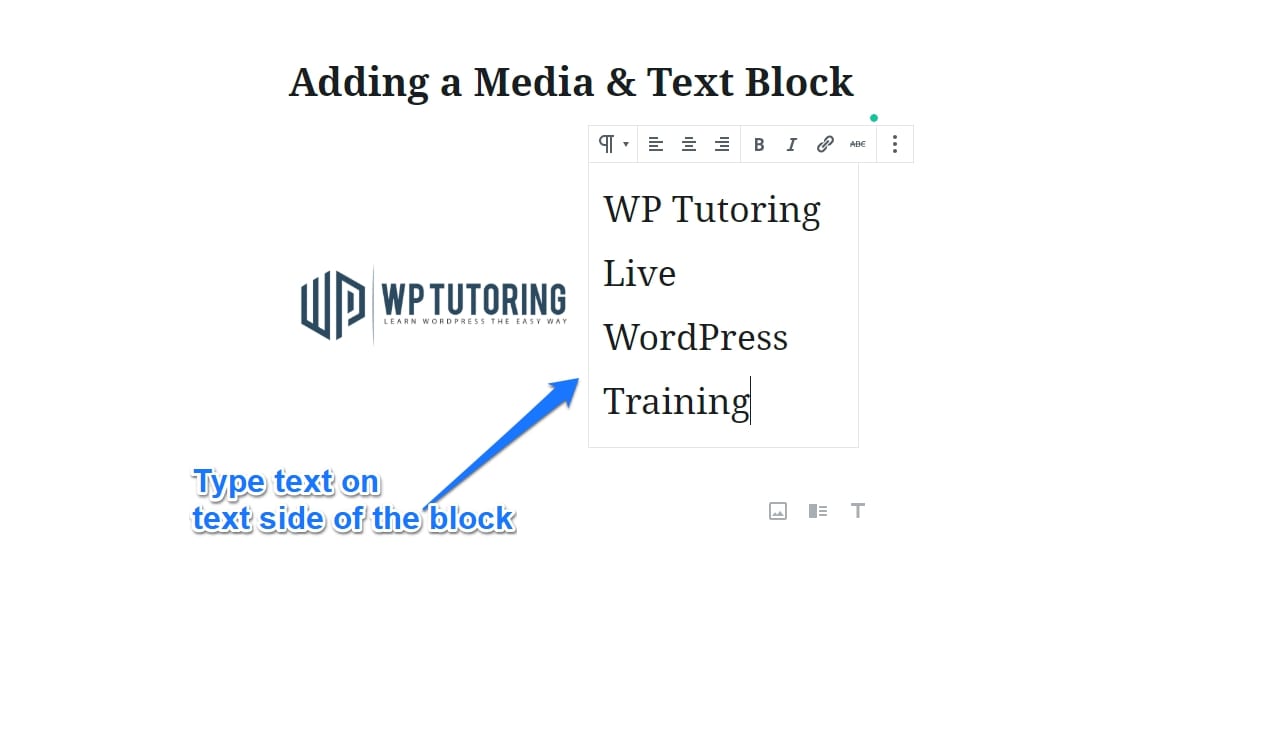
Adding a Media & Text Block in Gutenberg
 Block Editor
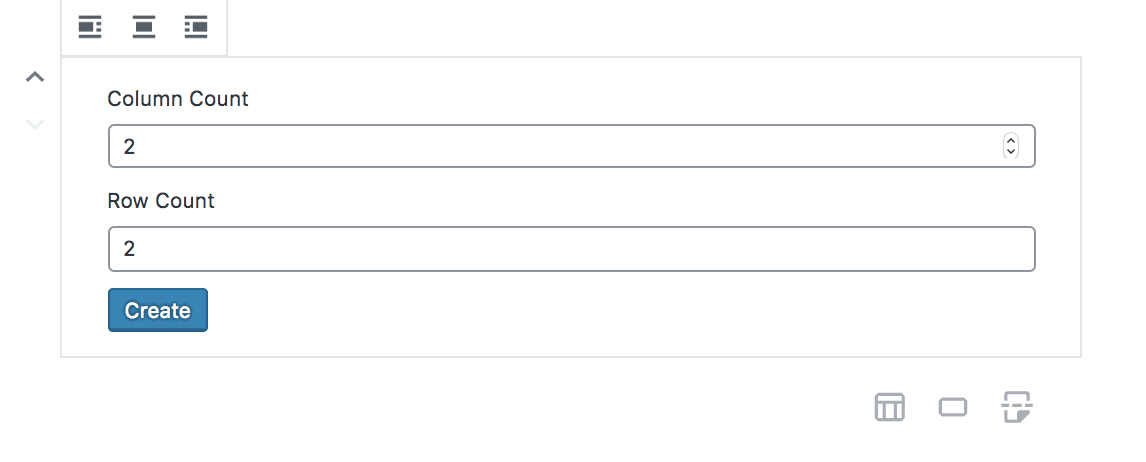
Adding a table in Gutenberg
 Block Editor
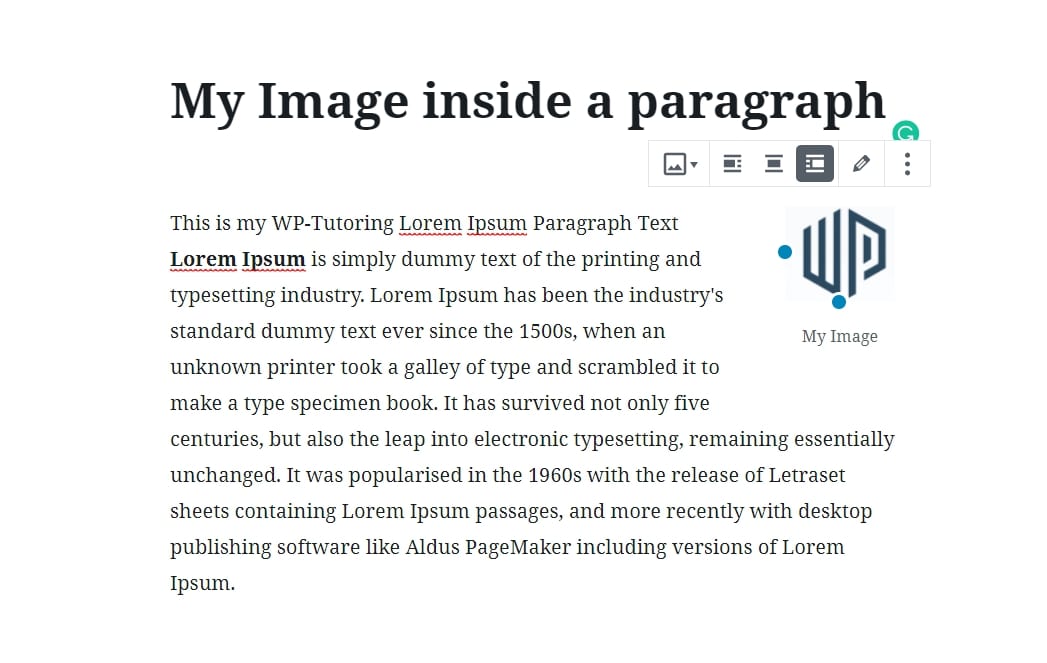
Gutenberg - Adding an Image to the paragraph block
 Block Editor
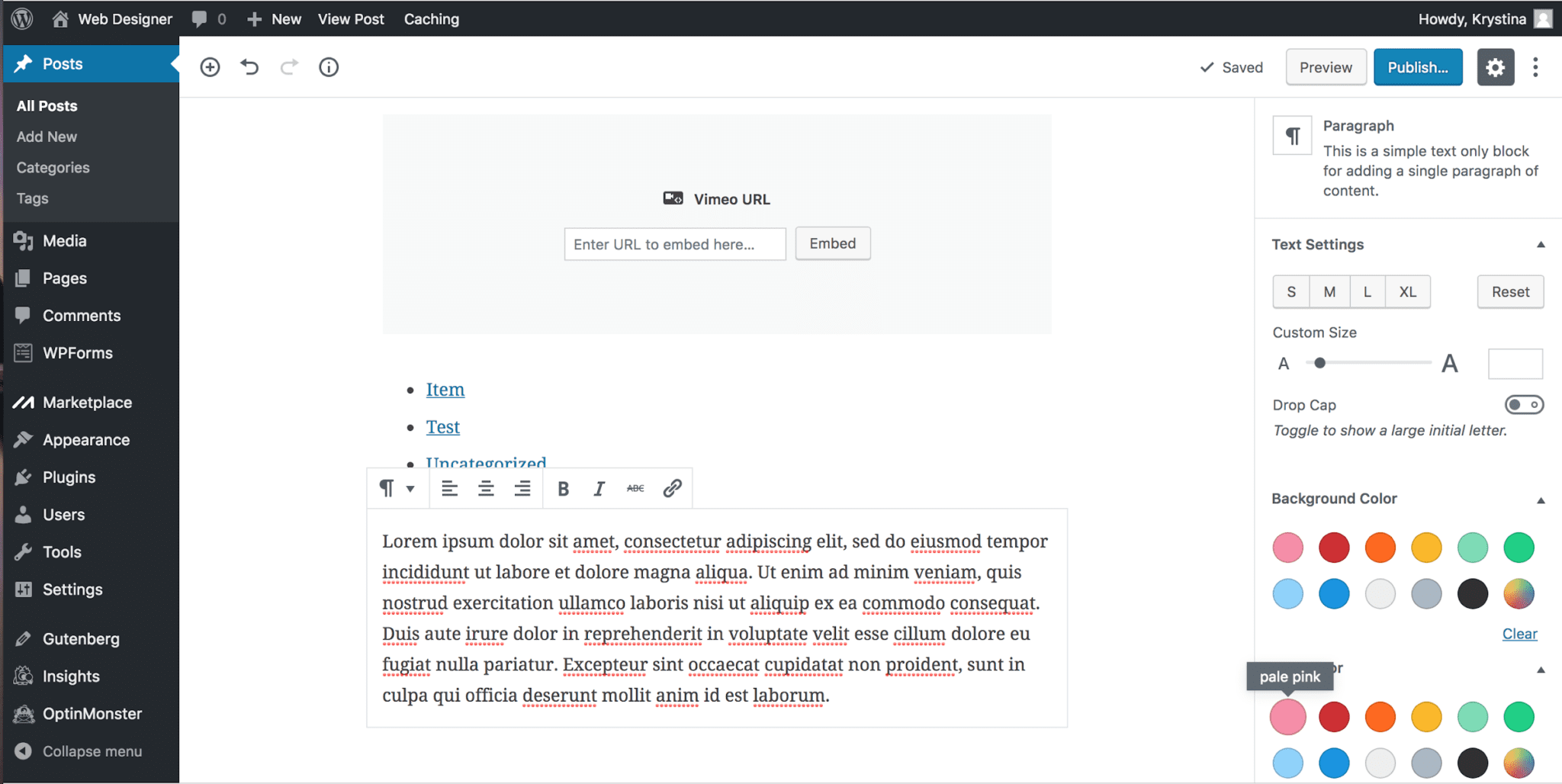
Adding paragraph text in Gutenberg
 Block Editor
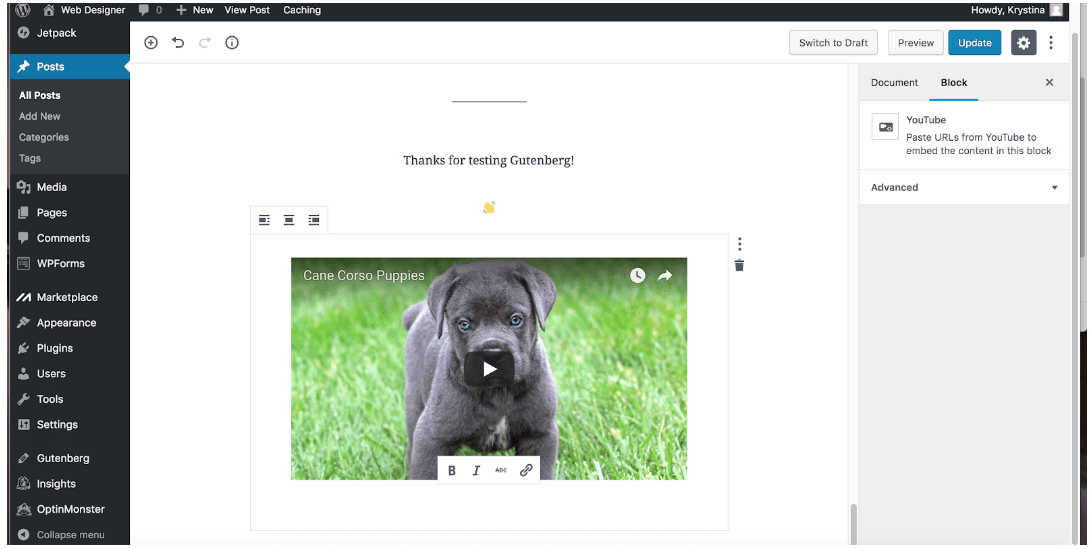
Embedding Youtube and Vimeo videos in Gutenberg WordPress 5.0
 Block Editor
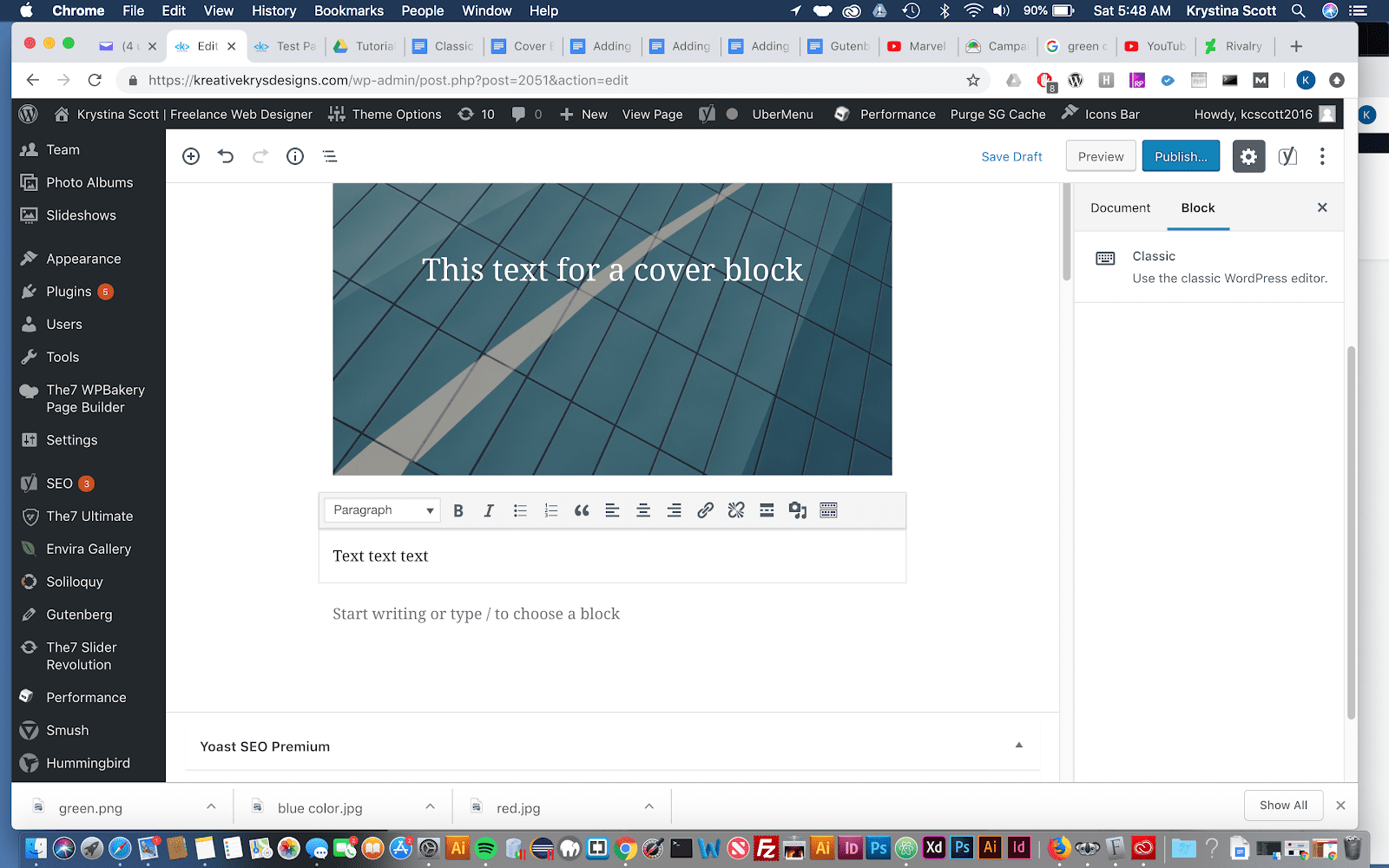
Using the Classic Block in Gutenberg
 For Businesses
WordPress for Business- Save time and Money- Part 1
 Block Editor
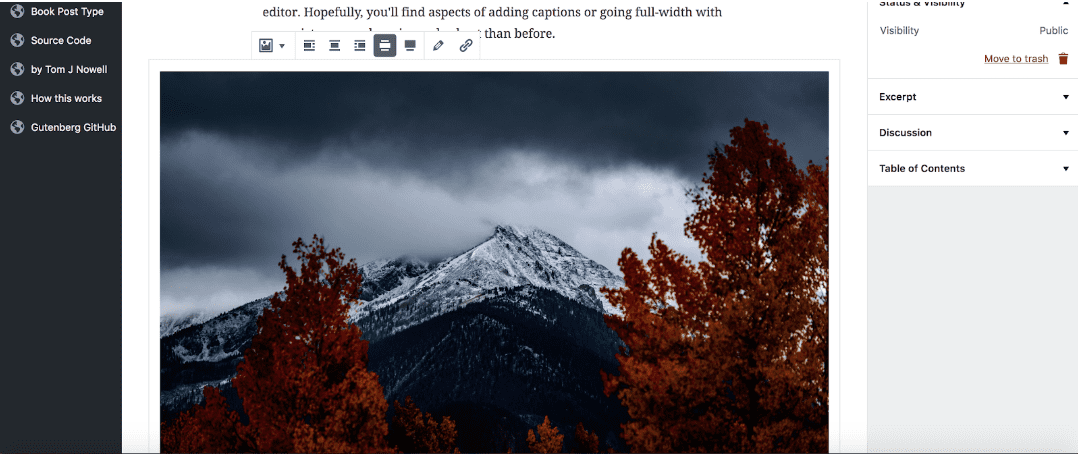
Adding an Image in Gutenberg
 Maintenance
How to change the number of blog posts on your blog page
 Themes
Changing your Wordpress Themes
 Maintenance
How to keep google from indexing your site
 Maintenance
Import and Export WordPress Data
 WordPress Basics
How to install a free theme
 WordPress Basics
Set the Default Post Category in WordPress
 Maintenance
Setting the Default WordPress Language
 Maintenance
Setting the WordPress Admin email address
 WordPress Basics
Adding a Category to a WordPress Menu
 WordPress Basics
How to Add Custom Links to a WordPress Menu
 WordPress Basics
Adding a new user to WordPress
 WordPress Basics
Adding a page to a WordPress Menu
 WordPress Basics
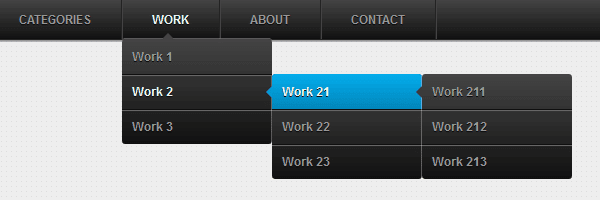
Adding a submenu item in WordPress
 WordPress Basics
Assigning a Menu Location in WordPress
 WordPress Basics
Creating a Menu in WordPress
 Plugins
Deleting a WordPress Plugin
 WordPress Basics
Deleting comments in WordPress
 WordPress Basics
Deleting a menu item in WordPress
 WordPress Basics
Renaming a menu item in WordPress
 WordPress Basics
Set the Default Post Format in WordPress
 Maintenance
Setting the number of blog posts per page in WordPress
 Maintenance
Setting the Post page of your WordPress Site
 WordPress Basics
Uploading a pdf in WordPress
 WordPress Basics
Uploading a picture in WordPress
 WordPress Basics
Adding a new category in WordPress
 WordPress Basics
Deleting a category in WordPress
 WordPress Basics
#1 way for Editing comments in WordPress
 WordPress Basics
Changing the number of blog posts displayed in WordPress
 WordPress Basics
Wordpress gallery shortcodes
 Block Editor
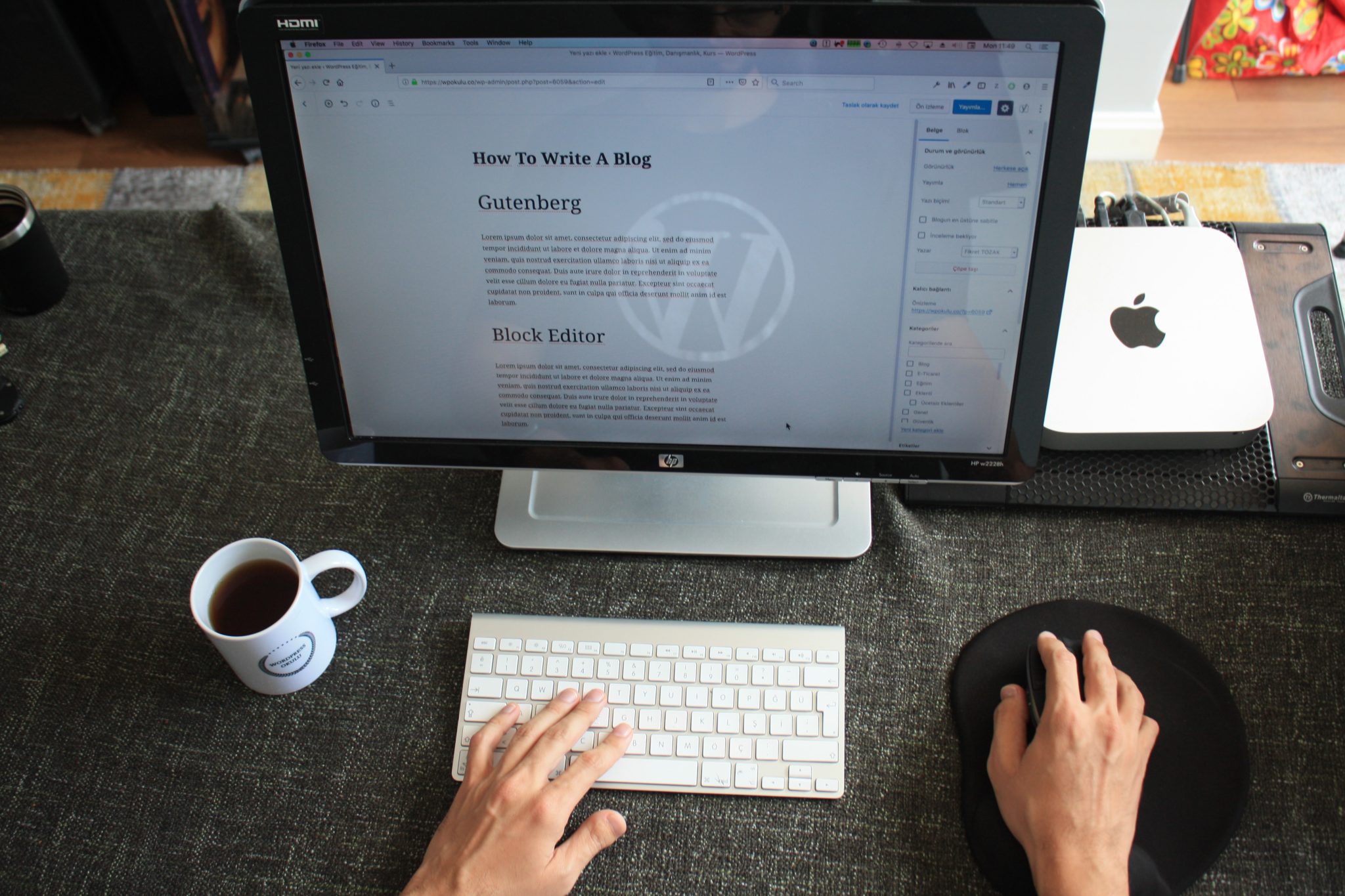
The WordPress Block Editor - Is it Time to Switch?
 For Businesses
Elementor Help and Training by WP-Tutoring.com
 Themes
Top 10 Elementor Themes
 Block Editor
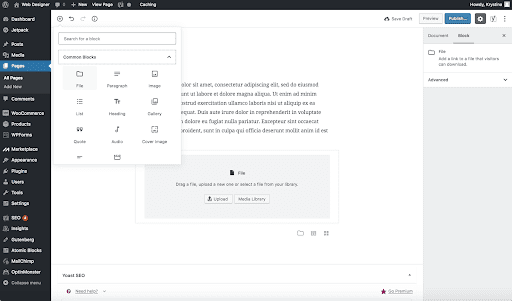
Adding a file in Gutenberg
 Block Editor
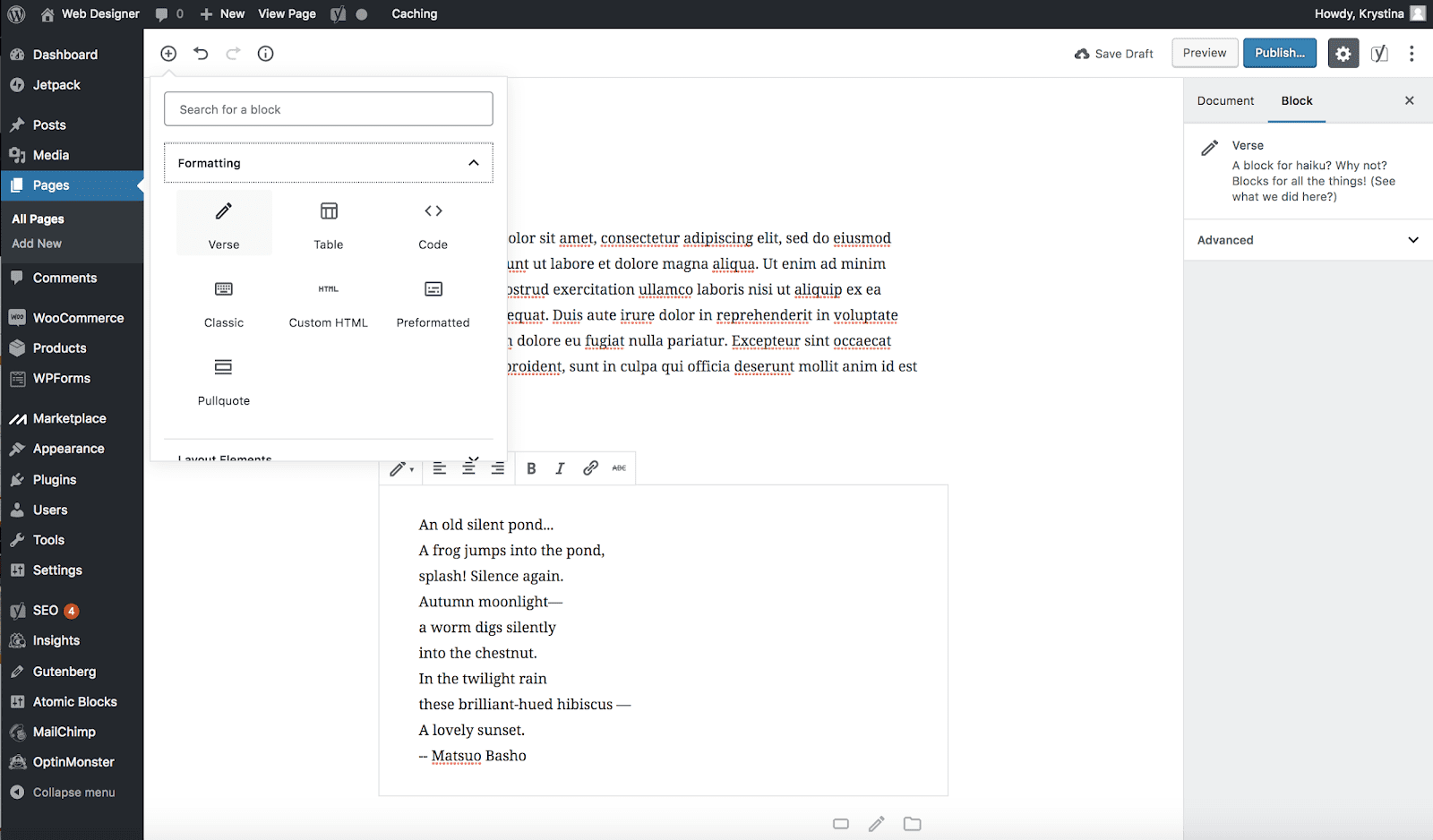
Adding a Verse in Gutenberg
 Block Editor
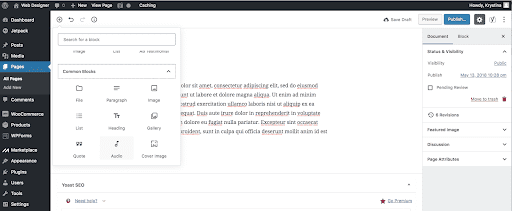
Adding an audio file in Gutenberg
 Block Editor
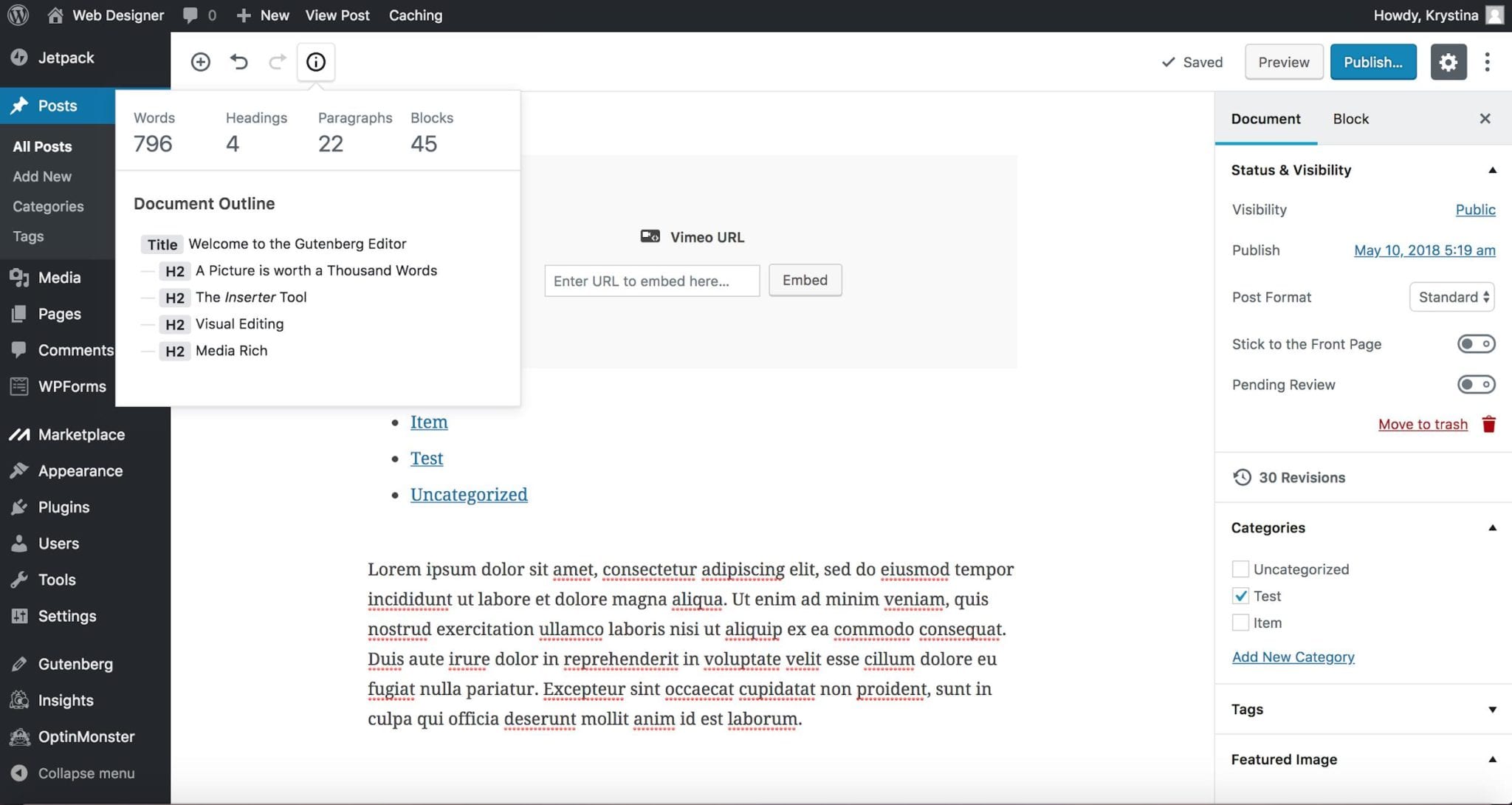
Getting an Article’s Word Count in Gutenberg
 Block Editor
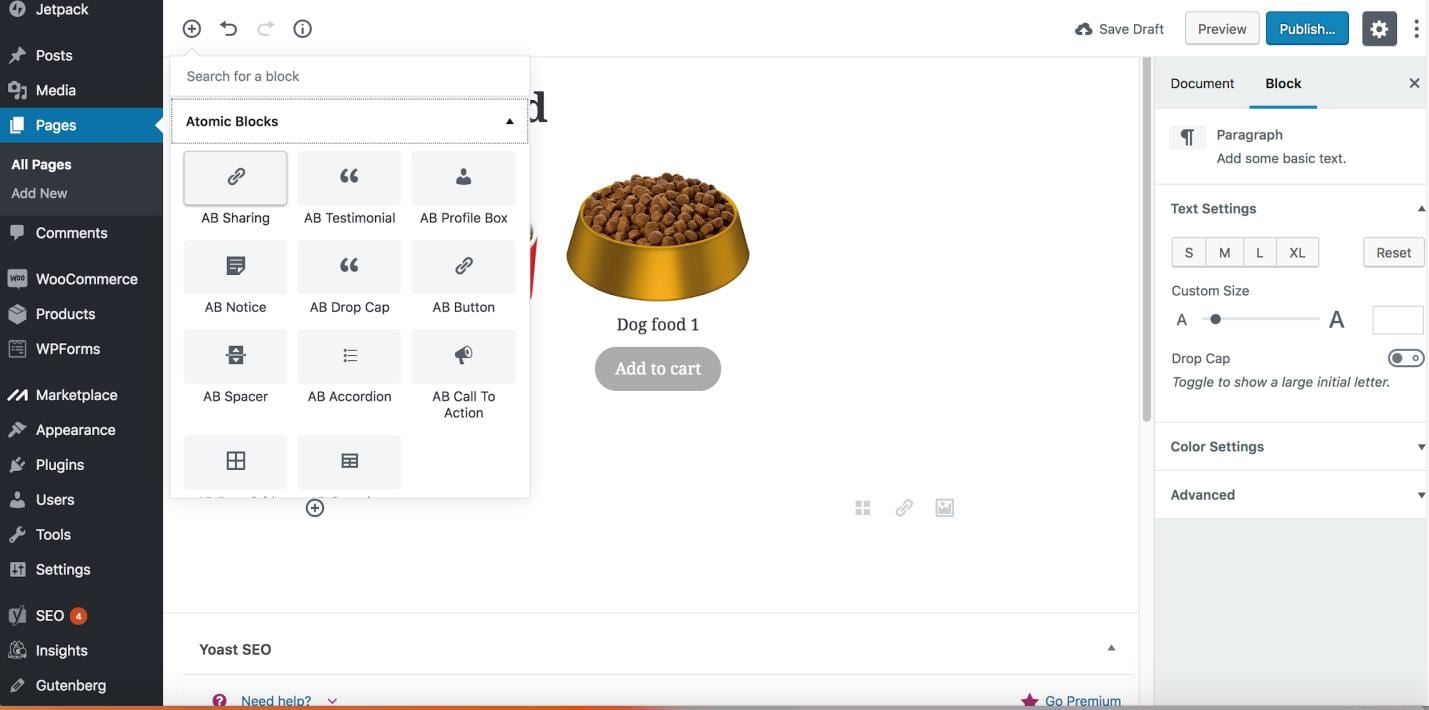
How to use Gutenberg Products Block
 Block Editor
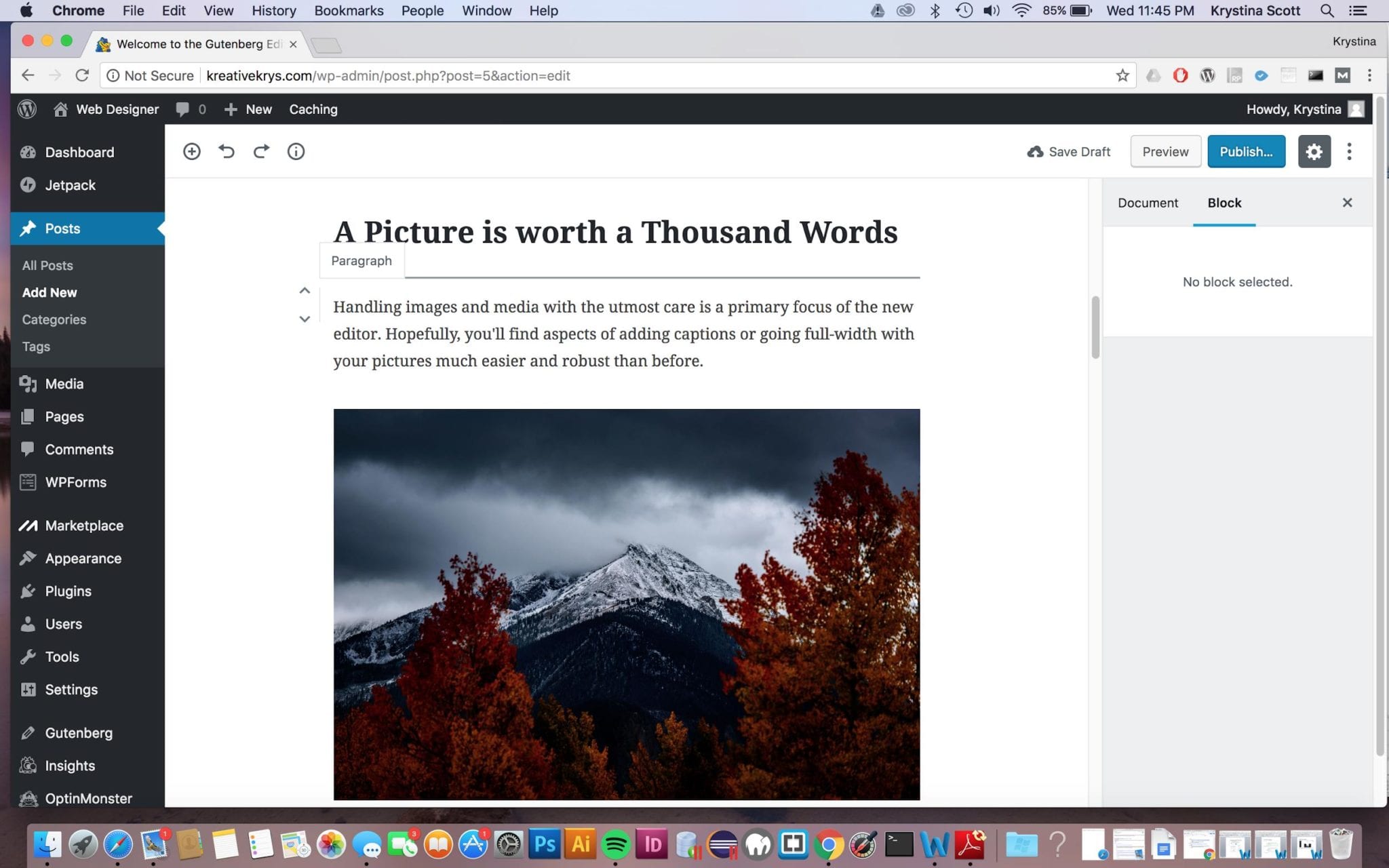
Moving a Block in Gutenberg
 Block Editor
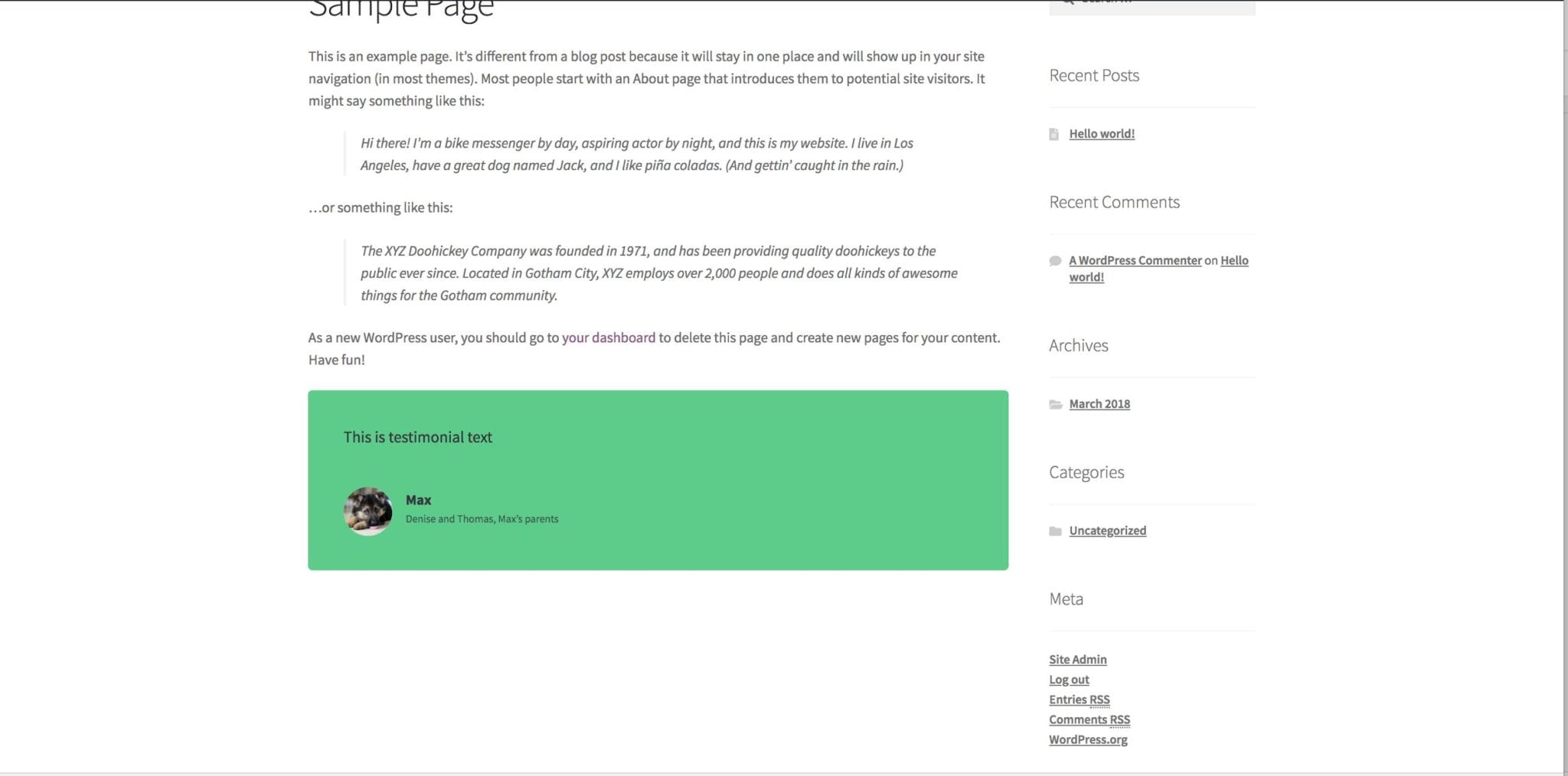
Adding Testimonials in Gutenberg
 Block Editor
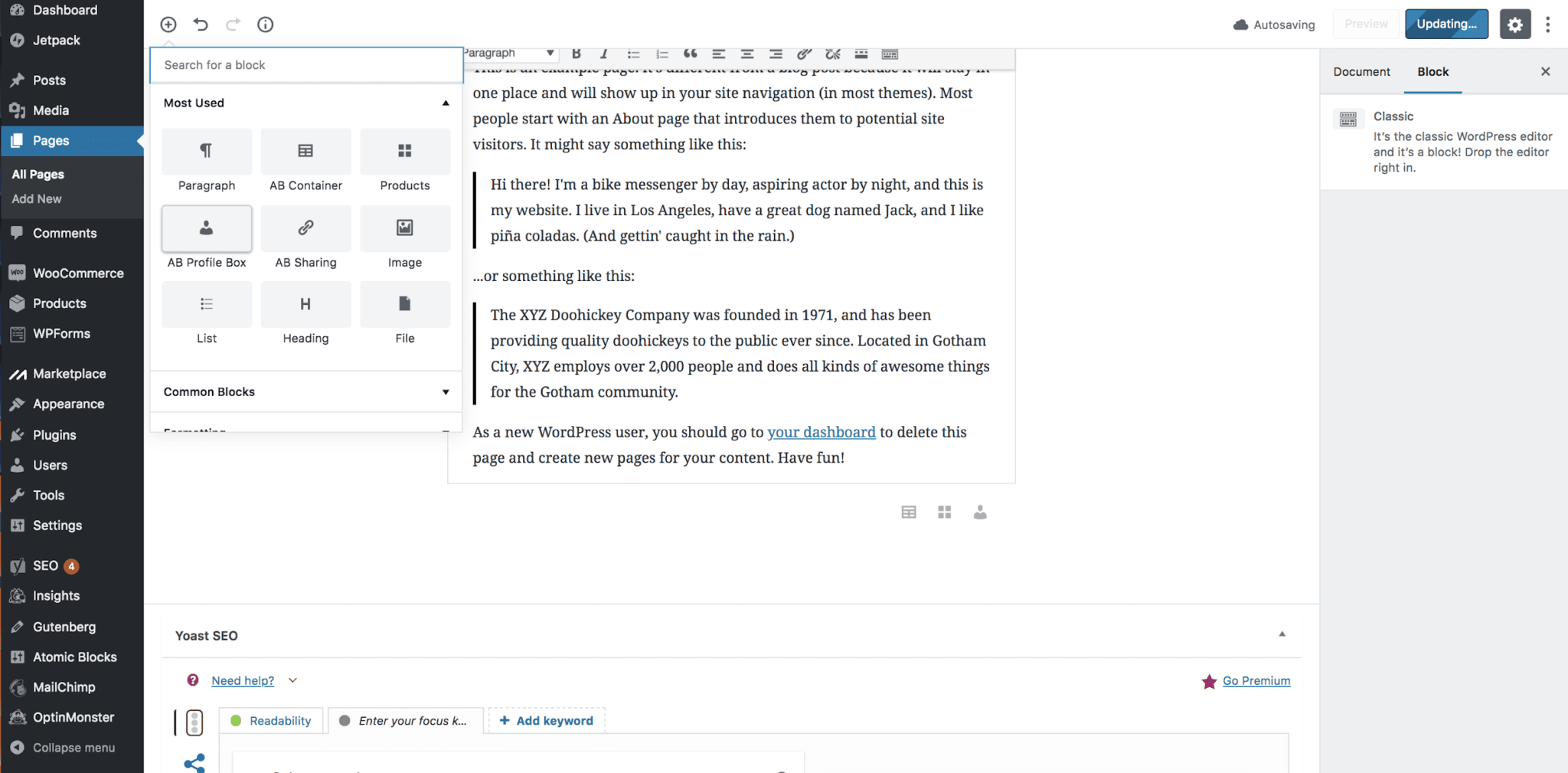
Using the Author Block in Gutenberg
 Block Editor
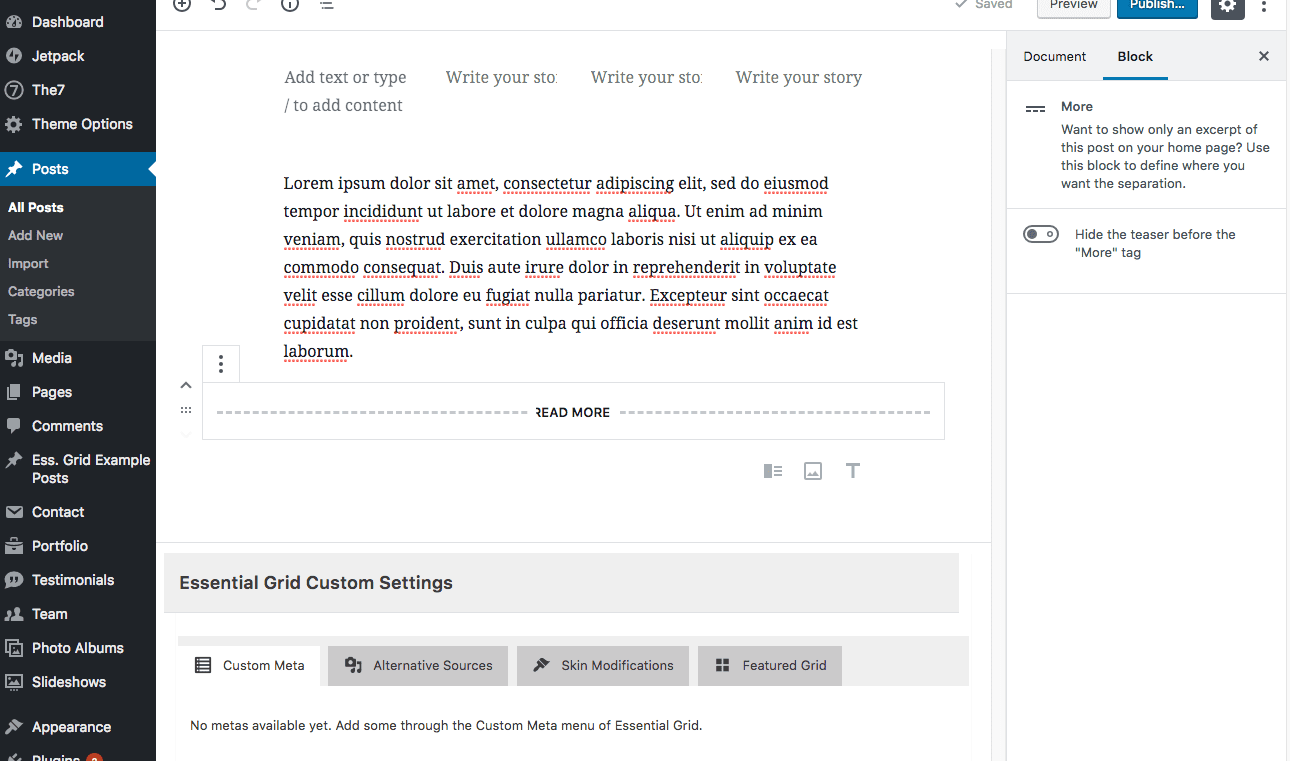
Using the More Block in Gutenberg
 Block Editor
Using the Sharing Icons Block in Gutenberg
 WordPress Basics
WordPress Frequently Asked Questions
 For Businesses
WooCommerce New Features
 Block Editor
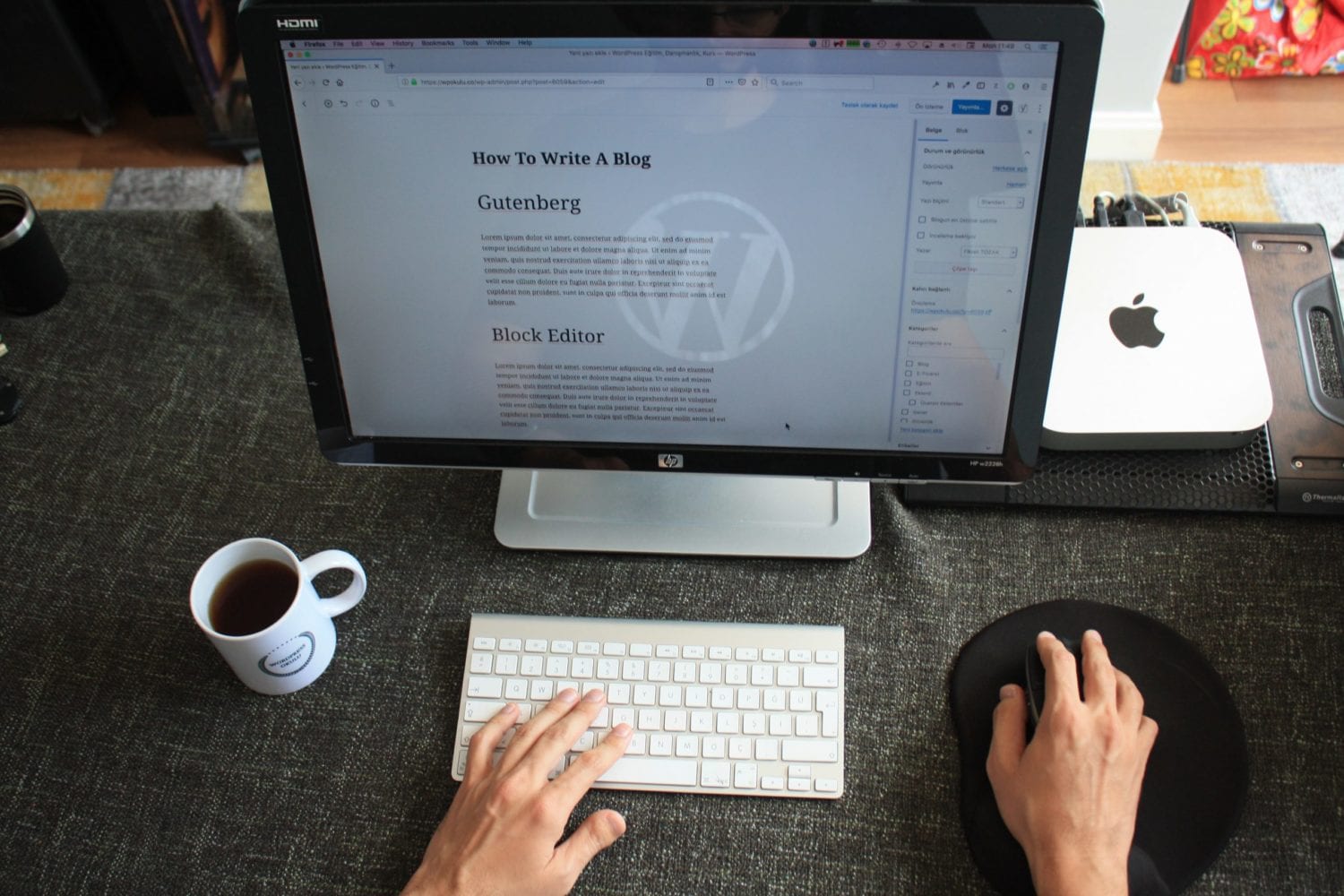
WordPress 5.5 - The best edition yet.
 For Businesses
If WordPress is Good Enough for NASA....
 Block Editor
OVER 13 Places to get Gutenberg Blocks for WordPress 5.0
 For Businesses
WordPress Development Services Now Available!!!!
 WordPress Basics
Wordpress Spring Cleaning List
 Maintenance
Privacy Policy Tool in WordPress
WordPress Basics
Adding Latest WordPress Posts in the Gutenberg Editor
 Block Editor
Using the WordPress Site Health Check
 Plugins
How to Edit Live Wordpress Content
 Block Editor
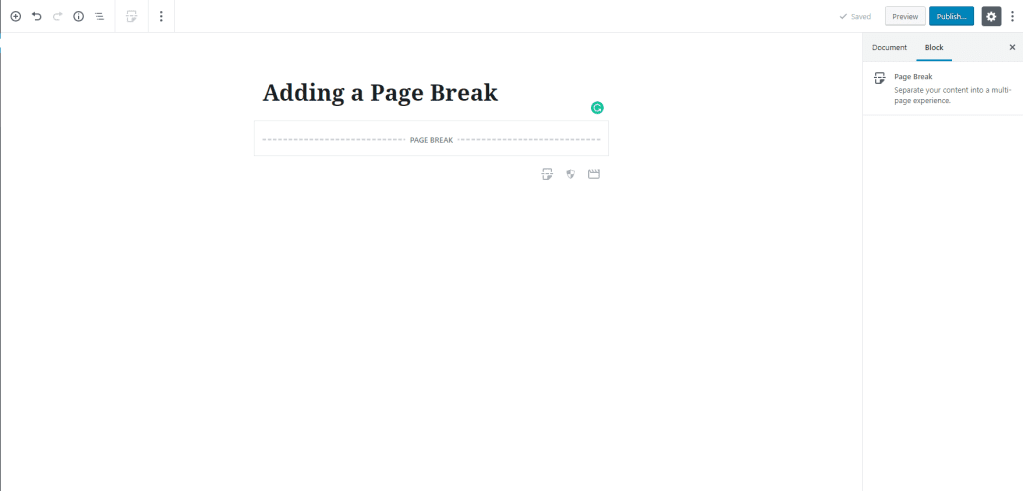
Adding a Page Break in Gutenberg- WordPress 5.0
 WordPress Basics
Making a wordpress sandbox
 WordPress Basics
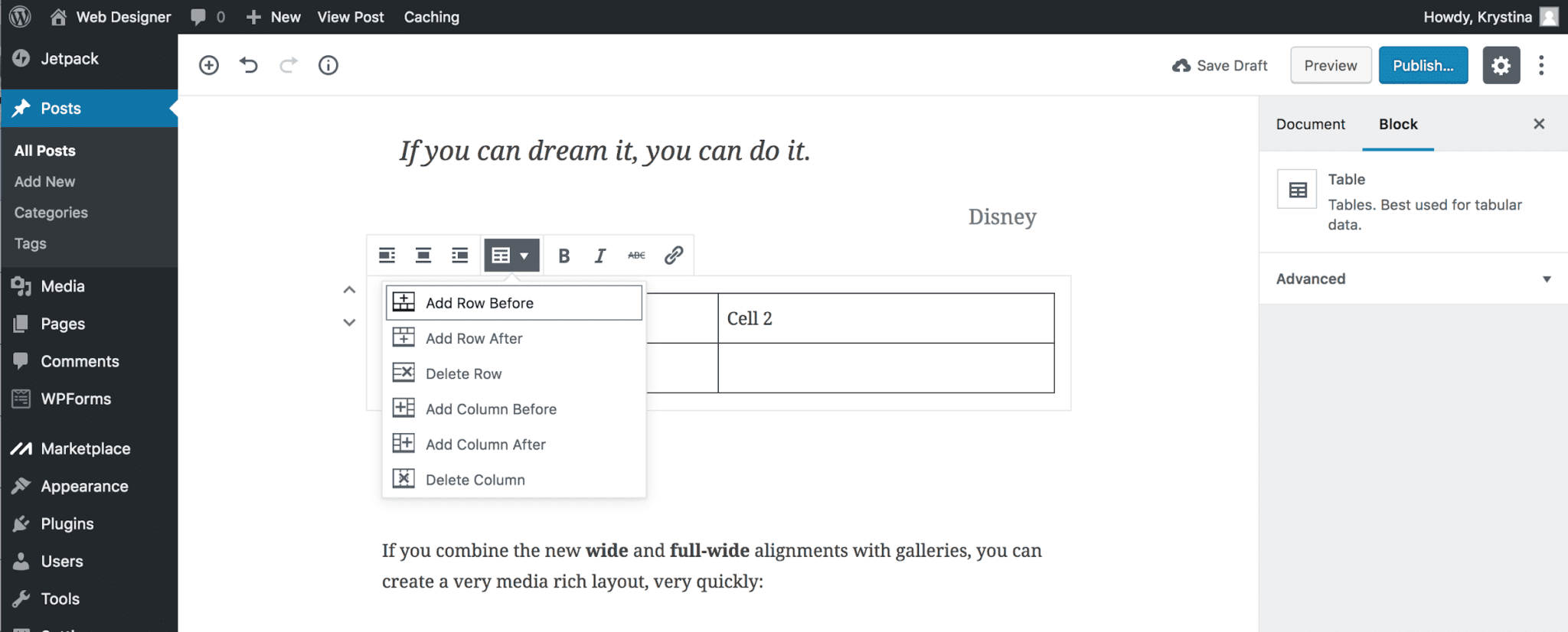
Adding a Table in Gutenberg
 WordPress Basics
How to change the number of items listed in WordPress All Posts Page
 WordPress Basics
What is WordPress
 Block Editor
WordPress 5.0 Gutenberg - What is it? How to Prepare
 Plugins
5 Steps to Prepare for Gutenberg - WordPress 5.0
 Plugins
Contact Form 7
 Plugins
WordPress Contact Forms The Ultimate Guide
 Plugins
How to change usernames in WordPress using Username Changer Plugin
 Plugins
Top 10 Free Woocommerce Plugins
 Plugins
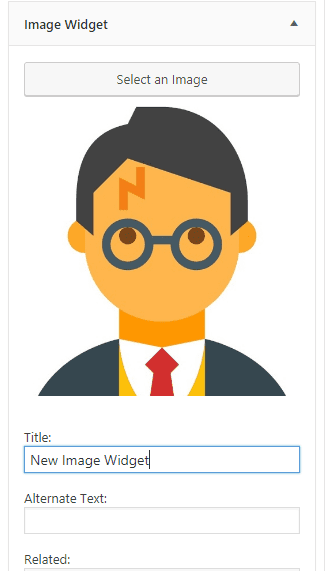
How to use the New Image Widget
 Plugins
How to use the WP Video Widget
 WordPress Basics
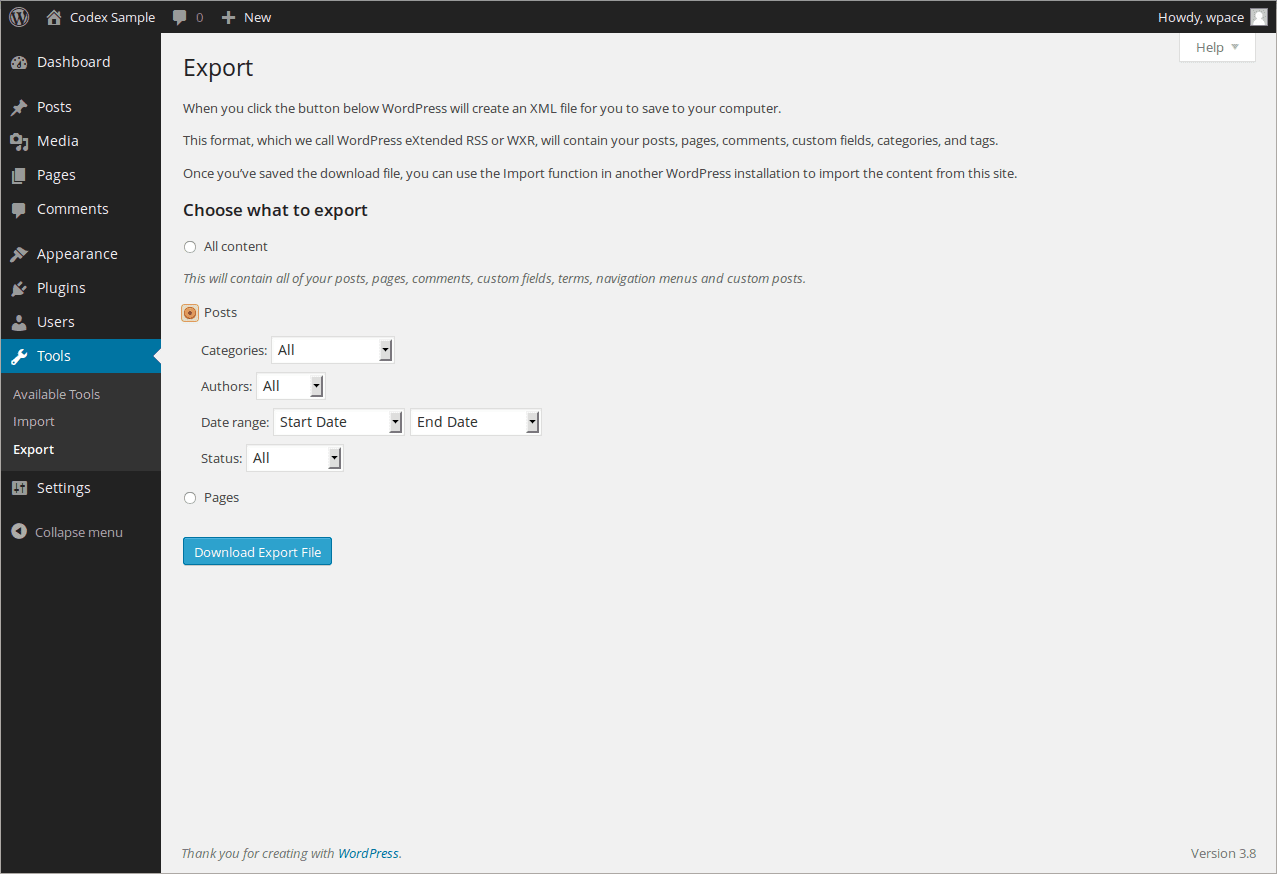
How To Export WordPress Posts and Pages
 WordPress Basics
Setting a Featured Image in WordPress
 Plugins
Top Free WooCommerce Plugins
 Plugins
WordPress User Activity Log Plugins
 WordPress Basics
Do you have a WordPress Disaster Plan in Place?
 WordPress Basics
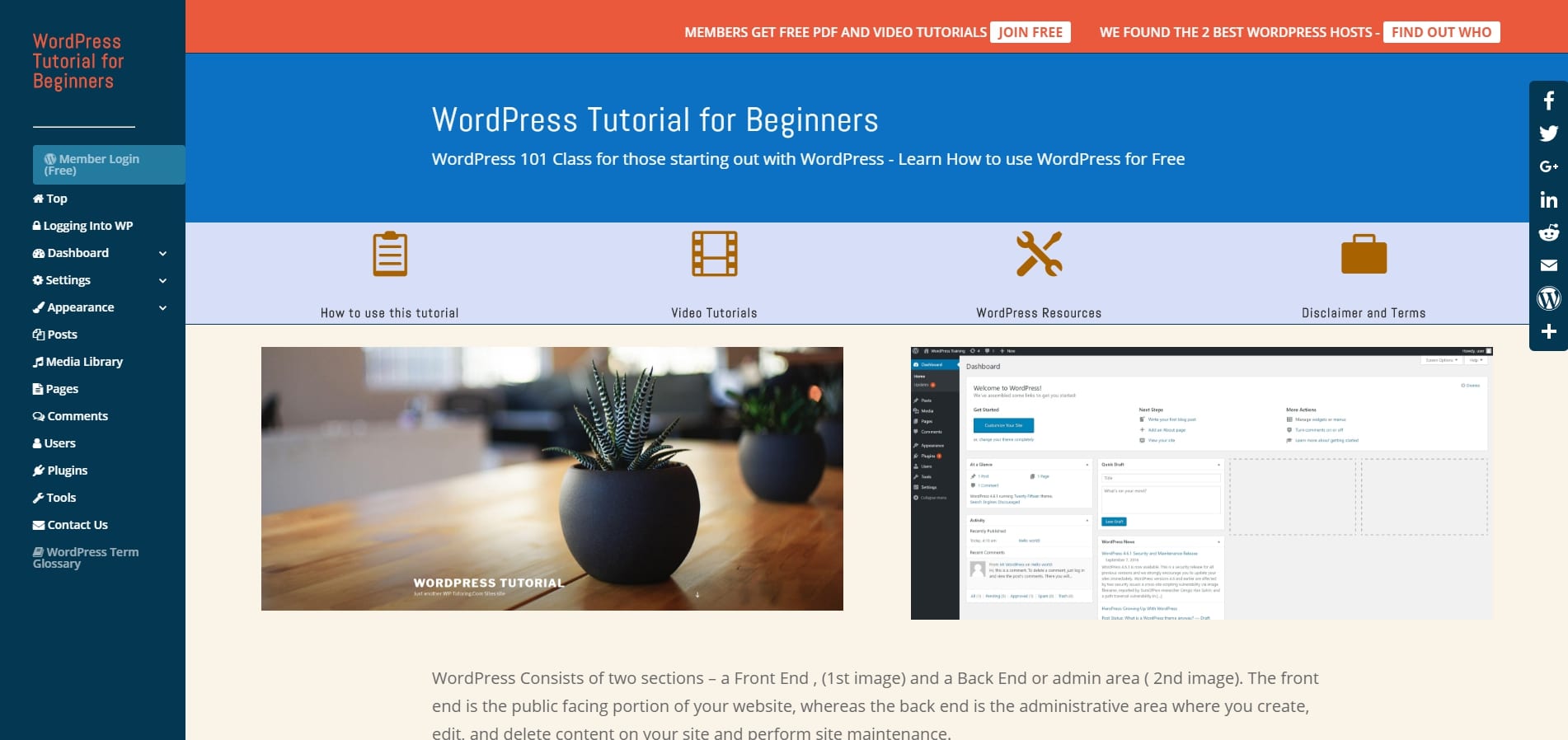
Free WordPress Tutorial for Beginners Just Launched
 WordPress Basics
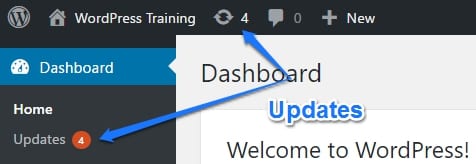
WordPress Updates Tutorial
 Plugins
50 Essential WordPress Plugins
 WordPress Basics
How to add social media icons to your WordPress site
 WordPress Basics
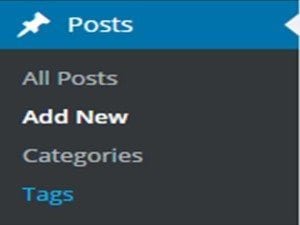
How To Add Tags in WordPress
 WordPress Basics
How to reply to a comment
 WordPress Basics
Creating a gallery in WordPress
 WordPress Basics
Creating a Video Gallery in WordPress
 WordPress Basics
Using post revisions
 WordPress Basics
The Absolute Easiest Way to Make a Child Theme
 For Businesses
Event Ticket Sales with WordPress
 Plugins
Updating a WordPress Plugin
 WordPress Basics
WordPress Site Documentation Service
 WordPress Basics
Change the Post Author in WordPress
 SEO
SEOWordPress SEO Tip - Strengthen Old Content
 For Businesses
WordPress for Employees - A new hot Job Skill?
 WordPress Basics
Adding a Title Attribute in WordPress
 WordPress Basics
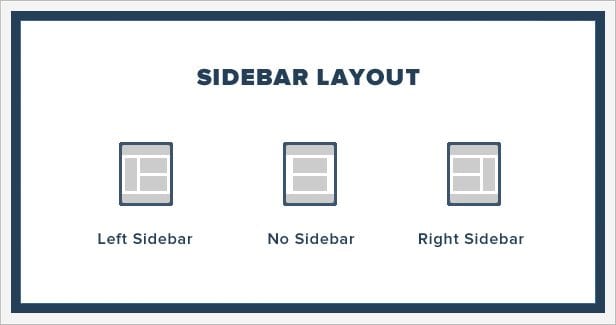
Adding a Widget to a Sidebar
 WordPress Basics
Setting the Date Format in WordPress
 WordPress Basics
Setting WordPress Starting day of the Week
 Maintenance
Updating WordPress site tagline
 Maintenance
Updating Your WordPress Site Title
 WordPress Basics
What are WordPress Sidebars
 Plugins
What are WordPress Widgets
 For Businesses
WP Live Chat and Voicemail- WordPress for Business Part 6
 For Businesses
Slideshows WordPress for Business- Save time and Money- Part 5
 For Businesses
Podcasting -WordPress for Business- Part 4
 For Businesses
WordPress for Business- Save time and Money- Part 3
 For Businesses
WordPress for Business- Save time and Money- Part 2
 Plugins
WordPress Plugin Development and Modification - Our Latest Service
For Businesses
Are you neglecting your best employee?
WordPress Basics
Before You Install WooCommerce on Your WordPress Site
For Businesses
WordPress Training and Help Alexandria VA- The Mowery Company
 WordPress Basics
Speed Up My WordPress Site- In one step
 Plugins
Why Your Wordpress Backup is Useless
 Maintenance
Wordpress Hosting - Comparisons
 Maintenance
WordPress Hosting: Who NOT to use
 WordPress Basics
WordPress Help and Training Vienna, VA- Caffè Amouri
 For Businesses
WordPress Hosting - Why I hosted with WP Engine
For Businesses
10 Things Your Wordpress Website Can Do For Your Business
For Businesses
WordPress 4.3 makes editing content even easier
WordPress Basics
WordPress Training in Washington DC
Plugins
Adding Wordpress Subtitles to Your Posts
Plugins
Wordpress Plugin Update- WP-Edit
For Businesses
Custom Wordpress Training Videos
WordPress Basics
Where do I do .....
WordPress Basics
Wordpress 3.9 Widget Preview
For Businesses
Wordpress Training Northern Virginia
WordPress Basics
Adding a New User to Wordpress-Wordpress Training
Maintenance
When your wordpress webdesigner leaves you
WordPress Basics
How do I use Wordpress
For Businesses
Magazine Wordpress Theme
Themes
Wordpress Portfolio Theme
For Businesses
Wordpress SEO Basics - Start Here First
Plugins
A Wordpress Plugin for Beginners
For Businesses
5 Reasons Your Small Business Website Should be on Wordpress
WordPress Basics
Wordpress Tutoring Available at Reasonable Prices
Get our free WordPress starter guide
Join thousands of site owners and get step-by-step WordPress tutorials in your inbox, plus printable cheat sheets.
Beginner-friendly, no jargon
Printable cheat sheets & checklists
Unsubscribe anytime