Table of contents
If you just typed "WordPress training near me" into a search engine, you're looking for something real: a person who can sit with you and untangle WordPress instead of leaving you to fight through it alone. A decade ago, the answer was a local classroom. Today there's a better option — live online training that happens on your own website, with an instructor who does nothing but WordPress. We've taught WordPress since 2012, first in local classrooms around the DC area, and now entirely over Zoom. Here's an honest look at why online won.
The problem with local WordPress classes
Local training has three built-in limits:
- The instructor pool is whoever's nearby. WordPress is a specialty. A general "intro to websites" class at a community center is rarely taught by someone who works in WordPress every day.
- The curriculum is fixed. A classroom course walks everyone through the same demo site. Your actual website — with its inherited theme, its odd plugins, its real content — stays home.
- The schedule is theirs, not yours. Fixed class times, commutes, parking, and a pace set to the average of the room.
None of that made local classes bad — it's just that every one of those limits disappears online.
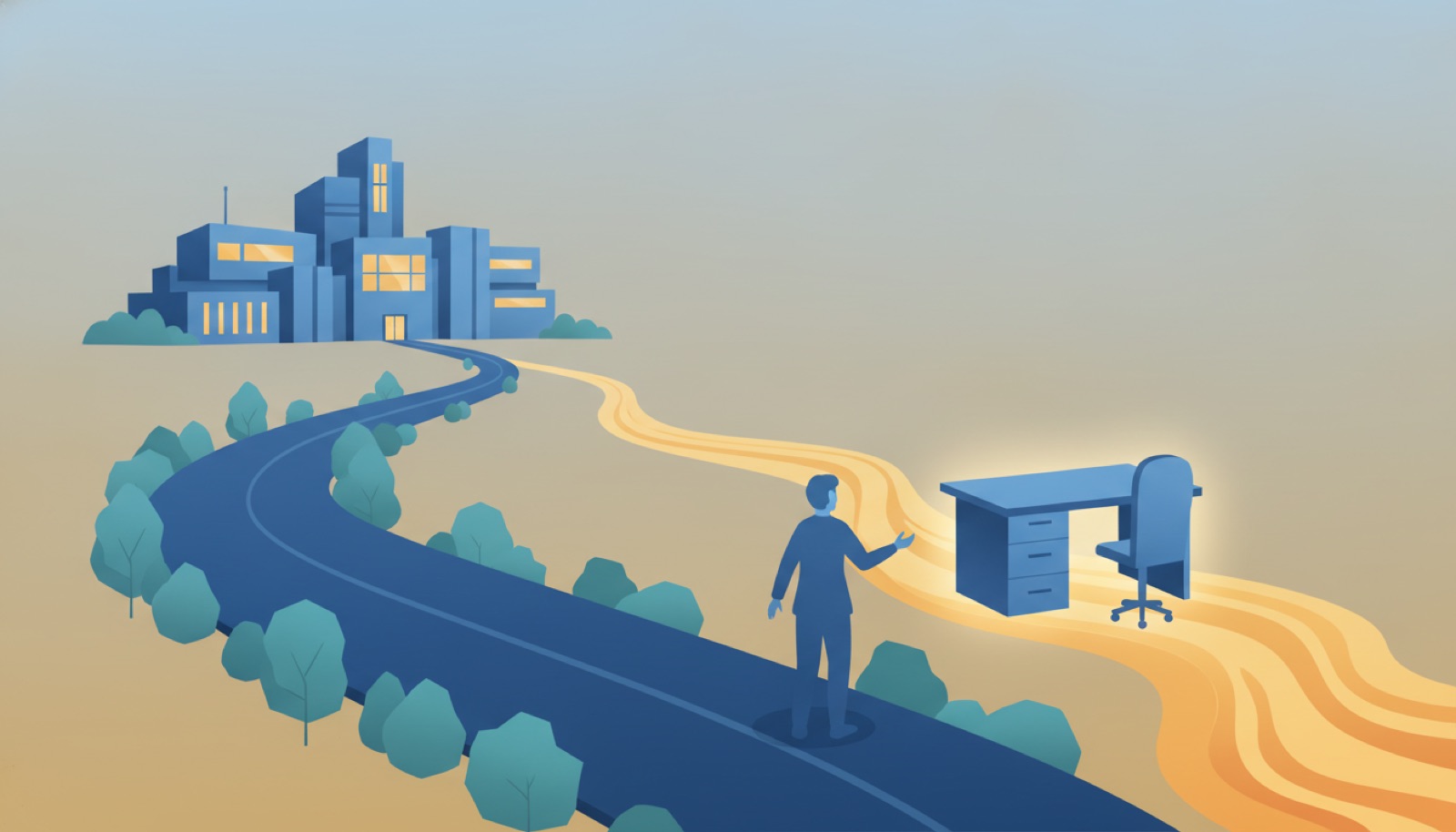
Why live online training wins for WordPress
It happens on your real website. This is the big one. Over Zoom with screen sharing, your instructor works inside your dashboard — your theme, your plugins, your content. You're not translating lessons from a demo site to your situation; the lesson is your situation. If you've inherited a customized site from a previous designer, that's the site we train you on. (If you'd rather practice risk-free, we can provide a practice site instead.)
You get the best instructor for the job, not the nearest one. Online, "near me" becomes irrelevant — you can learn from someone who specializes in exactly what you need, whether that's the block editor, WordPress SEO, or WooCommerce.
Scheduling bends around your life. Sessions book in one-to-four-hour blocks at times that fit your work. No commute, no semester calendar.
Every session comes with a recording. After each of our sessions you receive the full recording the next day. When you forget a step three weeks later — and everyone does — you replay exactly what was done on your own site. A classroom can't hand you that.
It's one-on-one by default. In a class of fifteen, you get a fifteenth of the instructor. Online tutoring is private: your questions, your pace, your agenda. There's no pre-set curriculum to sit through. Teams can train together too — we run group sessions for businesses with content matched to each role.
It usually costs less. No facility overhead, no travel, no paying for the parts of a curriculum you don't need. Our sessions are $85/hour — see pricing — and most people get what they came for in a session or two, because the time is spent entirely on their questions.
When local training still makes sense
Honesty matters here: if you learn dramatically better in a physical room, or you want the social side of a class, a local course can still be worth it. Check community colleges, libraries, and WordPress meetups in your area. Just ask two questions first: Will I be working on my own website? and Does the instructor work in WordPress professionally? If either answer is no, you'll likely outgrow the class quickly.
How to start with online WordPress training
You don't need anything special — a browser, a Zoom link, and login access to your WordPress site:
- Start free. Our 200+ written tutorials and the free WordPress PDF manual cover the fundamentals at no cost.
- Go self-paced. Our video courses walk through WordPress in short guided lessons you can follow on your own schedule.
- Go live. When you want answers specific to your site, book a one-on-one session or call (844) WP-TUTOR. You set the agenda; we bring the expertise; the recording arrives the next day.
"WordPress training near me" was the right search in 2012. In 2026, the best WordPress trainer for you almost certainly isn't in your zip code — and thanks to Zoom, they don't need to be.



Leave a comment