NewThe WP Tutoring WordPress training platform is live — on demand video courses and interactive WordPress lessons. Free lessons included.Start free
Helping site owners learn WordPress since 2012 · (844) WP-TUTOR
Plugins

WooCommerce Blocks and What They Do

WooCommerce Blocks are one of the most powerful parts of the WordPress Ecommerce Experience. These blocks allow you to place important items virtually…

WT
WP Tutoring TeamWordPress Instructors
Updated Aug 24, 2022
3 min read

WooCommerce Blocks are one of the most powerful parts of the WordPress Ecommerce Experience. These blocks allow you to place important items virtually anywhere in your WooCommerce shop.

What can we do with WooCommerce Blocks?

The power of these blocks is that you can place them practically anywhere. For instance, if you have a shop and want to create content about whatever you're selling,(for example a blog post), you can add products directly to the article so your visitors can go directly to your product and purchase.

You can also create a blog post or page for each product category on your site and include that category's products directly into the content.

We'll post an example of our deluxe WordPress Guide and Website Audits below:

Visual Guide to WooCommerce Blocks

Below is a visual guide to each block.
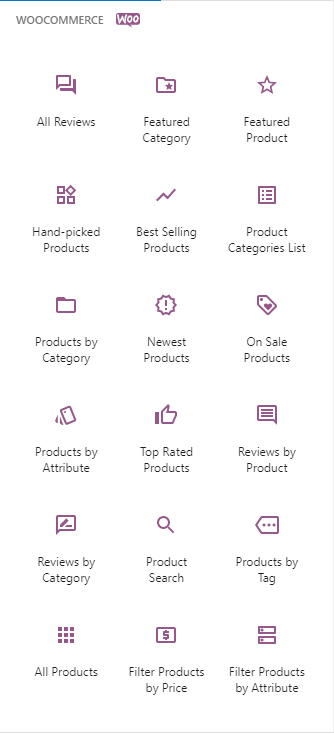
WooCommerce Blocks

WooCommerce Blocks can make your Products stand out anywhere on your site

All Reviews Block - shows a list of all product reviews
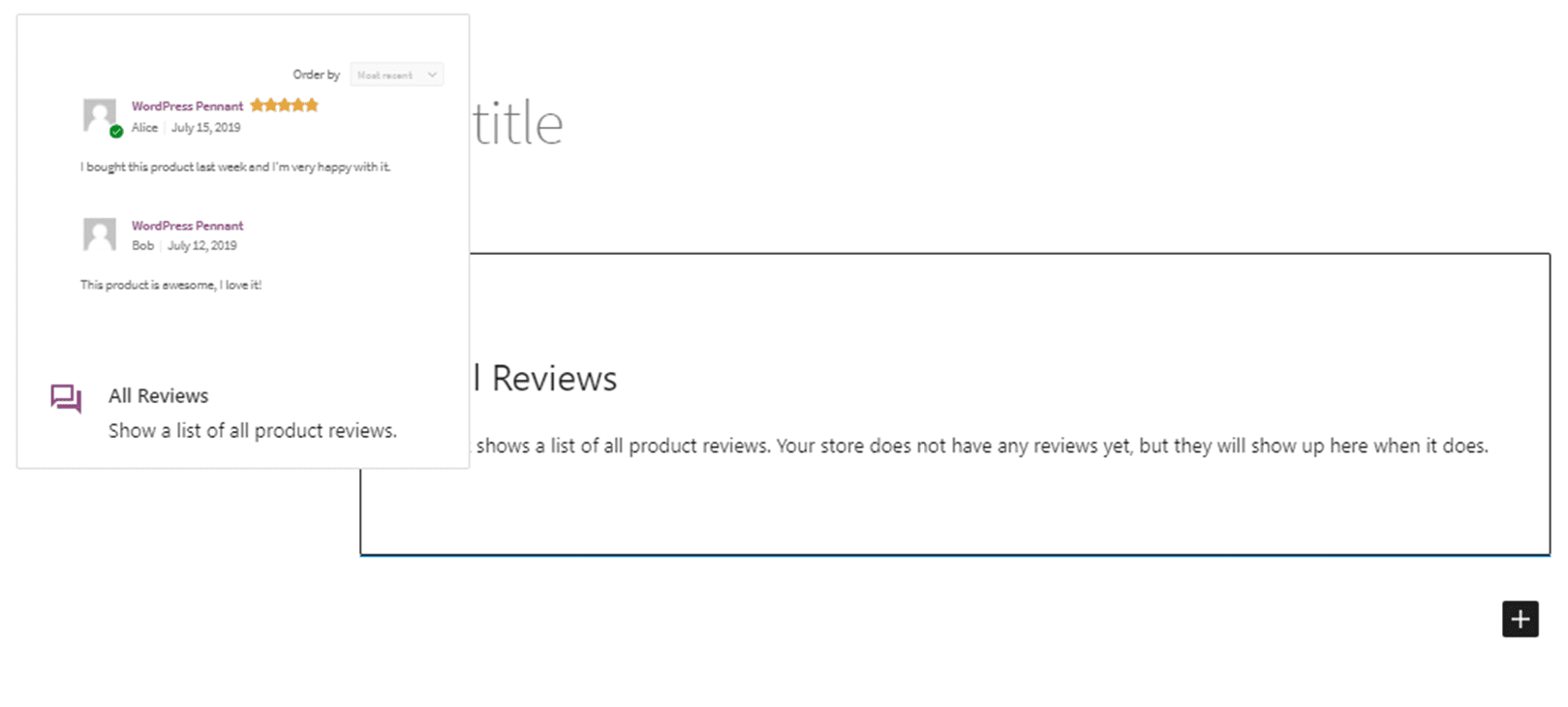
WooCommerce All Reviews Block

Featured Category - Visually highlight a product category and encourage prompt action.
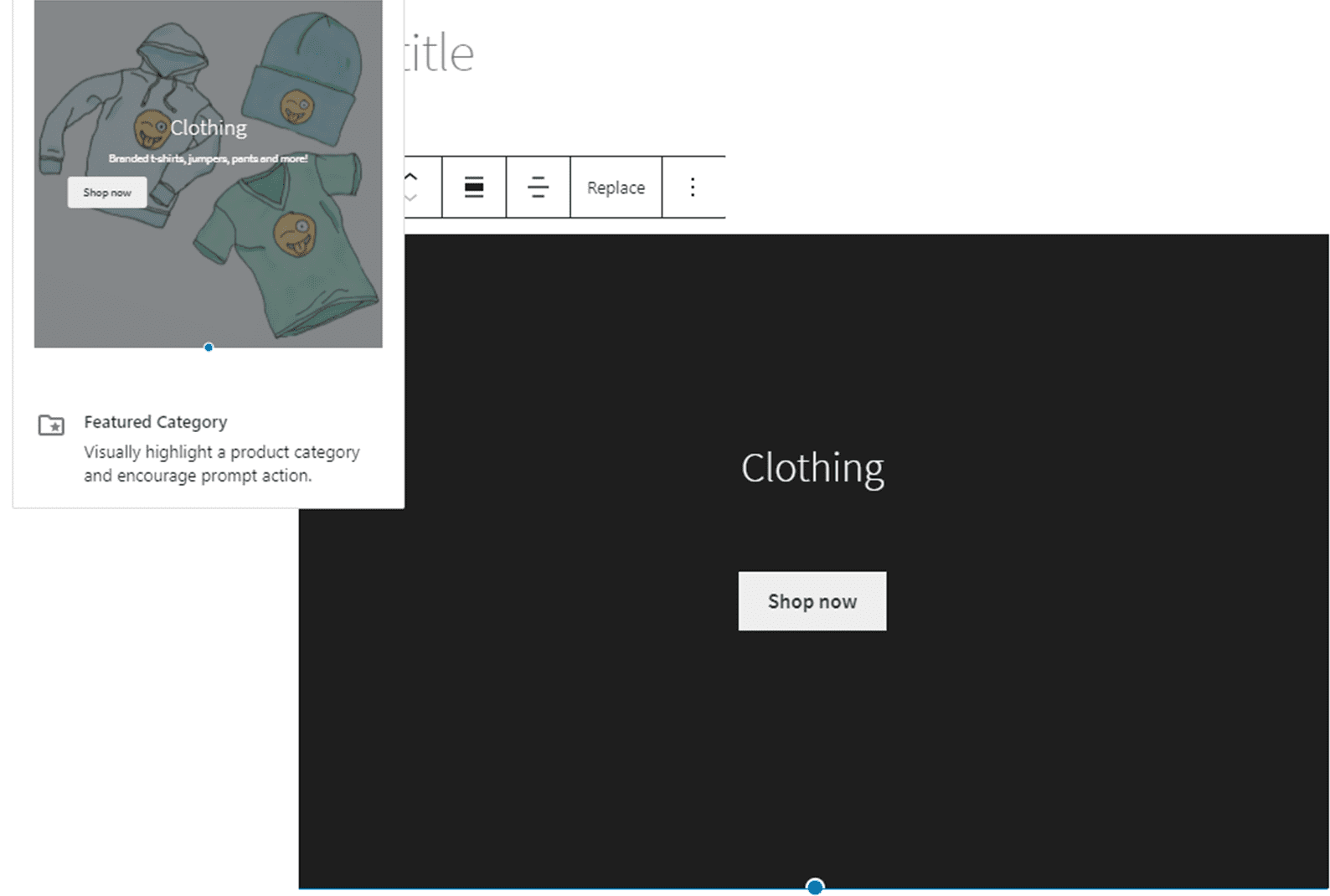
Featured Category Block

Featured Product - Visually highlight a product or variation and encourage prompt action
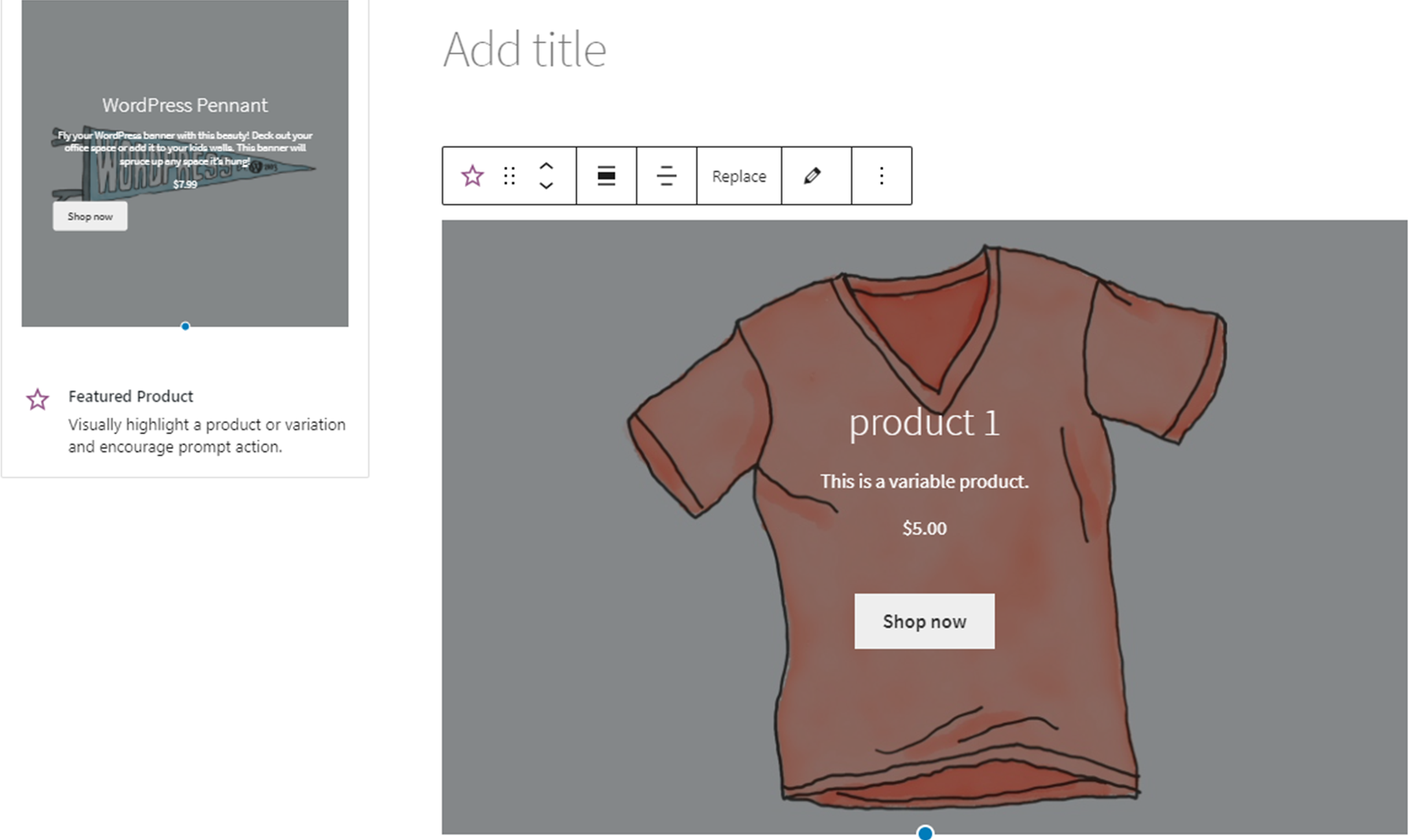
Featured Product Block

Hand-picked Products - Display a selection of hand-picked products in a grid.
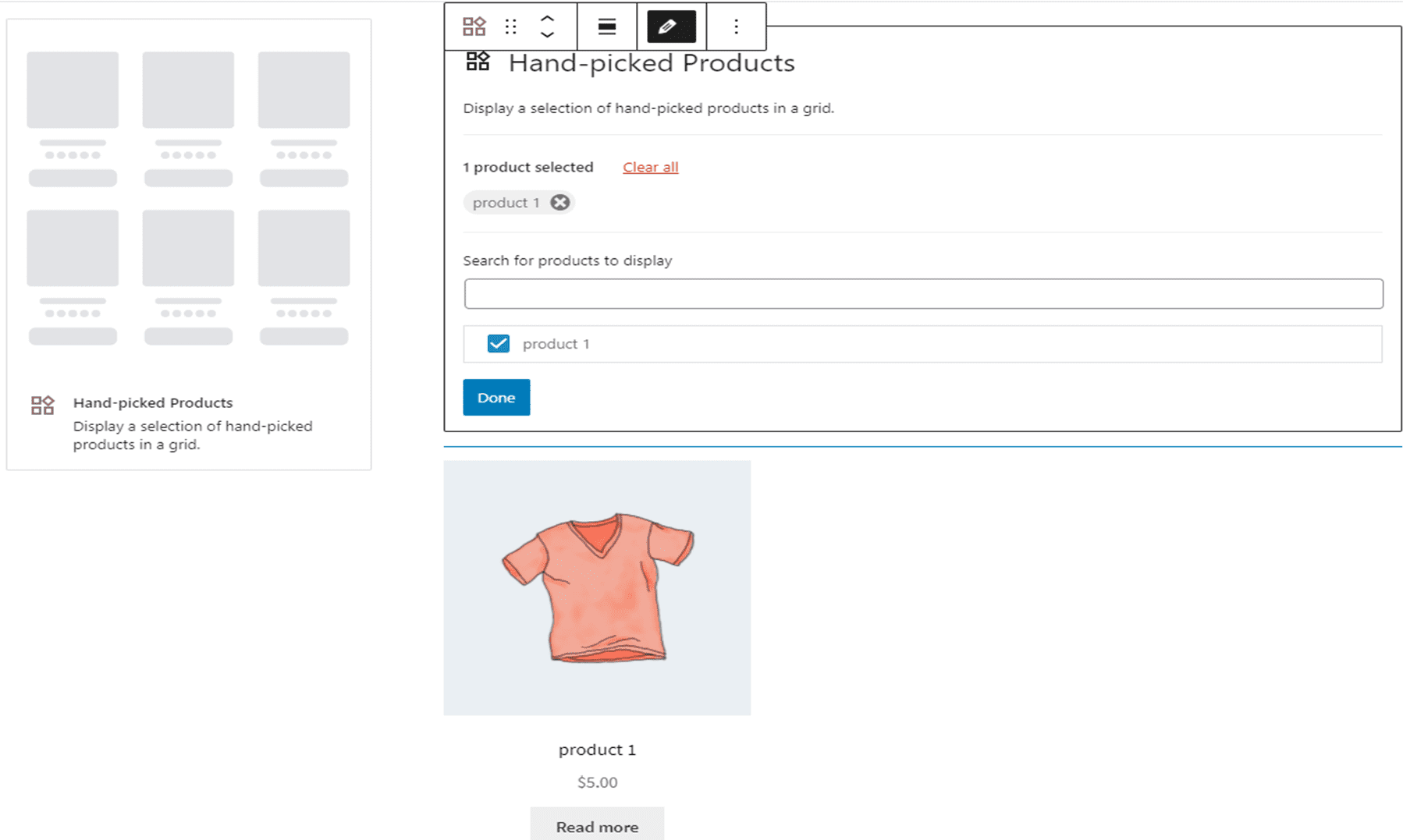
Hand-picked Products block displaying selected products in a grid

Best Selling Products - Displays a grid of your all-time best selling products.
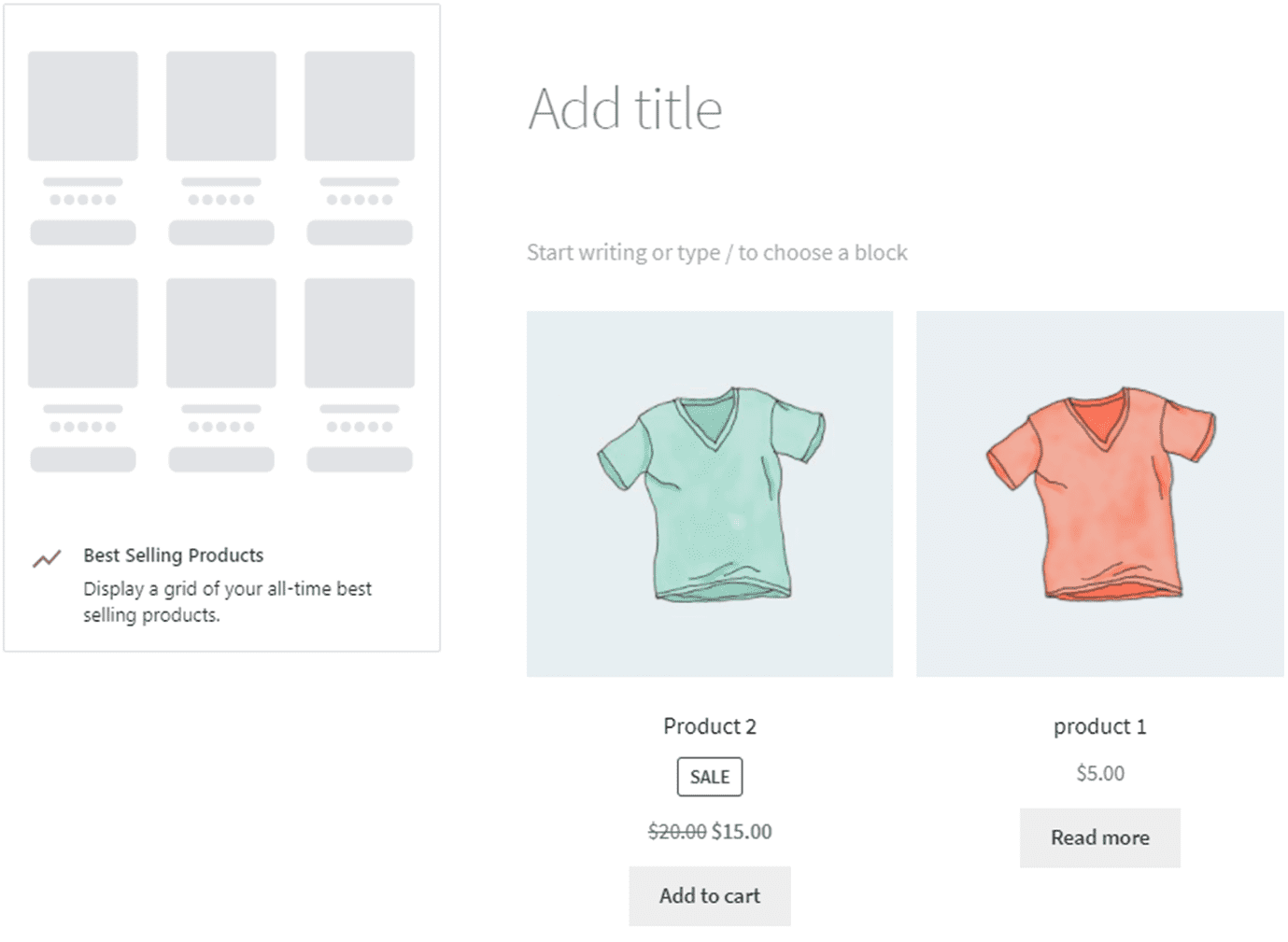
Best Selling Products block showing a grid of top-selling products

Product Categories List - Shows all Product categories as a list or drop down
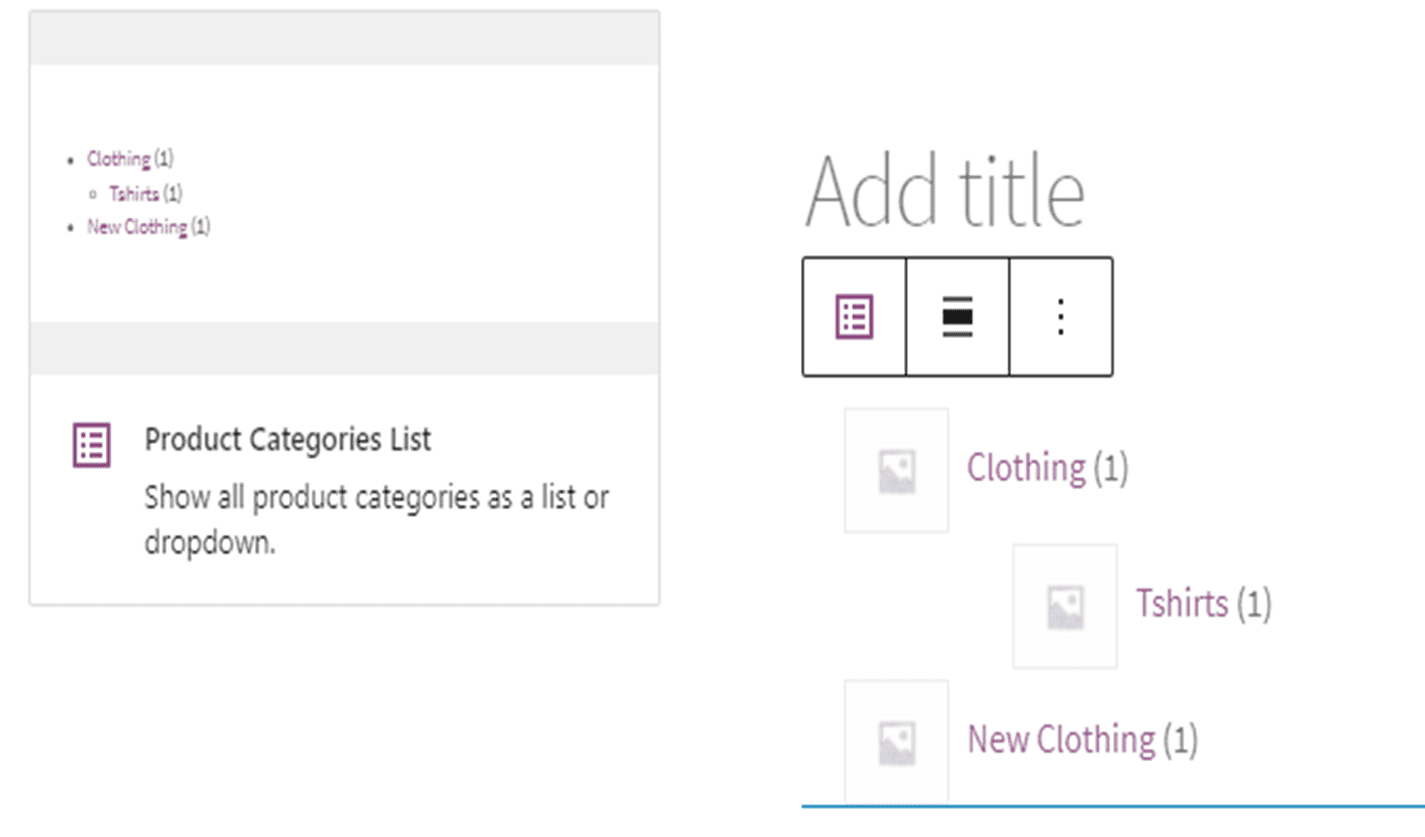
Product Categories List block showing product categories as a list

Products by Category - Displays a grid of products from your selected categories
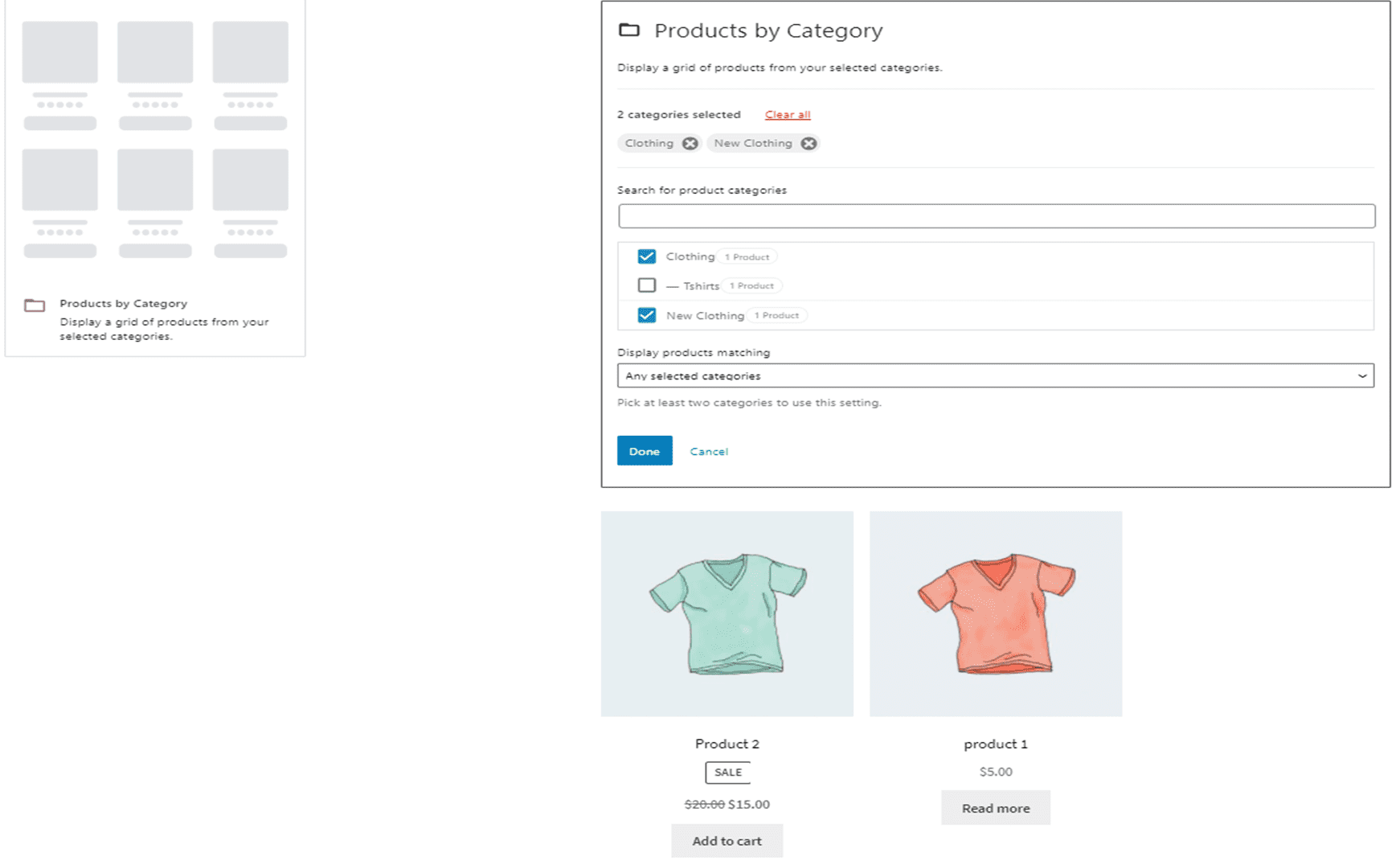
Products by Category block showing a grid of products from selected categories

Newest Products - Display a grid of your newest products
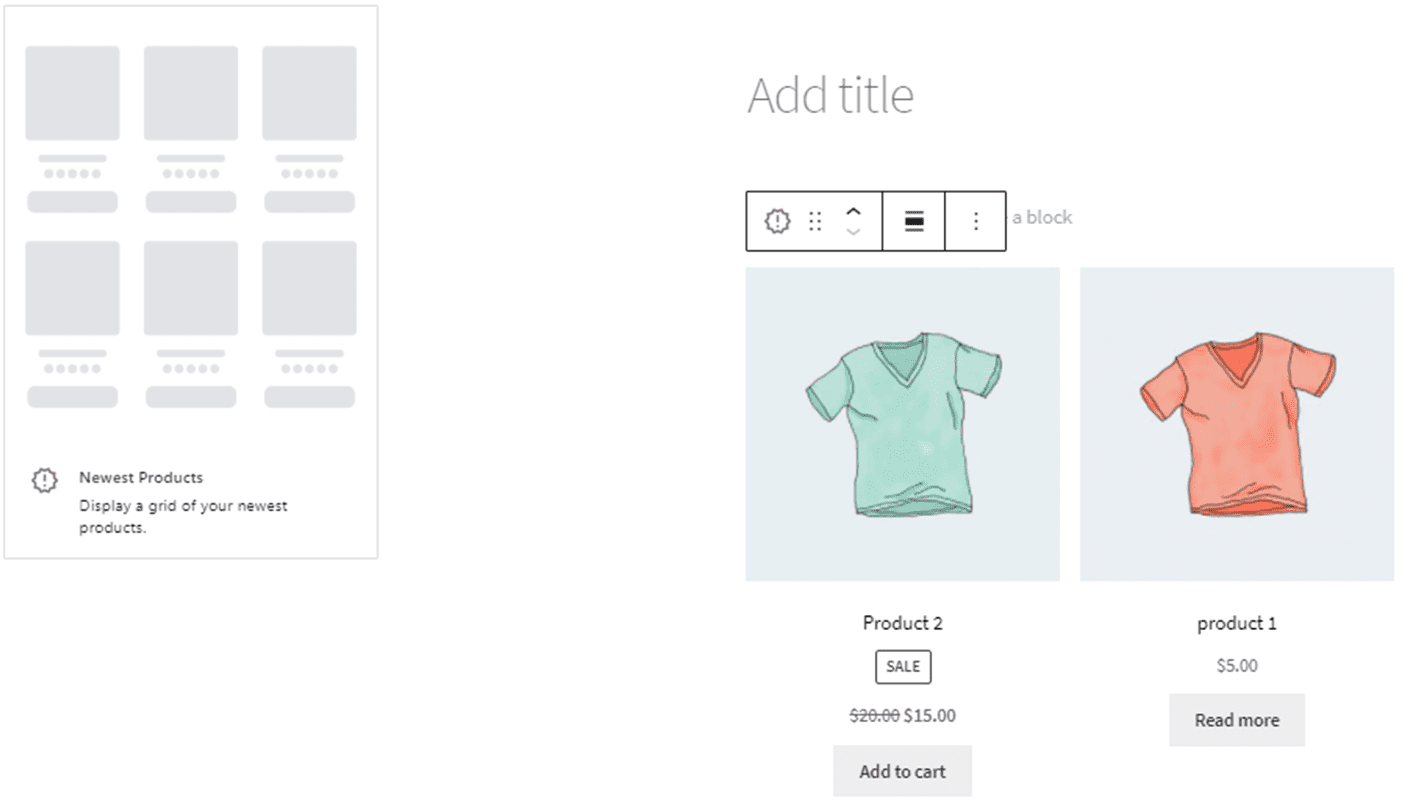
Newest Products block displaying a grid of the most recent products

On Sale Products - Display a grid of products currently on sale
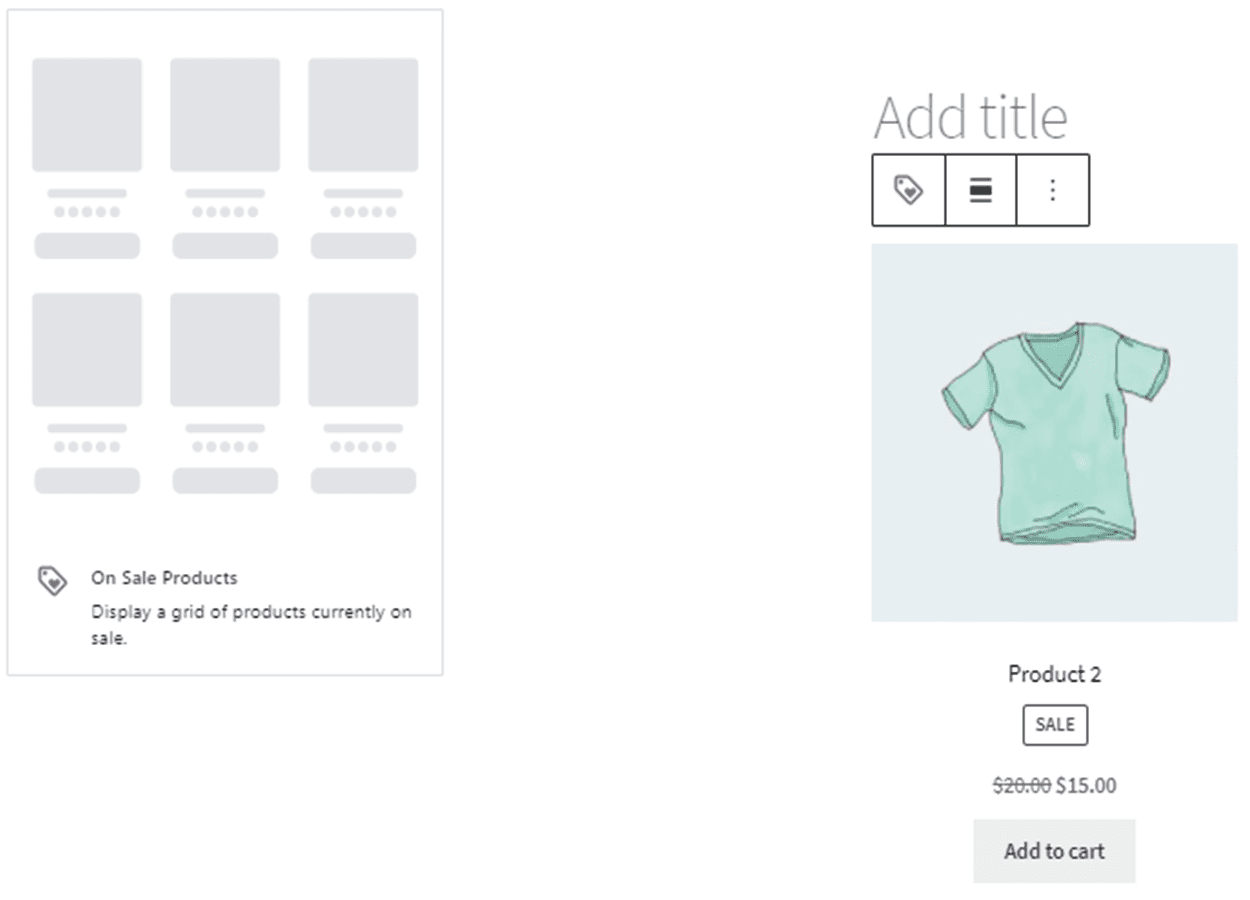
On Sale Products block showing a grid of products currently on sale

Products by Attribute - Display a grid of products from your selected attributes.
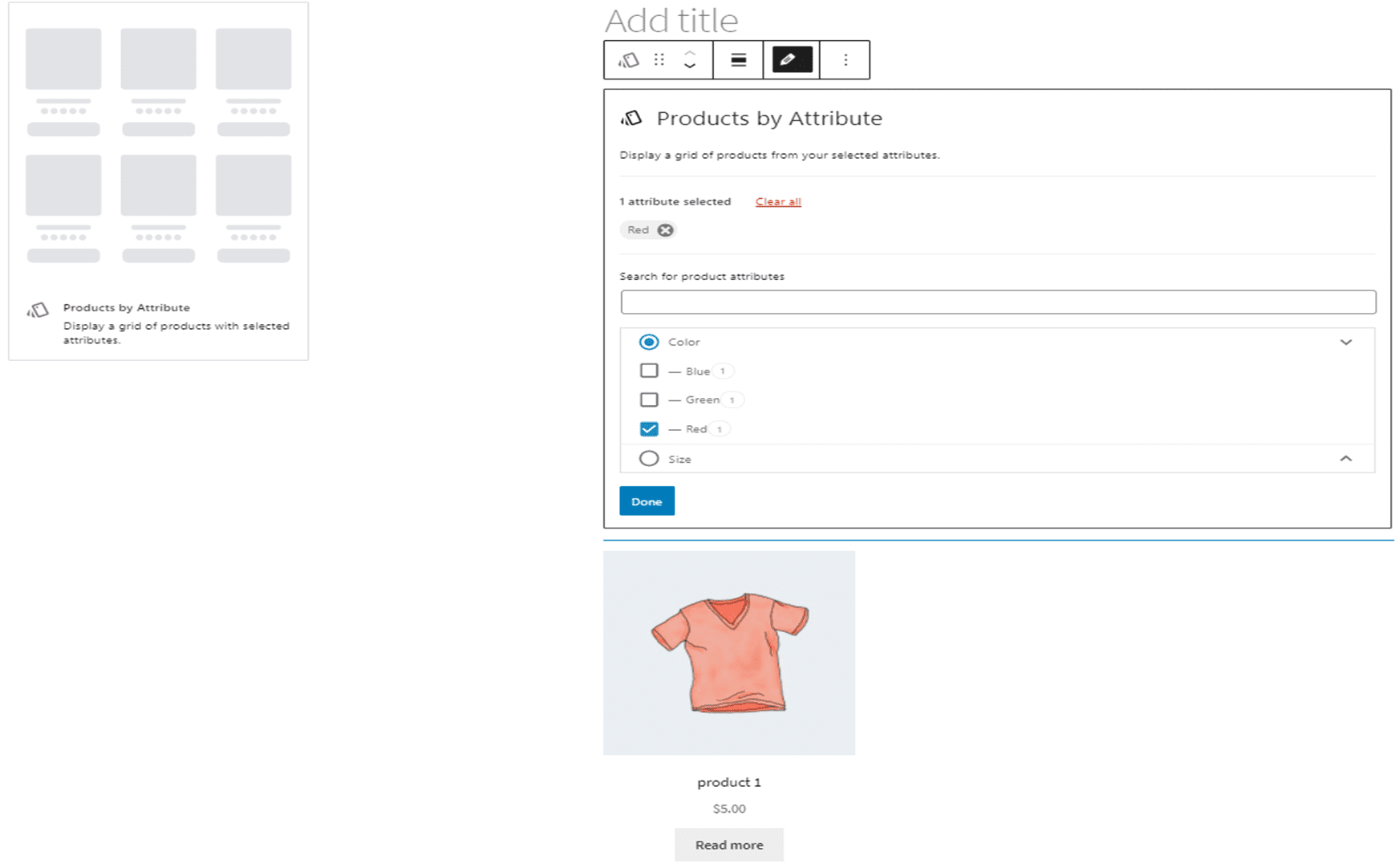
Products by Attribute block showing a grid of products filtered by attribute

Top Rated Products - Displays a Grid of your top rated products.
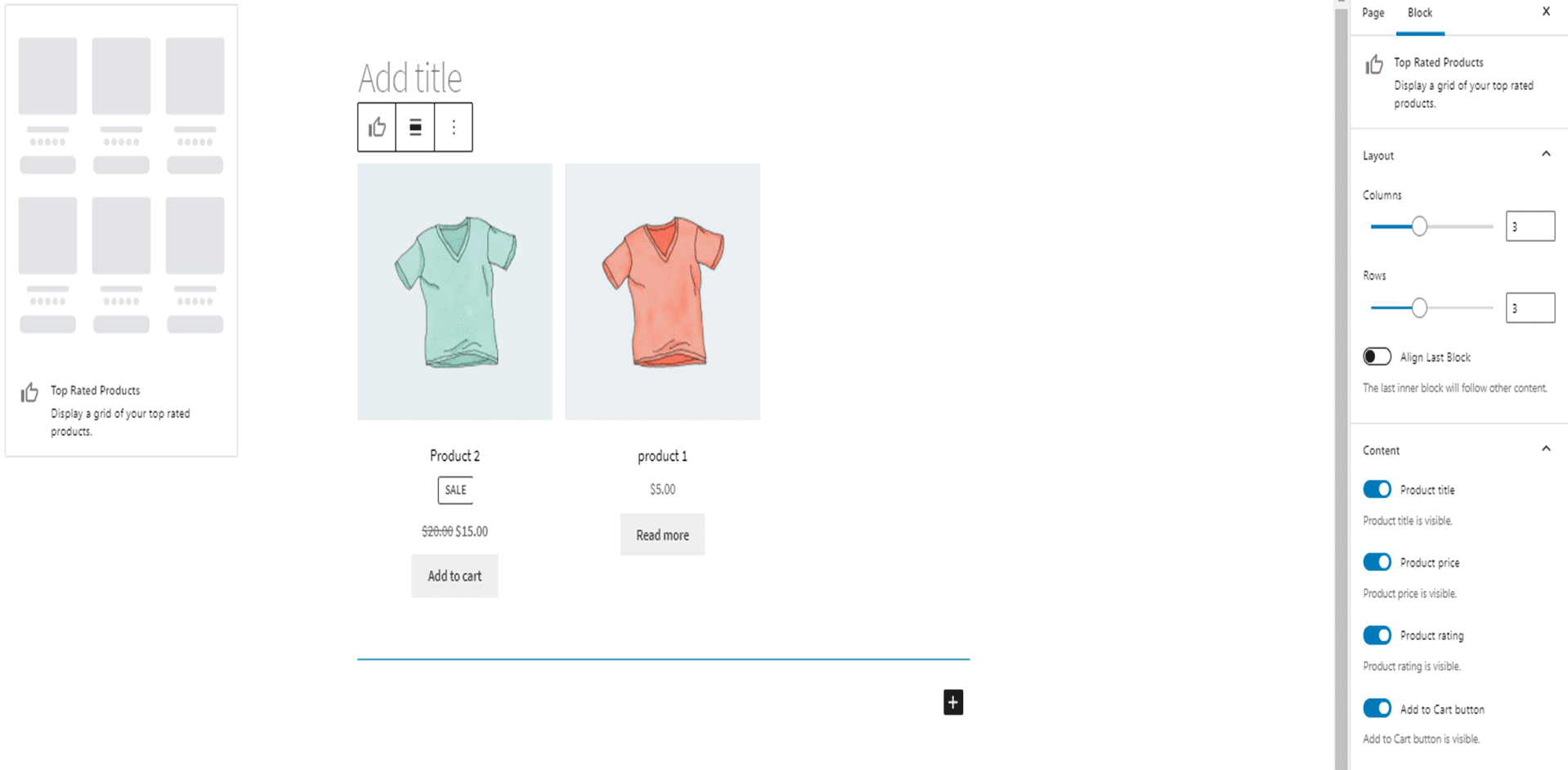
Top Rated Products block displaying a grid of highest-rated products

Reviews by Product - Show reviews of your product to build trust
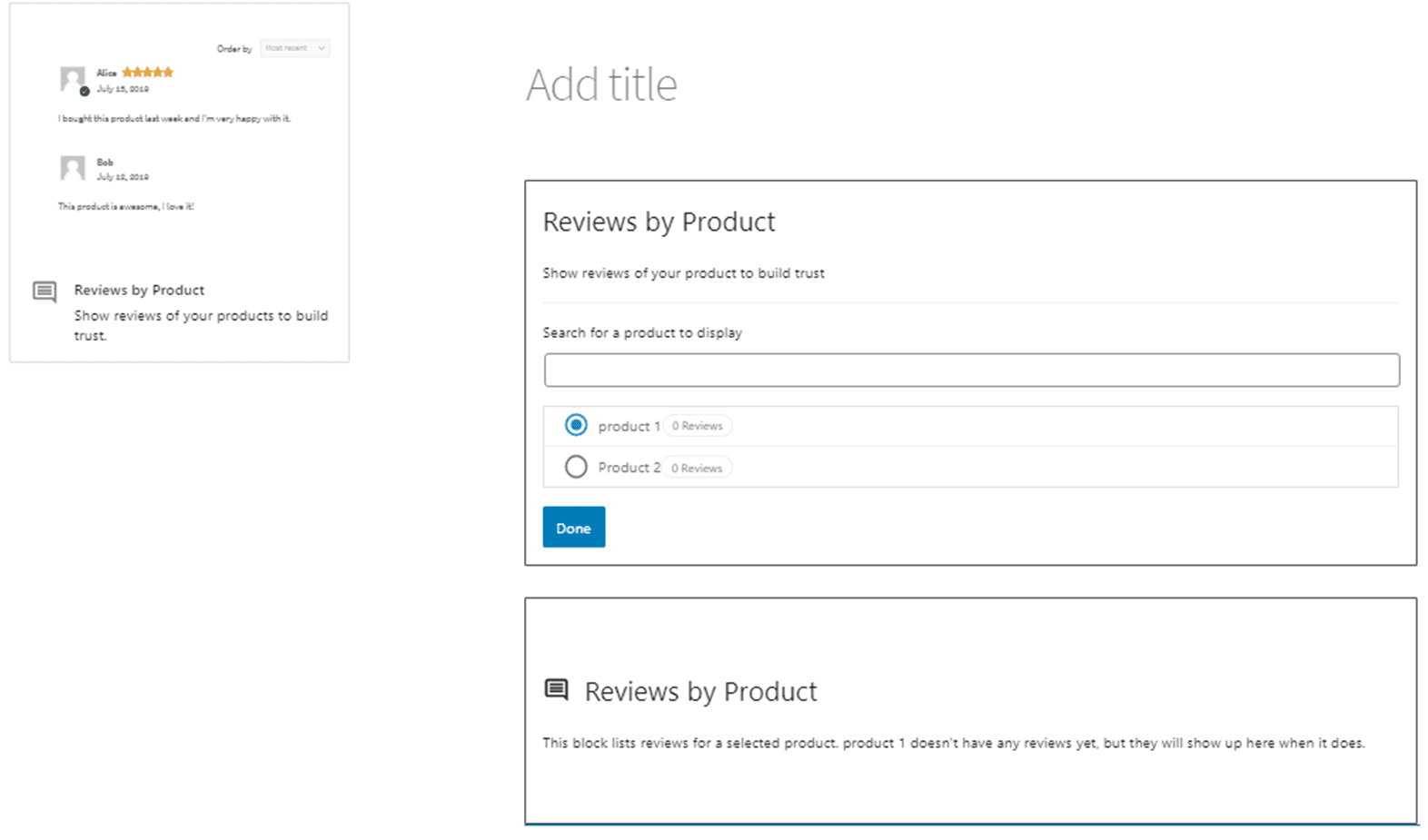
Reviews by Product block showing customer reviews for a chosen product

Reviews by Category - Show product reviews from specific categories.
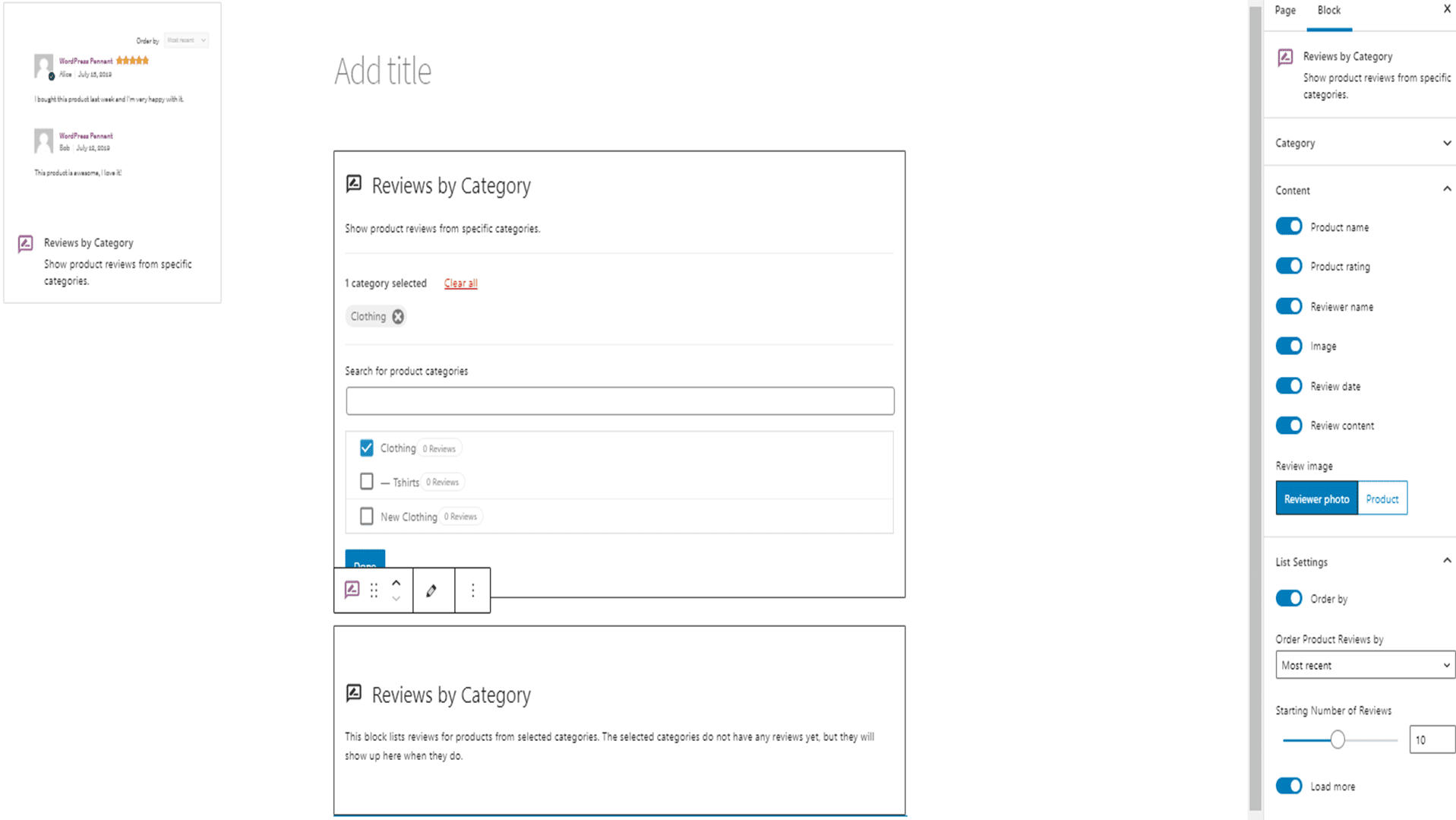
Reviews by Category block showing product reviews from selected categories

Product Search - A search box to allow customers to search for products by keyword
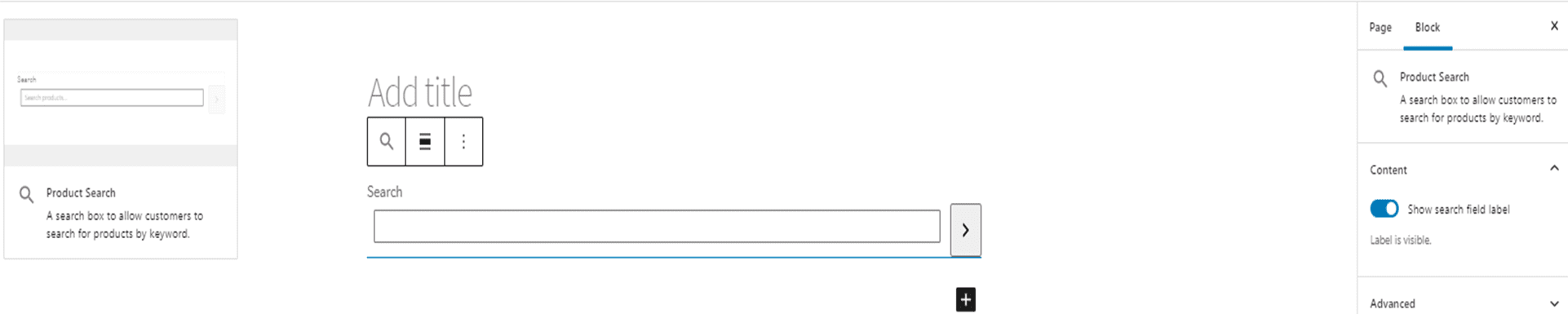
Product Search block with a keyword search box for products

Products by Tag - This block displays products from selected tags. In order to preview this you'll first need to create a product and assign it some tags.
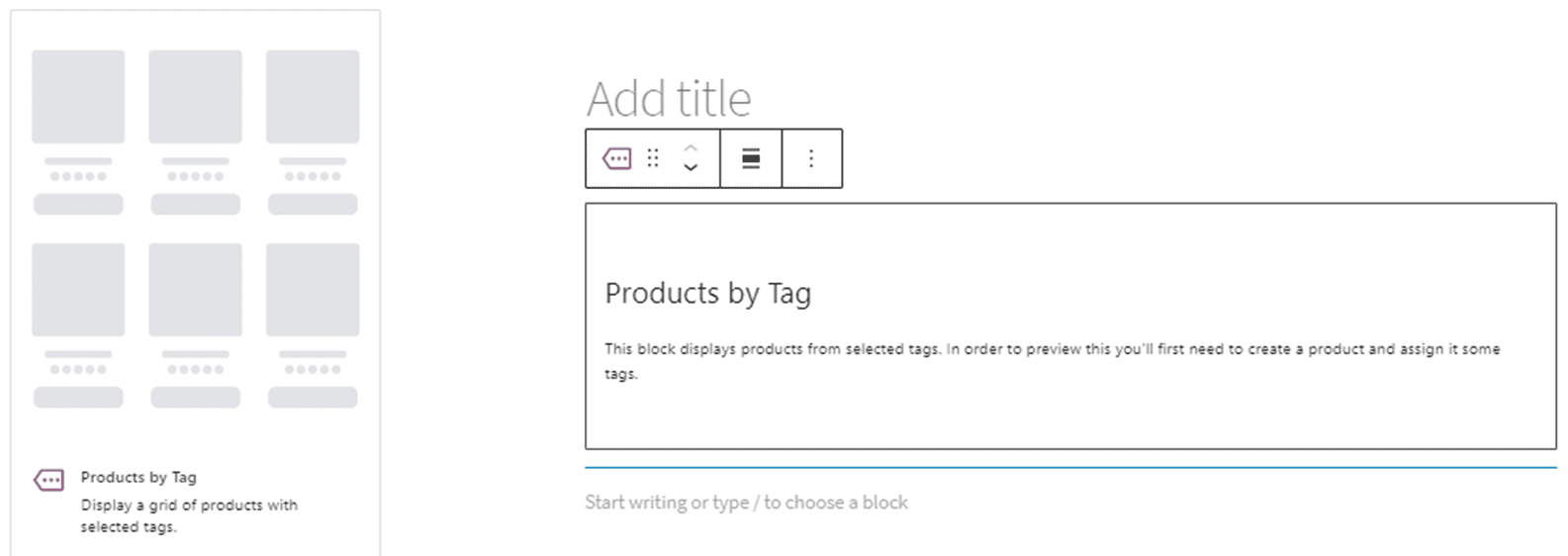
Products by Tag block showing products from selected tags

All Products - Display Products from your store in a grid layout
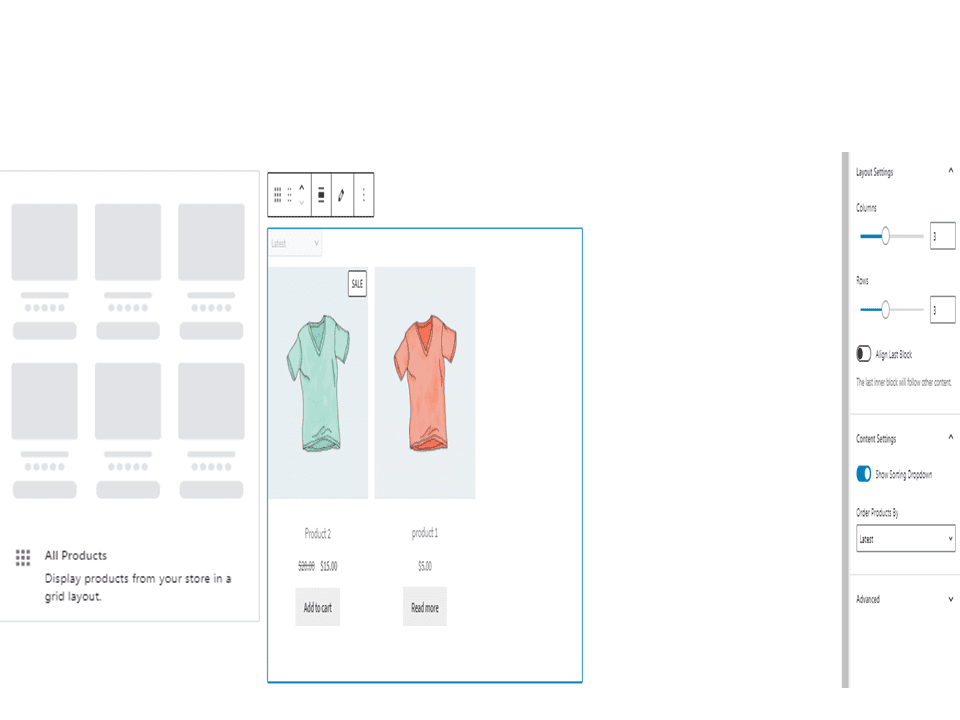
All Products block displaying store products in a grid layout

Filter Products by Price - Allow customers to filter the products by choosing a lower or upper price limit. Works in combination with the All Products block.
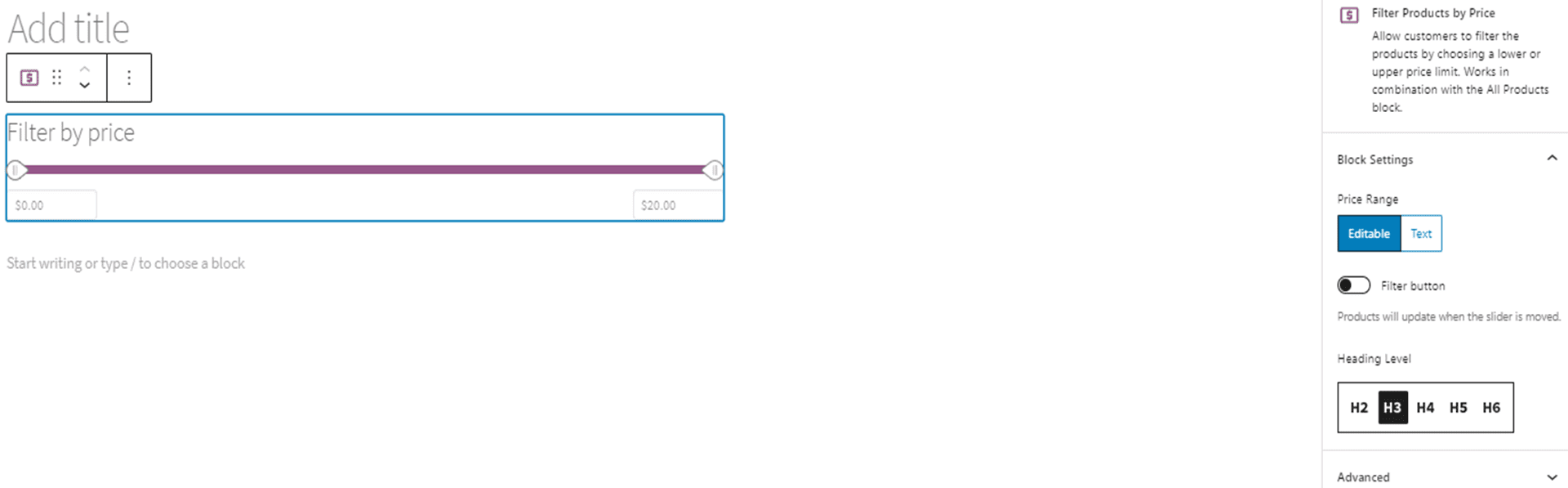
Filter Products by Price block with a price range filter

Filter Products by Attribute - Display a list of filters based on a chosen attribute.
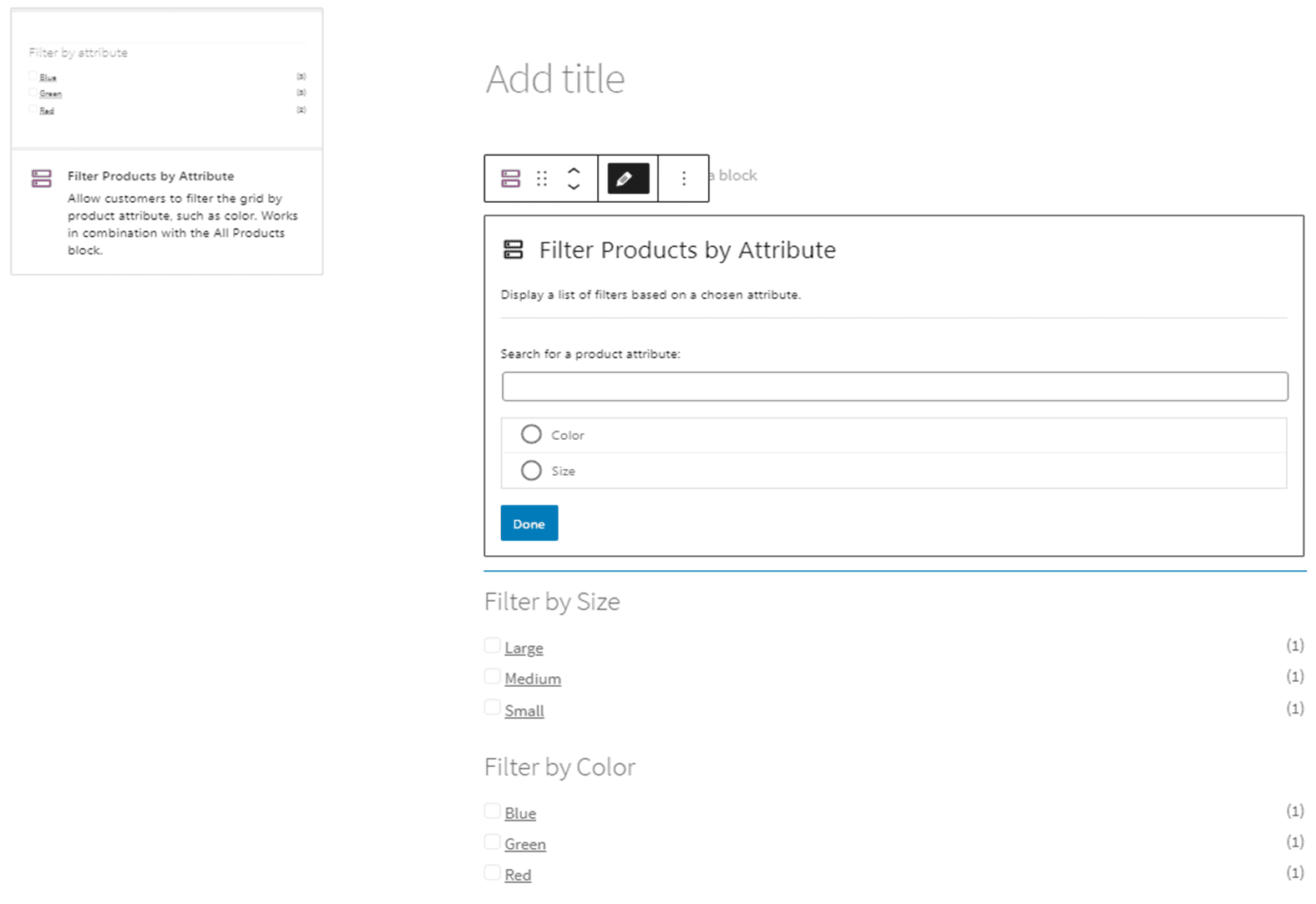
Filter Products by Attribute block listing attribute filter options

Active Product Filters - Show the currently active product filters. Works in combination with the All Products and filters blocks.
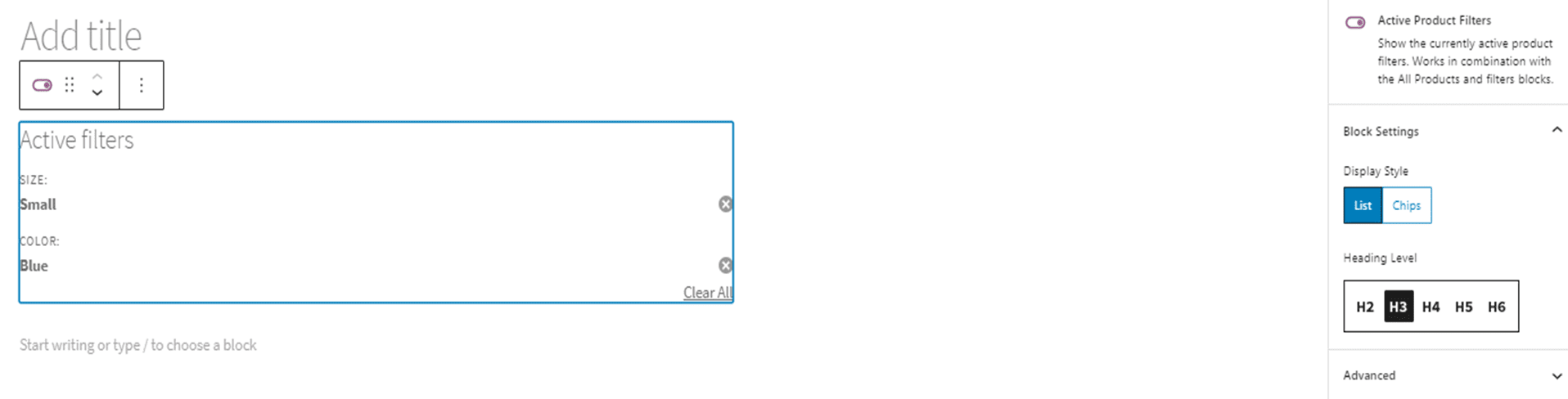
Active Product Filters block showing the currently applied product filters

WT

WP Tutoring Team

WordPress Instructors

We’ve been teaching WordPress to individuals and businesses since 2013 — through step-by-step tutorials, video courses, and 1-on-1 tutoring sessions.

Leave a comment

Comments are reviewed before they appear.

Get our free WordPress starter guide

Join thousands of site owners and get step-by-step WordPress tutorials in your inbox, plus printable cheat sheets.

Beginner-friendly, no jargon
Printable cheat sheets & checklists
Unsubscribe anytime

Request your session

We’ll reply quickly — usually the same business day.

By using this form you agree with the storage and handling of your data by this site.

Access our WordPress Training Academy videos

Step-by-step video courses covering the block editor, themes, plugins, and everything you need to build a site you’re proud of. Free lessons included — browse the full library before you sign up for anything.

Explore the Academy