Table of contents
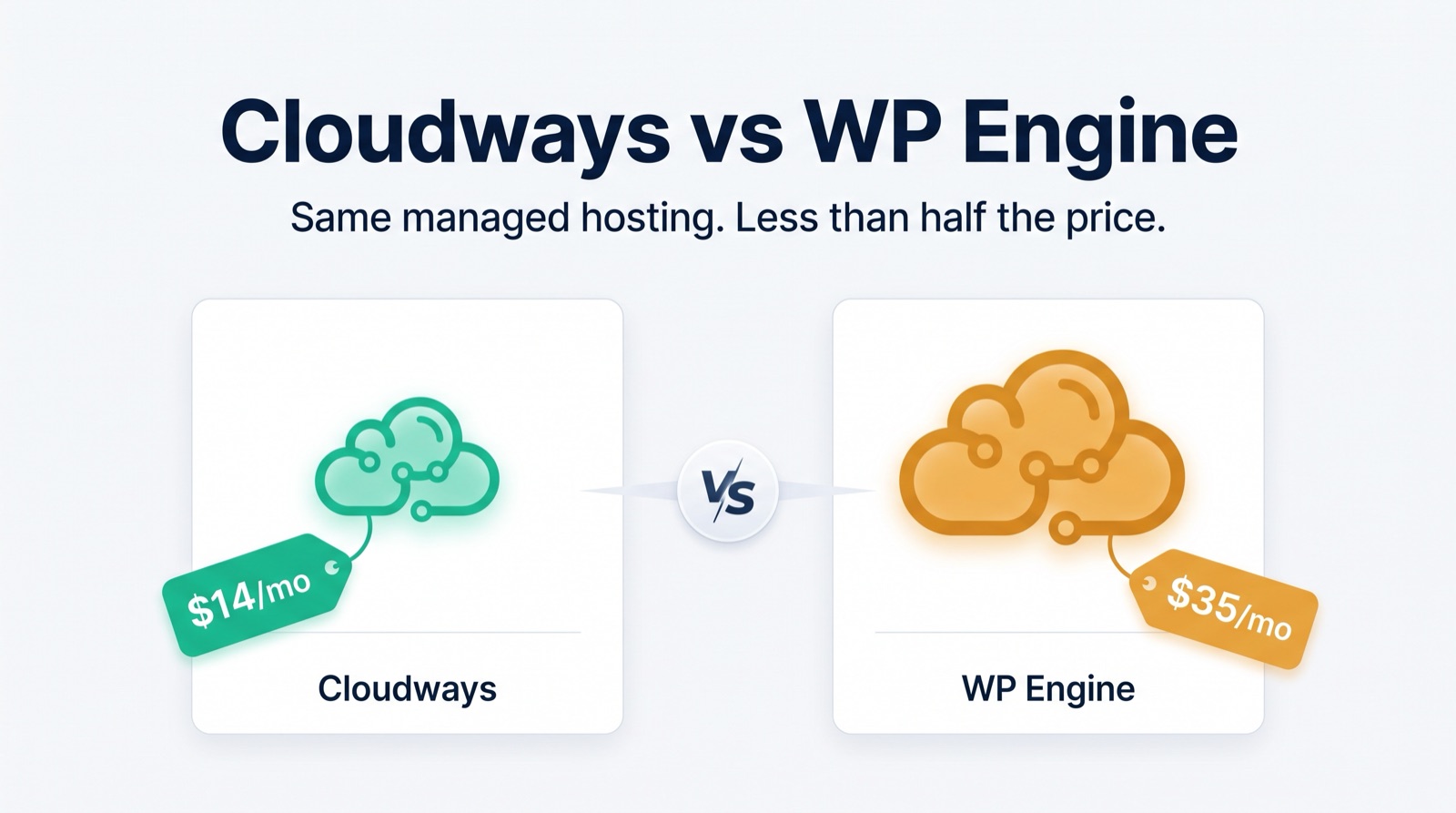
WP Engine held our top spot for years, but for most people — and especially anyone running more than one site — we now recommend Cloudways. See why in Cloudways vs WP Engine: why we now recommend Cloudways.
WordPress Webhosting can make or break your website. We love our favorite WP Webhost, WP Engine. However, some folks may need more or less services depending on their needs. We've compiled a list of top-notch web hosts that we hope you'll find useful just in case you're looking for a new setup, or are looking to move.
We tried to get what we consider "original hosts" basically hosts that have their own infrastructure, or are using a proven infrastructure such as google cloud, aws, or microsoft azure as their backend.
We tried to avoid WordPress hosts that are "resellers" of other hosts, as we try to cut out the middleman.
So without further ado, here is our 2026 list. Also be sure to comment if there are some hosts that we missed — we'd love to include them in our next update. And be sure to check out our favorite, WP Engine.
Managed WordPress specialists
These hosts do WordPress and only WordPress — automatic updates, staging sites, daily backups and WordPress-aware support are standard.
- WP Engine — our favorite and the host this site has used for years. Google Cloud infrastructure, excellent staging tools, and support staff who actually know WordPress. Read why we hosted with WP Engine.
- Kinsta — premium managed WordPress on Google Cloud's fastest tier, with a genuinely great dashboard.
- Pressable — run by Automattic (the WordPress.com company), so the WordPress expertise is baked in.
- Flywheel — designer-friendly managed hosting, now part of the WP Engine family.
- Pantheon — developer-oriented hosting with excellent workflows for teams that use version control.
Solid all-rounders
Full-service hosts with their own infrastructure that handle WordPress well alongside everything else.
- SiteGround — Google Cloud-backed, strong support, and sensible WordPress tooling at mid-range prices.
- DreamHost — independent, employee-owned, and officially recommended by WordPress.org for years.
- Hostinger — aggressive pricing with surprisingly capable managed WordPress plans.
- Bluehost — a long-time WordPress.org recommendation and a common first host for new site owners.
- A2 Hosting — performance-focused shared and managed plans with a WordPress-tuned "Turbo" tier.
When you need more control
- Cloudways — managed cloud hosting that lets you pick the underlying infrastructure (DigitalOcean, AWS, or Google Cloud) while it handles the server work.
- DigitalOcean / AWS / Google Cloud (DIY) — if you're comfortable managing a server yourself, running WordPress directly on a cloud VM is the cheapest way to get dedicated resources. Only recommended if you enjoy that kind of thing.
Not sure which direction to go? Our guide on 5 ways to know if you need better WordPress hosting will help you figure out whether it's time to move at all — and 13 steps to choose the right WordPress host walks through the decision itself.
Leave a comment