Thanks to Jeff Chandler of WP Tavern for this solution.
Adding an image to the paragraph block can be extremely frustrating because it is not a straightforward process. Follow the steps below to pull it off.
Step 1 - Write Your paragraph(s) using the paragraph block
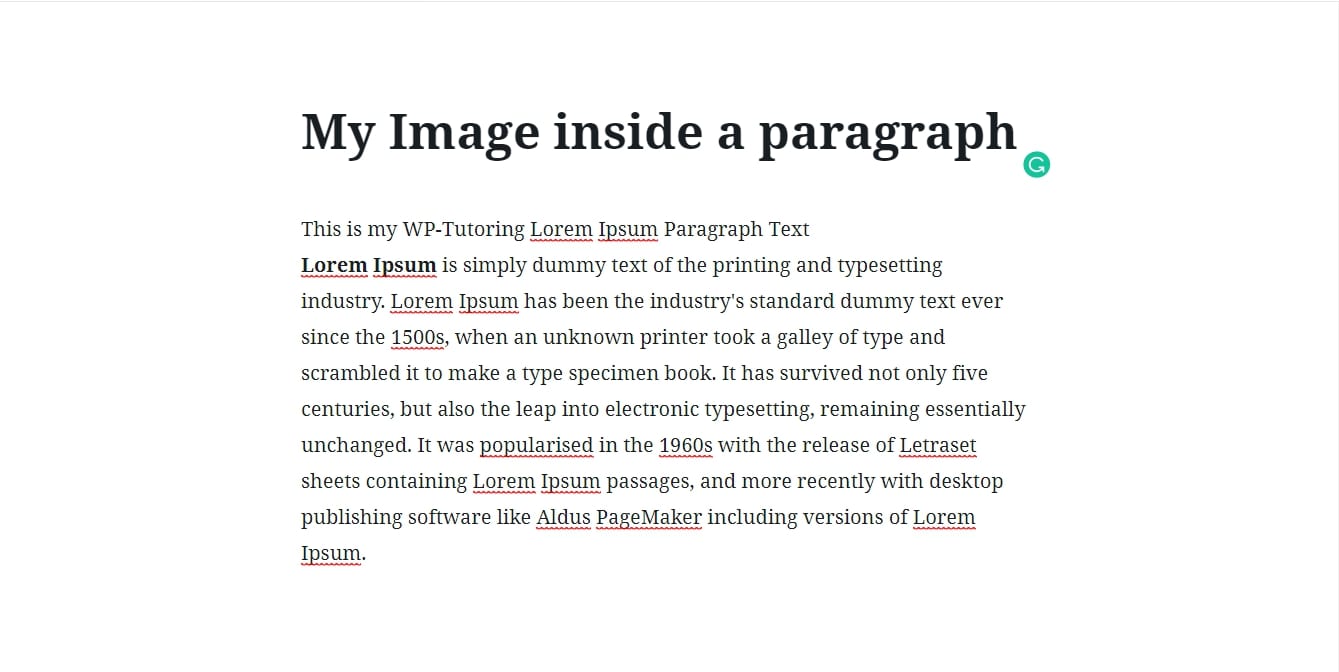
Step 2 - Create an image block using an image of your choosing.
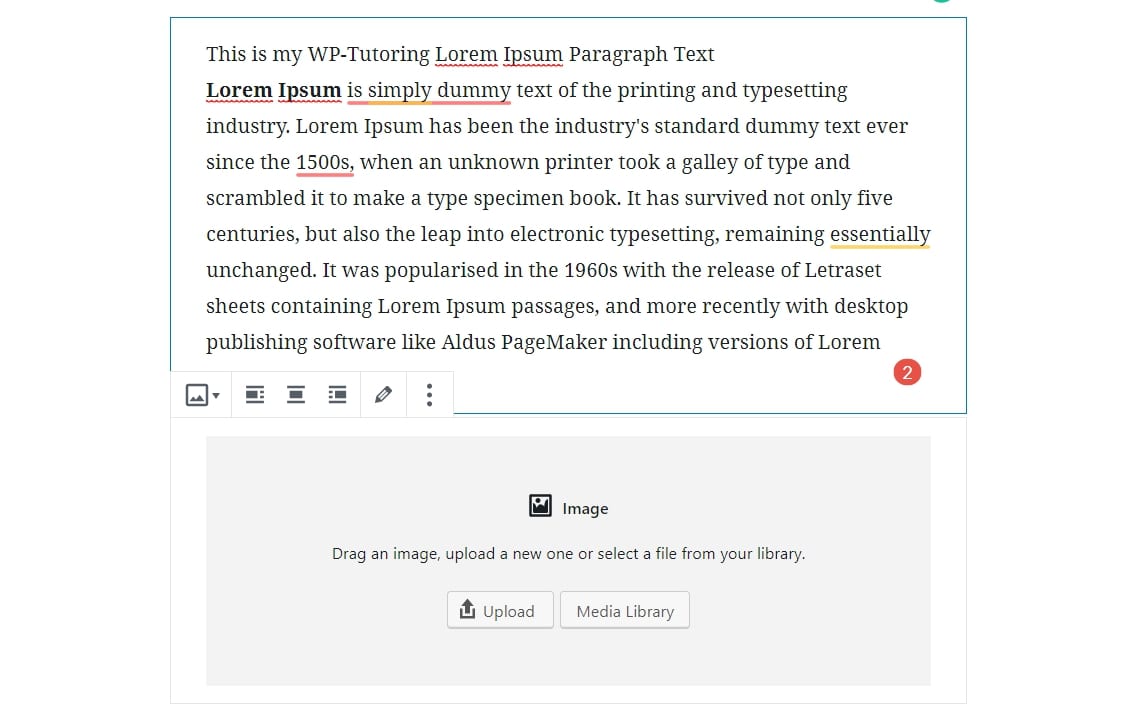
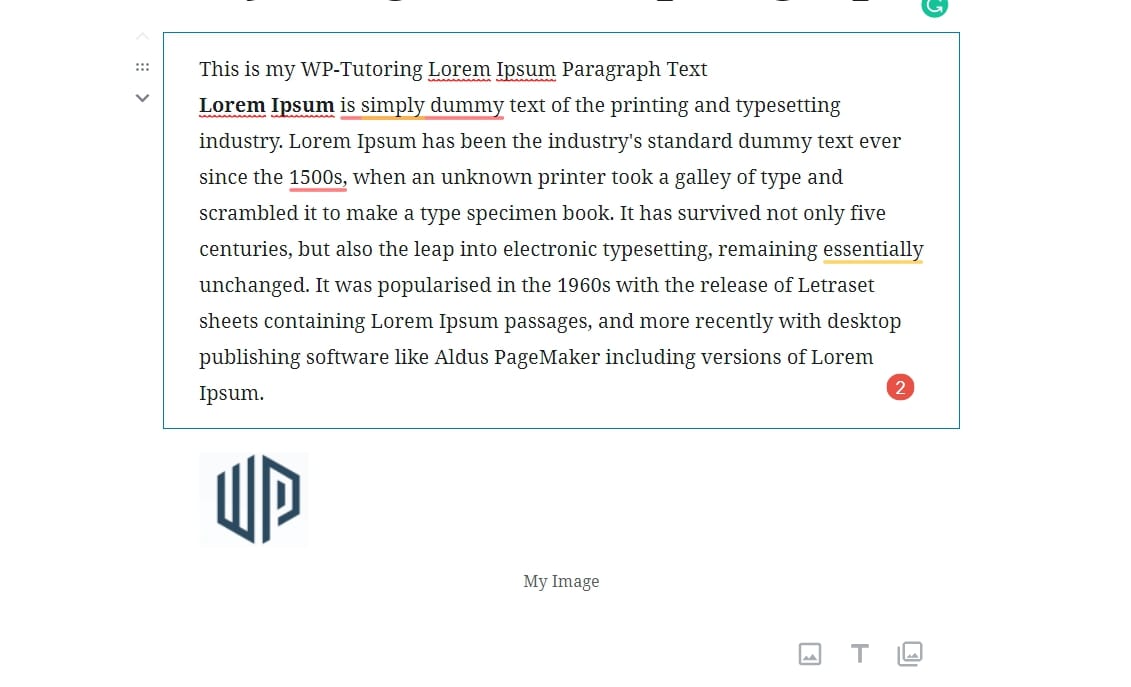
Image block is created after the paragraph
Step 3 - Using either the up and down keys OR dragging and dropping, move the image ABOVE the paragraph that you want the image to align into.
Step 4 - On the image block , click the right align button, that will place the image inside of the paragraph block below it. The image will be on the right side of the text. If you want it on the left side of the text, then click the left align button.
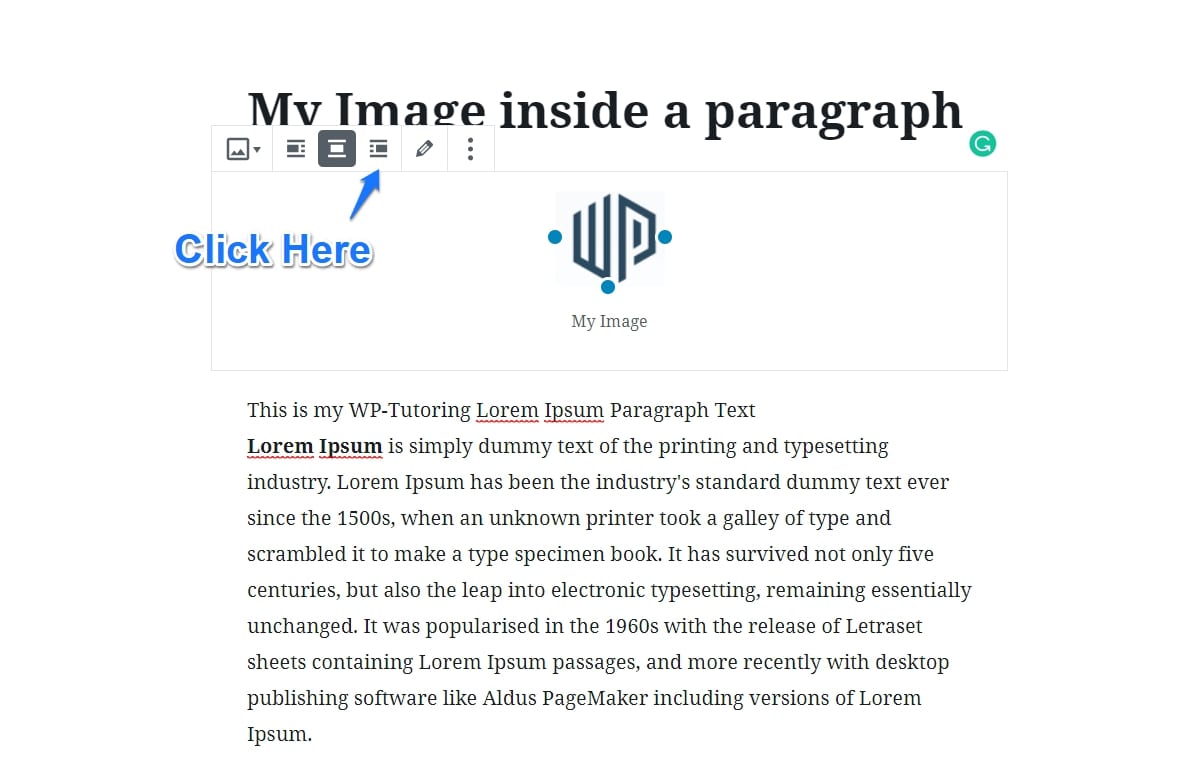
The image is now above the Paragraph that we want to insert it into
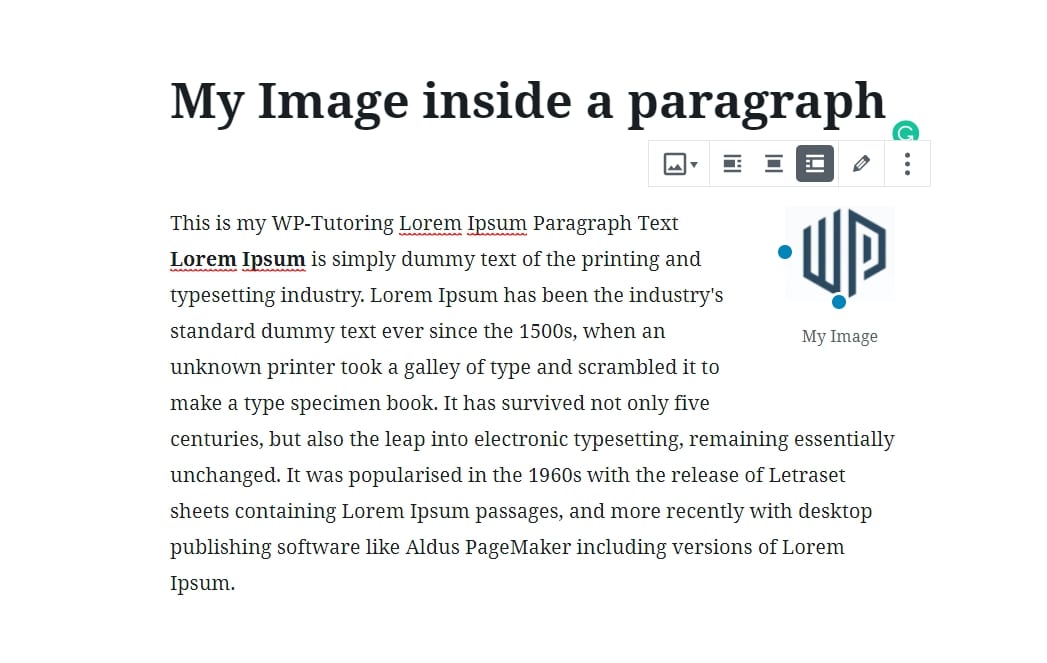
The image is now right aligned inside the paragraph block
Step 5 - If you want to move the image to a different block, then click the align center button and then the image can be dragged to another block.
As Gutenberg matures we're sure that this bug will be addressed, but for those wanting to start using the editor right away, this is the stopgap measure to get the images inside of a paragraph block.

Leave a comment