WordPress Basics
Brand new to WordPress? Start here. These plain-English tutorials cover the dashboard, posts and pages, menus, media, users and settings — the everyday skills every site owner needs.
WordPress Basics · 82 guides
 WordPress Basics
WordPress Training Videos Plugin: The Single Site License Is Here
 WordPress Basics
Post Titles Squished Into a Vertical Line? You Have Too Many Columns
 WordPress Basics
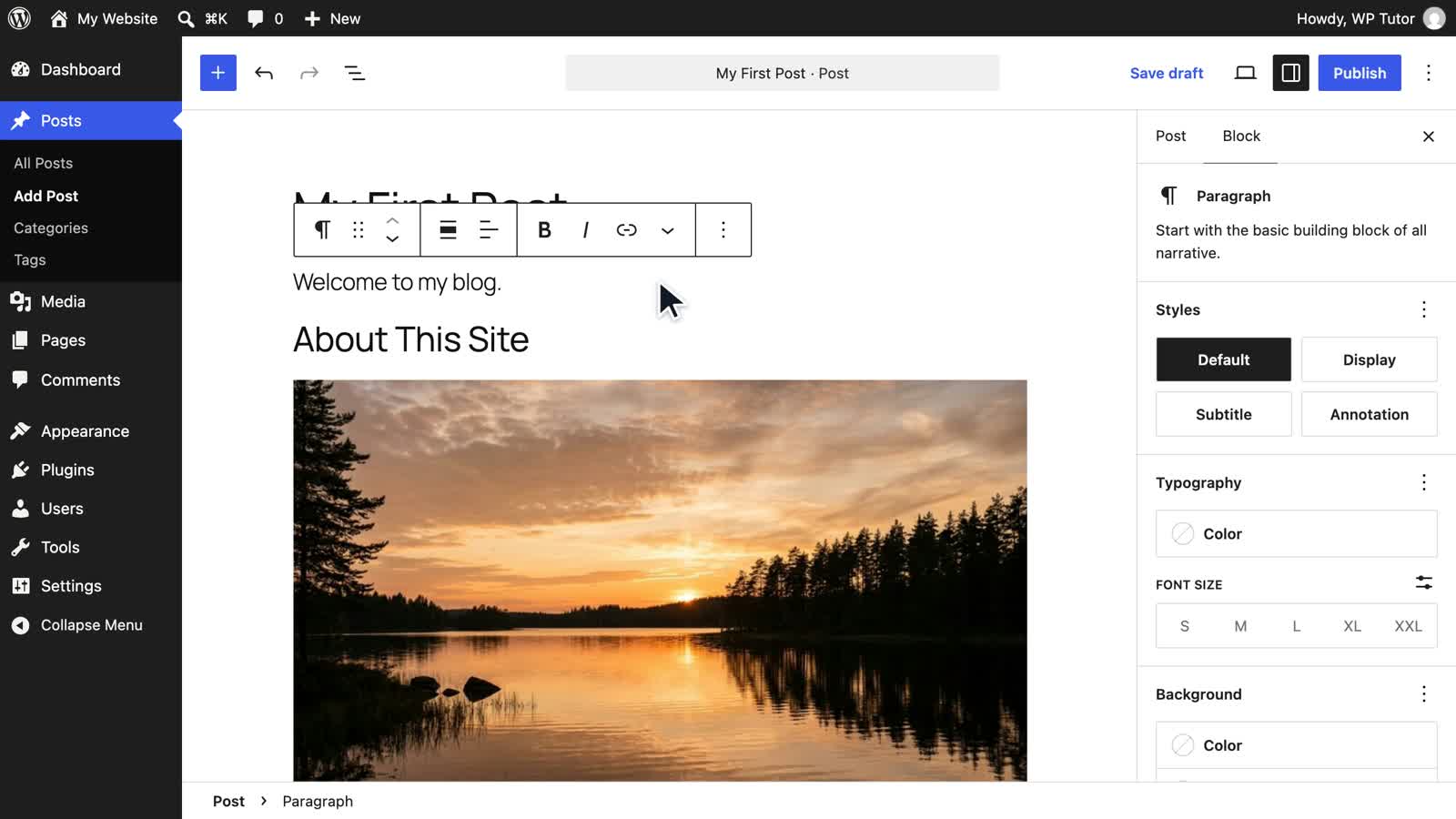
How to Learn WordPress in 2026: The Complete Roadmap for Beginners
 WordPress Basics
WordPress 7.1 Is Out: Learn It From Scratch With the WordPress Fundamentals Course
 WordPress Basics
How to Fix "Not a Valid JSON Response" in WordPress
 WordPress Basics
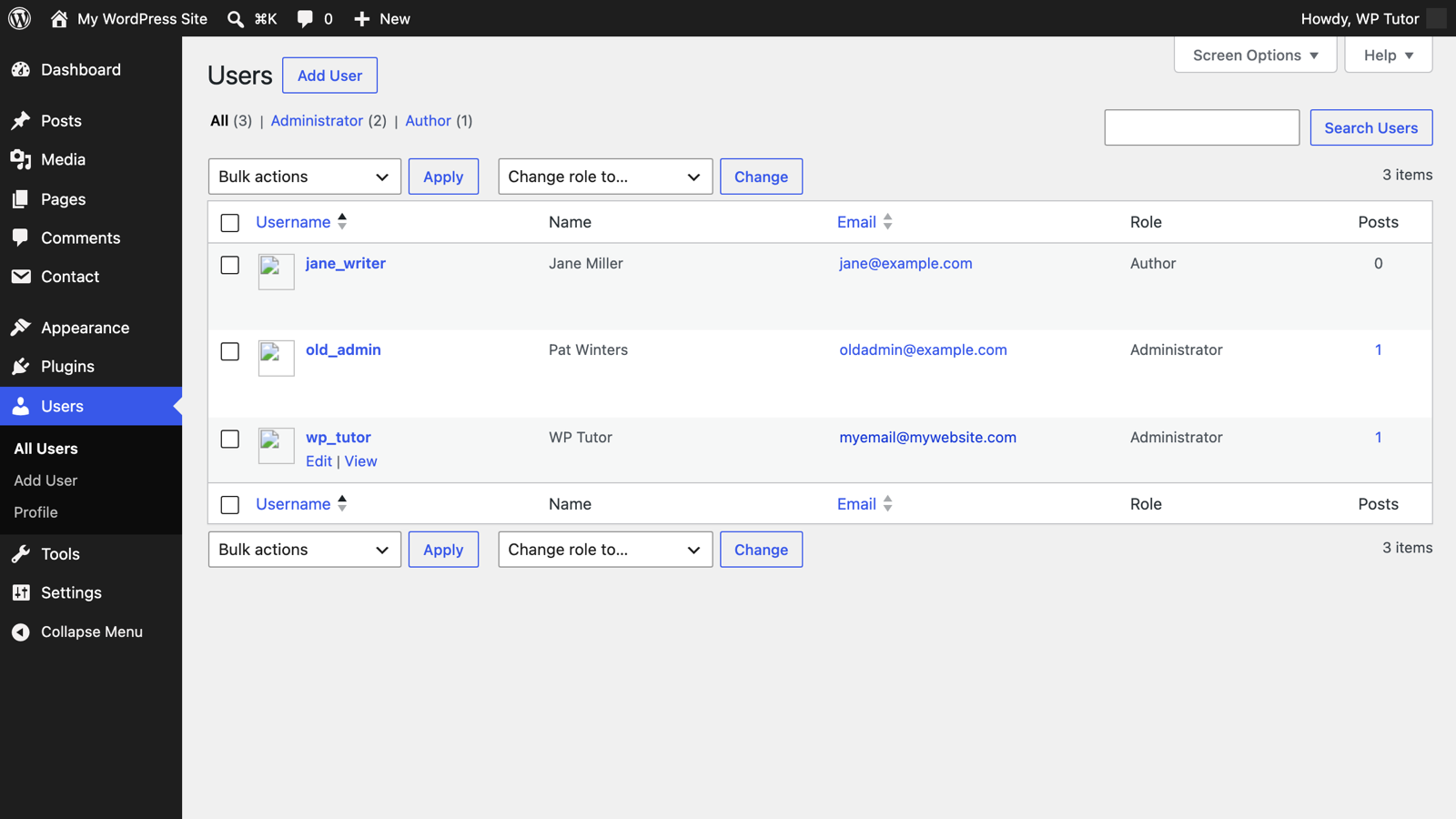
Removing a WordPress Admin User Account (Safely)
 WordPress Basics
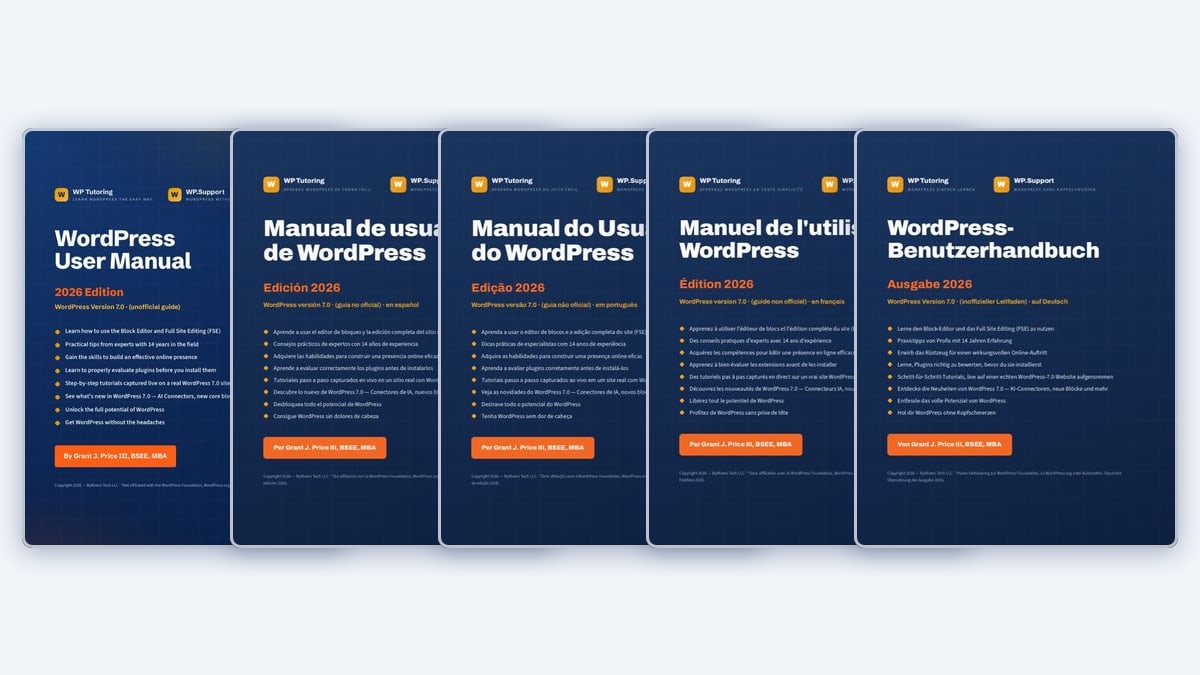
The Free WordPress Manual Is Now Available in Five Languages
Do You Know WordPress Quiz
 WordPress Basics
WordPress Training Near Me: Why Online Training Is Now Better Than Local Classes
 WordPress Basics
7 Best WP101 Alternatives for Learning WordPress (2026)
 WordPress Basics
WordPress Dashboard: A Complete Guide to Every Menu
 WordPress Basics
How to Edit Text in WordPress (Block Editor & Classic)
 WordPress Basics
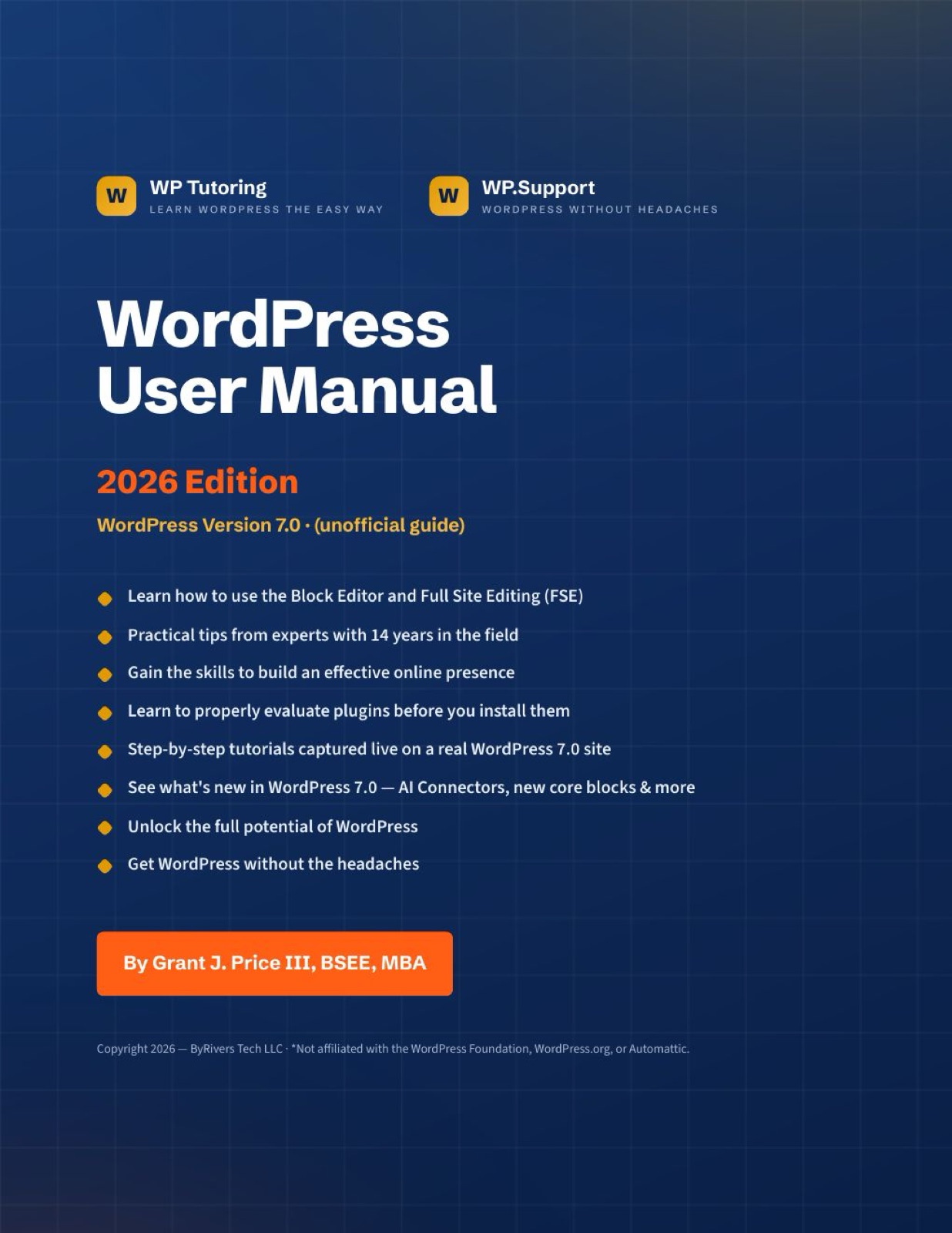
WordPress PDF Manual — Version 7.0 Now Available
 WordPress Basics
How to use WordPress Health Check
WordPress CRM Integration - Our One Choice
 WordPress Basics
What's New in WordPress 6.4 - FREE Mini Course
 WordPress Basics
Add Constant Contact to Your WordPress Site
 WordPress Basics
WooCommerce Variable Products
 WordPress Basics
Creating a Simple WooCommerce Product
 WordPress Basics
How CDNs Help Slash Bandwidth Costs in Simple Terms
 WordPress Basics
HOW TO ADD CATEGORIES IN WORDPRESS
 WordPress Basics
How to Schedule a Post or Page in WordPress
 WordPress Basics
Password Protect WordPress Page or Posts
 WordPress Basics
Creating a new page in WordPress
 WordPress Basics
Setting the Timezone in WordPress
Adding a List Block to Gutenberg WordPress 5.0
 WordPress Basics
Creating a new post
 WordPress Basics
How to install a free theme
 WordPress Basics
Set the Default Post Category in WordPress
 WordPress Basics
Adding a Category to a WordPress Menu
 WordPress Basics
How to Add Custom Links to a WordPress Menu
 WordPress Basics
Adding a new user to WordPress
 WordPress Basics
Adding a page to a WordPress Menu
 WordPress Basics
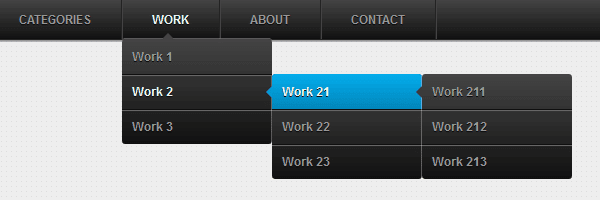
Adding a submenu item in WordPress
 WordPress Basics
Assigning a Menu Location in WordPress
 WordPress Basics
Creating a Menu in WordPress
 WordPress Basics
Deleting comments in WordPress
 WordPress Basics
Deleting a menu item in WordPress
 WordPress Basics
Renaming a menu item in WordPress
 WordPress Basics
Set the Default Post Format in WordPress
 WordPress Basics
Uploading a pdf in WordPress
 WordPress Basics
Uploading a picture in WordPress
 WordPress Basics
Adding a new category in WordPress
 WordPress Basics
Deleting a category in WordPress
 WordPress Basics
#1 way for Editing comments in WordPress
 WordPress Basics
Changing the number of blog posts displayed in WordPress
 WordPress Basics
Wordpress gallery shortcodes
 WordPress Basics
WordPress Frequently Asked Questions
 WordPress Basics
Wordpress Spring Cleaning List
Adding Latest WordPress Posts in the Gutenberg Editor
 WordPress Basics
Making a wordpress sandbox
 WordPress Basics
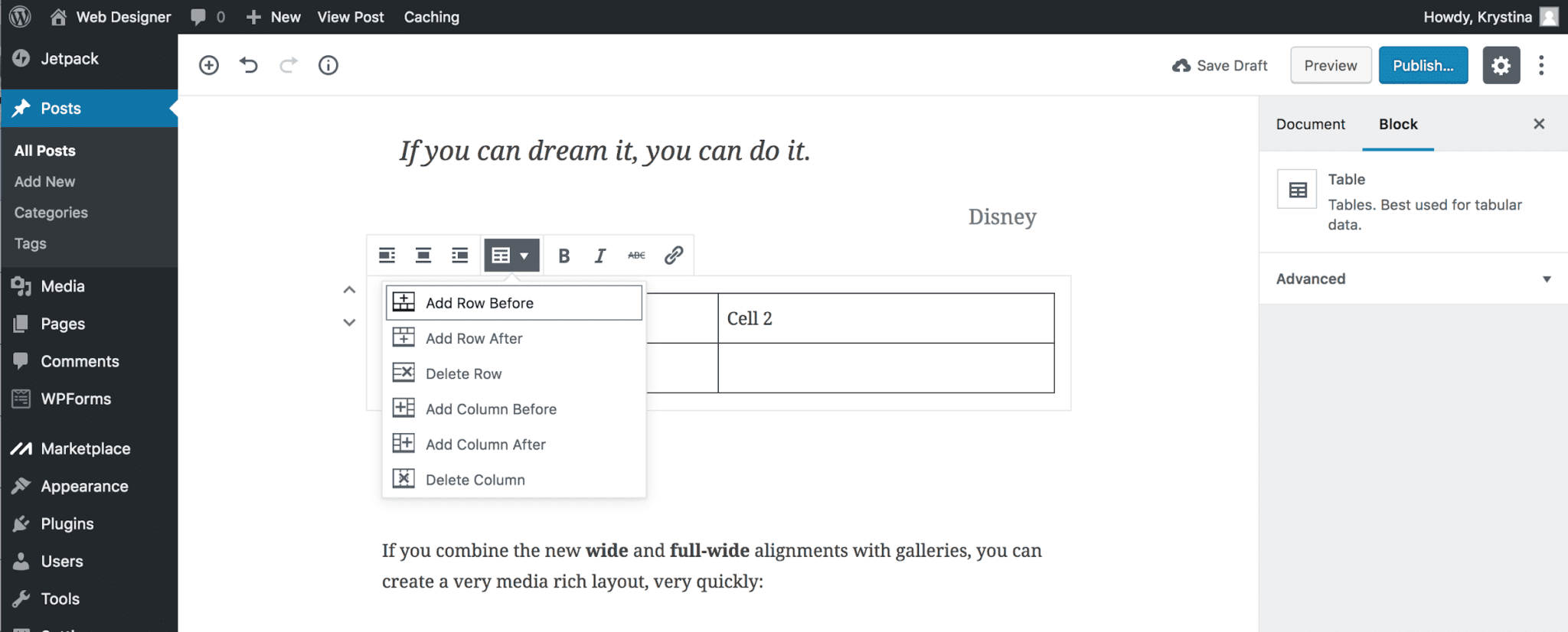
Adding a Table in Gutenberg
 WordPress Basics
How to change the number of items listed in WordPress All Posts Page
 WordPress Basics
What is WordPress
 WordPress Basics
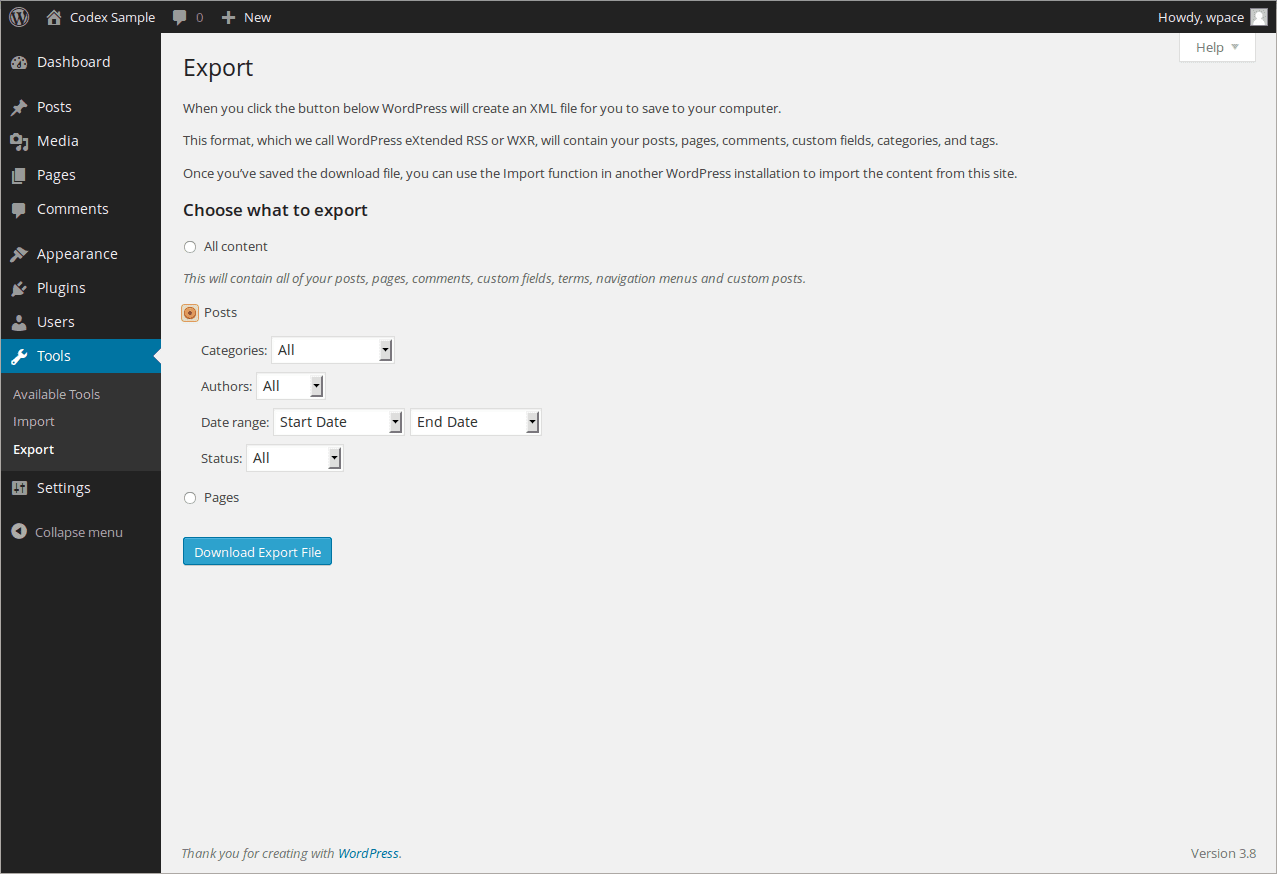
How To Export WordPress Posts and Pages
 WordPress Basics
Setting a Featured Image in WordPress
 WordPress Basics
Do you have a WordPress Disaster Plan in Place?
 WordPress Basics
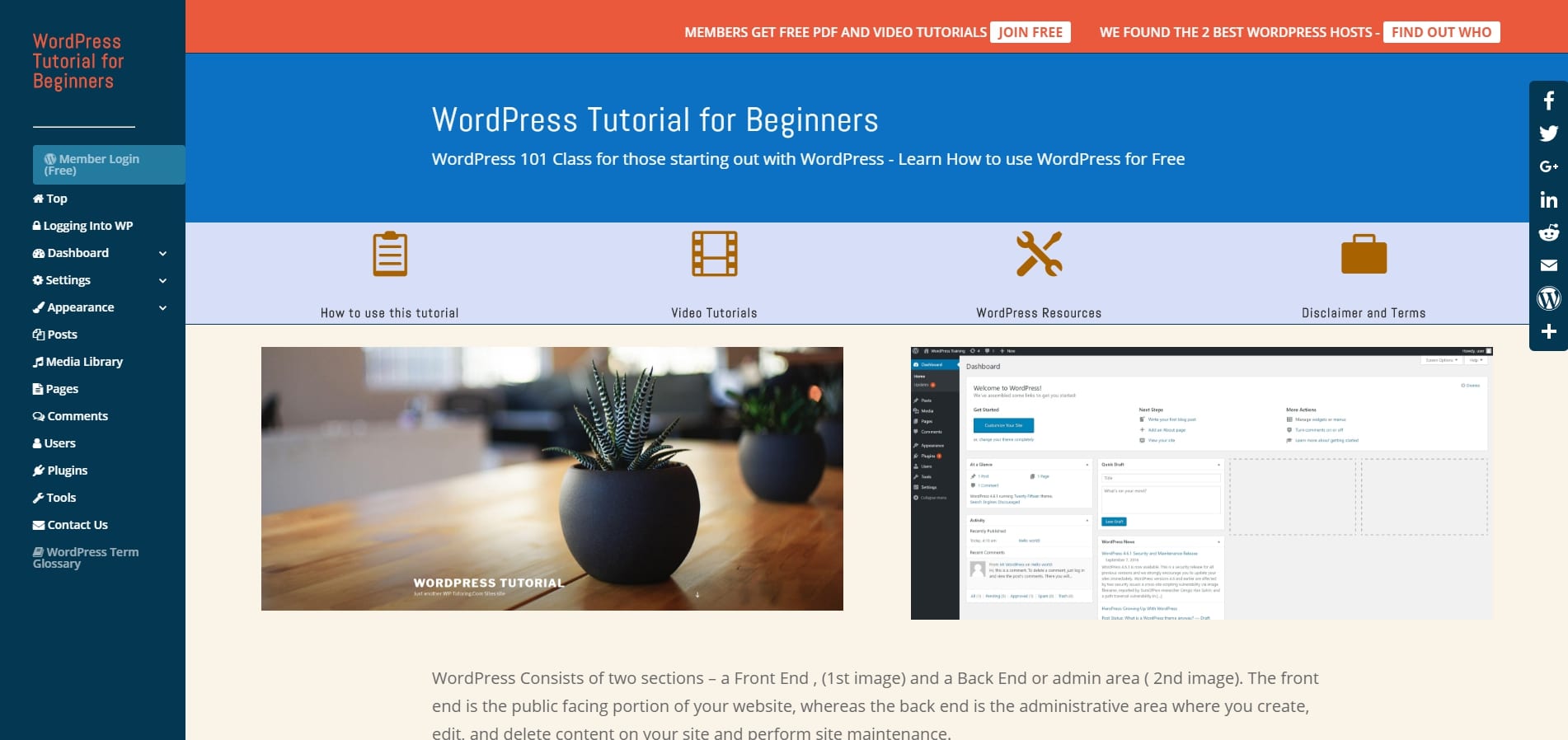
Free WordPress Tutorial for Beginners Just Launched
 WordPress Basics
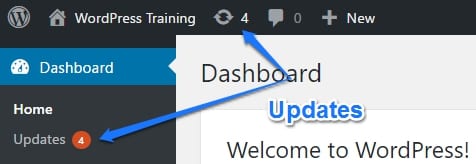
WordPress Updates Tutorial
 WordPress Basics
How to add social media icons to your WordPress site
 WordPress Basics
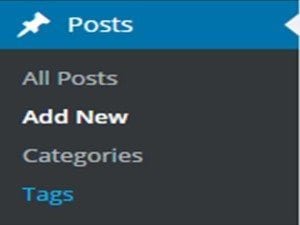
How To Add Tags in WordPress
 WordPress Basics
How to reply to a comment
 WordPress Basics
Creating a gallery in WordPress
 WordPress Basics
Creating a Video Gallery in WordPress
 WordPress Basics
Using post revisions
 WordPress Basics
The Absolute Easiest Way to Make a Child Theme
 WordPress Basics
WordPress Site Documentation Service
 WordPress Basics
Change the Post Author in WordPress
 WordPress Basics
Adding a Title Attribute in WordPress
 WordPress Basics
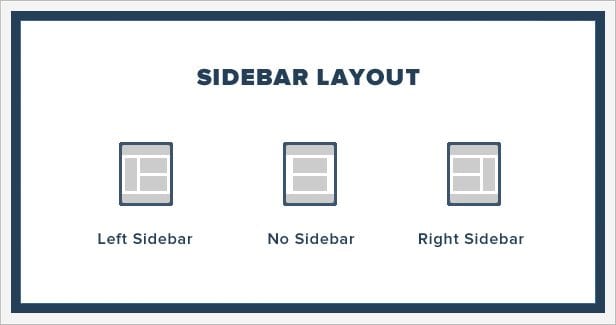
Adding a Widget to a Sidebar
 WordPress Basics
Setting the Date Format in WordPress
 WordPress Basics
Setting WordPress Starting day of the Week
 WordPress Basics
What are WordPress Sidebars
Before You Install WooCommerce on Your WordPress Site
 WordPress Basics
Speed Up My WordPress Site- In one step
 WordPress Basics
WordPress Help and Training Vienna, VA- Caffè Amouri
WordPress Training in Washington DC
Where do I do .....
Wordpress 3.9 Widget Preview
Adding a New User to Wordpress-Wordpress Training
How do I use Wordpress
Wordpress Tutoring Available at Reasonable Prices
About WordPress Basics
Everyone who runs a WordPress site started in the same place: staring at the dashboard, not sure which menu does what. The basics category is our answer — plain-English, screenshot-driven guides to the skills you'll use every week: writing and editing posts and pages, organizing content with categories, managing users and their permission levels, uploading media, and finding your way around the settings screens.
There's no assumed knowledge here. Each tutorial covers one task, shows every step, and explains the why alongside the how — because understanding what WordPress is doing makes the next task easier to figure out on your own. If you learn better by doing, follow along on your own site; nothing in these guides is risky.
A good path through the category: start with the dashboard guide to get oriented, then posts and pages, then categories and menus, then users. After that, branch into whichever specialized category matches your site. And when you hit something specific to YOUR site that a general tutorial can't cover, that's exactly the gap our live one-on-one tutoring fills.
Prefer a set order to work through? The WordPress training for beginners plan puts these skills into an eight-week sequence.
Want hands-on help instead? Book live WordPress training— we'll work directly on your site.
Get our free WordPress starter guide
Join thousands of site owners and get step-by-step WordPress tutorials in your inbox, plus printable cheat sheets.