Table of contents
There are different types of date format which we can use in our WordPress site. The steps are given below:
Setting the Date Format in WordPress
STEP 1 : To set up the date format, go to Settings > General menu in the WordPress Dashboard. 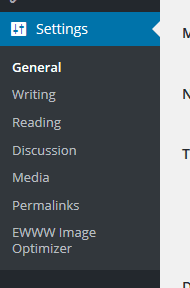 STEP 2 : You'll see Date Format radio options where you can select your preferred date format.
 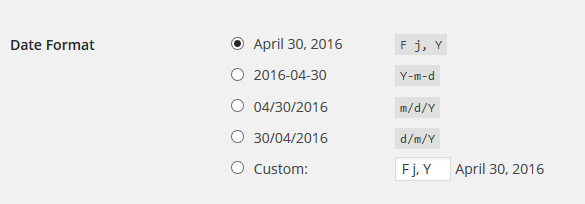 STEP 3 : Click Save Changes to save the date format.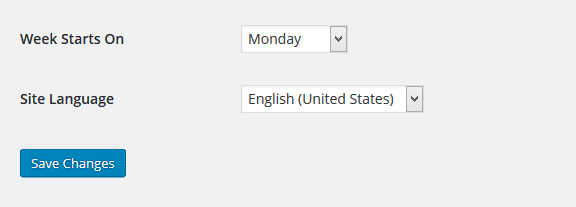



Leave a comment