Table of contents
The archive block places a listing of the archived posts on your site.
Step 1- Choose the archive block by either typing into the search bar or scrolling down to the "widgets" category in the block selector.
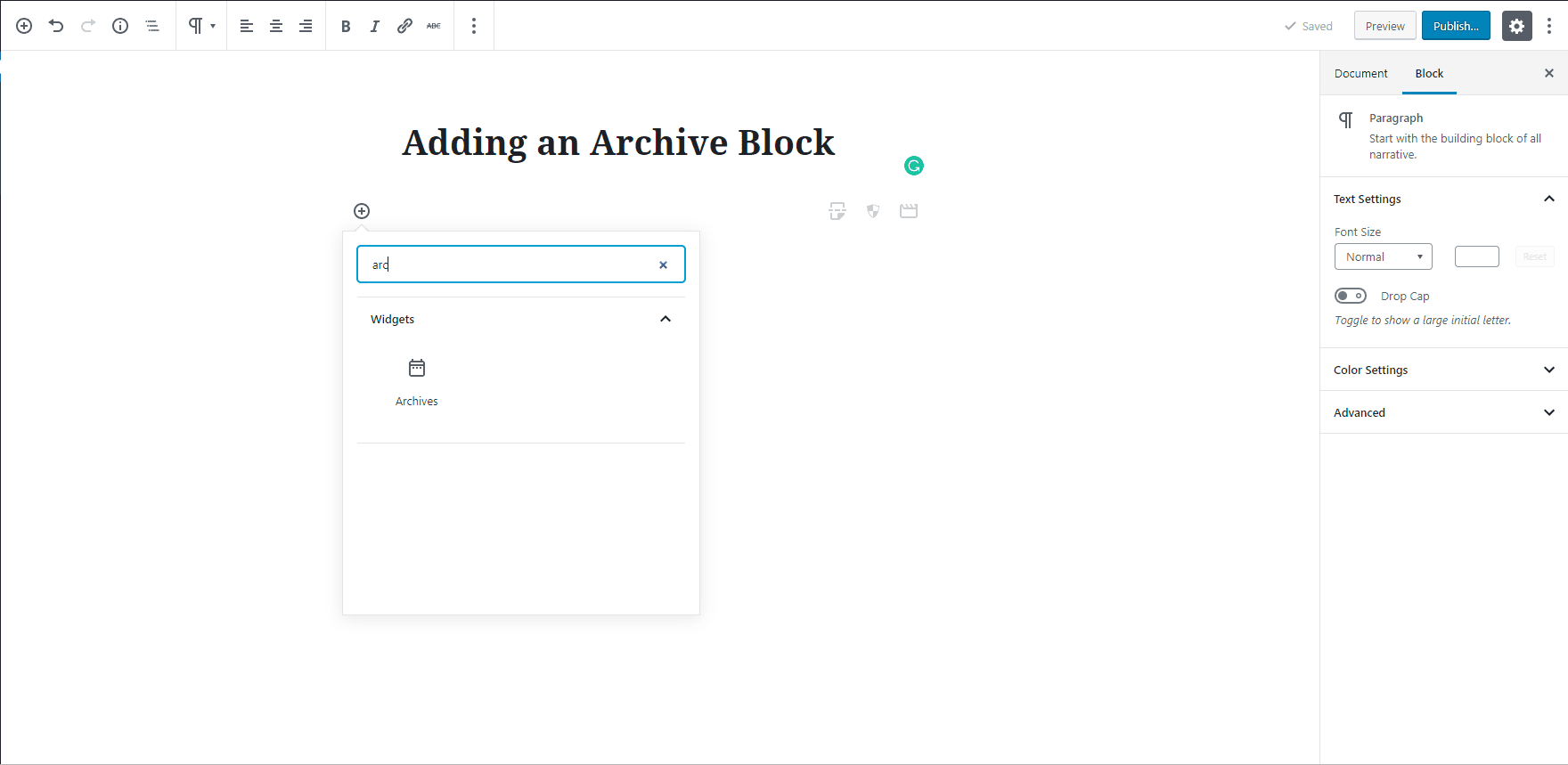
Choose the Archive B``lock underneath the Widget
Step 2 - You will now see an archive list of your posts based on month and year.
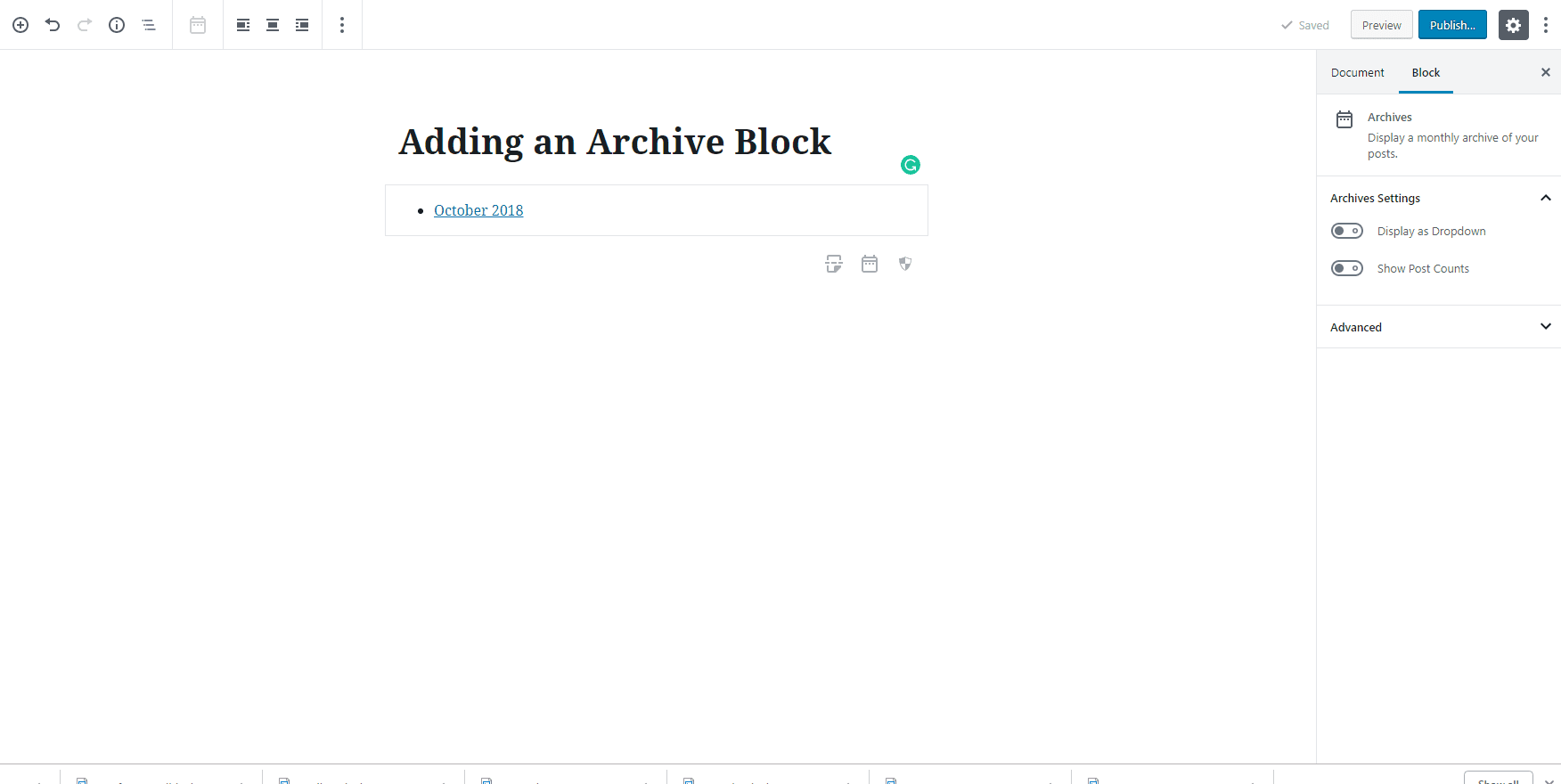
Step 3 - In the block menu on the right, you can choose to make the archive a dropdown or whether or not to show the number of blog posts in each month and year.

Leave a comment