Plugin Tutorials
Plugins add almost any feature you can imagine to WordPress — the trick is picking well and configuring them properly. Here you'll find installation walkthroughs, setup guides, and honest comparisons of the plugins we recommend to tutoring clients.
Plugin Tutorials · 38 guides
 Plugin Tutorials
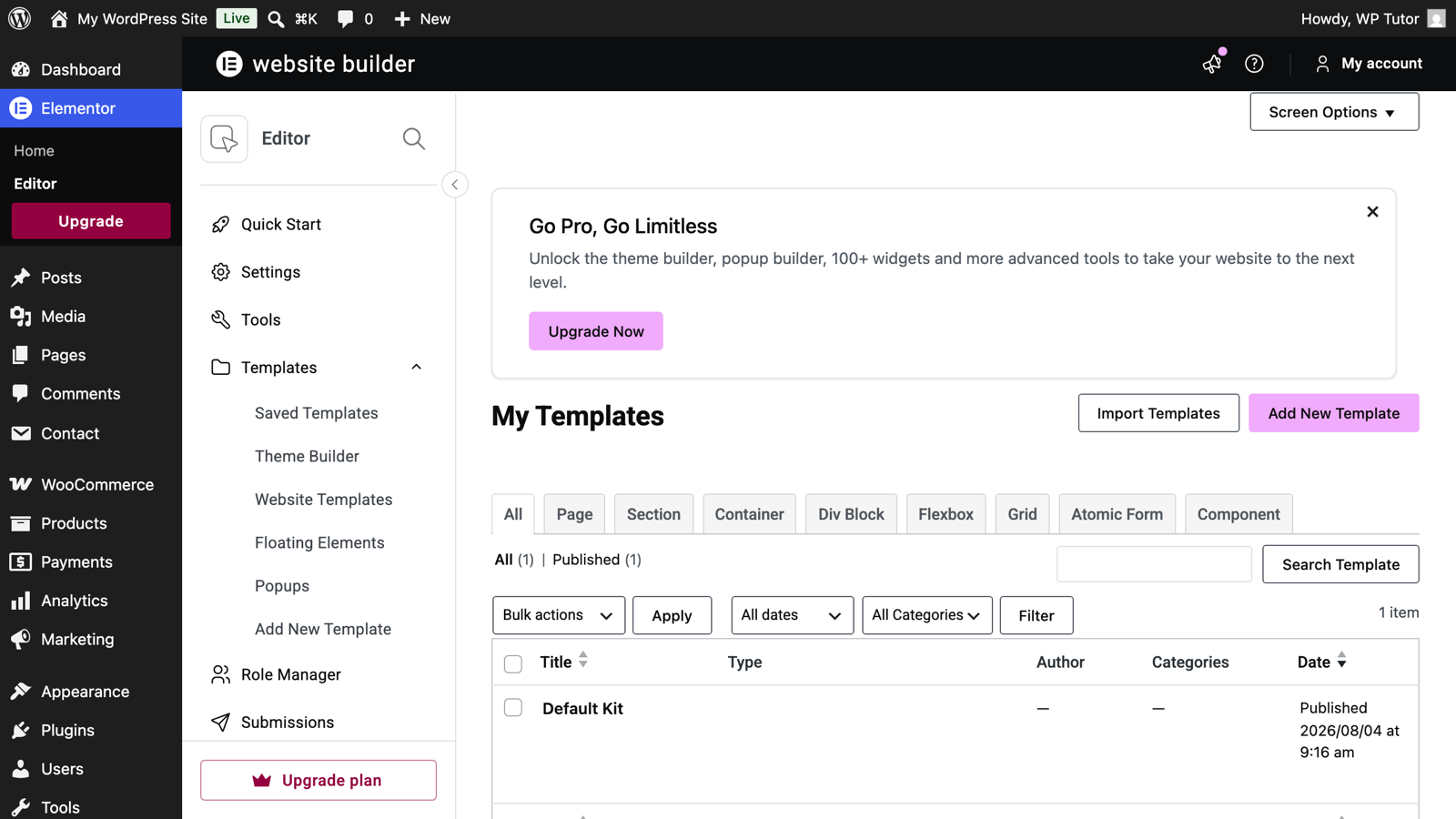
Elementor Templates and Kits: Reuse Instead of Rebuild
 Plugin Tutorials
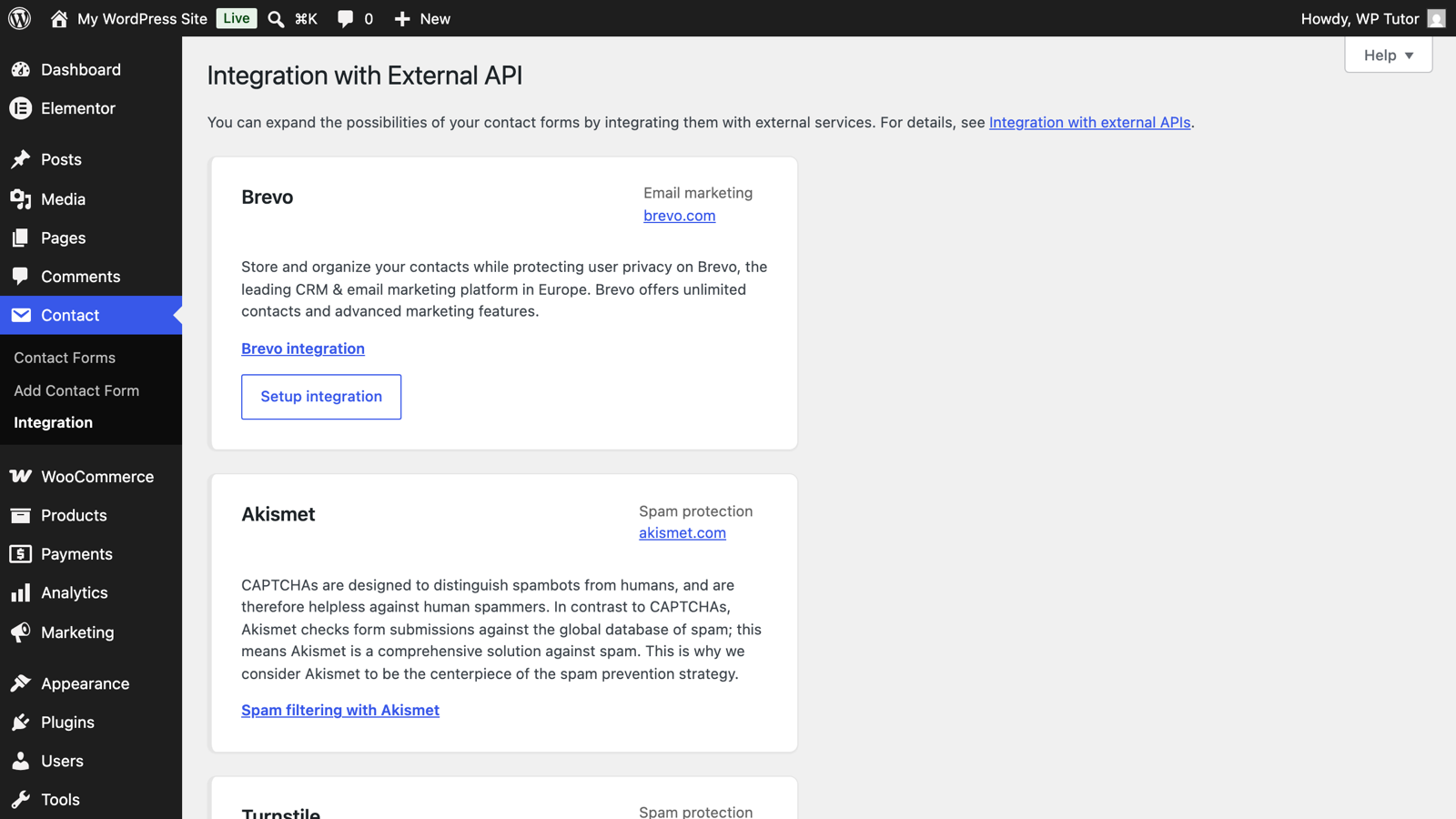
Contact Form 7 Spam Protection: reCAPTCHA, Honeypots, Akismet
 Plugin Tutorials
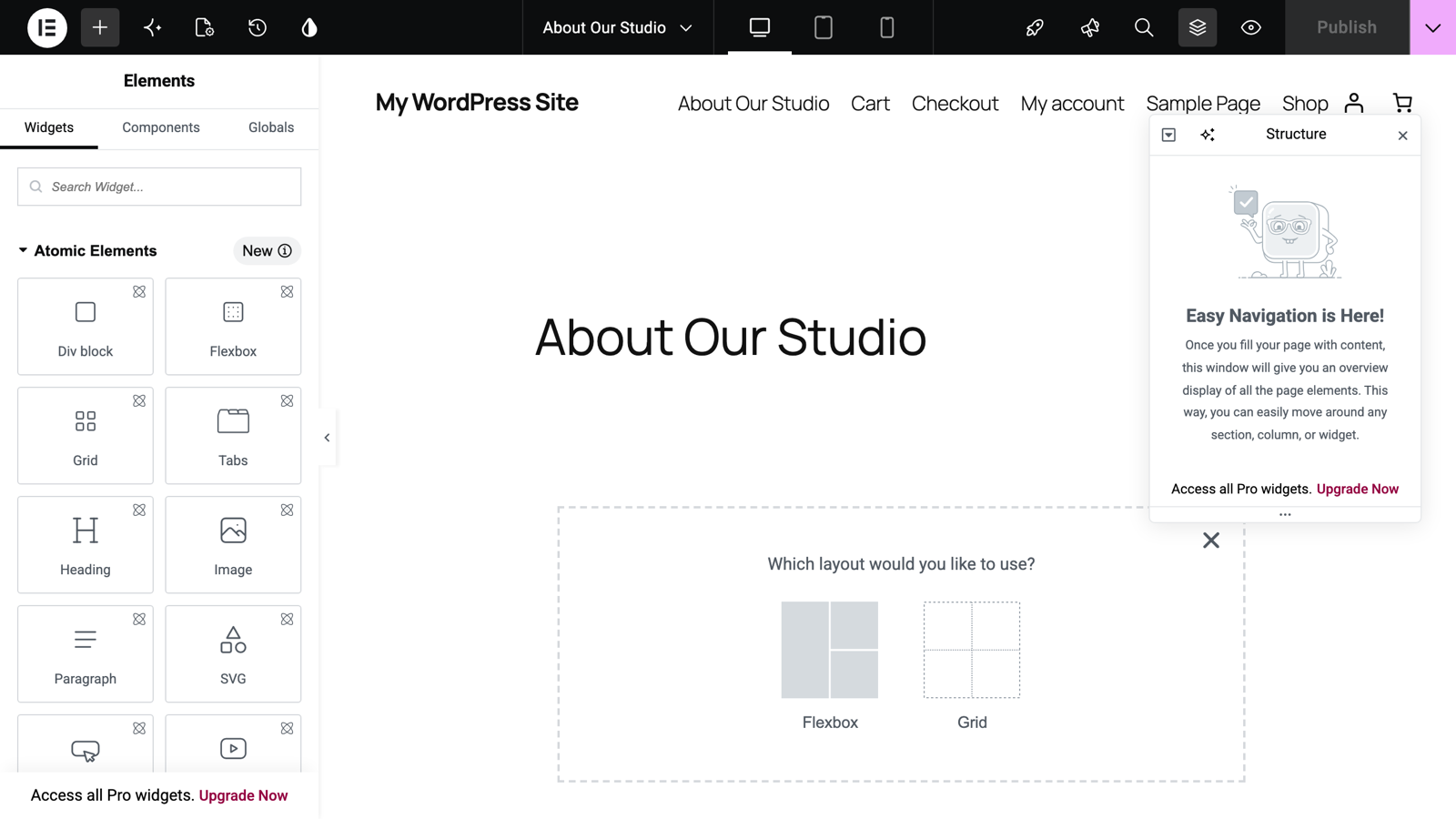
Elementor Version 4 and the Atomic Editor: What Actually Changed
 Plugin Tutorials
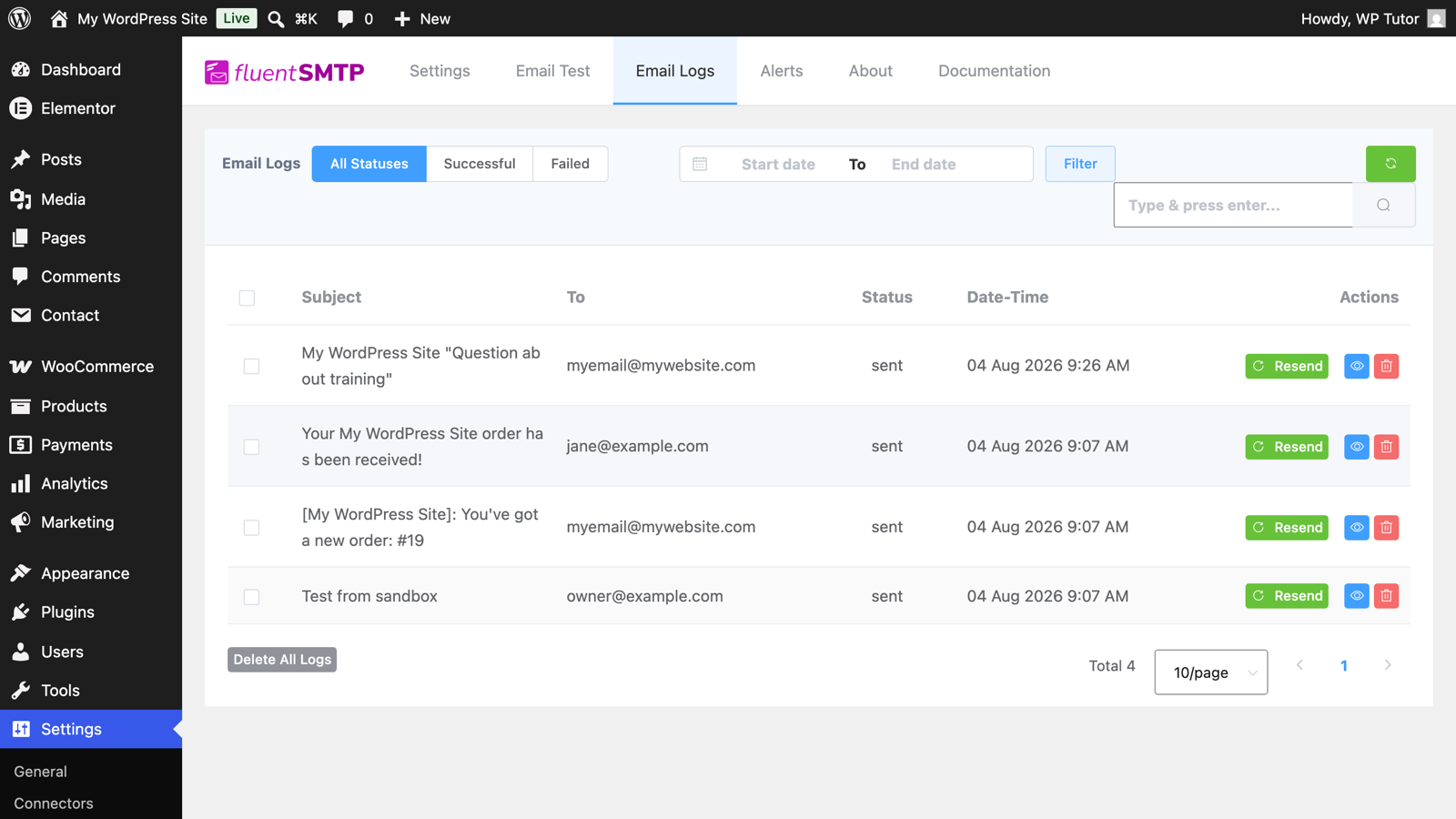
FluentSMTP Email Logs: See Every Email Your Site Sends
 Plugin Tutorials
Best WordPress Training Plugins for Creating Online Courses in 2026
 Plugin Tutorials
WordPress Not Sending Email? Fix It for Good with FluentSMTP
 Plugin Tutorials
Contact Form 7 Not Sending Email? The Real Fix (SMTP)
 Plugin Tutorials
Elementor Editor Not Loading? Fix It Step by Step
 Plugin Tutorials
The 10 Best WordPress Plugins to Boost Your Site's Speed in 2026
 Plugin Tutorials
Best WordPress Analytics Plugins (2026, GA4 & Privacy)
 Plugin Tutorials
Best WordPress SSL Plugins for HTTPS in 2026
 Plugin Tutorials
What Is SMTP and Why Your WordPress Site Needs It
 Plugin Tutorials
5 Ways to Prevent WordPress Plugins from Updating
6 Places to get Royalty Free Images
 Plugin Tutorials
Are WordPress Plugins Free? A Comprehensive Guide to Navigating the World of WordPress Extensions
 Plugin Tutorials
Top 7 WordPress Backup Plugins
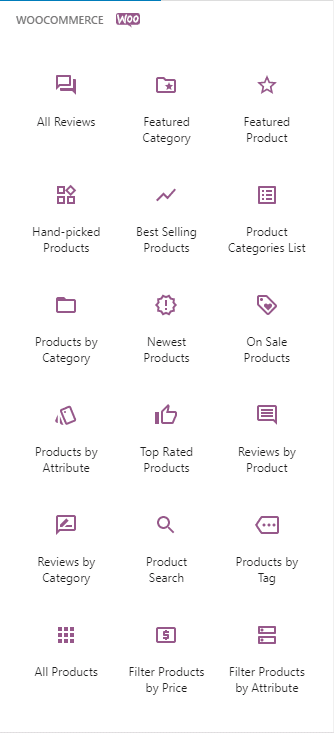 Plugin Tutorials
WooCommerce Blocks and What They Do
 Plugin Tutorials
Installing a WordPress Plugin
 Plugin Tutorials
WordPress Auditing Plugins - Not Big Brother - Smart Management
 Plugin Tutorials
Deleting a WordPress Plugin
 Plugin Tutorials
How to Edit Live Wordpress Content
 Plugin Tutorials
5 Steps to Prepare for Gutenberg - WordPress 5.0
 Plugin Tutorials
Contact Form 7
 Plugin Tutorials
WordPress Contact Forms The Ultimate Guide
 Plugin Tutorials
How to change usernames in WordPress using Username Changer Plugin
 Plugin Tutorials
Top 10 Free Woocommerce Plugins
 Plugin Tutorials
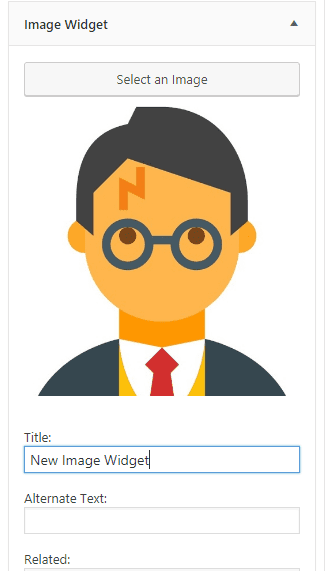
How to use the New Image Widget
 Plugin Tutorials
How to use the WP Video Widget
 Plugin Tutorials
Top Free WooCommerce Plugins
 Plugin Tutorials
WordPress User Activity Log Plugins
 Plugin Tutorials
50 Essential WordPress Plugins
 Plugin Tutorials
Updating a WordPress Plugin
 Plugin Tutorials
What are WordPress Widgets
 Plugin Tutorials
WordPress Plugin Development and Modification - Our Latest Service
 Plugin Tutorials
Why Your Wordpress Backup is Useless
Adding Wordpress Subtitles to Your Posts
Wordpress Plugin Update- WP-Edit
A Wordpress Plugin for Beginners
About Plugin Tutorials
Plugins are how WordPress grows from a blogging tool into whatever you need it to be — a store, a membership site, a booking system, a portfolio. With tens of thousands of free plugins on WordPress.org and thousands more premium ones, the challenge isn't finding a plugin; it's choosing the one that's well-maintained, plays nicely with the rest of your stack, and won't slow your site down.
These tutorials cover the full plugin lifecycle: installing and activating plugins, configuring the important categories (forms, analytics, SSL, backups, SEO), controlling updates, and auditing what's already on your site. The comparison posts distill what we actually recommend to tutoring clients — not just what's popular, but what holds up over years of real use.
Two habits will save you most plugin grief: keep the count lean (every active plugin is code someone must maintain), and check the 'last updated' date and support threads before installing anything. When something breaks after an update, our maintenance guides cover how to diagnose it — and if you'd rather not go it alone, a live session can usually pinpoint a plugin conflict in minutes.
Want hands-on help instead? Book live WordPress training— we'll work directly on your site.
Get our free WordPress starter guide
Join thousands of site owners and get step-by-step WordPress tutorials in your inbox, plus printable cheat sheets.