Table of contents
"Contact Form 7 not sending email" is one of the most-searched WordPress problems in existence — and the plugin is almost never guilty. The form did its job; WordPress's default way of sending mail is what mail servers distrust and discard. Here's the fix that lasts, with real screenshots of a message going from form to inbox (WordPress 7.0, August 2026).
- CF7's "thank you" means PHP accepted the mail — not that it was delivered.
- Fix delivery once with an SMTP plugin (we use FluentSMTP, free) — see what SMTP is and why you need it.
- In CF7's Mail tab, the From address must be on your domain.
- Prove it works with the email log, not by hoping.
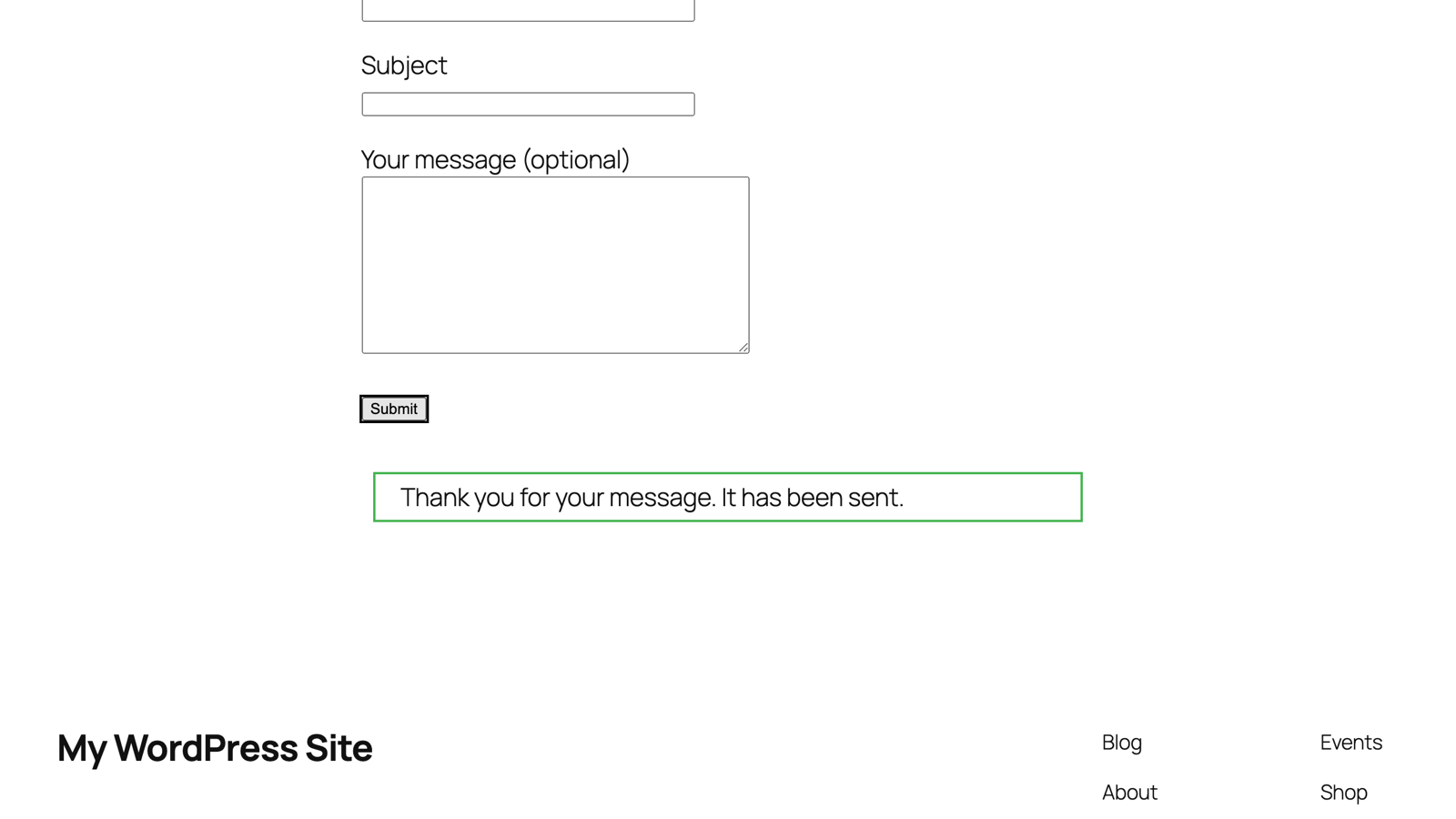
Submit your own form. You'll get the green "Thank you for your message" — and, on an unconfigured site, nothing in the inbox:
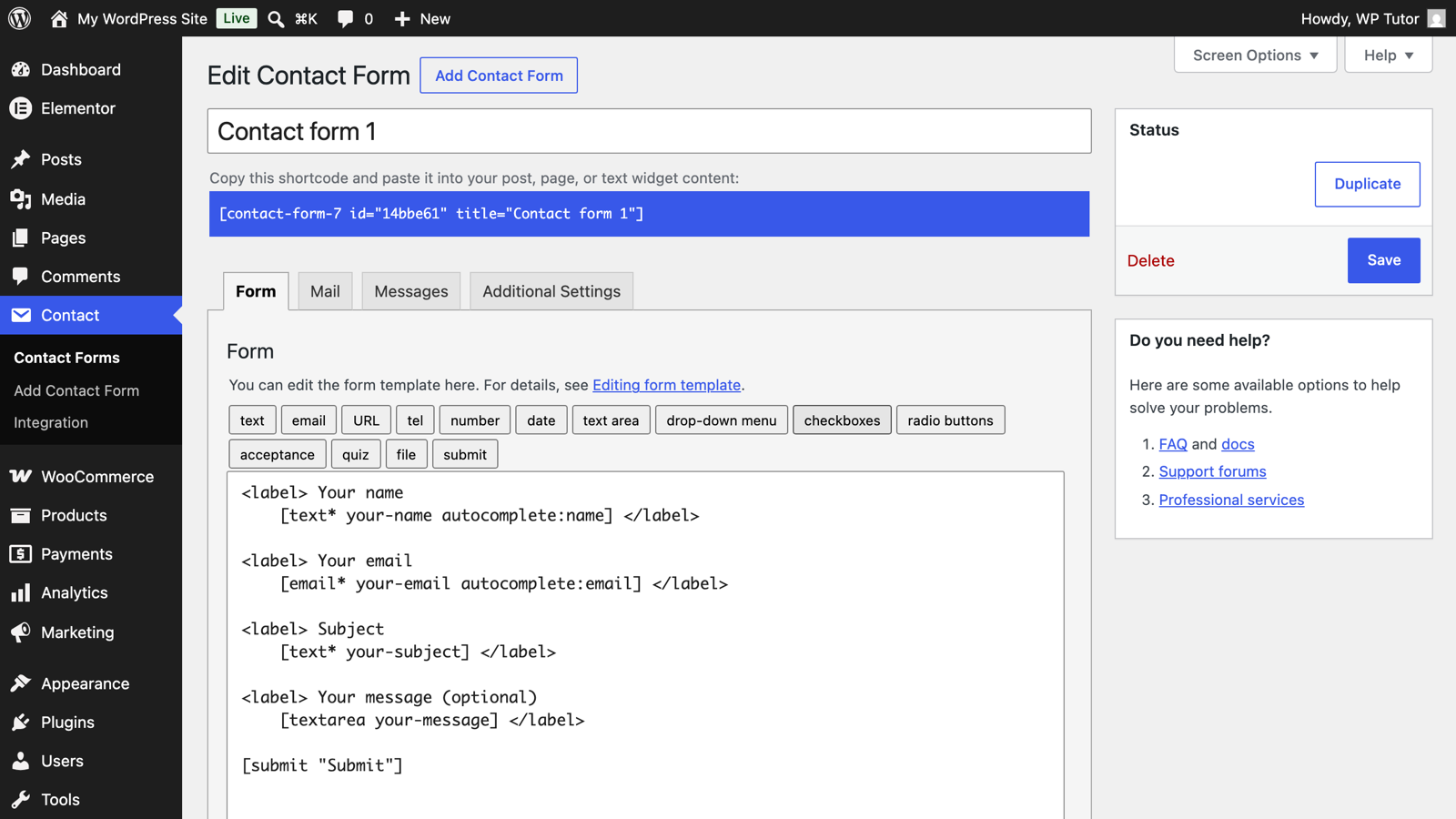
Edit your form (Contact → Contact Forms) and open the Mail tab. The
From field must be an address on your domain
(noreply@yourdomain.com), not [your-email] — mail claiming to come from
your visitor's Gmail will be rejected by design. Put [your-email] in
Additional headers as Reply-To: [your-email] so replies still reach
the visitor.
Install FluentSMTP (Plugins → Add Plugin), then in Settings → FluentSMTP connect your mail service — Google Workspace, Outlook, your host's SMTP server, or a transactional service. Enter the connection details and set the same From address as your form:
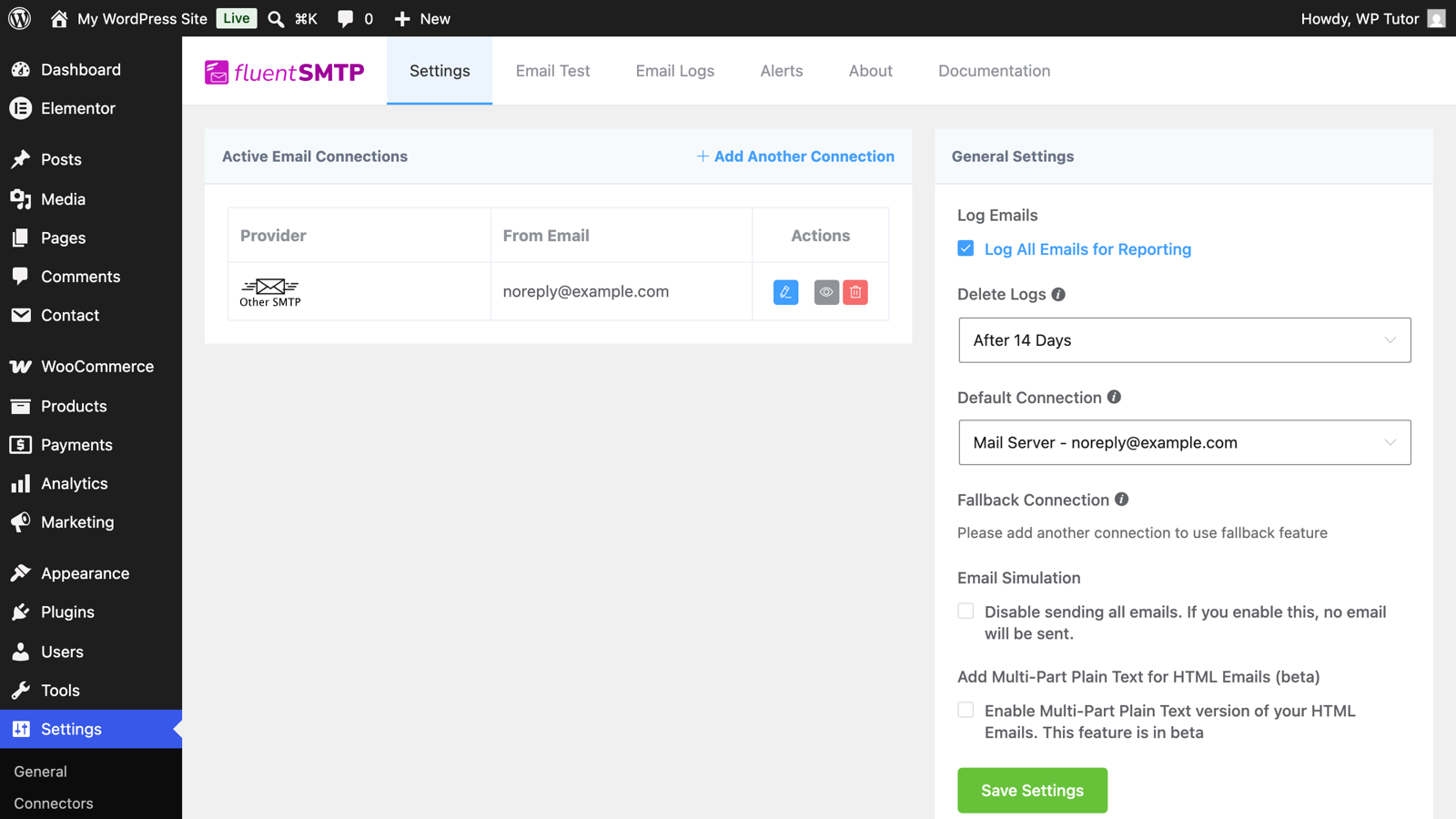
From now on, every email WordPress sends — CF7, WooCommerce, password resets — goes out authenticated through that service.
Submit the form again, then check FluentSMTP → Email Logs: your form message listed with status sent, alongside everything else the site mails.
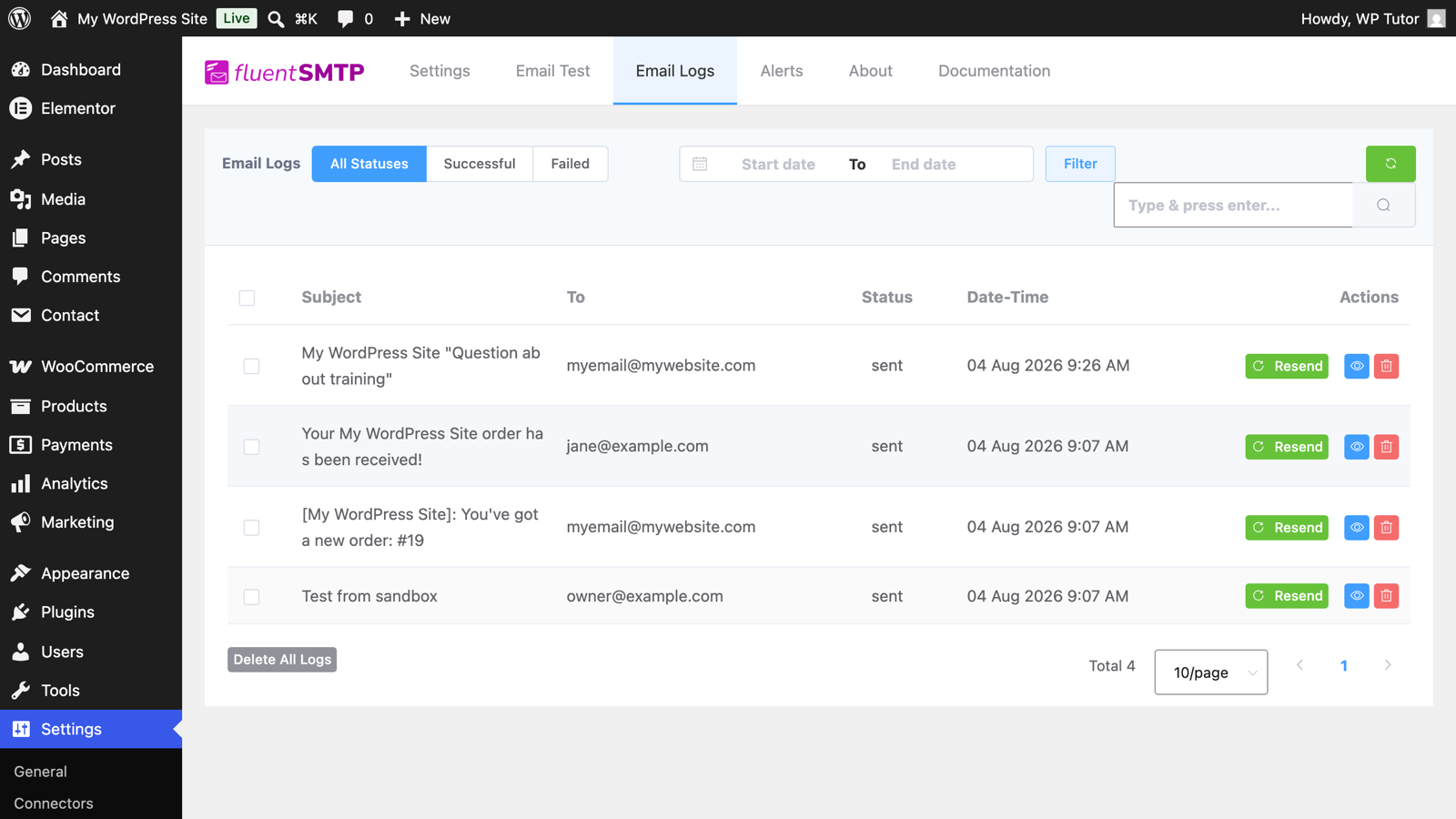
That log is the difference between guessing and knowing — bookmark it.
If the log says sent but the inbox is empty, check spam, then your domain's SPF/DKIM records — your mail service's setup page lists the exact DNS entries. That last mile is a classic support session fix.
Keep learning
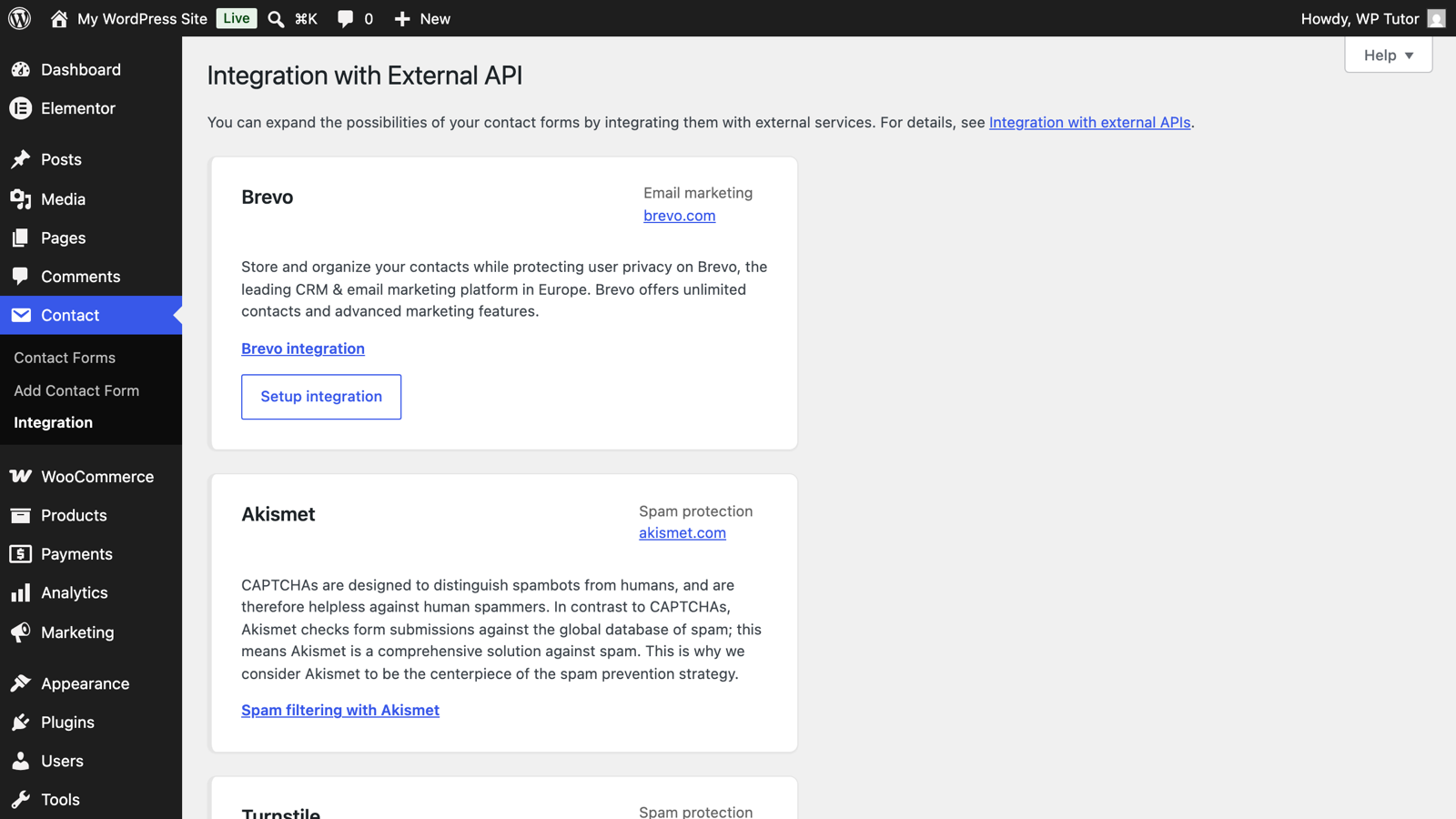
- What is SMTP and why your WordPress site needs it
- Contact Form 7 basics
- WordPress contact forms — the ultimate guide
Leave a comment