Why Work inside Sandbox plugin? You Don’t have to worry about messing up on a live site, With Sandbox plugin it allows you to work on a site in testing mode. While doing changes in sand box it is unavailable to the public and all search engines so you are able to work free and relax. You can Test anything with sandbox from plugins, to themes and even word press upgrades & settings. Also You are still able to use all your developer tools within sandbox If you are having Plugin conflicts sandbox is a great tool to use so that you can disable your plug ins one at a time to solve the issue. A Few steps to install and create the sandbox: STEP 1 Go to plugins 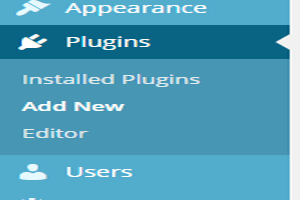 STEP 2 : In the Search plug in Type sandbox
 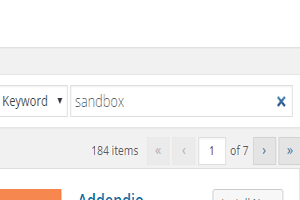 STEP 3 : Install Sanbox and Activate it
 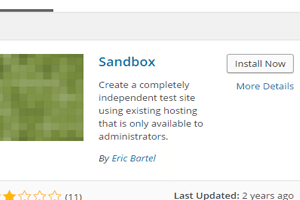 Step 4: Once Activated you should see the plug in on the side saying sandbox
 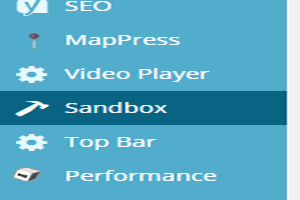 Step 5: Fill in the sections to create the testing site and your good to go
 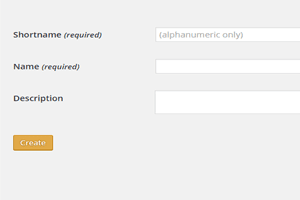 ATTENTION : When you add a new sandbox, a few sections are required to differentiate it from other sandboxes. Then a status is displayed as the sandbox is being created which can take time because it depends on the size of your WordPress install.
WordPress Basics
Making a wordpress sandbox
How to make a WordPress sandbox with a plugin so you can safely test themes, plugins, and updates in private without breaking your live website.



Get our free WordPress starter guide
Join thousands of site owners and get step-by-step WordPress tutorials in your inbox, plus printable cheat sheets.
Beginner-friendly, no jargon
Printable cheat sheets & checklists
Unsubscribe anytime
Leave a comment