Table of contents
We can create gallery in WordPress very easily. Let's do it by following the instructions below:
Creating a gallery in WordPress
STEP 1 : To create a gallery, open the page or post editor of your website and click on Add Media  STEP 2 : Click Create Gallery and select the your preferred images.
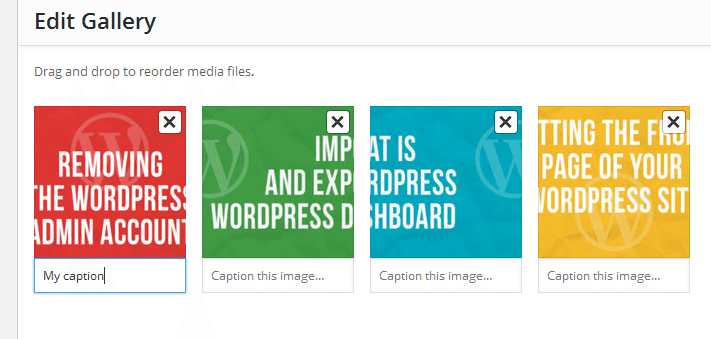
 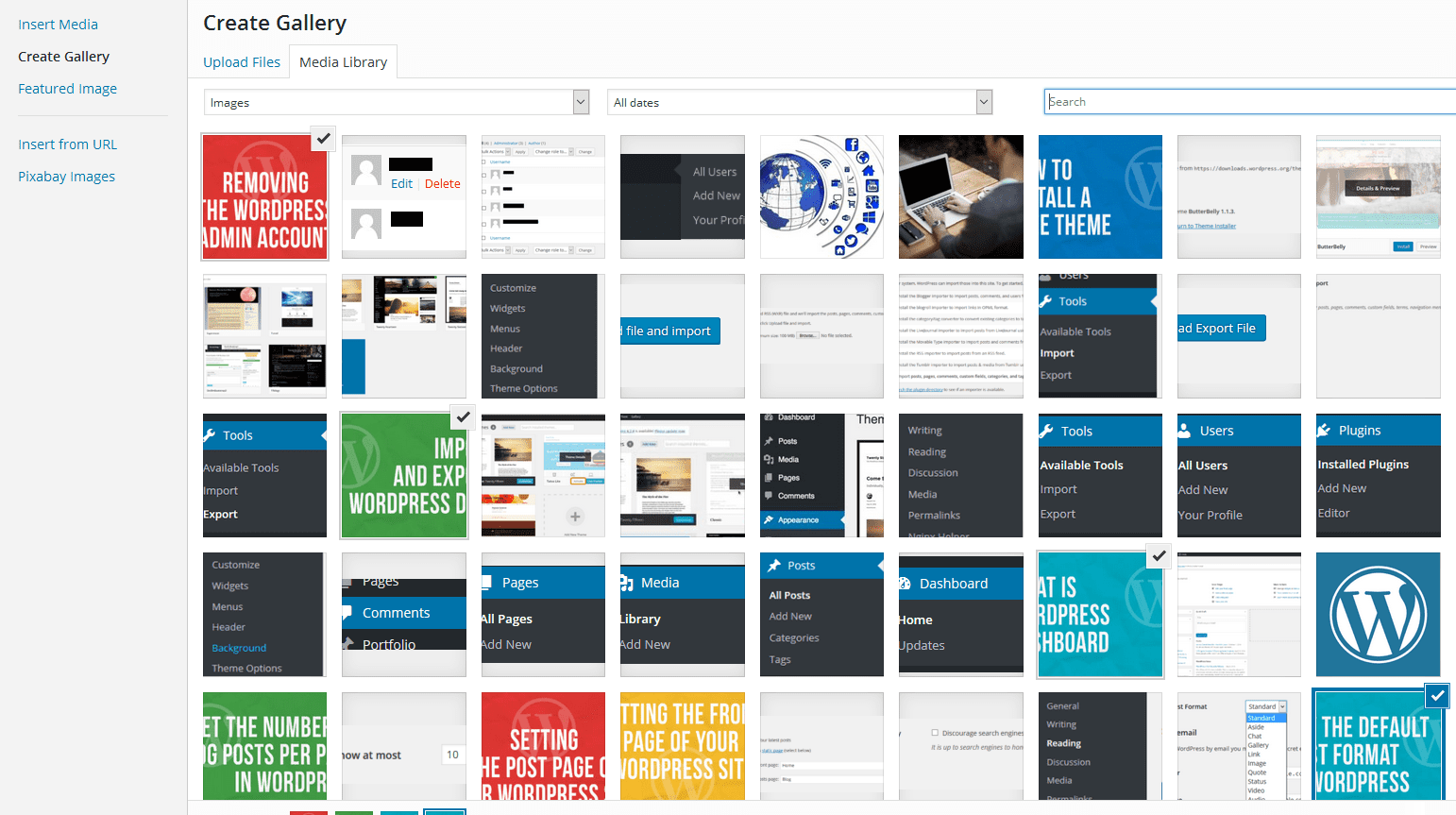 STEP 3 : Now click Create a new gallery. STEP 4 : Add caption at the bottom of the images.
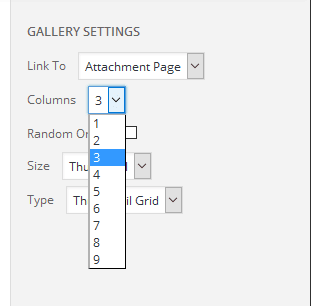
  STEP 5 : Select the number of columns from the dropdown.
  STEP 6 : You can drag the images to rearrange them. STEP 7 : Click Insert gallery and update the page or blog. Now you can view the gallery in your WordPress website.



Leave a comment