Table of contents
What are WordPress Widgets
WordPress Widgets are designed to provide a simple and easy-to-use way of giving design and structure control of the WordPress Theme to the user, which is now available on properly "widgetized" WordPress Themes to include the header, footer, and elsewhere in the WordPress design and structure. Widgets in WordPress allow you to add content and features in the widgetized areas of your theme which is mostly the sidebar. However these widget-ready areas can be in the header, footer, sidebar, below content, and basically any other area in your theme. 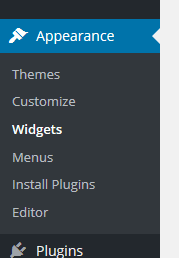 There are many different types of widgets. WordPress by default comes with several widgets including categories, tag cloud, navigation menu, calendar, search, recent posts etc. If you drag the recent posts widget in a widget area, then it will contain a list of recent posts.
 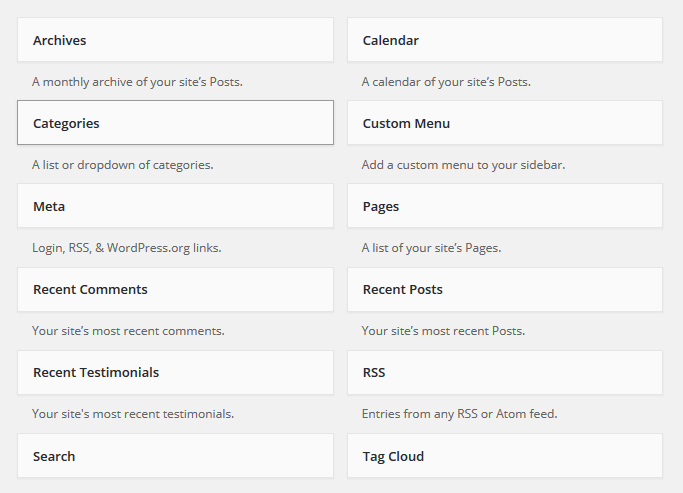 Also you can create your custom widgets which are included with themes and plugins.
Leave a comment