Table of contents
Every site has a handful of pages that should outrank the rest — the complete guides that define what you do. Yoast's cornerstone feature is a small toggle wrapped around a big idea: pick those pages deliberately and point your internal links at them. Shot on Yoast under WordPress 7.0, August 2026.
- Mark a post as cornerstone in the Yoast sidebar's Cornerstone content toggle.
- Marked posts get a stricter analysis and a filter in the posts list.
- The real ranking lever: link from related posts to your cornerstones, every time.
- Keep the list short — 4–6 pages that deserve the concentration.
Choosing and marking cornerstones
Pick the pages you'd want a stranger to read first — complete, evergreen, representative. In each one's editor, open the Yoast sidebar and switch on Cornerstone content. Your posts list gains a Cornerstone filter so you can always see the chosen few:
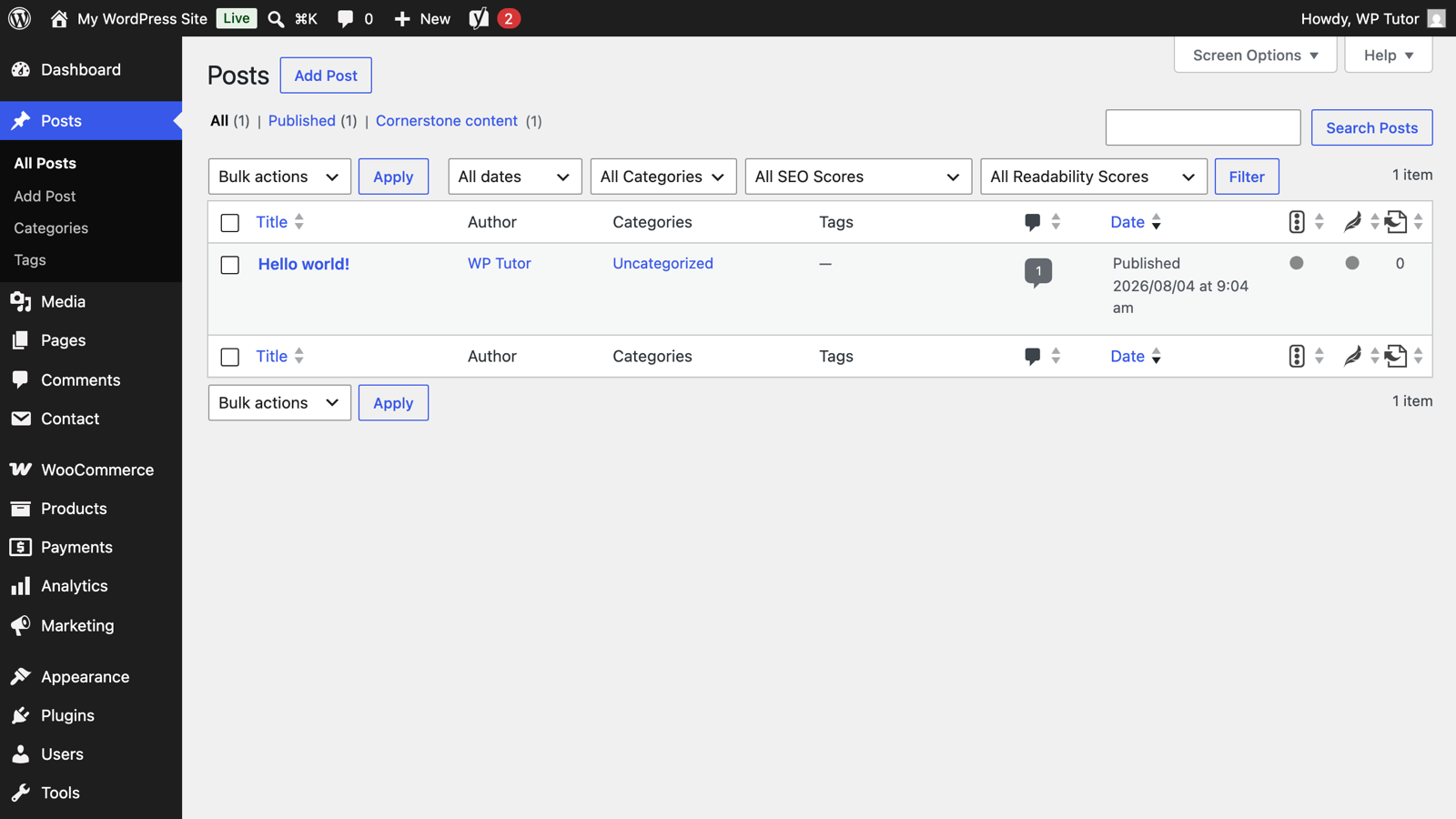
The Yoast sidebar analysis also tightens for these posts — longer minimum text, stricter checks — which is fair: your flagship pages should clear a higher bar.
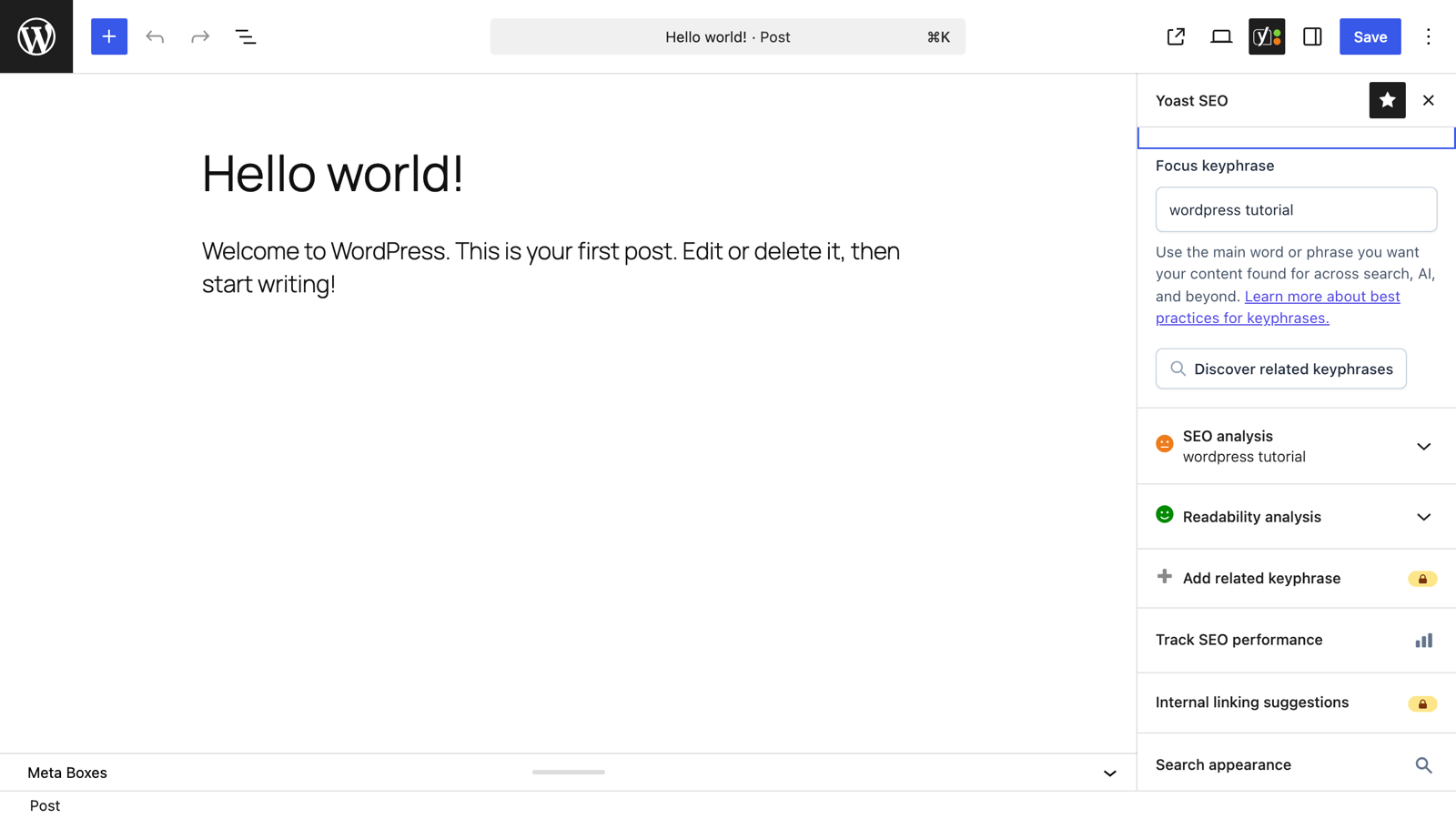
The habit that makes it work: link inward
Google infers importance from your internal links. The cornerstone strategy is simply consistency:
- Every new related post links to its cornerstone with descriptive anchor text ("our complete WordPress SEO guide," not "click here").
- The cornerstone links back out to the deep-dives, forming a cluster.
- Navigation, footer, or homepage links to cornerstones where sensible.
Do that for six months and your cornerstone accumulates dozens of internal links while satellite posts feed it topical depth — that structure, not the toggle, is what moves rankings.
Choosing the right four cornerstones for your business is the actual hard part. It's a great use of a one-on-one session: we map your content to what customers search and pick the pages worth concentrating on.

Leave a comment