Maintenance & Troubleshooting
A healthy WordPress site needs a little regular care — and a calm head when something breaks. These guides cover updates, backups, security, and fixing the errors we see most often in tutoring sessions.
Maintenance & Troubleshooting · 26 guides
 Maintenance & Troubleshooting
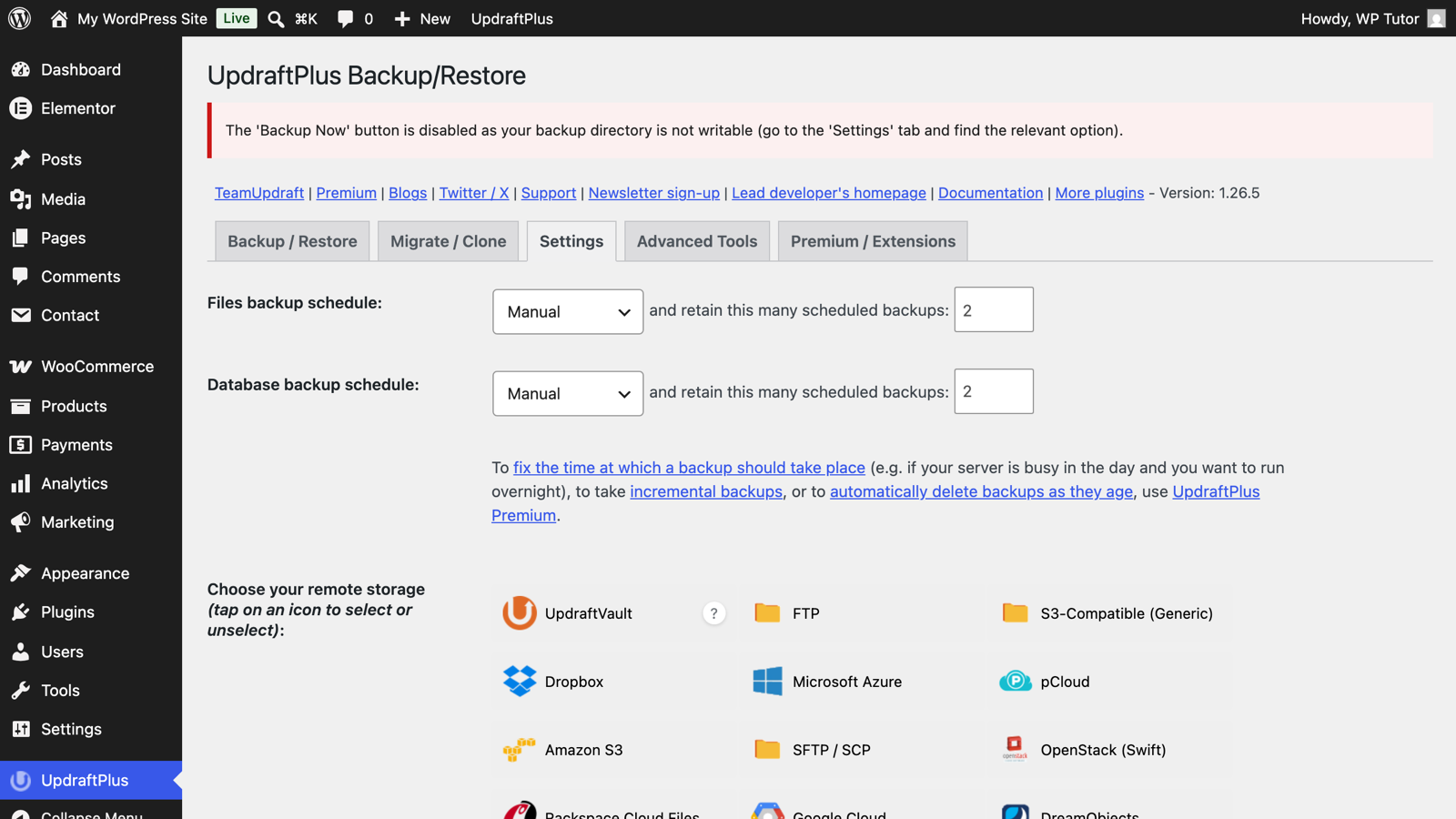
UpdraftPlus: Set Up Automatic WordPress Backups
 Maintenance & Troubleshooting
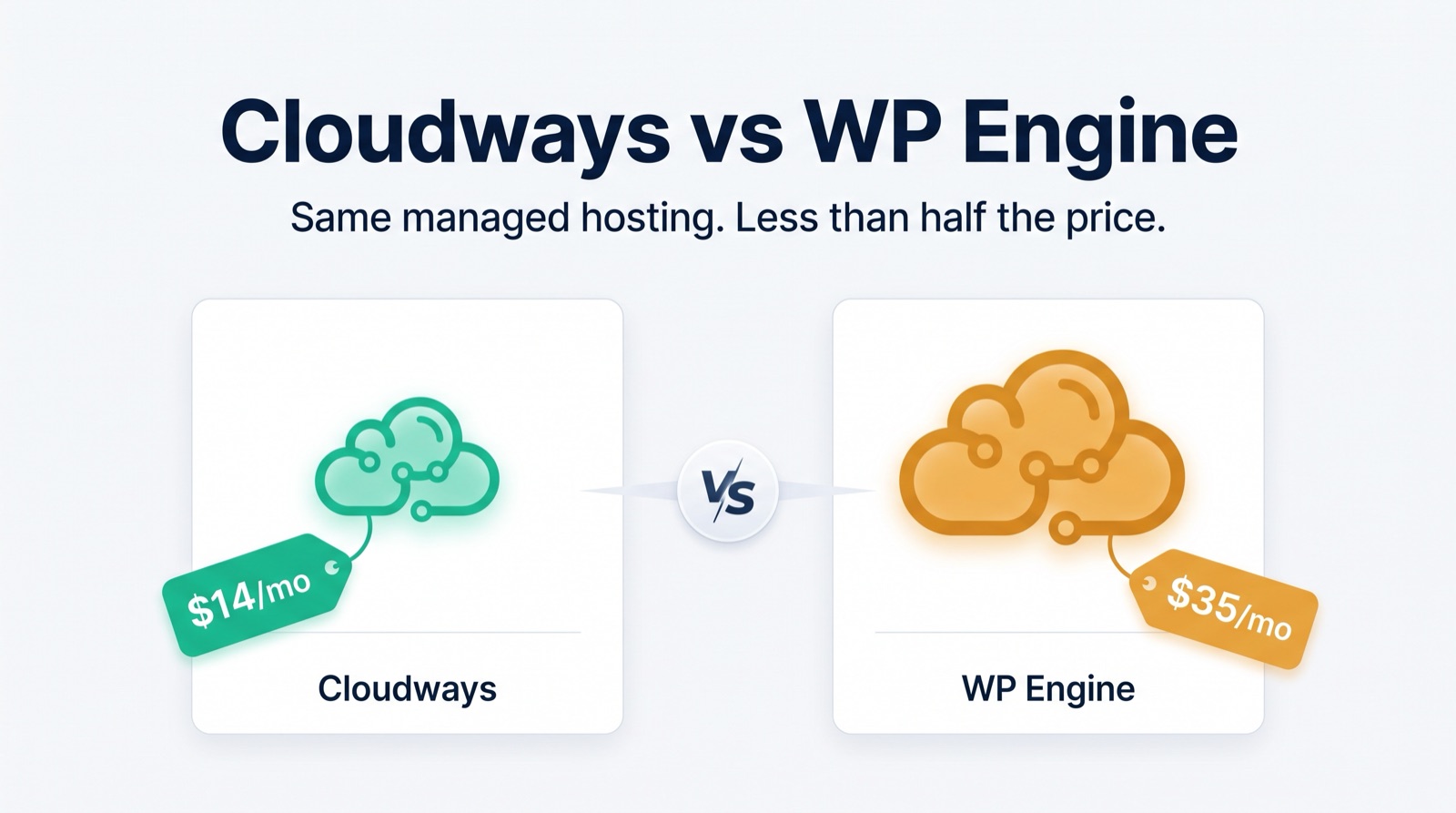
Cloudways vs WP Engine: Why We Now Recommend Cloudways
 Maintenance & Troubleshooting
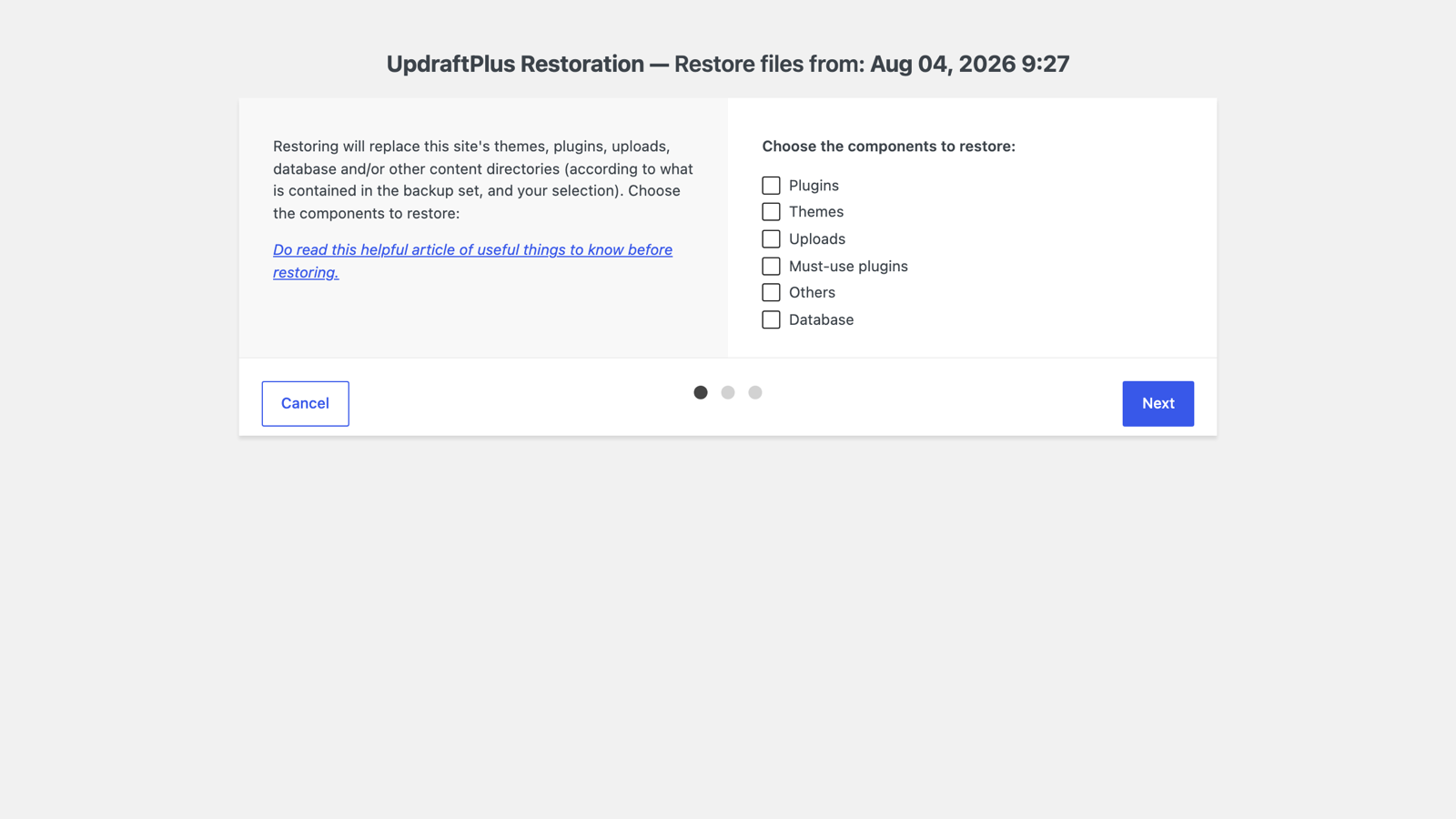
How to Restore a WordPress Backup with UpdraftPlus
 Maintenance & Troubleshooting
Setting the Front Page of Your WordPress Site
 Maintenance & Troubleshooting
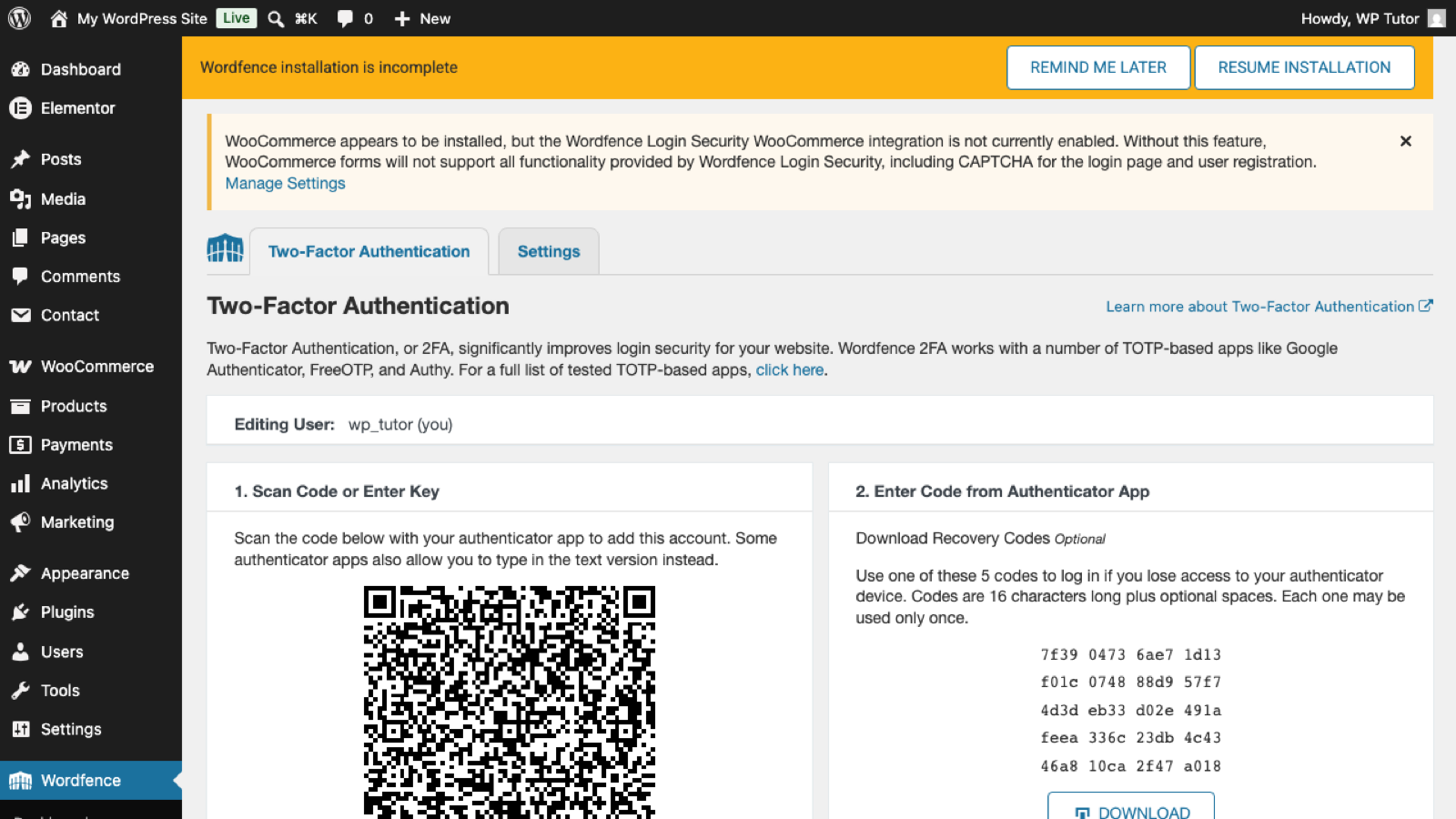
Wordfence Locked Me Out — How to Get Back Into WordPress
 Maintenance & Troubleshooting
WP Tutoring List of Webhosts 2026
 Maintenance & Troubleshooting
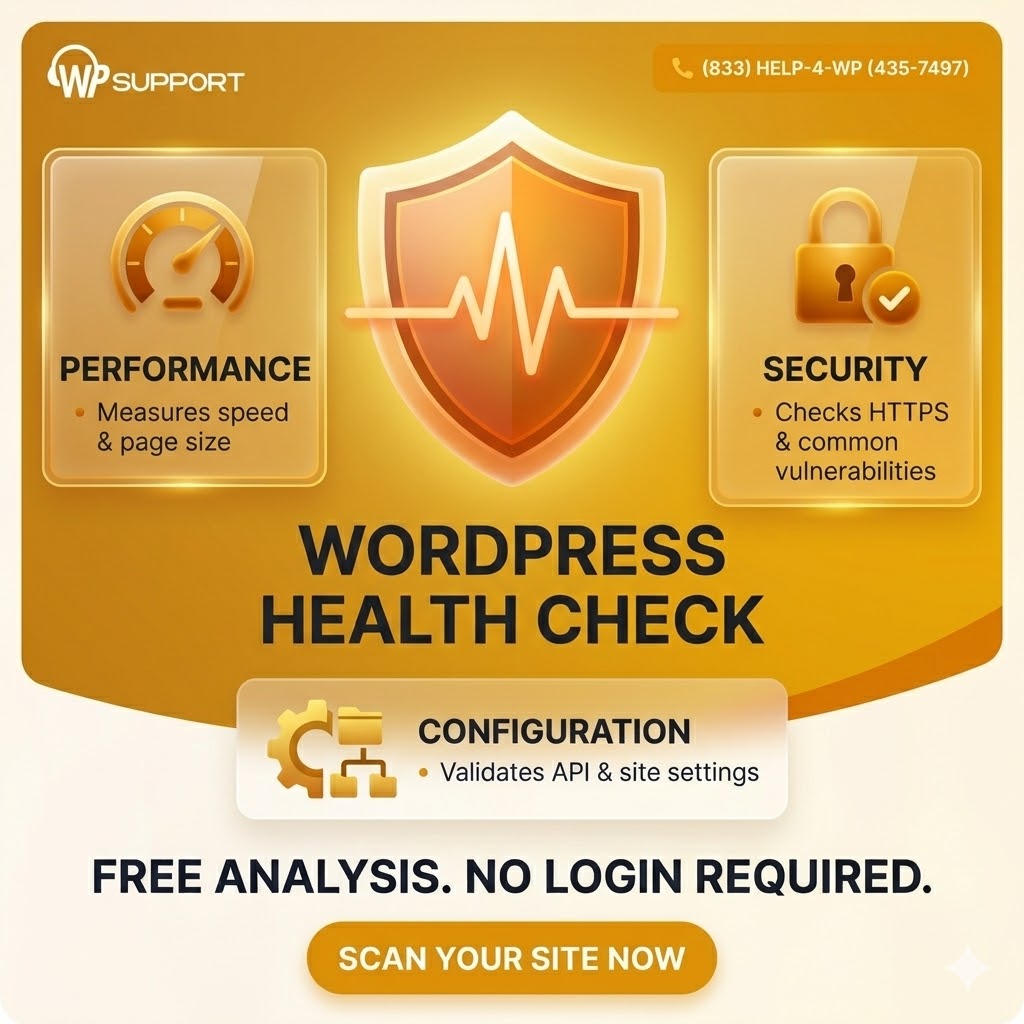
Free WordPress Website Health Check
 Maintenance & Troubleshooting
Managing WordPress User Roles and Permissions- It is Critical
 Maintenance & Troubleshooting
Understanding WordPress Recovery Mode
 Maintenance & Troubleshooting
13 Steps to Choose the Right WordPress Host
 Maintenance & Troubleshooting
How do I turn off WordPress Maintenance Mode?
 Maintenance & Troubleshooting
Does WordPress Need Maintenance?
 Maintenance & Troubleshooting
5 ways to know if you need better WordPress Hosting
 Maintenance & Troubleshooting
How to change the number of blog posts on your blog page
 Maintenance & Troubleshooting
How to keep google from indexing your site
 Maintenance & Troubleshooting
Import and Export WordPress Data
 Maintenance & Troubleshooting
Setting the Default WordPress Language
 Maintenance & Troubleshooting
Setting the WordPress Admin email address
 Maintenance & Troubleshooting
Setting the number of blog posts per page in WordPress
 Maintenance & Troubleshooting
Setting the Post page of your WordPress Site
 Maintenance & Troubleshooting
Privacy Policy Tool in WordPress
 Maintenance & Troubleshooting
Updating WordPress site tagline
 Maintenance & Troubleshooting
Updating Your WordPress Site Title
 Maintenance & Troubleshooting
Wordpress Hosting - Comparisons
 Maintenance & Troubleshooting
WordPress Hosting: Who NOT to use
When your wordpress webdesigner leaves you
About Maintenance & Troubleshooting
WordPress powers a huge share of the web precisely because it keeps evolving — but that evolution means core, themes and plugins all ship updates on their own schedules, and a site left unattended slowly drifts toward breakage and security risk. Maintenance is the small, regular habit that prevents the large, urgent emergency.
The tutorials here cover that habit end to end: applying updates safely, choosing and testing backup plugins, running WordPress's built-in health checks, and deciding whether your hosting is part of the problem. Alongside prevention, you'll find fix-it guides for the errors we're asked about most — like the block editor's 'not a valid JSON response' — written to be followed calmly, step by step.
Our baseline recommendation for every site owner: automatic daily backups stored off-server, updates applied weekly (after a quick look at what changed), and a disaster plan you've written down before you need it. If your site is already misbehaving and the guides here don't crack it, troubleshooting on a live session — on your actual site — is usually the fastest route back to healthy.
Want hands-on help instead? Book live WordPress training— we'll work directly on your site.
Get our free WordPress starter guide
Join thousands of site owners and get step-by-step WordPress tutorials in your inbox, plus printable cheat sheets.