Table of contents
- Six areas make up everything a beginner needs: the dashboard, posts vs pages, the block editor, media and menus, themes and plugins, and maintenance. Everything else is optional for years.
- Budget eight weeks at three to five hours a week — not a weekend. The watching is about three and a half hours; the competence comes from doing.
- No coding. PHP and CSS are a different job. You can run a successful WordPress site for a decade without either.
- Do every exercise on your own site or a staging copy, never the instructor's demo. This is the single biggest predictor of whether beginner training sticks.
WordPress feels enormous the first time you log in. It isn't — it just presents everything at once, with no indication of what matters on day one and what you can ignore until year two.
That is the actual problem WordPress training for beginners solves. Not secret knowledge: order. Nearly every individual task you will ever do already has a free tutorial written about it, and the reason people still stall is that two hundred tutorials have no sequence and no way of knowing what you skipped.
This page is the sequence. What to learn first, what your first ninety minutes should look like, an eight-week path to running your own site, and an honest account of what a beginner course can and cannot do for you. It applies whether you learn with us or somewhere else.
The six things a beginner actually needs to learn
Day-to-day WordPress comes down to six areas. A course that skips one has left a hole you will fall into later.
1. The dashboard. The admin area behind your site — the dark menu down the left. Everything else gets easier once this stops being a maze. Start with what WordPress is, then take the tour of the dashboard.
2. Posts versus pages. Pages are the permanent parts of your site — Home, About, Services, Contact. Posts are dated entries. Beginners conflate these constantly, and untangling it in week one saves months of confusion.
3. The block editor. Where you will spend most of your time. Editing text is the most useful first skill because it is the thing you will do most, and thinking in blocks is what makes the rest of the interface click into place.
4. Media and menus. Images, files and navigation — the difference between a site that works and a site that feels finished.
5. Themes and plugins. Your theme controls how the site looks; plugins add what WordPress does not ship with. The skill here is judgement, not clicking: choosing a theme that fits, and installing plugins deliberately rather than experimentally.
6. Maintenance. Updates, backups you have actually restored from, and user roles set correctly. Unglamorous, routinely skipped, and the stage that decides whether your site survives its third year.
Notice what is not on that list: PHP, CSS, databases, servers. Those are developer topics, and they belong to a different job.
If a beginner course never mentions backups, it isn't teaching you to run a website. It's teaching you to make one.
Your first ninety minutes
Most beginner courses start by building something. We would rather you started by changing nothing, because the thing standing between you and competence on day one is not knowledge — it is the fear of breaking something in public.
So spend the first session like this:
Twenty minutes. Go down the left-hand admin menu and open each item just to see what is behind it. Posts, Media, Pages, Comments, Appearance, Plugins, Users, Tools, Settings. You are building a mental map, not making decisions.
Look at a page on your public site, then find that same page in the admin area. Then do it backwards. Ten minutes. This one exercise does more for orientation than an hour of video, because it connects the thing visitors see to the thing you edit.
Edit a single word on an unimportant page, publish, look at it live, then change it back. Fifteen minutes. You have now completed the entire edit-publish loop, which is the skill you will use more than every other skill combined.
Delete a paragraph and restore it from the revision history. Deactivate a plugin and turn it back on. Fifteen minutes. The point is to learn in a controlled way that almost everything in WordPress is reversible.
Ten minutes, and the most valuable part. "Add a new team member to the About page." "Publish a blog post with an image." Concrete goals turn the next eight weeks from studying into practising.
Ninety minutes, nothing broken, and the dashboard is no longer strange territory. That is a genuinely good first day.

The eight-week path from zero to a live site
Thirty to sixty minutes a day for two months takes most people from "afraid to click anything" to running their own website. You do not need to study full time, and you should not try to.
Each week has one goal, and the goal is something you can do — not a set of videos you have watched.
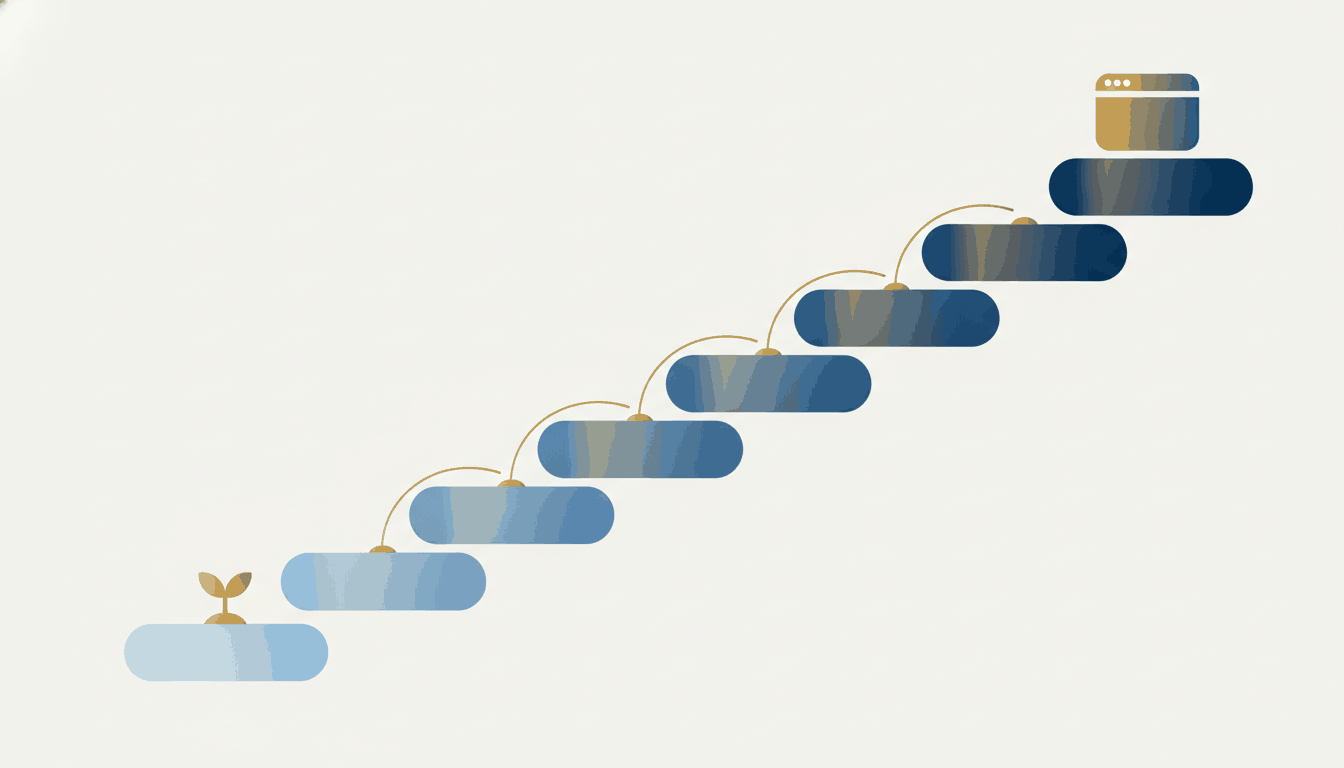
The dashboard, core settings, posts versus pages. Open everything; build nothing. Goal: nothing in the admin area is a mystery.
Edit an actual page. Add an image, a link, a heading. Create a new page and put it in the menu. On your real site or a staging copy — not the instructor's demo. Goal: publish something live that you made.
Explore your theme's settings and learn what it controls versus what your content controls. Install one plugin you actually need — a contact form is the classic first one — and configure it properly. Goal: you can tell theme problems and plugin problems apart.
Backups, one restore test, a full update cycle, and a review of every user account's role. The least exciting week and the highest return. Goal: the update button stops being frightening.
By now you have a list of things that do not work the way you want. This is the week another person earns their fee, because you can finally ask precise questions. Goal: list cleared, with a recording of how each was done.
Weeks 1–7 are entirely self-paced; week 8 is the only one that needs anybody else. That ratio is deliberate, and it is why we would rather point a beginner at a free course than sell them eight hours of tutoring they do not need.
Six words beginners keep mixing up
More beginner confusion comes from vocabulary than from difficulty. Six words do most of the damage, and ten minutes here saves weeks.
Theme. What your site looks like — fonts, colours, the shape of the header, how a page is laid out before you put anything on it. You have exactly one active at a time, and switching it changes the appearance of everything at once.
Plugin. A feature bolted on. Contact forms, backups, SEO tools, shopping carts. You can have many, and each one is code somebody else maintains — which is why which plugins you install matters more than how many.
Block. One piece of content inside a page: a paragraph, an image, a button, a gallery. The editor is made of them, and once you see a page as a stack of blocks rather than a document, the whole interface stops feeling arbitrary.
Widget. The old word for a small item in a sidebar or footer. You will still meet it in menus and in older tutorials, and on a modern block theme its job has largely been taken over by blocks. If a tutorial spends a long time on widgets, check its date.
Page builder. A third-party plugin that replaces the normal editor with its own — Elementor, Divi, Beaver Builder and the like. This is the single biggest reason a tutorial does not match your screen. If your edit screen looks nothing like the videos, find out which page builder your site uses before anything else; it changes which instructions apply to you.
Block theme vs classic theme. A block theme lets you edit the header, footer and templates in the same editor you write pages in. A classic theme keeps those behind a separate Customizer. Both are entirely valid in 2026, and knowing which you have tells you which half of the internet's advice is for you.
Before you follow any beginner course, look at Appearance in your dashboard and note the active theme, and look at Plugins for a page builder. Five minutes. It is the difference between a course that matches your screen and one that quietly doesn't.
What you can do after each stage
Beginner training is easier to stick with when the milestones are things you can do rather than modules you have watched.
| After | You can | You probably still can't |
|---|---|---|
| Week 2 | Find anything in the admin area; tell a post from a page | Change how anything looks |
| Week 4 | Edit and publish a page, add images and links, update the menu | Fix it when the layout goes wrong |
| Week 6 | Adjust theme settings, install and configure a plugin you chose | Tell a theme problem from a plugin problem at a glance |
| Week 7 | Update everything safely, restore a backup, manage user access | Diagnose a site that's genuinely broken |
| Week 8 | Run the site day to day without asking anyone | Build a site for somebody else — that's a different job |
If you can do the week-four row, you are already past the point where most site owners get stuck, and the rest is a bonus rather than a requirement.
Is beginner training right for you?
Three situations account for nearly everyone starting out, and they want different things.
You are building your first site from scratch. A structured beginner course is exactly right, and the fundamentals are genuinely universal — the dashboard is the dashboard, whoever teaches it. Do not pay extra for personalisation at this stage; pay for sequence.
You inherited a site somebody else built. This is the one case where a beginner course reliably disappoints, and it is not the course's fault. Your difficulty is not WordPress — it is the specific stack of choices your predecessor made, on a page builder nobody documented. Take the fundamentals for the vocabulary, then get an hour with a person looking at your actual settings. It routinely replaces weeks of guessing.
You have a launch date. Self-paced means self-disciplined, and a deadline is a poor time to discover how disciplined you are. Compress the eight weeks into structured sessions with somebody scheduling you.
Read three free tutorials on the exact task bothering you most. If they solve it, you have saved the money. If they do not, you now know precisely what to ask — and that specificity is what makes a paid course or a paid hour cheap.
How the beginner course works
WordPress Fundamentals is our beginner course: 52 lessons, about 255 minutes of video, built for somebody starting at zero. Three deliberate choices shape it.
Short lessons, one task each. Not a 45-minute lecture — a focused walkthrough you can finish, apply, and find again in six months. Short lessons are easier to rewatch and far easier to fit into a working week.
Interactive walkthroughs beside the videos. You click through the steps yourself in a guided sandbox rather than watching someone else click. A great deal of beginner anxiety is not conceptual, it is motor: people do not know where things are, and they are afraid of publishing something half-finished. Practising the clicks fixes precisely that, and it builds recall that watching does not.
A sequence that matches how a site owner's needs actually arrive. Orientation, then content, then structure, then themes and plugins, then visibility. You can jump to one lesson for an answer, but front to back leaves no gaps.
It sits inside a larger course library — 66 courses, 424 lessons — so when you finish the fundamentals, the next thing you need (backups, security, SEO, forms, WooCommerce) is a course rather than a search.
What's free and what isn't
More of beginner training is free than most people expect, and we would rather you used the free half properly than bought the paid half early.
Free, no account: 230+ written tutorials, including a whole beginner basics category, and the 83-page WordPress manual as a PDF in five languages.
Free on YouTube, no account: our video courses, starting with WordPress Fundamentals, released a course at a time. A free account adds progress tracking and hands-on practice for each lesson. The full picture is on the free WordPress training page.
Paid: live instruction only — $85 an hour one-on-one on your own site, or a seat in the live two-afternoon beginner class at $595, which includes a recording, a free retake and twelve months of the library.
Paid training does not buy secret material. It buys sequence, and somebody to answer when the screen does not match the instructions.
Five mistakes that stall beginners
1. Learning on a demo site and never touching their own. Knowledge transfers less cleanly than people expect. Do the exercises on your real site, or a staging copy, from week one.
2. Binge-watching instead of practising. Eight hours of video in a weekend produces a strong feeling of progress and very little retention. Short sessions, spaced out, hands on the keyboard.
3. Installing plugins to solve undefined problems. The most common cause of a slow, fragile WordPress site is forty plugins installed to try things. Read which plugins are worth having before adding more, and delete — not just deactivate — what you do not use.
4. Handing out administrator accounts. Most helpers need Editor or Author at most. It is the easiest security win available and it takes thirty seconds.
5. Blaming themselves for their hosting. A surprising share of "WordPress is so slow" is the host, not you and not the software. If everything is slow no matter what you do, look one tier up — see how to choose a host.
WordPress is open-source software with no governing body issuing credentials, so treat any "official WordPress certification" claim with suspicion. Course completion certificates are a legitimate record of what you finished — just don't buy beginner training primarily for the certificate, because clients and employers hire on demonstrated work.
Start this week
Learn the six areas, spend ninety minutes getting oriented before you build anything, follow the eight-week path at three to five hours a week, and practise on your own site from the first week. That is genuinely the whole path.
Start free today with the beginner tutorials and the free 83-page manual — no account, no cost. When you want the sequence and the screens, the WordPress course catalog has the fundamentals course and marks every free one. And when you hit the thing no course was written about — your site, your theme, your problem — book a live session with a WordPress tutor and we will work through it with you. Still deciding between a course, a class and a tutor? WordPress training online compares them side by side.
Leave a comment