NewThe WP Tutoring WordPress training platform is live — on demand video courses and interactive WordPress lessons. Free account, no card.Start free
Helping site owners learn WordPress since 2012 · (844) WP-TUTOR
WooCommerce

New Course: WooCommerce, From Setup Wizard to Your First Sale

Our new 15-lesson WooCommerce course takes you from the setup wizard to a launched store: settings, products, orders, refunds, coupons and reports.

WT
WP Tutoring TeamWordPress Instructors
Updated Oct 17, 2026
2 min read

Running an online store with WordPress mostly comes down to getting a few dozen settings right and knowing what to do when an order goes sideways. Our new WooCommerce course walks through all of it on a real store, from the first screen of the setup wizard to a test order you can watch go from cart to completed.

TL;DR The 30-second version

15 video lessons, about 97 minutes, recorded on WooCommerce 11.2.1. You set up a store, build a product catalog, handle orders, refunds and coupons, read your sales reports, and finish by building and launching a variable-product t-shirt store. It's part of the WP Tutoring membership.

What the course covers

The course is built around one store that grows lesson by lesson, so every setting you change has a reason you can see.

Module 1 · Store Foundation. Install WooCommerce and work through the setup wizard, then go tab by tab through the settings that decide how your store behaves: general and product settings; tax, shipping and payments; accounts, privacy and the emails your store sends; and integration, site visibility, Point of Sale and the advanced options. The module ends with a tour of the storefront: the shop, cart, checkout and My Account pages your customers use.

Module 2 · Products. Organize the catalog with categories, tags and global attributes, create a simple product with every field in the product data panel explained, and learn to manage a catalog as it grows.

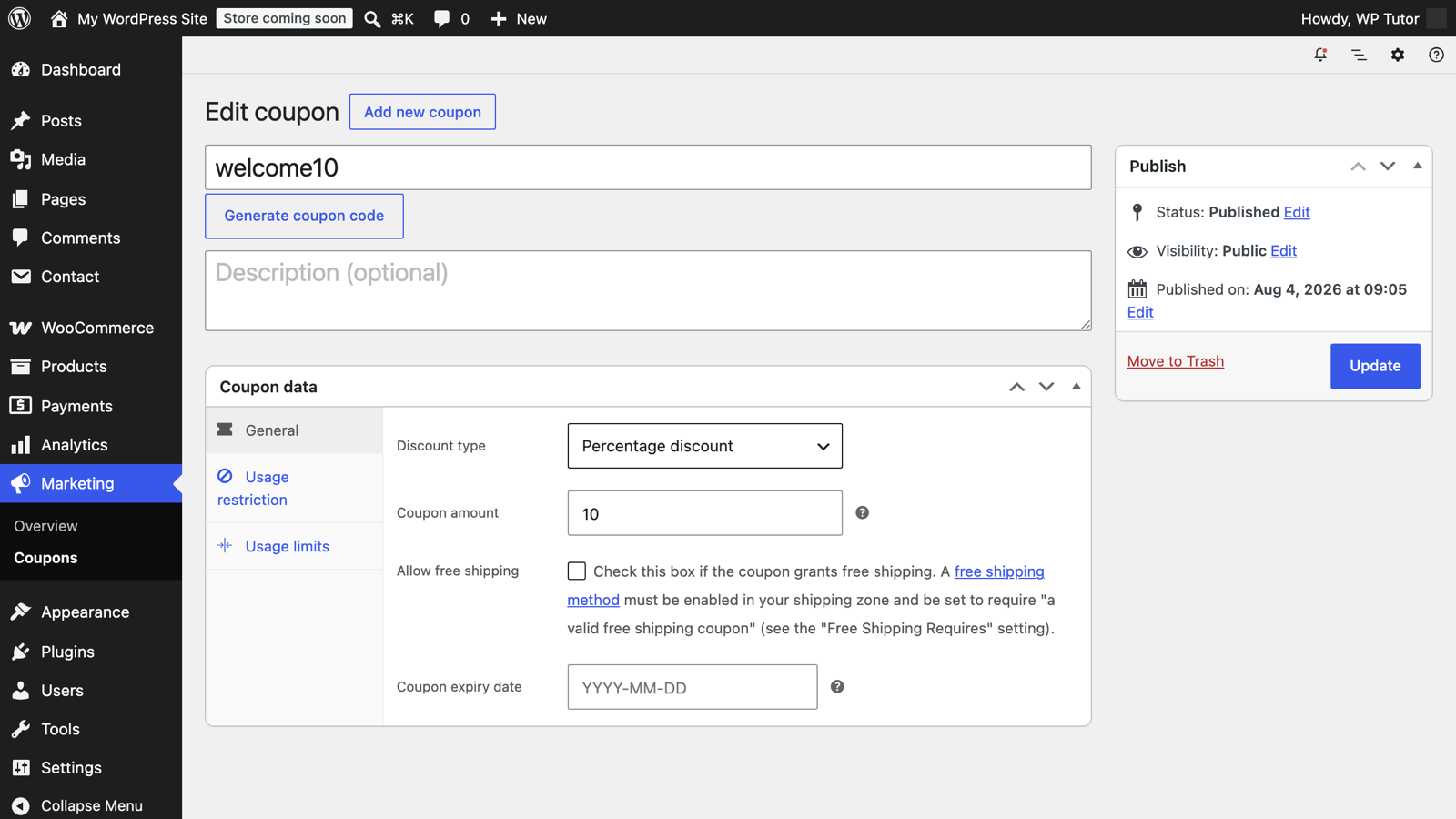
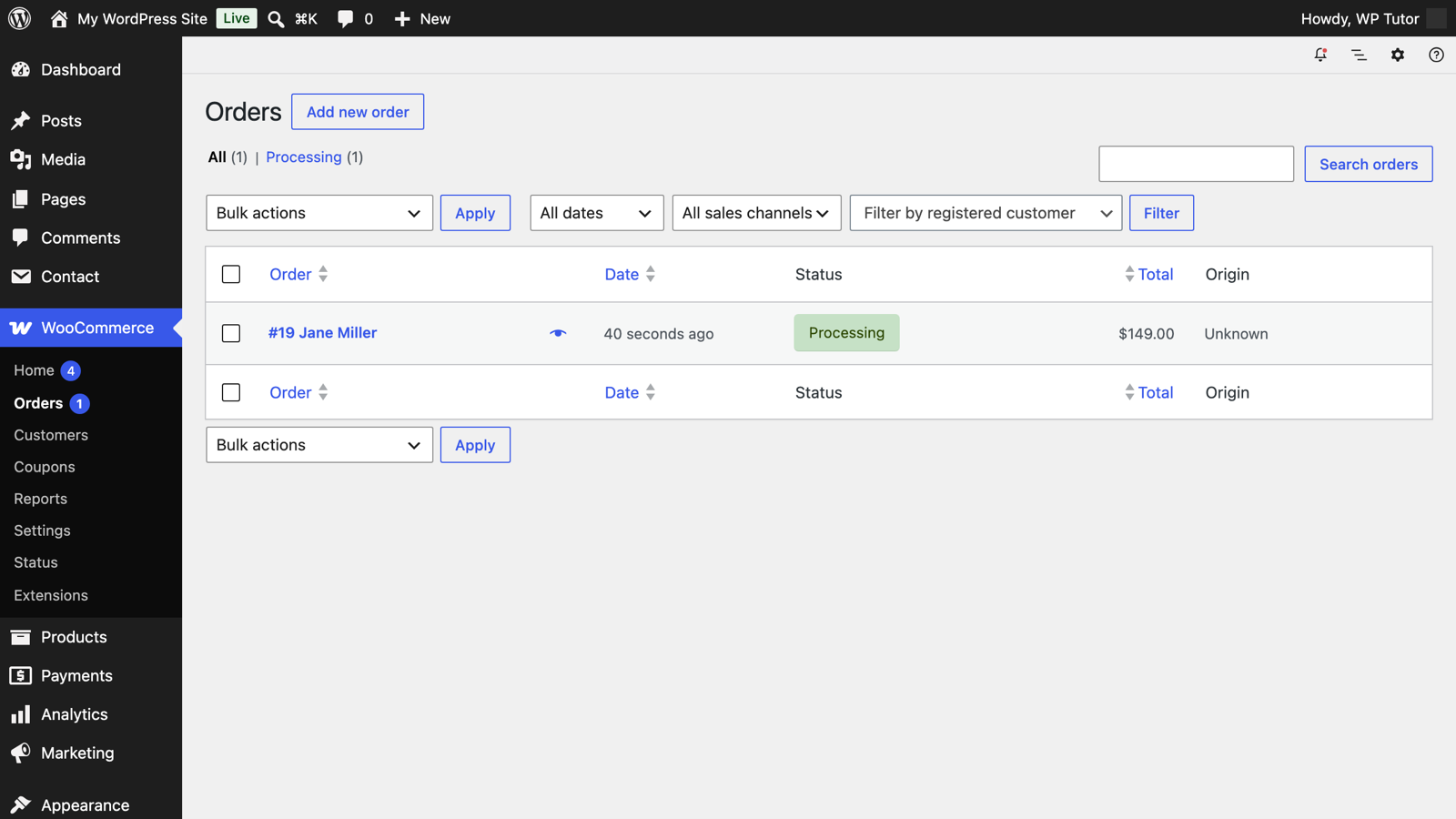
Module 3 · Orders, Customers & Marketing. Follow an order through its whole lifecycle, handle refunds and the problems that come up after a sale, set up coupons, and read the analytics and reports that tell you how the store is doing.

Module 4 · Capstone: The T-Shirt Store. Build a variable product with sizes and colors, then launch the store and test-drive it end to end with a real order.

Who it's for

It's for anyone ready to sell with WordPress: small business owners, freelancers building stores for clients, and side-project sellers. You should be comfortable with the WordPress dashboard. You don't need any e-commerce experience. If you're brand new to WordPress itself, start with WordPress Fundamentals first.

Want a head start?

These free tutorials cover a few of the same first steps: installing WooCommerce and creating a simple WooCommerce product.

How to start

The full course outline, with every lesson, is on the WooCommerce course page. Membership details are on the pricing page.

Frequently asked questions

Is the WooCommerce course free?
No. It's part of the WP Tutoring membership, which gives you lifetime access to this course and the rest of the library. WooCommerce itself is a free plugin; the course is the guided training on running a store with it.
Do I need to know how to code?
No. Every lesson is done in the WordPress dashboard and WooCommerce's own screens. You configure settings, build products and manage orders without writing any code.
Which version of WooCommerce does the course use?
It was recorded on WooCommerce 11.2.1 and WordPress 7.1, the current releases when the course was filmed in October 2026.
How long is the course?
15 video lessons in four modules, about an hour and a half in total. Most lessons run five to nine minutes, so you can work through one sitting at a time.
WT

WP Tutoring Team

WordPress Instructors

We’ve been teaching WordPress to individuals and businesses since 2013 — through step-by-step tutorials, video courses, and 1-on-1 tutoring sessions.

Leave a comment

Comments are reviewed before they appear.

Get our free WordPress starter guide

Join thousands of site owners and get step-by-step WordPress tutorials in your inbox, plus printable cheat sheets.

Beginner-friendly, no jargon
Printable cheat sheets & checklists
Unsubscribe anytime

Request your session

We’ll reply quickly — usually the same business day.

By using this form you agree with the storage and handling of your data by this site.

Start learning WordPress free — on video, step by step

Two full modules of WordPress Fundamentals, every Quick Fix lesson and the free plugin courses, taught on a real WordPress site. A free account is an email address — no card, no trial clock.

Or browse the full course library first →