NewThe WP Tutoring WordPress training platform is live — on demand video courses and interactive WordPress lessons. Free account, no card.Start free
Helping site owners learn WordPress since 2012 · (844) WP-TUTOR
Plugins

Elementor Templates and Kits: Reuse Instead of Rebuild

Save, reuse, import and export Elementor templates — page templates, saved sections, and full site kits, and when each one is the right tool.

WT
WP Tutoring TeamWordPress Instructors
Updated Oct 12, 2026
2 min read
Table of contents

The fastest Elementor users barely build from scratch — they save sections they like and reuse them everywhere. Elementor's template system covers single sections, full pages, and entire site kits. Shot on Elementor 4.x, WordPress 7.0, August 2026.

TL;DR The 30-second version
  • Save any page or section as a template; insert it anywhere from the library.
  • Templates → Saved Templates in wp-admin manages, exports, and imports them.
  • Export/import as .json moves designs between sites.
  • Kits import a whole styled site — use them for starting points, not identity.
Save something worth reusing

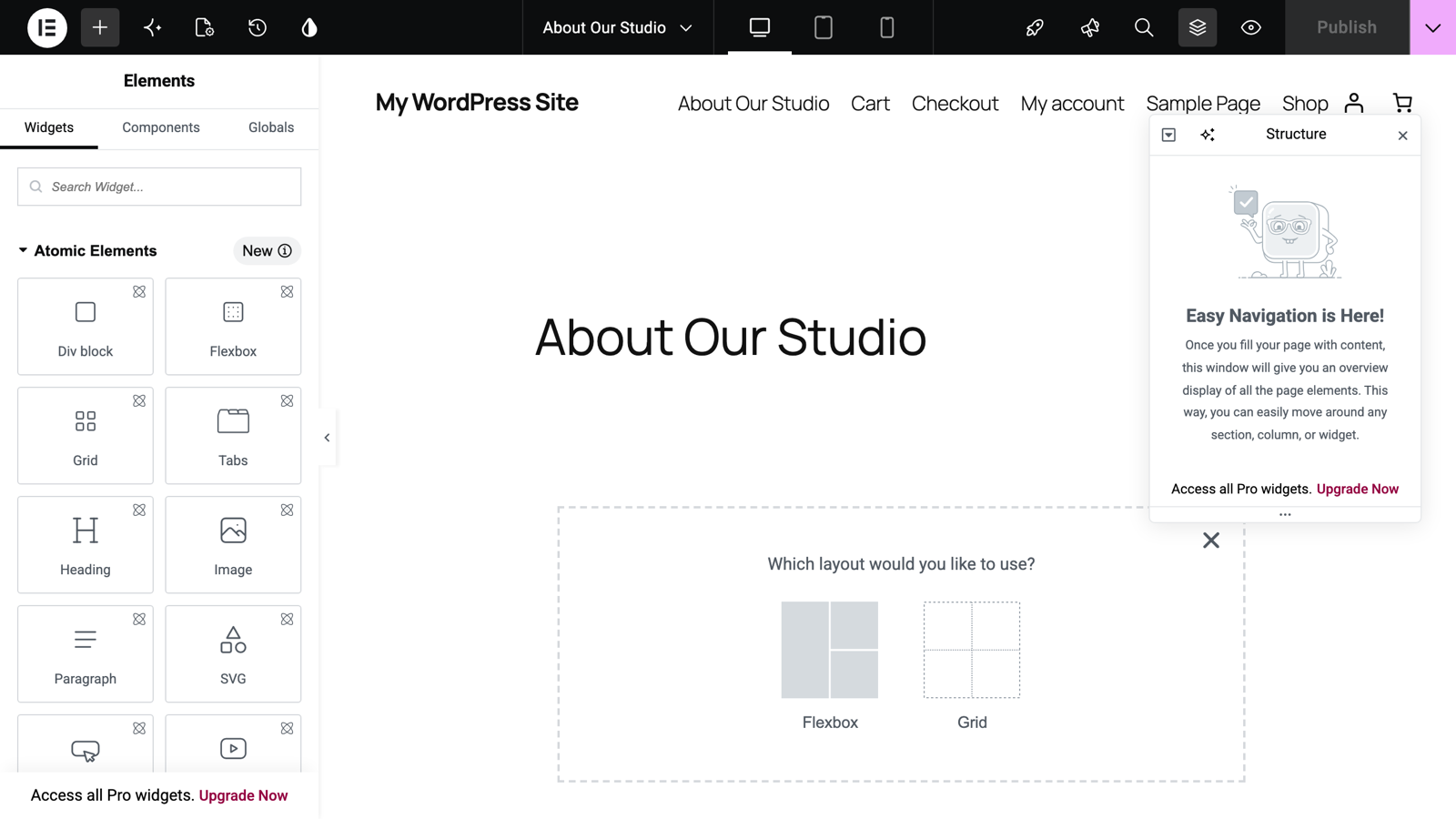
In the editor, right-click a container's handle and choose Save as template, or use the arrow beside the Publish button to save the whole page as a template. Name it descriptively — "CTA band, dark," not "Template 7."

Insert from the library

Click the folder icon in the canvas to open the template library. The My Templates tab holds your saved work; insert with one click. Elementor also offers its hosted template gallery there (an Elementor account connects it).

Manage, export, and import in wp-admin

Templates → Saved Templates lists everything. Hover a template for Export template (downloads a .json file); the Import Templates button accepts those files on any other Elementor site — this is how you move a design between projects.
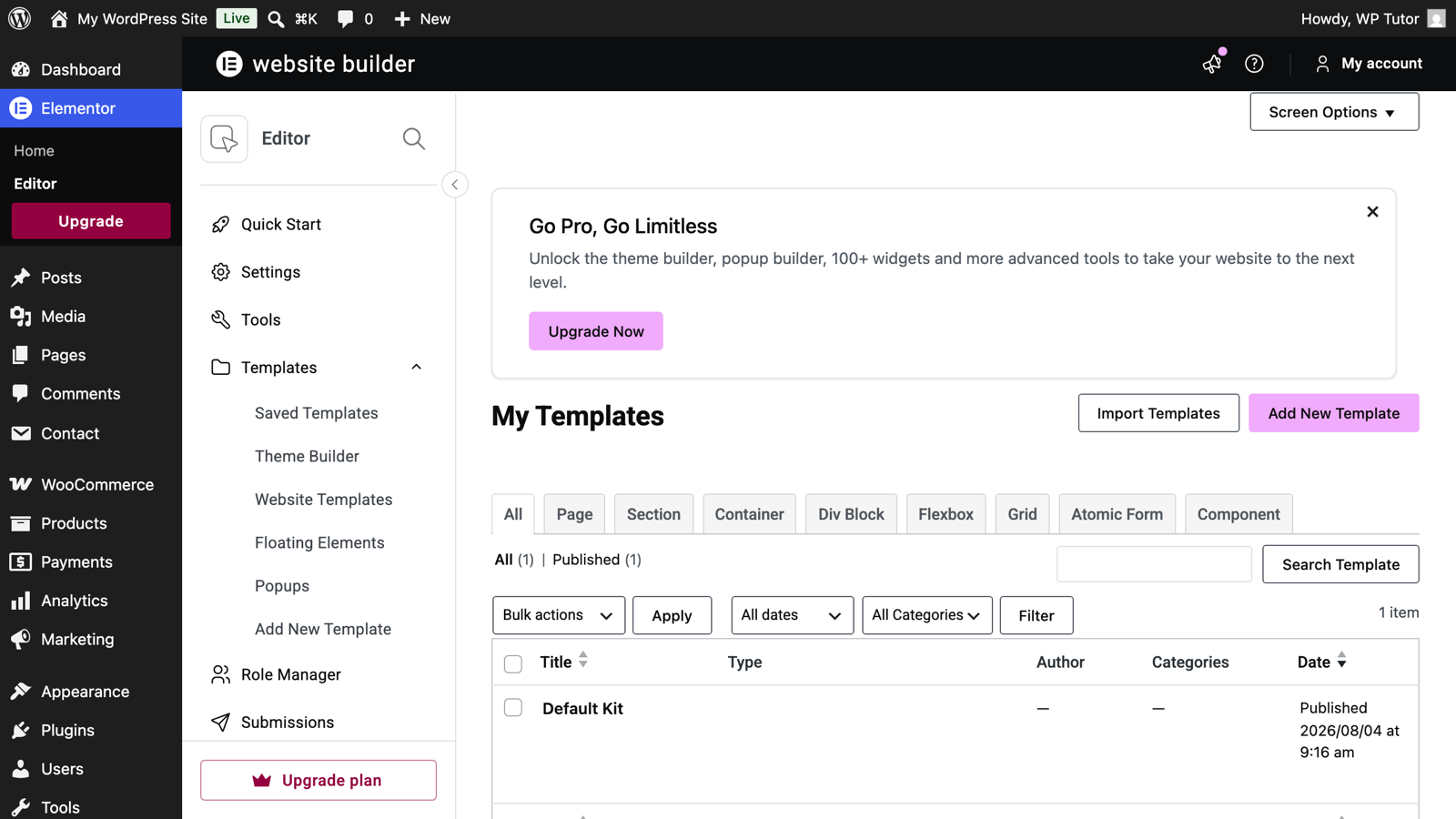
The saved templates screen in wp-admin

Use kits deliberately

Full site kits (imported via Elementor's kit library) bring pages, headers, footers, and global styles at once. They're a legitimate speed boost for a new site — but import on a fresh or staging site, not over a live design, and expect to spend your time swapping content and colors so it stops looking like the demo.

Kits overwrite global styles

Importing a kit can replace site-wide colors and fonts. On an existing site, that's a redesign, not an addition — do it on a sandbox copy first.

Keep learning

Frequently asked questions

Where are my saved Elementor templates?
Under Templates in the WordPress admin menu (Saved Templates), and inside the editor via the folder icon in the canvas — both views show the same library.
Can I copy an Elementor page to another website?
Yes. Save the page as a template, export it as a .json file from Templates → Saved Templates, then import that file on the other site and insert it from the library there.
What's the difference between a template and a kit?
A template is one layout (a page or a section). A kit is a whole site's worth of templates plus global styles, imported in one go — the fastest honest way to a finished-looking site.
WT

WP Tutoring Team

WordPress Instructors

We’ve been teaching WordPress to individuals and businesses since 2013 — through step-by-step tutorials, video courses, and 1-on-1 tutoring sessions.

Leave a comment

Comments are reviewed before they appear.

Get our free WordPress starter guide

Join thousands of site owners and get step-by-step WordPress tutorials in your inbox, plus printable cheat sheets.

Beginner-friendly, no jargon
Printable cheat sheets & checklists
Unsubscribe anytime

Request your session

We’ll reply quickly — usually the same business day.

By using this form you agree with the storage and handling of your data by this site.

Start learning WordPress free — on video, step by step

Two full modules of WordPress Fundamentals, every Quick Fix lesson and the free plugin courses, taught on a real WordPress site. A free account is an email address — no card, no trial clock.

Or browse the full course library first →