Table of contents
If you want to sell or deliver courses from your own website, WordPress LMS plugins are how you do it — they turn a normal WordPress site into a learning platform with lessons, quizzes, enrollment, and payments. There are dozens of options, and most "best of" lists are written by people who have never run a course platform. We have: WP Tutoring has taught WordPress since 2012, and we run our own course platform alongside live training, so this roundup of WordPress plugin training options comes from practical experience, not affiliate enthusiasm. Below we review five established plugins honestly — what each is good at, how it charges, and who it actually suits.
How We Judge an LMS Plugin
Before the reviews, our criteria — because "best" is meaningless without them:
- Course building experience. How pleasant is it to structure courses, lessons, topics, and quizzes? Does it work with the block editor?
- Pricing model. Free core with paid upgrades, or paid-only? We describe models rather than quoting dollar figures, because LMS pricing changes often — check each vendor's site for current numbers.
- Selling tools. Payments, memberships, subscriptions, coupons — built in, or bolted on?
- Weight and complexity. Some LMS plugins are small and tidy; others practically take over your site.
One practical note that applies to all five: an LMS is still just a plugin, installed the normal way. If you have never done that, start with our tutorial on installing a WordPress plugin, and remember that four of the five below have free versions in the official WordPress plugin directory you can try before spending anything.
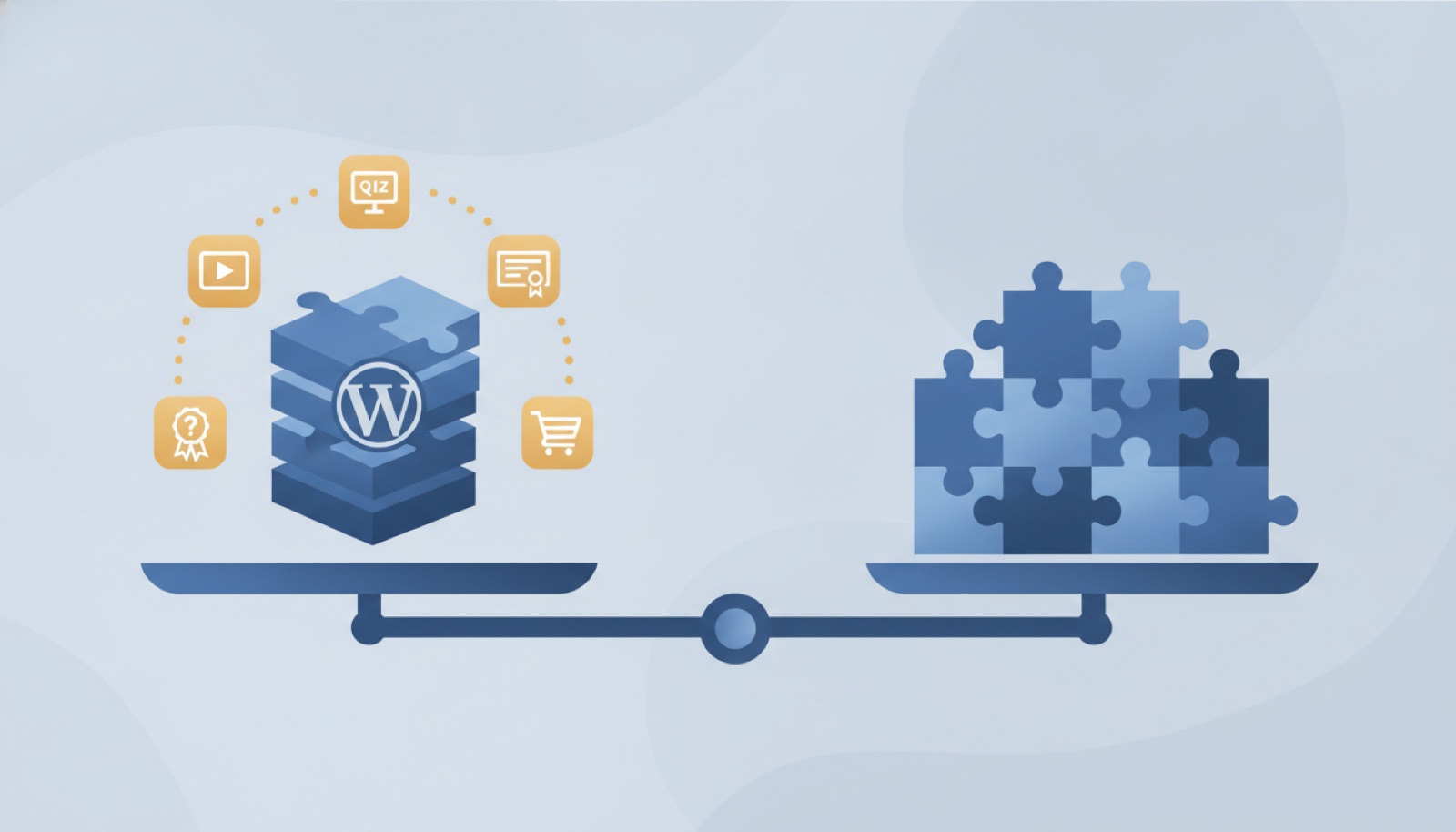
The Best WordPress LMS Plugins Compared
| Plugin | Pricing model | Standout strength | Best for |
|---|---|---|---|
| Tutor LMS | Free core + paid Pro | Front-end course builder, generous free tier | Beginners and budget-conscious creators |
| LearnDash | Paid only (annual license) | Deep course logic: drip, prerequisites, advanced quizzes | Serious course businesses and training companies |
| LifterLMS | Free core + paid add-ons/bundles | Memberships and engagement (coaching, gamification) | Membership sites and coaching programs |
| Sensei LMS | Free core + paid upgrade | Simplicity and native WooCommerce/block-editor fit | WooCommerce stores and simple course catalogs |
| MasterStudy | Free core + paid Pro | Polished student-facing design out of the box | Education-style sites that want good looks fast |
Now the honest details.
Tutor LMS
What it is good at. Tutor LMS has become the default recommendation for first-time course creators, and deservedly so. Its front-end course builder means you construct lessons and quizzes in a clean, purpose-built interface rather than wrestling with the admin screens, and the free version is genuinely usable — courses, quizzes, and student dashboards without paying anything. It also supports multi-instructor setups, which matters if your platform will host more than one teacher.
Pricing model. Free core plugin with a paid Pro tier that unlocks advanced quiz types, certificates, reporting, and integrations. Sold as an annual license.
Who it suits. Beginners, and anyone who wants to validate a course idea before spending money. Start free; upgrade if students actually show up.
Where to learn more: Tutor LMS official site.
LearnDash
What it is good at. LearnDash is the established heavyweight, and the plugin most often behind serious training companies and university side-projects. Its strength is course logic: drip-fed content, prerequisites, group management, detailed quiz behavior, and assignment grading. If your course design has rules — "students must pass module 2 before module 3 unlocks" — LearnDash handles it with less fighting than the alternatives.
Pricing model. Paid only. There is no free core version; you buy an annual license, with tiers based on how many sites you run. That makes it the biggest upfront commitment on this list.
Who it suits. Businesses that already know their course will run for years. It is overkill for a single simple course, and the paid-only model makes it a poor fit for experiments.
Where to learn more: LearnDash official site.
LifterLMS
What it is good at. LifterLMS thinks in terms of a learning business, not just courses. Memberships, coaching, private areas, engagement emails, achievement badges — the pieces you need when the course is part of a larger relationship with students. The free core covers course building; the interesting features live in its add-ons.
Pricing model. Free core plugin, with paid add-ons sold individually or in bundles. This is flexible but requires attention: the add-ons you actually want can add up, so price your realistic configuration before committing, not just the core.
Who it suits. Coaches, membership-site builders, and anyone whose "course" is really an ongoing program. If you just need lessons in a row, it is more machinery than you need.
Where to learn more: LifterLMS official site.
Sensei LMS
What it is good at. Sensei comes from Automattic, the company behind WordPress.com and WooCommerce, and it shows in the fit and finish: it feels native to the block editor, and selling courses through WooCommerce is straightforward. It is the least complicated plugin on this list — which we mean as a compliment. Fewer settings, fewer surprises, easier to maintain.
Pricing model. Free core plugin with a paid Pro version that adds selling, interactive content, and advanced quizzes, sold as an annual subscription.
Who it suits. Site owners who already use WooCommerce, and anyone who values simplicity over feature depth. If you need intricate prerequisites or heavy reporting, look at LearnDash instead.
Where to learn more: Sensei LMS official site.
MasterStudy LMS
What it is good at. MasterStudy's calling card is presentation: course pages, lesson players, and student dashboards look polished out of the box, where some competitors need theme work to stop looking like an admin screen. It covers the expected feature set — quizzes, certificates, payments — and pairs with an education-focused theme from the same developer if you want a matched set.
Pricing model. Free core plugin with a paid Pro tier, available by subscription or a lifetime option. The tie-in with the developer's own theme is convenient, but be aware you are buying into their ecosystem.
Who it suits. Course sites where the student-facing design matters most and you would rather not customize. Less ideal if you need your LMS to blend into an existing, heavily customized site.
Where to learn more: MasterStudy LMS official site.
Questions to Answer Before You Pick One
Whichever plugin catches your eye, work through these questions first — they matter more than any feature list:
How complex is your course, really? Be honest. A ten-lesson course with a quiz at the end runs happily on any of the five. Prerequisites, cohorts, drip schedules, and instructor teams are where the plugins separate. Buying LearnDash-level machinery for a ten-lesson course means paying for — and maintaining — complexity you never use.
How will you take payment? If your site already runs WooCommerce, Sensei's native fit is a genuine advantage, and most of the others integrate too. If not, look closely at what each plugin's built-in checkout supports for your country and currency before committing.
Who maintains this after launch? An LMS adds real weight to a site: more database tables, more settings, more things to test when WordPress updates. Someone on your team needs to own updates and backups. If nobody can, factor that into your choice — the simpler plugins cost less to live with.
What happens if you switch later? Moving courses between LMS plugins is possible but tedious; none of them make leaving easy. Write your lesson content in a portable way — plain text and media you keep copies of — so the plugin holds your structure, not your only copy of the work.
Have you tested the free version? Four of the five cost nothing to try. Spin up the free core, build one real lesson, and see how the editor feels to you before any license is purchased. An afternoon of testing beats a year of regret.
The Honest Alternative: Maybe You Don't Need an LMS
Here is the part most roundups leave out. We run a course platform ourselves, so we can tell you plainly: building your own course site is real work. The plugin is the easy part. The actual job is structuring the curriculum, recording and editing the content, wiring up payments and emails, testing the student experience, and then maintaining all of it through every WordPress and plugin update. Budget for the plugin to be maybe a tenth of the total effort.
That work is worth it if your business is selling courses. But if you landed on this article because your team needs to learn WordPress itself, an LMS plugin is a detour. Ready-made options get you there faster: our self-paced WordPress video courses exist for exactly that, our free tutorial library covers 200+ topics, and for the fastest path we teach live, one-on-one over Zoom on your own website — $85 per hour, one-to-four-hour sessions, recording delivered the next day. Details are on our training and pricing pages.
Conclusion
All five of these WordPress LMS plugins can build a real course site in 2026 — the differences are fit, not fitness. Our short version: start with Tutor LMS if you are new or testing an idea, choose LearnDash when course logic and scale justify the paid-only license, pick LifterLMS for membership-style programs, Sensei for WooCommerce simplicity, and MasterStudy when out-of-the-box polish matters most. And if what you really need is WordPress plugin training rather than a platform to teach others, skip the build and learn directly.
We are happy to help either way — whether that is a session working through your LMS setup on your own site, or training your team on WordPress fundamentals. Contact us or call (844) WP-TUTOR to book a session or ask a question.
Leave a comment