Table of contents
- Everything free we have, in one list: whole WordPress video courses free on YouTube with no account at all, 230+ written tutorials, and an 83-page PDF manual in five languages.
- Start here: the WordPress Fundamentals playlist below — press play, no signup.
- Free WordPress training is not a lesser version of the paid kind — for fundamentals it is the same material, in the same order, taught by the same people.
- The one thing to check on any free WordPress video, ours included, is the publish date. The editor changed enormously between 2020 and 2026.
- Free runs out in exactly two places: when the problem is specific to your site, and when you don't know what you don't know.
Most pages promising free WordPress training are a funnel — three clips, a pitch, and a mailing list. We would rather just show you the shelf.
This page is the complete list of what we give away: every free video, every free course, every written guide and the manual, with the order to work through them in and an honest account of where free stops being enough. Nothing here is a trial, nothing expires, and nothing needs a card.
Free WordPress video courses on YouTube
Our video courses are free on YouTube in full — not trailers, not the first lesson of a paid course. Each one is a playlist in teaching order, every lesson has captions and chapters, and each description says which WordPress version it was recorded on. Start with WordPress Fundamentals if you are new; pick a plugin course when you need that plugin.
26 free courses · 189 lessons on YouTube today, every one with captions and chapters. New courses are added most weeks.
 WordPress Fundamentals: The Complete WordPress Course
 All-in-One WP Migration: WordPress Plugin Tutorial
 Antispam Bee: WordPress Plugin Tutorial
 FluentSMTP: WordPress Plugin Tutorial
 Gravity Forms: WordPress Plugin Tutorial
 Relevanssi Premium: WordPress Plugin Tutorial
 WP Crontrol: WordPress Plugin Tutorial
 Autoptimize: WordPress Plugin Tutorial
 UpdraftPlus: WordPress Plugin Tutorial
 WooCommerce: WordPress Plugin Tutorial
 Fluent Forms (Free): WordPress Plugin Tutorial
 Rank Math Free: WordPress Plugin Tutorial
 Essential Addons for Elementor: WordPress Plugin Tutorial
 Limit Login Attempts Reloaded: WordPress Plugin Tutorial
 WP Fastest Cache: WordPress Plugin Tutorial
 EWWW Image Optimizer: WordPress Plugin Tutorial
 Security Optimizer by SiteGround: WordPress Plugin Tutorial
 Duplicator: WordPress Plugin Tutorial
 Really Simple Security: WordPress Plugin Tutorial
 Redirection: WordPress Plugin Tutorial
 WP Mail SMTP: WordPress Plugin Tutorial
 Yoast Duplicate Post: WordPress Plugin Tutorial
 Yoast SEO (Free): WordPress Plugin Tutorial
 Classic Editor: WordPress Plugin Tutorial
 Code Snippets: WordPress Plugin Tutorial
 WordPress Quick Fixes: 13 Free Video Answers
Each course has its own page with the full lesson list and what each lesson covers, so you can jump straight to the one you need.
What is actually free, and what isn't
"Free" is the most abused word in online training, so here is the boundary drawn precisely.
Free — no account, no email:
- Whole video courses on YouTube, listed above — WordPress Fundamentals and the plugin courses, released a course at a time.
- 11 more video walkthroughs embedded in our written tutorials. Listed below.
- 230+ written step-by-step tutorials across eight topic areas.
- The 83-page WordPress manual (PDF) — in English, Spanish, Portuguese, French and German.
Free — with a free account, if you want one:
- Progress tracking — the platform remembers which lessons you finished.
- Hands-on practice for each lesson, so you try every step yourself before doing it on your real site.
Paid — only if you need a person, or the library inside your own site:
- Live one-on-one instruction with a WordPress tutor, on your own site, $85 an hour.
- Own a WordPress site with a team? The same library is available as a plugin inside your own dashboard, for everyone who can log in to that site — $99 a year for one site.
That is the whole shelf. The free courses are not a sample of something paid — they are the courses, taught the same way. We would rather you exhaust them and never pay us than buy something you did not need.
11 more free WordPress training videos, inside our tutorials
Each of these written tutorials has a complete video embedded at the top, with the steps in writing underneath for when you would rather skim than scrub.
Getting started
- Installing a WordPress plugin — the safest first "I changed something" moment on any site.
- The WordPress block editor: is it time to switch? — what blocks are and why the editor works the way it does.
- What a WordPress tutor actually does — how a private session works, what it covers, and when you genuinely don't need one.
Content and media
- How to add categories in WordPress — the organising step everyone skips until the blog is a mess.
- How to add a gallery in Gutenberg — grouping images properly instead of stacking them one by one.
- Adding an audio file in Gutenberg — podcasts, recordings, anything that plays.
- How to schedule a post or page — publishing on a date instead of remembering to press the button.
- Password-protect a page or post — sharing something with a client without putting it on the open web.
Going further
- 13+ places to get Gutenberg blocks — extending the editor past what ships with WordPress.
- Elementor help and training — if your site was built with a page builder rather than the block editor.
- WordPress hosting: why I hosted with WP Engine — an honest account of a hosting decision, which affects site speed more than most beginners realise.
Every video here is short enough to watch twice, and you should. Once to see where it is going, once with your own dashboard open in a second window, doing each step as it happens. The second viewing is where the learning actually occurs.
The free WordPress courses
Videos answer a question. Courses answer the question you didn't know to ask, because the sequence is doing part of the teaching. The courses are free on YouTube in full — whole courses, not previews — in three groups:
WordPress Fundamentals — Getting Started (what WordPress is, logging in, the dashboard, the admin menu), the core settings, and then posts, pages and the block editor, released a module at a time.
Quick Fixes — short, standalone courses aimed at the specific things that stop people cold. A homepage that won't stay put. Pages suddenly returning 404. Which SEO plugin to actually pick. Each is a handful of lessons and solves one problem end to end.
Plugin courses under five lessons — one plugin per course, from install to confident daily use. Backups, security, speed, SEO, forms, mail. Most site owners need four or five of these and no more, and picking the right four is most of the battle.
The whole course catalog lists every course, including the ones still in production, so you can see what is coming.
Two structural things make these work better than a video library:
- One task per lesson. Not a 45-minute lecture — a focused walkthrough you can finish, apply, and find again in six months when you need it.
- Chaptered and rewatchable. Every lesson is split into chapters, so when you lose your place you jump straight back to the step, not the start — and the app remembers which lessons you have finished.
If you want the single best free starting point, it is WordPress Fundamentals — the dashboard, core settings and the block editor, built for someone at zero. Press play on the playlist at the top of this page, and within a few minutes you will know whether the format suits you.
A free account — an email address, no card — saves your progress and adds hands-on practice for each lesson, so you can try every step before touching your real site. Running a site that other people log in to? The same library is also a plugin for your own WordPress dashboard, $99 a year for one site.
Who free WordPress training is for
The free courses are built for people who use a WordPress site rather than build one. Three groups get the most from them:
- Beginners starting from zero. You have a login and a dashboard you don't recognise. WordPress Fundamentals starts at "what is this screen" and finish with you editing pages confidently — in the order a teacher would put it, not the order search results happen to return.
- Content editors. Somebody else built the site; your job is to keep it current. The Block Editor module is that job, start to finish: writing, images, layout blocks, drafts, scheduling and updating what is already published.
- Small business owners. You need the site to keep working without hiring someone every time it needs a change. The Quick Fixes and plugin courses cover what goes wrong most often — backups, security, forms, mail, speed and SEO — one plugin and one problem at a time.
If you build sites for clients or write code for WordPress, this is the wrong shelf: the free material deliberately assumes no technical background.
The order to work through it in
Don't wander the library at random. This arc mirrors how the courses are sequenced, and every step below is free.
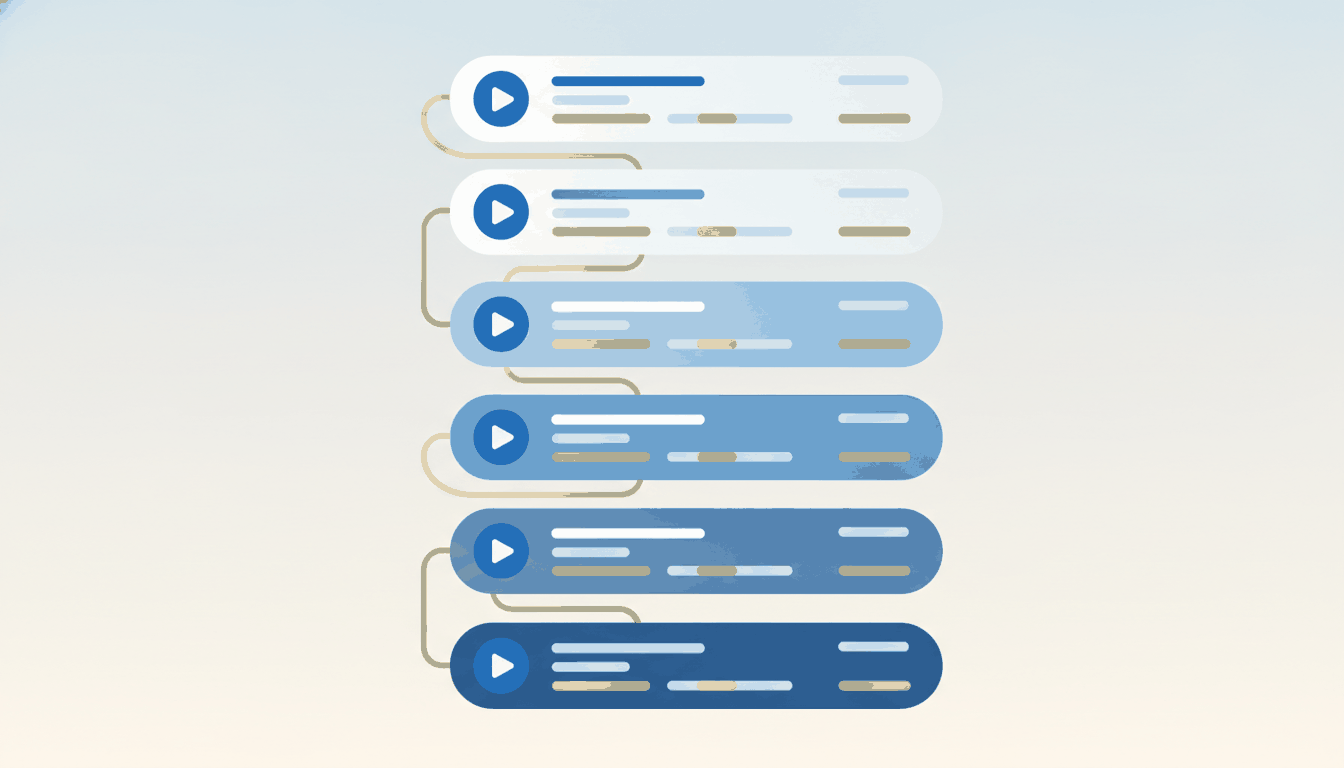
Read what WordPress is, then take the dashboard tour. Goal: no admin menu item is a mystery. Change nothing yet.
Watch the block editor walkthrough, then practise editing text. This is the skill you will use daily, so over-practise it.
Galleries, audio and categories. The difference between a site that works and one that feels finished.
Install your first plugin, then read which ones are worth having before adding a second. Restraint is the skill here.
Scheduling and password protection. Small features, disproportionately useful once you are running a real site.
Finish with WordPress SEO basics, so the site you built is one people can reach.
Six evenings, spaced out, gets most people from nervous to functional. Doing all six in one weekend does not — see the next section for why.
Watching versus doing
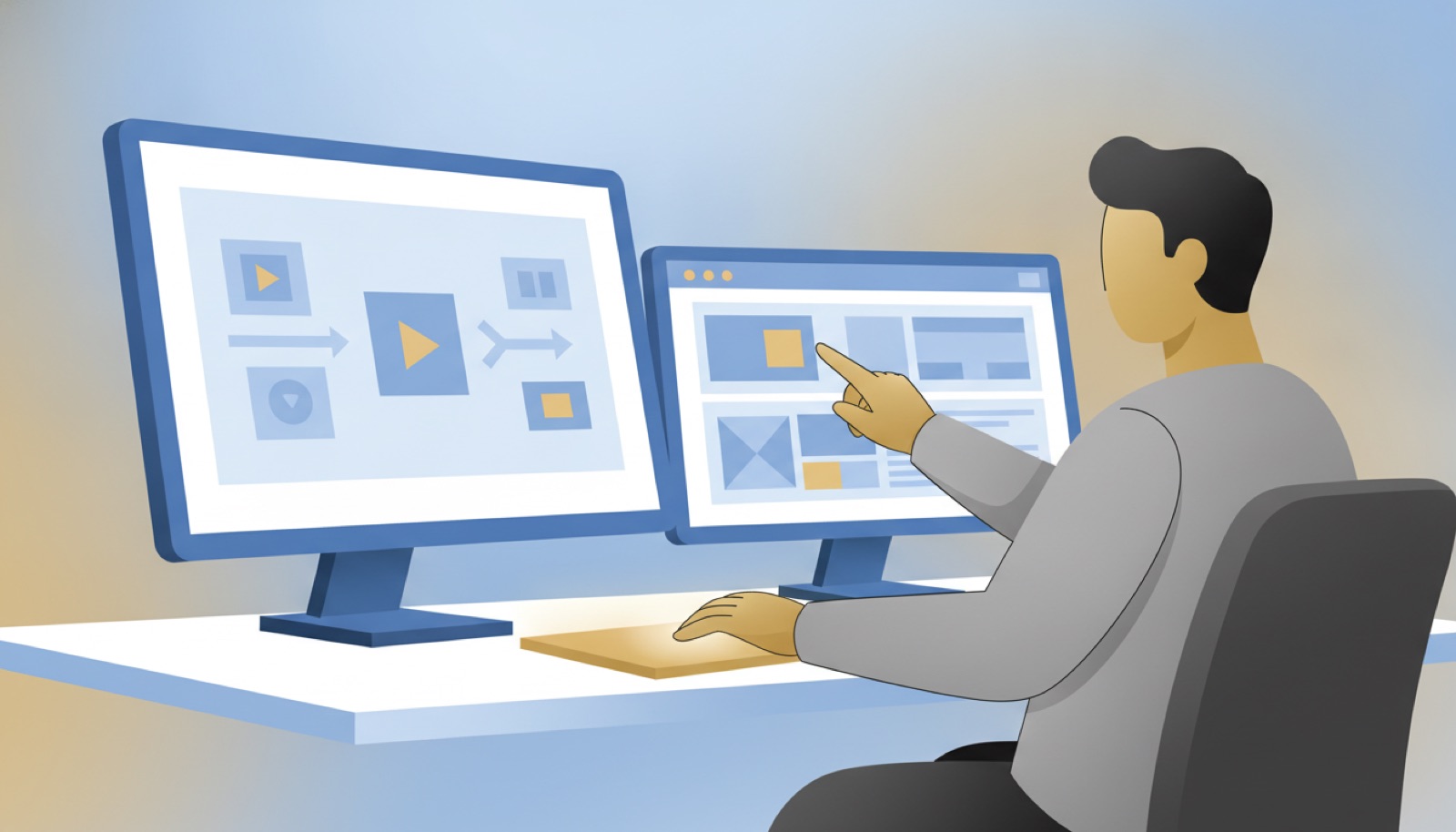
Here is the uncomfortable truth about video learning: watching feels like progress and it is only half of it. You can watch ten videos in an evening and retain two.
The learners who make free video training stick all do the same three-part loop:
- Watch once, hands off. Just see where it is going.
- Watch again, doing each step on your own site or a test page as it happens on screen.
- Close the video and repeat the task from memory. If you can't, rewatch only the part you lost.
That third step is the one everyone skips and the one that does the work. It is also why every lesson is short and covers one task: short enough to follow on a second screen while you do it on your own site, which is where the learning actually happens.
The date on the video matters more than the polish
Most free WordPress training videos on the open web are undated, and that is a genuine problem rather than a nitpick. WordPress changed more between 2020 and 2026 than in the entire decade before it: the block editor replaced the classic editor as the default, full site editing arrived, and the screens in a 2019 screencast are simply not the screens on your monitor.
A beginner has no way to tell. You follow along, the menu isn't where the video says, and you conclude you are bad at this — when in fact you are watching instructions for software that no longer exists in that form.
So, before following any free WordPress video:
- Find the publish or update date. No date anywhere is itself the answer.
- Look at the editor in the first ten seconds. If it is a single text box with a formatting toolbar across the top, that is the classic editor and the video predates 2019 by default.
- Check whether the version is stated. Good instructional video says which WordPress version it was recorded on.
We date every tutorial and every course lesson on this site for exactly this reason.
Free written and PDF training to pair with the videos
Video is not always the fastest format. When you want to skim rather than scrub, two free resources sit alongside every video above:
- 230+ written tutorials, organised into eight categories and searchable. One tip for using them well: search for the task, not the technology. "Add a button to a page" gets you further than reading everything ever written about the block editor.
- The free 83-page WordPress manual — the essentials in reading order, as a PDF you can print or keep beside the keyboard, free in five languages.
Together with the videos and the free courses, that is a complete beginner curriculum at no cost. Plenty of people never need to buy anything, and that is fine — the free library exists to be used, not to be a shop window.
Where else to get free WordPress training
We are not the only free option and it would be silly to pretend otherwise. Four sources are worth your time, and they are good at different things.
| Source | Best at | Watch out for |
|---|---|---|
| Learn WordPress (learn.wordpress.org) | The official one. Accurate on core features and never trying to sell you anything. | Coverage is uneven — some topics are thorough, others are a stub, and it is weakest on the third-party plugins most real sites run on. |
| The WordPress.org documentation | Definitive answers about how a feature is meant to work. | Written for accuracy rather than for teaching. Excellent reference, poor first lesson. |
| YouTube | Enormous coverage. Somebody has recorded almost everything. | Dates. An undated 2019 walkthrough looks identical to a 2026 one in search results, and half of what you find is a funnel for a hosting affiliate link. |
| Plugin and theme vendor docs | Nobody knows a plugin better than the people who wrote it. | Naturally silent about whether their plugin is the right choice for you. |
Our own free material is aimed squarely at the gap those four leave: sequenced, dated, and about the plugins and themes real small sites actually run rather than core alone.
A practical way to use all of them: start with the official docs to learn what a feature is meant to do, use a dated video to see it done, then read a vendor's own documentation before configuring their plugin. Three sources, twenty minutes, and you will be better informed than an hour of searching.
Build your own free curriculum in an afternoon
If you would rather assemble a course than buy one, that is entirely doable and costs nothing. Give it a couple of hours:
- Write down what you need the site to do. Not what you want to learn — what the site has to do. "Publish a monthly newsletter post." "Add and remove staff." "Take enquiries." Three to six items.
- Find one free resource per item, and only one. The temptation is to collect twelve tabs. Twelve tabs is how free learning fails; one resource per job is how it works.
- Put them in dependency order. You cannot add a person to a page you cannot edit. Editing before layout, layout before plugins, plugins before anything clever.
- Add the two items nobody puts on their own list. Backups and user roles. They are not on your list because nothing has gone wrong yet, and they are the reason nothing does.
- Schedule it like a class. Three evenings, in the diary, treated as real. The material was never the hard part.
That is a genuine WordPress course, built for free, aimed at your site rather than a generic one. The only thing it lacks is somebody to ask when the screen does not match the instructions — which is precisely the thing worth paying for, later, and only if you need it.
Free versus the paid options
The free courses are not a trial of something else. They stay open, and the paid options are for a different job rather than unlocking the rest:
| What you get | Best when | |
|---|---|---|
| Free on YouTube | Whole video courses, captioned and chaptered, no account. | You are learning the essentials and your questions are common ones. |
| Free account | The same courses with progress saved and hands-on practice for each lesson. | You want to try each step before doing it on your real site. |
| One-on-one tutoring | A live session on your own site with a WordPress tutor, $85 an hour, recording sent the next day. | The problem is specific to your site, or you would rather ask than search. |
| The plugin | Every course inside your own WordPress dashboard, for everyone who logs in, $99 a year for one site. | You run a site with staff, editors or volunteers who need training. |
Most people should start with the free courses and decide later, once they know what they are actually stuck on.
Where free WordPress training runs out
We would rather say this plainly than have you discover it after eleven evenings.
Free is genuinely enough when you are learning fundamentals, your question is common, and you have more time than budget. If thousands of people have hit the same task, a good free walkthrough almost certainly exists for it.
Free runs out in three places:
- The problem is specific to your site. Nobody recorded a video about your exact theme-plugin-content combination. Generic instructions can only get so close, and page builders widen the gap considerably.
- You don't know what you don't know. A library answers questions. It cannot tell you which questions you should be asking — that you never set up backups, or that three people hold administrator accounts they don't need.
- Trial and error has got expensive. If you have spent three evenings on something a knowledgeable person would resolve in twenty minutes, "free" has quietly become the costly option.
Restore a backup you have never tested, and tell you your hosting is the actual problem. Both are common, both are invisible from a tutorial, and both tend to get caught in the first ten minutes of a live session.
Where to go next
Start free and stay free for as long as it is working. Press play on WordPress Fundamentals, follow the six-step order, take the free plugin courses that match your site, and keep the tutorial library and the free manual bookmarked.
When you want the full sequence rather than scattered pieces, the WordPress courses catalog lists everything in production, and the beginner training course is the sequenced place to start. When you would rather have a person, a private WordPress tutor is $85 an hour on your own website, with the recording sent the next day; for a whole team, see WordPress training. And if you are still deciding between formats entirely, WordPress training online compares them side by side.
Get in touch and tell us what you are stuck on. If a free video already answers it, we will send you the link and say so.
Want a person rather than a playlist? See how live sessions work.
Leave a comment