Table of contents
- We teach WordPress to Benicia and Solano County businesses live, over Zoom, on your own website — not on a classroom demo site.
- Three ways in: a training-videos plugin that puts the whole course library inside your own dashboard ($99 a year, one site), one-on-one sessions at $85 an hour with the recording sent the next day, and team training quoted on scope.
- Sessions book in Pacific time, in one- to four-hour blocks. If the plugin gives you trouble, the help line reaches the instructor, not a call center.
- If you want a room and other people, the Bay Area and Sacramento have free WordPress meetups. We list them below.
Benicia is a small city with an unusual number of websites in it. First Street is lined with independent shops, galleries and restaurants, the Arsenal is full of artists and makers, and the hills above the Carquinez Strait are full of people who commute to San Francisco, Oakland or Sacramento and run something on the side. Most of those websites run on WordPress, and most of them were built by somebody else.
This page is for the Benicia, Vallejo, Fairfield or Napa business owner who has a login, a page builder they did not choose, and a list of changes they keep meaning to make. It is also for the small team that edits the site three different ways. We have taught WordPress for 13 years, first in classrooms and now entirely online, and a growing share of the people we teach are in Northern California. Here is how that works, what it costs, and what one Benicia client made of it.
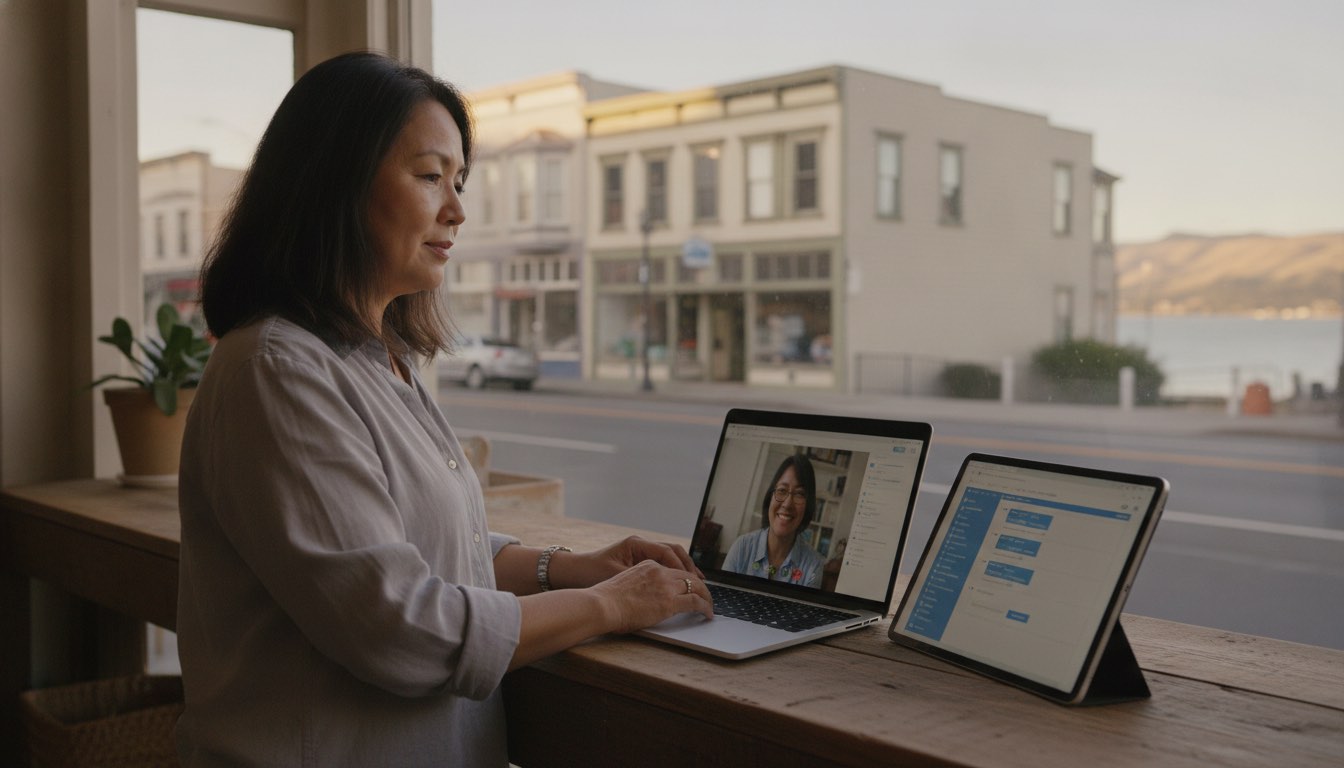
Three ways to get WordPress help in Benicia
They are not interchangeable, and most people end up using two of them.
The training-videos plugin, inside your own site. The Training Videos plugin puts our whole course library in a menu in your own WordPress dashboard, next to the screens the lessons are about. Open a lesson beside the page you are editing, pause, do the step, keep going. Anyone with a login to your site can watch, so a new assistant or a volunteer gets the same training without a separate account. It is $99 a year for one site, and new courses land in it every week.
Live one-on-one training on your own website. An instructor over screen share, working inside your dashboard, with your theme and your plugins and your half-finished homepage on screen. You drive, we talk you through it, and the recording arrives the next day. This is private WordPress tutoring at $85 an hour, booked from one hour up to four, with no package to buy first. Two or three of you can share the hour at the same rate.
Group and team training. The same live session, scoped for a whole team: a shop with three staff who all touch the site, a winery's tasting-room and marketing people, a nonprofit board and its volunteers. Everyone hears everyone else's questions, and the recording becomes the onboarding for the next hire. Quoted on size and topics.
If you are choosing between them: the plugin is the right first purchase if you want to learn at your own pace and have help within reach. A live hour is the right first purchase if you inherited a site and nothing on your screen matches any tutorial you have found. Teams usually want both.
What a Benicia client said
Tim runs a WordPress site in Benicia, describes himself as a novice with computers, and bought the training-videos plugin on the morning it went on sale. Installing it did not go smoothly, so he called the help line. This is the note he sent afterwards, lightly trimmed:
I purchased your video tutorial package this morning and was very excited to use the video resources. However, I had difficulty activating and installing it. I am a novice when it comes to technical computer skills. I called the help line and was connected to Grant Price. He was so helpful, professional and patient with me. Even though he gave me clear instructions I was still struggling, so he offered to get on Zoom and guide me through the process while sharing my computer screen. I was embarrassed that I was taking all his time and needing help virtually. Grant kept reassuring me that "this is what I am here for."
I am a huge WordPress fan, and now I am extra pleased to have people like Grant I can reach out to for help. Grant is a class act, knowledgeable, professional and a pleasure to work with.
— Tim H., Benicia, California
Two things in that note are the whole point of this page. The help line goes to the instructor, not to a queue. And when written instructions are not enough, the answer is a Zoom call on your screen, which is exactly what our training is anyway.
The setup is three steps: upload the plugin, paste the licence key from your email, press play. The written version is in the setup guide. If you would rather have a person, call and we will do it together on your screen, the same way we did with Tim.

How live online training works from Benicia
The mechanics are simpler than people expect.
Three or four concrete things. "Update the hours, swap the photo on the homepage, and add the new menu" beats "learn WordPress". This list becomes the agenda.
Morning or afternoon, Monday to Friday, with some early evenings. You need a browser, a Zoom link, and administrator access to your site. If you do not have access yet, say so and we provide a practice site instead.
The right way around is you clicking and us talking, because the goal is that you can do it on Thursday when nobody is watching. By the end of the hour the real page is done, not an exercise.
Along with written steps for anything fiddly. When the task comes around again in six weeks, you replay the exact thing that was done on your own site. If you also have the plugin, the matching course is a click away in your dashboard.
Our instructor works from the Eastern time zone. An early Eastern start is a normal Benicia morning, and Eastern evenings land in your afternoon. In practice, Bay Area clients get a wider spread of slots than East Coast clients do.
What Benicia and Solano County clients tend to bring us
The area has a particular mix of WordPress problems, and after a few years of teaching people here we can list them.
The handed-over site. Built by a Bay Area agency or a freelancer, often on Elementor, Divi or a custom theme, and delivered with a login and a good-luck. The owner wants to edit it without breaking it. One or two hours on the actual site usually covers the page builder, the parts of the theme that are safe to touch, and the parts that are not.
The First Street shop, the gallery, the restaurant. Hours, menus, event listings, an online store somebody set up and nobody understands, and a Google listing that needs to match the site. These sessions are practical and short.
The winery and the tasting room. Napa, Suisun Valley and Green Valley have small family producers whose websites carry club sign-ups, tasting reservations and a shop. The questions are about WooCommerce, forms, and keeping the site looking right on a phone.

The nonprofit and the community group. Benicia and Vallejo have a lot of them, and most have a WordPress site maintained by whoever volunteered last. Training two people together, so the knowledge survives the next turnover, is the best hour these organizations can spend. The plugin does the same job for the volunteer who joins after that.
The home-based business. Consultants, therapists, tutors, contractors and makers in Benicia, Martinez and Vacaville whose website is the whole storefront. The site is fine, the owner just cannot change it, and every small edit has been waiting on a favor.
The team that edits three different ways. A school, a medical practice, a property manager, a small city or county office. The value here is not the WordPress instruction, it is standardization: after training, everyone does it the same way, and the recording becomes the onboarding for the next hire.
If you are not sure which of those you are, the WordPress training guide covers how to think about it. If you already know, tell us what the site is built with and we will suggest a length.
Team training for Solano County businesses and agencies
A group session over Zoom is the cheapest way to train a team, and it gets cheaper per person with every seat. Everyone hears everyone else's questions, which in a team setting is most of the point. Staff working from home in Vacaville or from a second office in Sacramento attend on the same footing as the people in the Benicia office. Team sessions are scoped and quoted individually, because "train our team" means something different at four people than at forty.
For a team that wants everyone learning in one room, gather around one screen in your own office and we will teach the group over Zoom. It works well, and it costs nothing extra.
Bay Area agencies and freelancers have a different need: handing a finished site to a client who has never used WordPress. White-label WordPress training puts the course library inside the client's own dashboard under your branding, so the handover comes with training you did not have to record.
Free WordPress meetups near Benicia
If you want a room and other people, these are the real thing, and they cost nothing to join. They are volunteer-run community groups, not ours, so check each one's page for current dates and whether a given month is in person or online.
- East Bay WordPress Meetup — the closest group, meeting in Oakland. Newcomers and professionals both attend, and the talks range from first-site basics to development.
- San Francisco WordPress Meetup — the big Bay Area group, for web professionals across design, development, e-commerce and content.
- Sacramento WordPress Meetup — for bloggers, designers, developers and beginners on the Sacramento side of Solano County.
- WordPress community events — the official calendar of WordCamps and meetups, useful for finding a Northern California WordCamp when one is scheduled.
A meetup and a training session do different jobs. The meetup shows you what is possible and puts you among people who use the software. The training session gets your specific site fixed. Most people benefit from both, in that order.
Areas we serve
Because the training is online, "serve" means "have a time slot for". We work with clients in Benicia, Vallejo, American Canyon, Fairfield, Suisun City, Vacaville, Dixon and Rio Vista across Solano County; in Martinez, Concord, Pleasant Hill, Walnut Creek, Hercules, Pinole, Crockett and Richmond across the strait in Contra Costa County; and in Napa and the Napa Valley to the north. Berkeley, Oakland, San Francisco and Sacramento book on the same terms.
What WordPress training costs in Benicia
| What | Typical market rate | Ours |
|---|---|---|
| Written tutorials | Free | 230+, free |
| Classroom course, per seat | Several hundred to over $1,000 | — |
| Self-paced course library | $20–$40 / month | Free account, or a one-time membership for every course |
| Training videos inside your own site | — | $99 / year, one site |
| Live one-on-one | $75–$150 / hour | $85 / hour, 1–4 hour blocks |
| Two or three of you | Quoted | $85 / hour, shared |
| Team / group class | Quoted | Quoted on scope |
There is no Bay Area premium, because there is no travel, no venue and no parking in the price. The honest comparison for an $85 hour is not a $29 subscription. It is the afternoon you would otherwise spend searching, or the emergency rate of the developer you call after something breaks.
How to start
The free WordPress training covers the fundamentals at no cost, and the free WordPress manual is the printable version. Spend money only when you hit something they cannot reach.
The training-videos plugin is the right buy if you, your staff or your volunteers will keep needing answers next to the screen they are working on. If installing it gives you any trouble, call (844) WP-TUTOR and we will do it together.
Skip the free material. It is the one case where starting free reliably wastes more time than it saves, because no course covers your predecessor's decisions. Book a session or call (844) WP-TUTOR.
Tell us how many people, what the site is built with, and what they need to be able to do. You will get a straight quote and a suggested length.
"WordPress training near me" was the right search in Benicia when the nearest class was in Oakland or Sacramento. In 2026, the best trainer for your site is on a Zoom call, working in your dashboard, and available at 8 a.m. Pacific.
Leave a comment