Table of contents
WordPress coaching is one-to-one help from an experienced person who teaches you to run your own WordPress site. You learn how to update pages, add products, manage users, run routine maintenance, and fix common problems without waiting on an agency for every small change. It is a good fit for business owners, nonprofit staff, and anyone who inherited a WordPress site and wants practical help on the site they already have.
- Coaching teaches you to do the work; an agency does the work for you.
- Sessions should happen on your own site, around your real questions.
- Many owners can learn the everyday work, including content edits, products, users, updates, backups, and basic SEO.
- Leave custom PHP, heavy custom CSS, and complex development to a developer.
- Choose a coach who records sessions, explains clearly, and does not lock you into a long package.
What is WordPress coaching?
A WordPress coach works with you live, usually on a video call, while you work on your own website. You bring the tasks and questions. The coach explains the steps, watches you try them, and helps you understand what to do next time.
You may also see this called WordPress mentoring, one-to-one WordPress mentoring, one-on-one WordPress training, or WordPress tutoring. The words overlap:
- Coaching usually means hands-on help with a specific task.
- Mentoring usually means advice over time, such as how to choose plugins or plan changes.
- Training usually means learning a skill in a more structured way.
- Tutoring usually means direct teaching at your pace.
For a site owner, the best version is practical: you share your screen, open your real dashboard, and learn the thing you need to do.
Coaching, courses, or an agency: which do you need?
These options solve different problems.
| Option | Best fit | Where it falls short |
|---|---|---|
| Self-paced courses | Learning the basics in order | They may not match your theme, plugins, or exact problem |
| WordPress coaching or mentoring | Getting unstuck on your own site | You still need to do the work and practice |
| Agency or freelancer | Custom builds, redesigns, code, and work you do not want to learn | You may still depend on them for small future changes |
Many owners use a mix. A course or manual helps with the basics. Coaching helps with the confusing parts of your own site. A developer or agency helps when the work becomes custom, risky, or outside your role.
If your main problem is, "I do not know where to click," coaching is often the fastest route. If your main problem is, "I need a new feature built," you probably need a developer.
What you can learn to manage yourself
You do not need to become a developer to manage a WordPress site. Many site owners can learn the everyday work, including:

- Content edits: pages, posts, headings, images, links, buttons, menus, and the block editor.
- Page builders: routine edits in tools such as Elementor, Divi, or Beaver Builder.
- Online stores: WooCommerce products, orders, coupons, shipping settings, and simple store changes.
- Users and roles: adding staff, choosing the right access level, and removing old accounts.
- Routine maintenance: plugin updates, theme updates, backups, and checking whether a site is healthy.
- Basic SEO: page titles, descriptions, internal links, and an SEO plugin's checklist.
- Forms and email: editing contact forms and understanding where form messages go.
You should not have to pay someone every time you need to change a sentence, swap an image, add a staff member, or publish a blog post.
What to leave to a developer
Good coaching also helps you see the line between site management and development.
Leave these jobs to a developer or specialist unless you already have the skill:
- Writing custom PHP code.
- Building a custom plugin.
- Heavy custom CSS or complex layout fixes.
- Major redesigns.
- Complicated integrations between WordPress and outside systems.
- Fixes that affect payments, security, or customer data and cannot be safely tested first.
A good WordPress mentor should be honest about that line. The goal is not to make you do everything. The goal is to help you do the right things yourself and know when to bring in help.
How WordPress coaching sessions usually work
A practical coaching session should not feel like a lecture. It should feel like a guided work session.
- You send your list. Share what you are stuck on or what you want to learn. A short bullet list is enough.
- You meet on video. You open your site and share your screen, or the coach shares theirs when that is clearer.
- You do the clicks. The coach explains what to do, but you practice the steps so they stick.
- You ask questions as they come up. This is the advantage over a course. You can stop and ask why something looks different on your site.
- You keep a recording if one is provided. A recording is useful because you can replay the exact steps later.
- You book again only when needed. Coaching should make you more independent over time.
If a change could break the site, ask whether you have a staging site or backup before you practice. A staging site is a private copy of your website where you can test changes before doing them on the live site.
How to choose a WordPress coach or mentor
Before you book, ask direct questions. The answers will tell you whether the person is a good fit.
- Will we work on my actual site? Generic lessons can be useful, but coaching should connect to your real dashboard.
- Do you know my setup? Mention your theme, page builder, store plugin, forms plugin, membership plugin, or SEO plugin.
- Will I do the work during the session? Watching someone else click is not the same as learning.
- Is the session recorded? A recording saves you from trying to write everything down.
- Do I have to buy a package? For coaching, it is reasonable to book only what you need.
- What do you not teach? An honest coach will say where their help stops.
- Do your hours work for my time zone? This matters if you are looking for WordPress coaching in the UK, Europe, or another time zone.
Also pay attention to how they explain things before you book. If the explanation is full of jargon, the session may be too.
A realistic path to managing WordPress without an agency
You do not have to learn everything at once. A good path looks like this:
- Start with the tasks you repeat most. Common examples are editing pages, adding posts, replacing images, updating products, or checking form entries.
- Learn your site's tools, not every WordPress tool. Your theme, editor, page builder, and plugins matter more than abstract WordPress theory.
- Create a short checklist. Write down the safe steps for updates, backups, publishing, and common edits.
- Practice between sessions. Do one or two real tasks while the session is still fresh.
- Save developer help for developer work. Use coaching for the jobs you can learn and paid technical help for the jobs you should not own.
The goal is confidence, not perfection. If you can handle routine edits and know when not to touch something, you are already in a better position.
WordPress coaching with WP Tutoring
WP Tutoring has taught WordPress one-to-one since 2012. Sessions are live on Zoom, on your own site, at $85 per hour. You can book one to four hours at a time. There is no contract and no minimum, and the session recording is sent the next day.
Most learners are beginners or non-developers: small-business owners, nonprofit staff, volunteers, marketing teams, and people who inherited a site. Sessions can cover the block editor, Site Editor, themes, page builders such as Elementor, Divi, and Beaver Builder, plugins, WooCommerce, memberships and LMS plugins, users and roles, backups, updates, speed, and basic SEO.
WP Tutoring is based in North Carolina and teaches across the US, Canada, the UK and Europe, including early-morning and evening sessions. We do not teach PHP programming or heavy custom CSS. Group and business rates are available on request.
See how sessions work on the WordPress tutor page, or contact us with your question list.
Learn the basics before your first coaching session
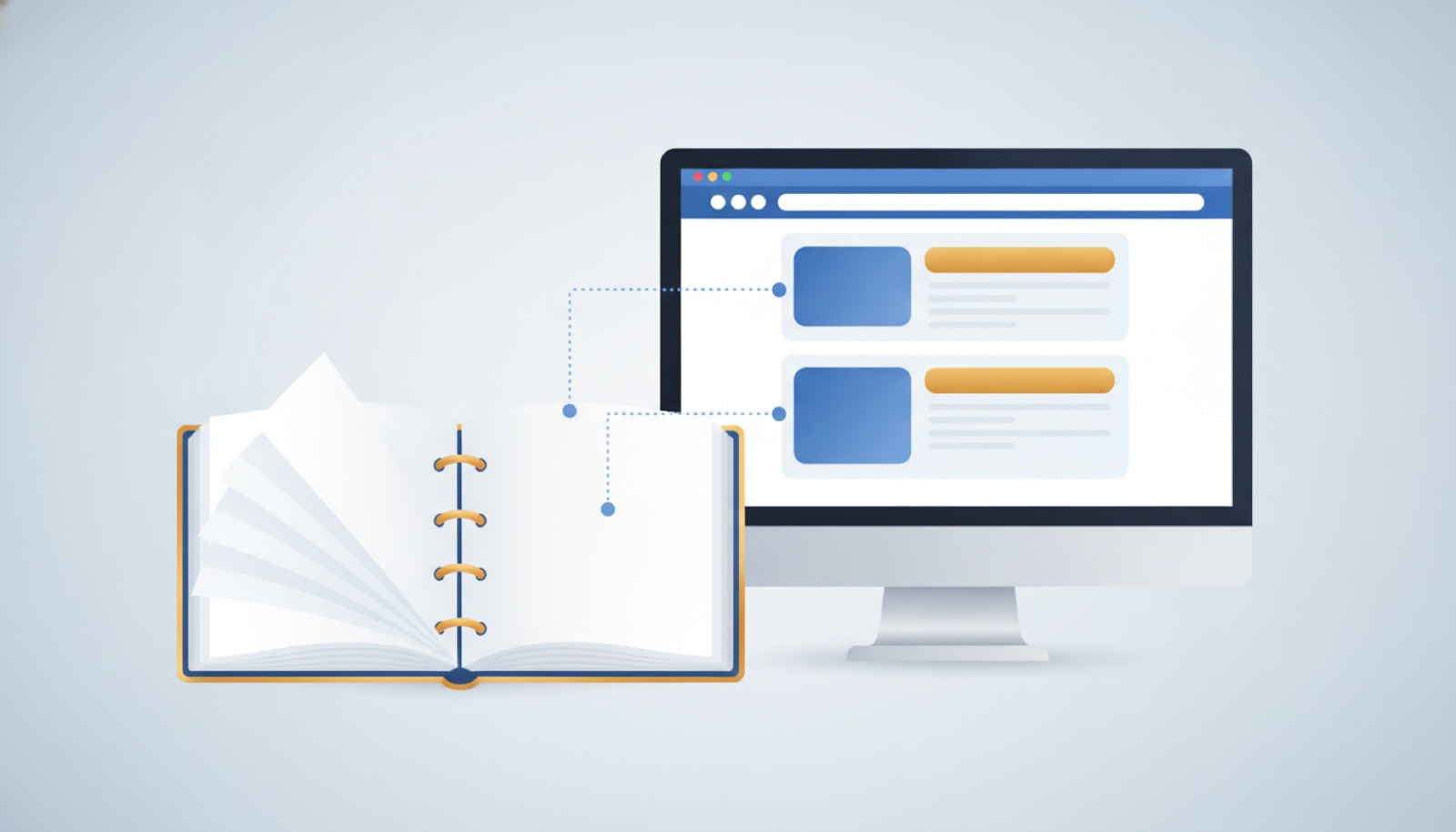
Coaching time is most useful when you bring site-specific questions. If you want to learn the basics first, start with the free WordPress manual, available in English, Spanish, French, German, and Portuguese. You can also use our WordPress courses, which include free lessons and beginner-friendly training.
Then use coaching for the questions a general course cannot answer: your theme, your plugins, your workflow, and the changes you need to make safely.

Leave a comment